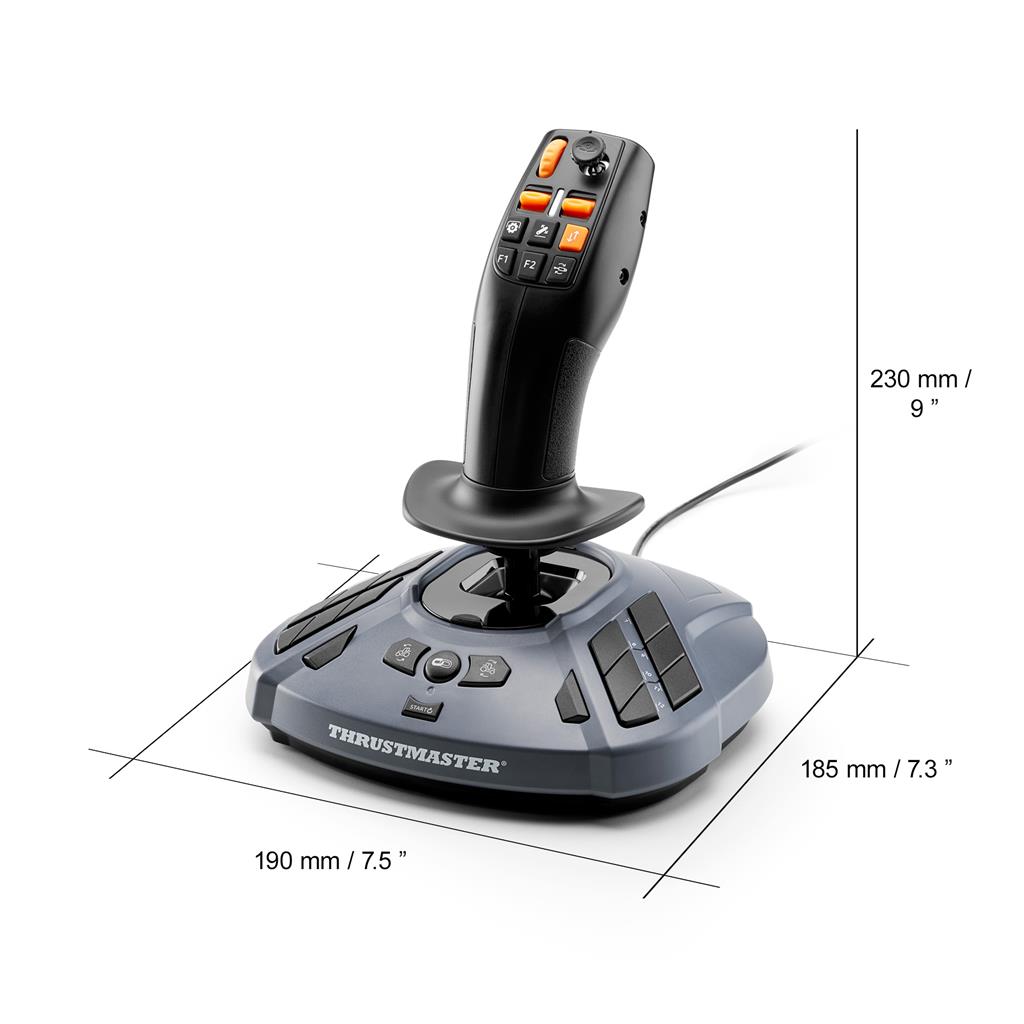
Thrustmaster SimTask FarmStick Multifunctional Farming Joystick for PC (Windows 10/11)
£109.18
Thrustmaster SimTask FarmStick Multifunctional Joystick for Farming — PC (Windows 11/10) peripheral built for farming and construction simulators. Provides precise control of heavy machinery (forklifts, cranes, hoists) via three 16‑bit axes with two H.E.A.R.T magnetic sensors, plus 33 programmable buttons, rocker switches and thumbwheel. Plug & Play mapping in Farming Simulator 22; pairs with SimTask Steering Kit and T128/T248 wheels (sold separately).
Thrustmaster SimTask FarmStick — PC (Windows 11/10)
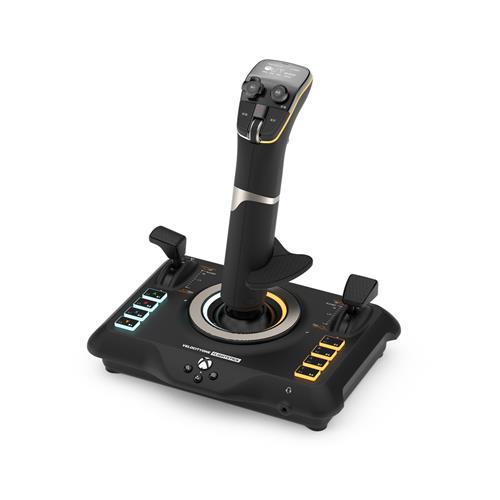
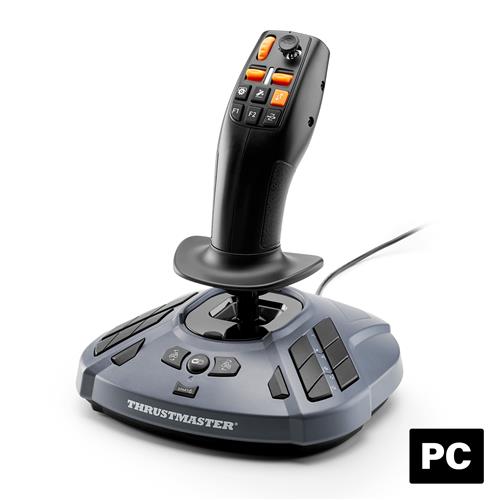
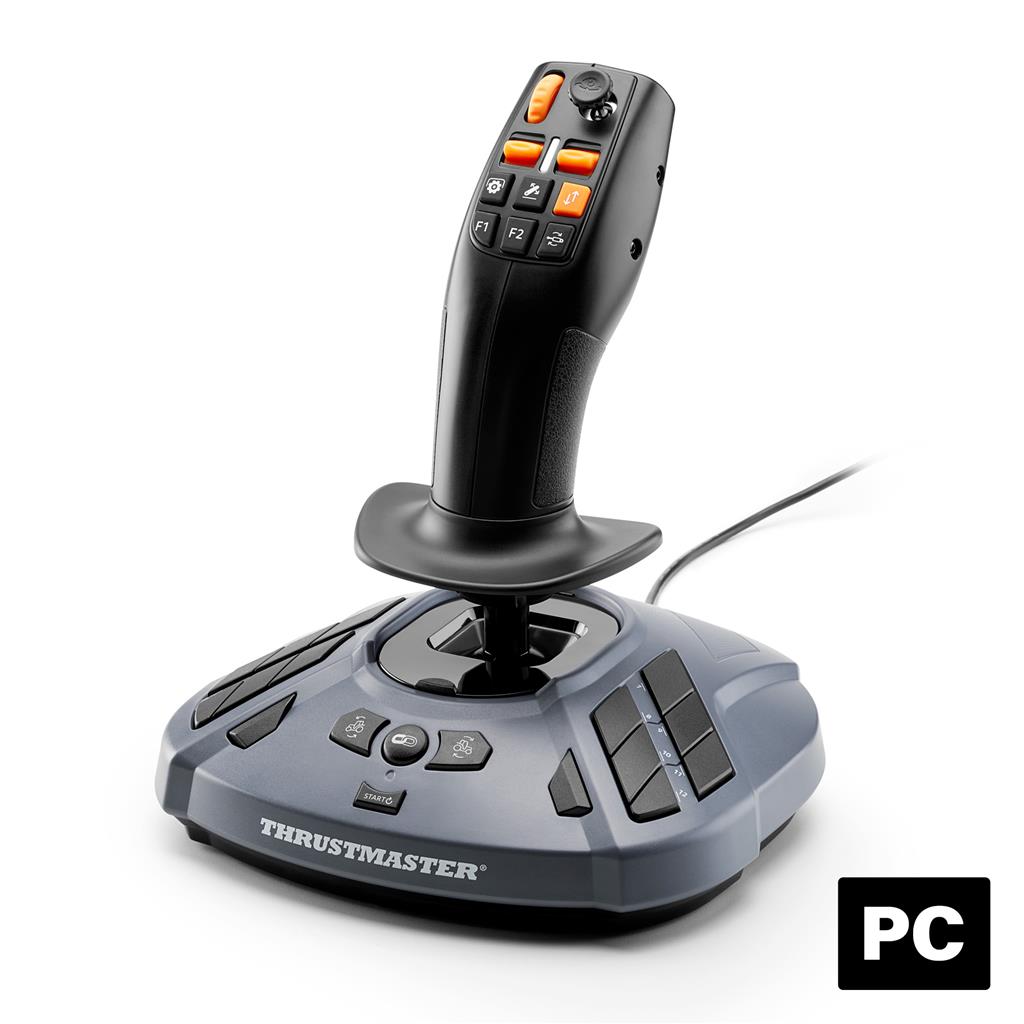
The FarmStick is a multifunctional, cabin‑style joystick and control panel for PC farming and heavy‑machinery simulation. It provides three 16‑bit directional axes (two using H.E.A.R.T magnetic sensors) and a large array of switches and buttons so you can operate lifts, booms, forks and other vehicle functions without relying on a keyboard or mouse. The product is advertised as Plug & Play with Farming Simulator 22 (game not included).
This peripheral is aimed at sim players who want a more immersive, hands‑on control layout for tractors, forklifts, cranes and similar vehicles — especially users building a dedicated cockpit by pairing it with a steering kit and compatible Thrustmaster wheels. It is useful for anyone who frequently needs slow, precise analog movement and many dedicated inputs within easy reach.
In gameplay terms the FarmStick lets you perform the sorts of tasks players do in farming and construction sims: precise positioning of implements, controlling hydraulic movements, toggling vehicle tools and assigning numerous in‑game actions to physical switches. Important platform consideration: confirmed compatibility is Windows 11 and Windows 10 with automatic mappings for Farming Simulator 22; other games or OSes may require manual mapping or additional drivers, and some package contents or connection details are not specified in the supplied data.
What the FarmStick is and who it’s for
The Thrustmaster SimTask FarmStick is a purpose-built PC peripheral that combines a joystick and cabin-style control panel for farming, construction and heavy‑machinery simulation. It is designed to reduce reliance on keyboard/mouse by putting vehicle and implement controls at your fingertips. Confirmed platform support is Windows 11 and Windows 10, and the device offers Plug & Play mapping specifically for Farming Simulator 22 (game not included).
Use cases it fits best: players who want a dedicated hardware control for precise lift/boom work, operators who prefer a tractor‑style hand control layout, and sim cockpit builders who plan to pair the stick with a SimTask Steering Kit and a Thrustmaster T128 or T248 wheel (all sold separately).
Controls, layout and modes
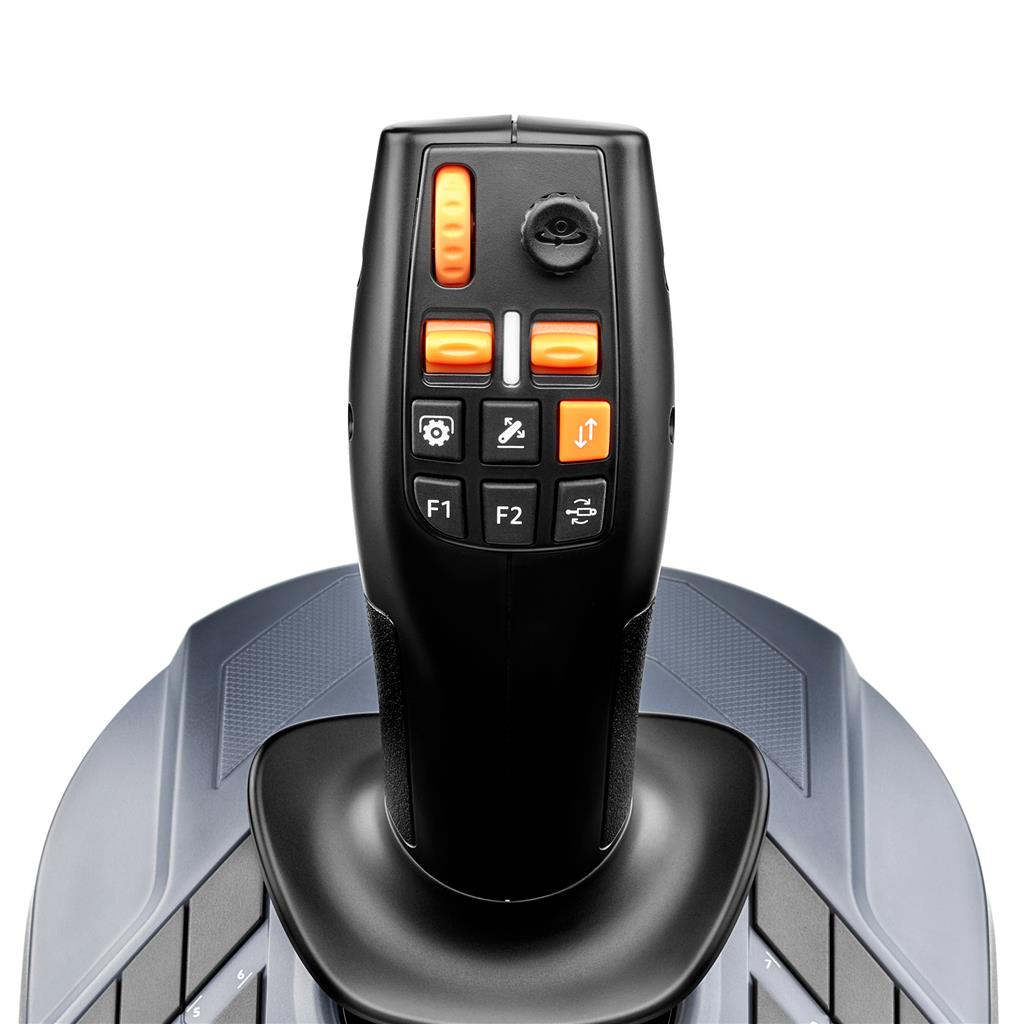
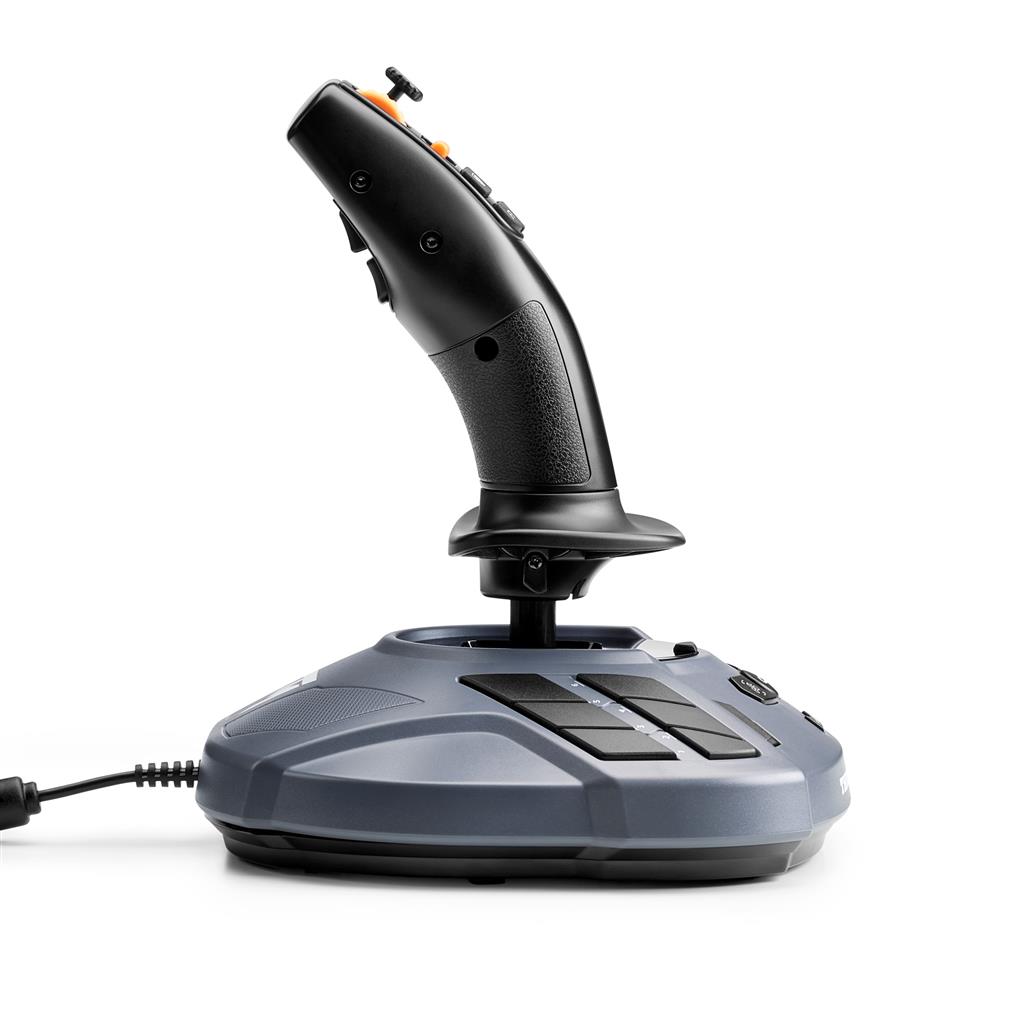
The FarmStick combines a joystick and a base control panel to provide 33 action inputs and multiple control types. Confirmed controls include:
- Three 16‑bit directional axes (two of those axes use H.E.A.R.T magnetic sensors).
- 7 buttons on the stick itself.
- Base panel with 18 extra buttons.
- 2 rocker switches, 1 mini‑stick and 1 thumbwheel on the base.
- A trigger that toggles between “Driving” and “Working” modes to access 6 additional actions.
- A “Combo” button that doubles the number of mappable actions in Farming Simulator 22.
In practice this layout means most vehicle functions and implement controls can be assigned to hardware inputs so you can operate lifts, booms, attachments and common vehicle commands without reaching for the keyboard. The Combo and mode toggle expand the number of available mappings per physical control when used with FS22’s Plug & Play profile.
Precision, sensors and practical benefits
Two of the stick’s axes use Thrustmaster’s H.E.A.R.T (HallEffect AccuRate Technology) magnetic sensors and all axes are 16‑bit. That combination gives higher resolution and resistance to drift compared with lower‑resolution potentiometer designs. Practical effects you can expect:
- Smoother, finer inputs for slow, precise movements such as raising/lowering lifts or fine‑tuning bucket angles.
- Less long‑term calibration drift, so center positions and small corrections remain stable over sessions.
- More granular analog control that can make repetitive machine tasks easier to execute consistently.
Compatibility, setup and pairing considerations
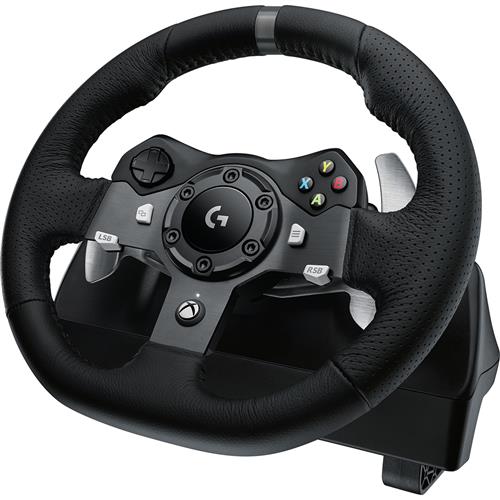
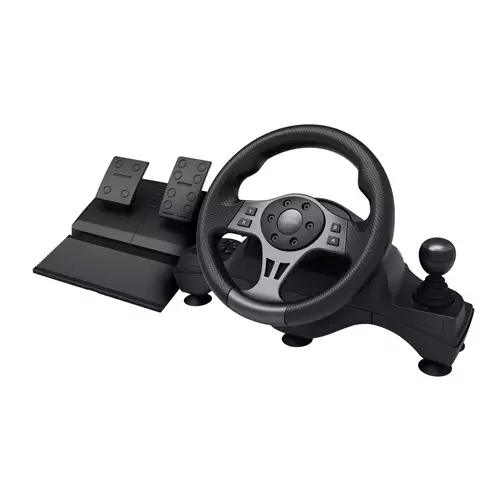
Confirmed compatibility is PC running Windows 11 or Windows 10, with Plug & Play mapping for Farming Simulator 22. The FarmStick is also designed to pair with the Thrustmaster SimTask Steering Kit and the T128 or T248 racing wheels to form a fuller cabin setup (each component sold separately).
Important practical notes and unknowns you should check before buying:
- The product description does not specify the connection type (wired USB vs wireless) or which cables, mounting hardware or documentation are included in the box—verify these details with your retailer or Thrustmaster.
- While FS22 receives automatic mappings, other games may require manual mapping or desktop driver/configuration software; official support for macOS, Linux or older Windows versions is not established in the supplied data.
- Physical dimensions, weight and mounting options are not listed in the provided information; confirm these if you plan to mount the stick to a desk or cockpit frame.
- Warranty, regional service and SKU/UPC details were not supplied—check regional support and return policies where you buy.
These compatibility and setup points affect how the FarmStick integrates into an existing sim rig and whether additional accessories or drivers are required for your preferred games and operating environment.
Thrustmaster FarmStick — final pre-purchase checks
Quick checks to confirm the exact hardware, compatibility and what’s included before you buy.
- Connection & included accessories: confirm whether the stick uses a wired USB connection or is wireless, and whether the box includes the required cable(s), mounting hardware, screws and a printed/manual or QR for drivers.
- Drivers, configuration software and firmware: verify if desktop drivers or Thrustmaster configuration software/firmware updates are required for full mapping outside Farming Simulator 22 and where to download them.
- Base game & Plug & Play notes: Farming Simulator 22 is not included — check that you own the game if you want the advertised Plug & Play mappings, and confirm how mappings are handled in other games (may need manual mapping).
- Physical fit and mounting: get exact dimensions, weight and mounting/fixation options to ensure it fits your desk or cockpit and works with your preferred mount or arm.
- Compatibility with other hardware and OSes: confirm pairing/compatibility with any SimTask Steering Kit and Thrustmaster T128/T248 wheels you plan to use, and ask about official support for macOS, Linux or older Windows versions if relevant.
- Box contents & digital extras: confirm whether any digital content, profiles or customization presets are included, and whether any languages or manuals are provided for your region.
- Warranty, returns and regional support: check the warranty length, return policy and where to obtain service or spare parts in your region before purchasing.
- If buying used: verify every button, rocker, mini‑stick, thumbwheel and all three axes function correctly, and ask whether any saved profiles or custom mappings will be transferred with the sale.
Prices & Availability
Check and compare current prices and availability from retailers below.