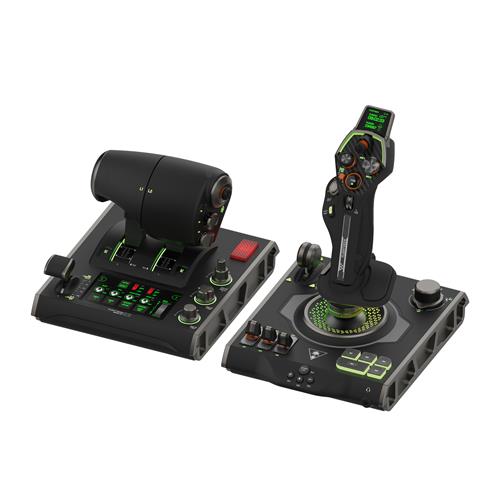
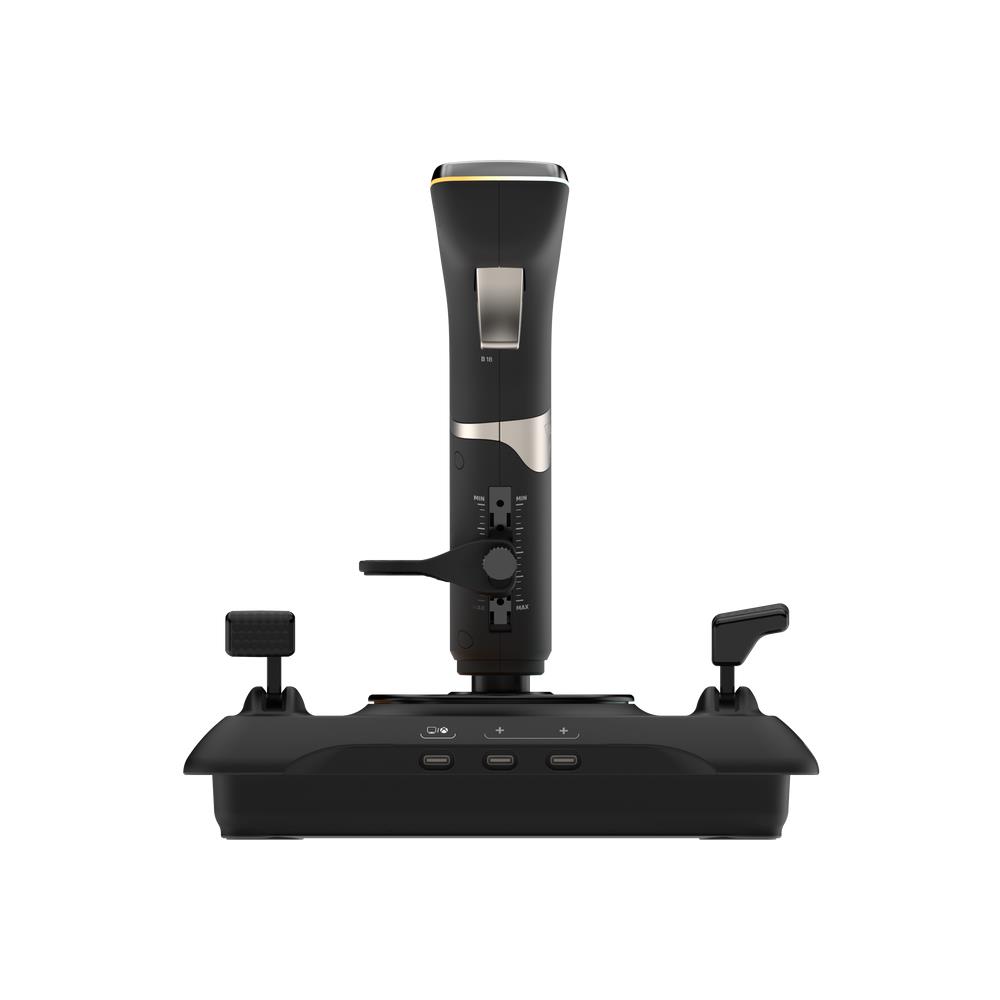
Turtle Beach VelocityOne Flightstick – Flight Joystick for Xbox Series X|S, Xbox One & Windows PC
£115.44
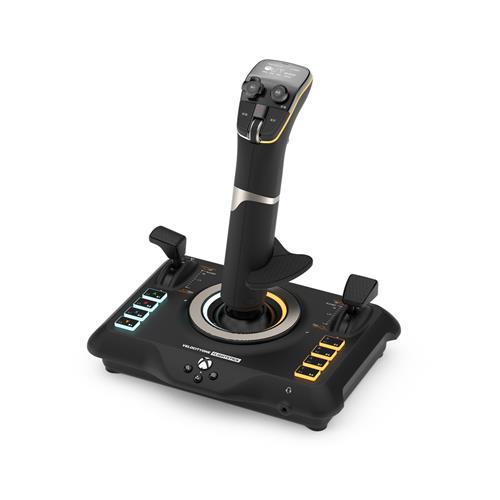
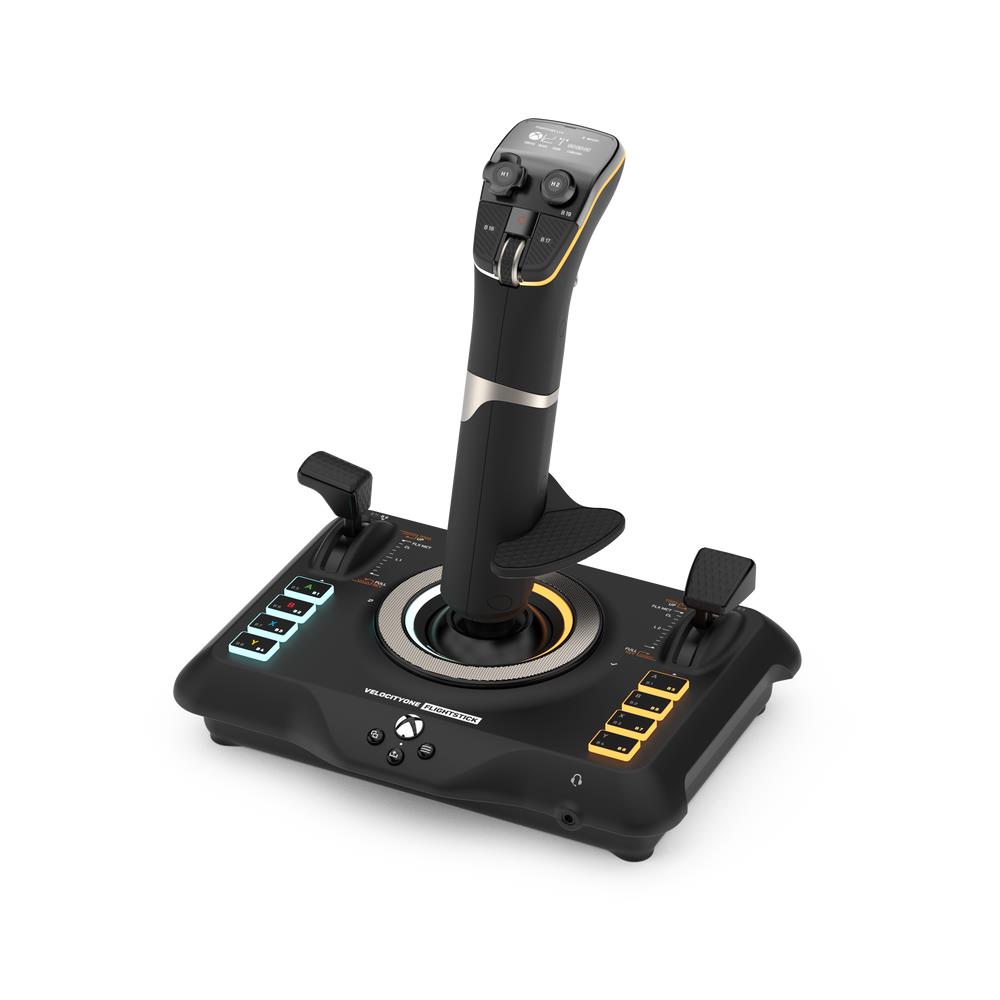
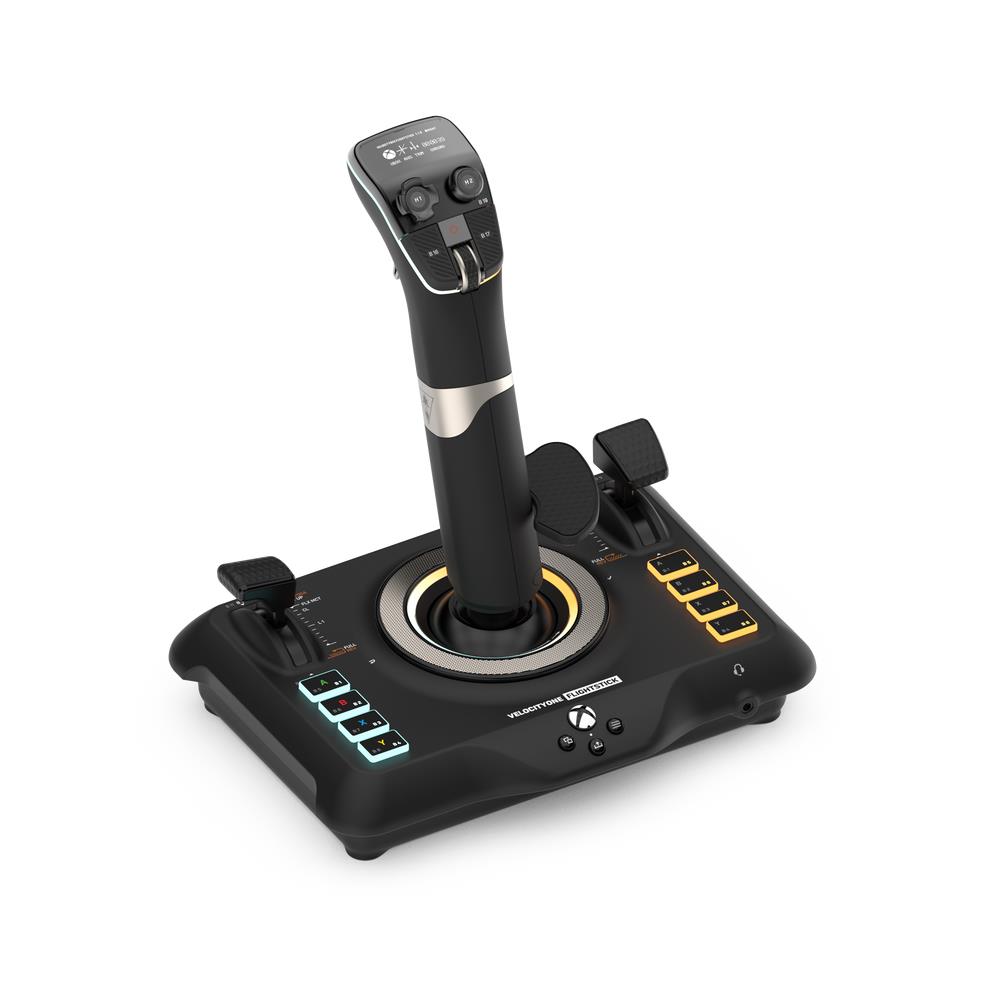
Turtle Beach VelocityOne Flightstick Universal Simulation Controller Joystick for Air and Space Combat Simulation Xbox Series X and S Xbox One and Windows PCs — Precision flightstick for air and space combat simulation. High‑resolution non‑contact stick sensors, throttle and flap levers with swappable heads and min/max detents, OLED Flight Management Display with rotary dial, 27 programmable buttons and an ambidextrous reversible wrist rest for left- or right‑handed setups.
Turtle Beach VelocityOne Flightstick — Xbox Series X|S, Xbox One & Windows 10/11
The VelocityOne Flightstick is a HOTAS-style joystick and throttle intended for air and space flight simulation on Xbox consoles and Windows PCs. It pairs a main stick with a separate throttle/flap lever assembly and includes high-resolution non-contact sensors, an OLED Flight Management Display for on-device profile and trim adjustments, and multiple programmable inputs to map aircraft functions without a keyboard.
This peripheral is aimed at simulation players who want a step up from a gamepad or basic joystick: people who fly combat jets, airliners or spacecraft in simulator titles and value precise, durable stick input, a dedicated throttle axis with detents for reverse/afterburner, and a wealth of programmable buttons for in-flight control.
In use you pilot aircraft or spacecraft by steering with the stick, managing power and secondary surfaces with the throttle and flap levers, and fine-tuning attitude with the trim wheel. POV hats and numerous programmable switches let you handle freelook, throttle modes and cockpit functions directly from the unit, making it possible to complete missions, fly approaches and engage in air combat without constantly reaching for a keyboard.
Platform-wise it explicitly supports Xbox Series X|S, Xbox One and Windows 10/11, and offers a selectable PC input mode. Bear in mind that the level of in-game functionality—and whether on-device features are fully usable—depends on individual game support on console versus the deeper customisation typically available on PC; also confirm box contents, driver/software availability and mounting details before purchase.
Who this flightstick is for
The Turtle Beach VelocityOne Flightstick is aimed at flight‑ and space‑simulation players on Xbox Series X|S, Xbox One and Windows 10/11 PCs who want a dedicated HOTAS‑style joystick with a full, console‑friendly control set. It suits sim enthusiasts upgrading from a gamepad or entry‑level stick and players who value high precision, many on‑device controls and the option to expand into a larger cockpit (for example with VelocityOne Rudder Pedals).
Key hardware and controls — what you actually get on the stick
- High‑resolution non‑contact sensors on the main stick for precise, low‑wear input compared with traditional potentiometers.
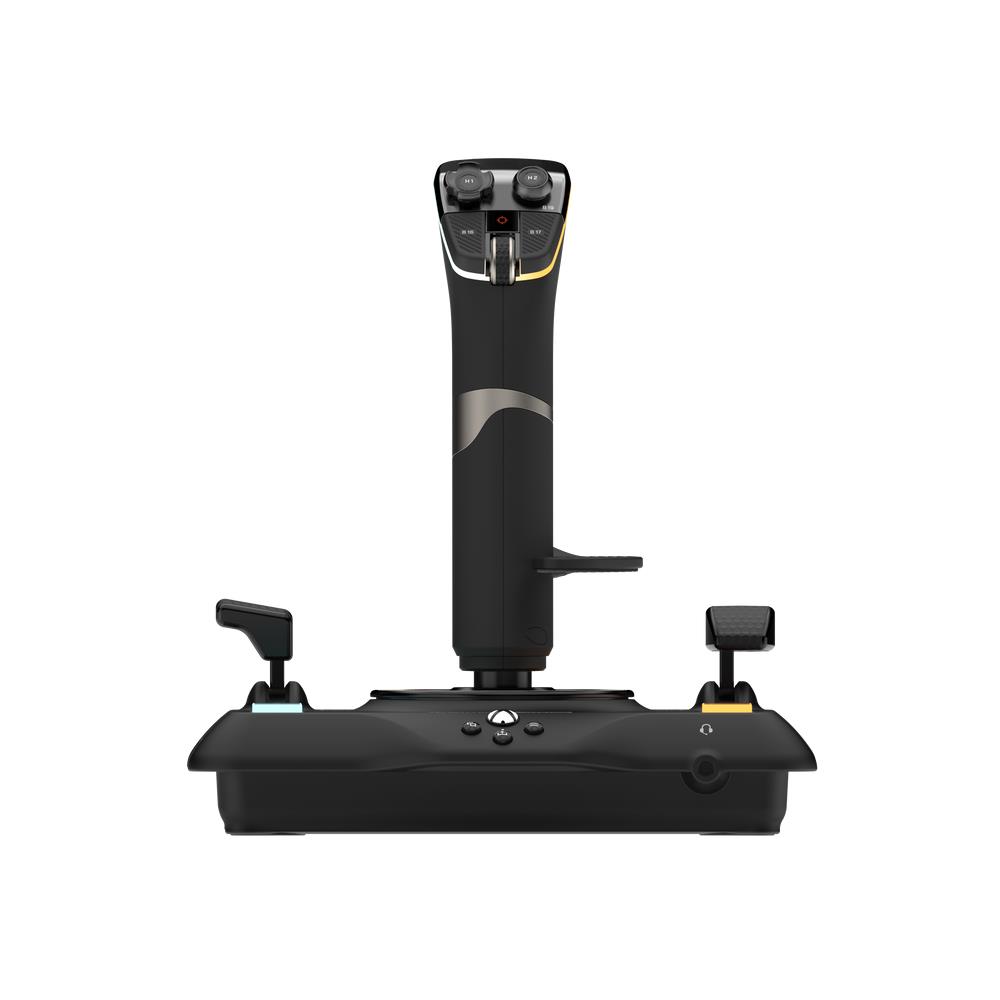
- Separate throttle and flap levers with swappable throttle heads; precision detents at minimum and maximum throttle positions to map full reverse thrust and afterburner/TOGA actions.
- Ultra‑precise nano trim wheel for fine attitude trimming.
- Both an analog POV hat (freelook / strafing / thrusters) and an 8‑way digital POV hat on the base.
- 27 programmable buttons total — including a rapid‑fire trigger, stick‑mounted buttons, dual throttle detents and eight programmable base buttons — so many in‑game functions can be mapped without needing a keyboard.
- Ambidextrous, reversible wrist rest and programmable base layout so the unit can be configured for left‑ or right‑handed setups.
- Customisable RGB lighting zones for aesthetic tuning to match your rig.
On‑device configuration and real‑use benefits
An integrated OLED Flight Management Display (FMD) plus a rotary dial with click lets you change profiles, adjust trim wheel input mode, set rudder lock and tweak other settings directly on the unit. Configurations are stored in on‑board memory, which means you can switch profiles or tweak controls mid‑session without a PC — an important convenience for console users. In practice that makes it easier to swap between aircraft types (fighters vs airliners) using the swappable throttle heads and detents.
Compatibility, setup notes and expandability
Compatibility is explicitly stated for Xbox Series X|S, Xbox One and Windows 10 & 11 PCs, and the stick offers a selectable PC input mode. It’s also advertised to work alongside Turtle Beach VelocityOne Rudder Pedals on PC and Xbox for a more complete HOTAS setup. Be aware that full feature support (custom mappings, all programmable buttons, and on‑device options) can vary by game on consoles — deeper customization is typically more available on PC when drivers or companion software are provided. The product description does not specify included cables, mounting hardware, drivers, warranty terms or exact physical mounting method, so confirm those details from the seller or manufacturer if they matter for your setup.
Turtle Beach VelocityOne Flightstick — final pre-purchase checks
Quick checks to confirm this flightstick edition and compatibility before you buy.
- Platform/console mode: confirm the unit supports your exact console (Xbox Series X|S or Xbox One) and that a PC mode is available for Windows 10/11 on your machine.
- Box contents: verify exactly what’s included (USB cable type & length, mounting hardware/desk clamp or screw mounts, manuals, and whether swappable throttle heads are supplied).
- Drivers and software: confirm whether PC drivers or a configuration app are required/available, how they’re installed, and which features require PC software versus on-device OLED profiles.
- In-game support on Xbox: check that the specific simulation titles you plan to play on Xbox support HOTAS/joystick input and the level of button-mapping available on console.
- Mounting and space: confirm the stick’s mounting method, physical dimensions and weight to ensure it fits your desk or cockpit and that any clamps or screws suit your setup.
- Warranty and returns: check the manufacturer warranty period, regional support and the retailer’s return policy for your region.
- Expansion and accessories: if you plan a full cockpit, verify interoperability and purchase details for VelocityOne Rudder Pedals or other accessories (sold separately).
- Region and SKU details: confirm regional SKU/packaging, language support in documentation, and any region-specific limitations before purchase.
Prices & Availability
Check and compare current prices and availability from retailers below.