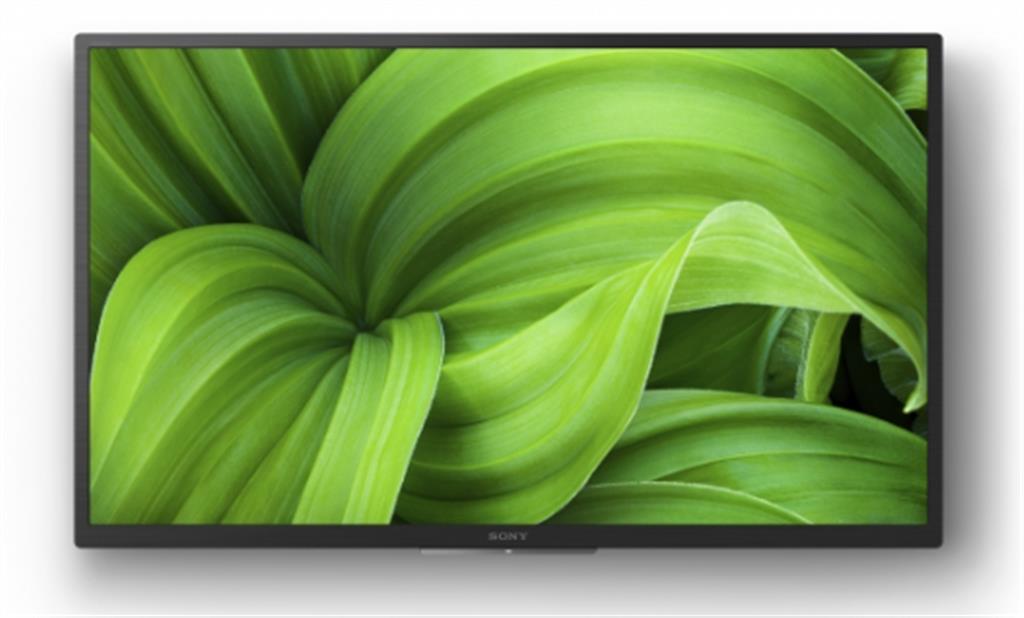
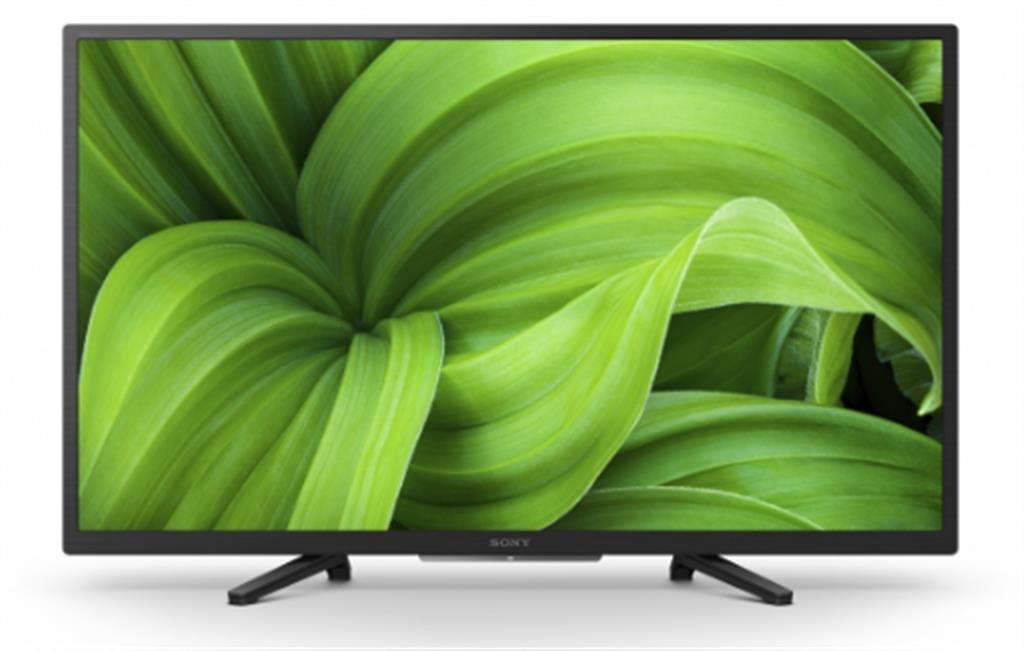
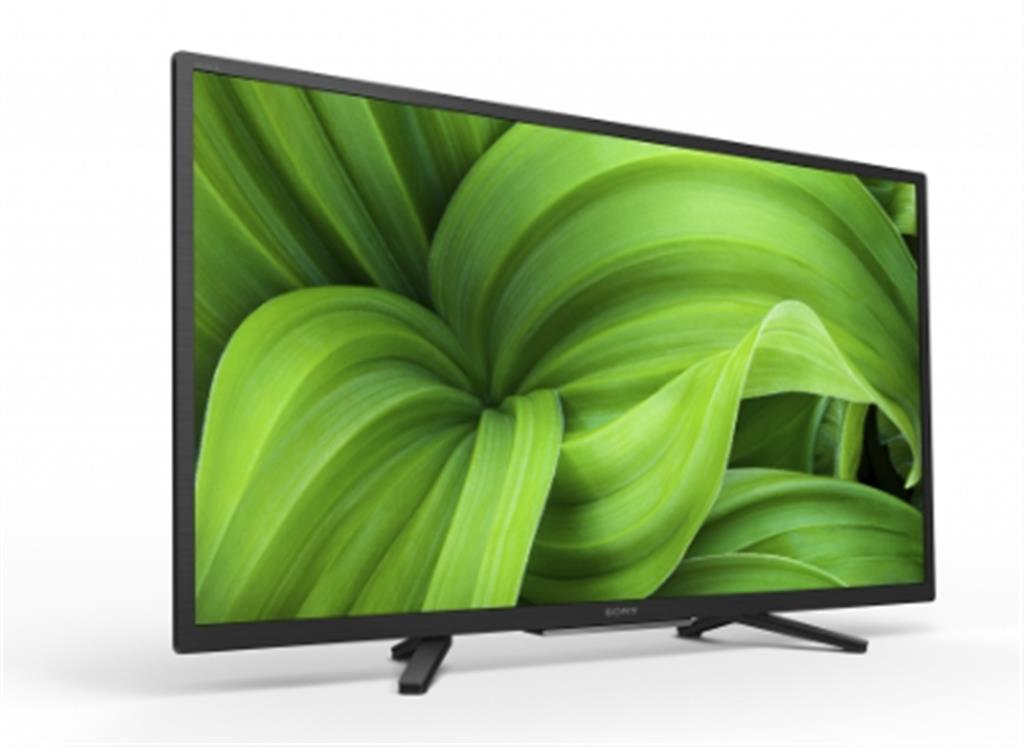
Sony FWD-32W8001 32-inch BRAVIA Professional Signage Display WXGA (1366 x 768) Black Android 10
£399.51
The Sony FWD-32W8001 is a 32″ professional digital signage LED display with a WXGA (1366×768) panel, 380 cd/m² brightness, built‑in Android 10 processor and Wi‑Fi. It features 2×5W speakers, three HDMI inputs and VESA 100×200 mm mounting for easy commercial installation. Suited for retail, hospitality or corporate information and signage applications where a compact, networked display is required.
Sony FWD-32W8001 — 32″ BRAVIA professional signage display
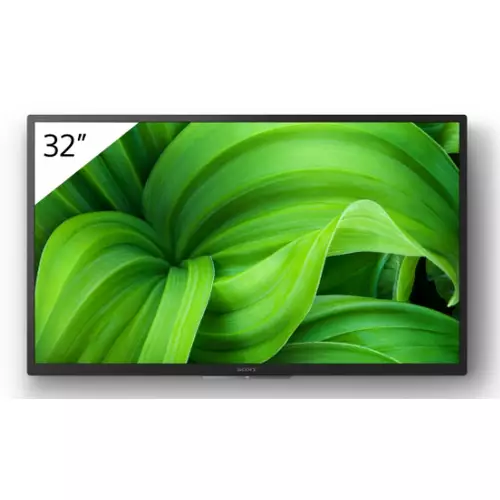
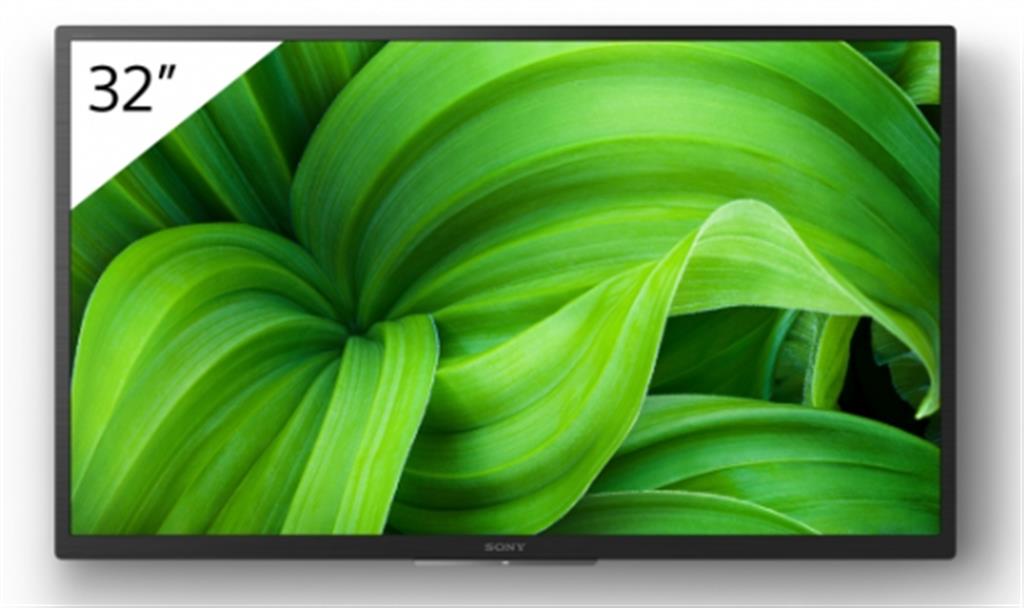
The Sony FWD-32W8001 is a compact digital signage flat panel described in the source as a Bravia Professional Display. Confirmed product details: 32 inch (81.3 cm) LED/LCD panel with a native resolution listed as 1366 × 768 (WXGA), 380 cd/m² brightness, 1200:1 contrast (typical), built‑in processor running Android 10 with Wi‑Fi, 2 × 5 W speakers, 3 × HDMI inputs, VESA 100 × 200 mm mounting and a stated power consumption of 60 W. The product is shown in black and the description also refers to the model as FWD-32W800 (noted below as an ambiguity).
This panel suits small businesses and venues that need a self‑contained, wall‑mountable display for indoor signage — reception screens, meeting‑room agendas, simple menu boards or point‑of‑sale panels where standalone Android playback and basic HDMI connectivity are priorities. Key trade‑offs: the confirmed native resolution is WXGA (1366×768), which provides an HD‑ready image but will render small text and fine detail less crisply than a Full HD (1920×1080) display; brightness at 380 cd/m² is adequate for many indoor settings but not ideal for brightly sunlit window‑facing installations; and the built‑in audio (2×5 W) is suitable only for small spaces.
Note two important source ambiguities to resolve before purchase: the title lists FWD-32W8001 while the description also calls the product FWD-32W800, and a feature flag in the source claims “Full Hd: Yes” despite the 1366×768 resolution entry. These points should be verified with the retailer or spec sheet to ensure the unit you receive matches these confirmed specifications.
- Best for: compact indoor signage where simplicity and onboard Android playback matter.
- Not recommended for: fine‑text or detailed graphics, bright window‑facing locations or spaces needing strong built‑in audio.
Viewing distance, resolution and content preparation
Practical consequence of the confirmed native resolution (1366×768 on a 32″ panel): this is an HD‑ready WXGA image, not Full HD. That means text, fine lines and small iconography appear less crisp than on 1080p or 4K screens — plan content with that limitation in mind.
- General guidance for legibility: design signage at the display’s native pixel size (1366×768) where possible to avoid scaling artifacts. Use clean, high‑contrast fonts and keep small text to a minimum.
- Recommended text sizing (general practice): favour large headlines and short lines; body copy for at‑a‑glance signage should be considerably larger than typical web/body text. Test at intended viewing distance — for most indoor uses a 32″ WXGA panel is easiest to read from ~1.5–3 m; closer than that requires larger type.
- Export assets at the panel’s aspect ratio (16:9) and avoid relying on fine photographic detail — WXGA reduces perceived sharpness compared with Full HD.
- Although the product description mentions HDR formats (HDR10, HLG), expect limited HDR impact in practice because brightness is 380 cd/m² — useful for richer tones but not comparable to higher‑brightness commercial HDR signage.
Mounting, power and physical planning
Use confirmed mechanical and electrical facts to plan installation.
- VESA 100 × 200 mm is confirmed — select a bracket rated for that pattern and the display’s actual weight (weight not specified in source; verify before buying or drilling). Allow space for cable access and ventilation behind the panel.
- Power consumption is listed as 60 W. For continuous signage use, budget for this draw plus any attached external devices and consider using a switched outlet or timer for scheduled power‑cycling.
- Plan cable routing so HDMI inputs (three confirmed) and the power lead are accessible after wall mounting. The presence of other ports (Ethernet, USB, optical audio) is not confirmed — verify if these are required for your setup.
Network, Android and content management
The display includes a built‑in processor reported as Android 10 and Wi‑Fi, which enables on‑screen apps and standalone playback.
- Advantages: no separate media player required for many CMS apps; remote content updates possible if the app supports it.
- Practical cautions: confirm which store/apps are available and whether the unit is locked to a vendor image. For mission‑critical or multi‑display deployments, a dedicated external player (managed via your CMS) can offer greater control and predictable updates.
- Test your chosen signage app and file formats on the actual device before wide rollout. Firmware/update policy and long‑term Android support are not specified in the source — treat update behaviour as an open item to confirm.
Audio and sound options
The display has modest built‑in audio (2 × 5 W) — adequate for private offices, meeting rooms or low‑volume foreground messages, but limited for public areas.
- For background music, ambient announcements or larger spaces, plan an external audio solution. The exact audio outputs (optical, analogue, HDMI ARC) are not confirmed in the source, so determine available output options before specifying an amplifier or soundbar.
- If you need synchronized multi‑display audio or higher SPL, route audio from a separate media player or AV processor rather than relying on the panel’s internal speakers.
Sony FWD-32W8001 — pre‑purchase checks
Before purchase, confirm only these unresolved items with the seller/spec sheet — each can change installation, compatibility or after‑sales support.
- Exact SKU/region: verify the unit is FWD‑32W8001 (not a differently specced FWD‑32W800) and get the manufacturer part number to ensure specs and warranty match.
- Native resolution vs “Full HD”: confirm the delivered panel resolution (1366×768 or 1920×1080) and whether any “Full HD” claim is erroneous.
- Ports and HDMI details: full port list (USB count/type, RJ45, optical/analogue audio out, RS‑232/IR) and HDMI versions/HDCP levels; state which HDMI port(s), if any, support ARC/eARC.
- HDR and processing limits: confirm which HDR formats are actually enabled (HDR10, HLG) and any tone‑mapping or limitations given the 380 cd/m² peak brightness.
- Mechanical & power fit: exact weight, depth and VESA screw sizes; whether a wall bracket, power lead (UK plug) and HDMI/remote are included.
- Android/firmware and app access: whether the unit ships with an open Android 10/Google Play image or a locked vendor build, and the policy for firmware/security updates.
- Warranty & duty cycle: confirm the advertised 3‑year coverage applies to this SKU in your country, availability of the 2‑year extension, and whether the panel is rated for 24/7 commercial use.
Prices & Availability
Check and compare current prices and availability from retailers below.