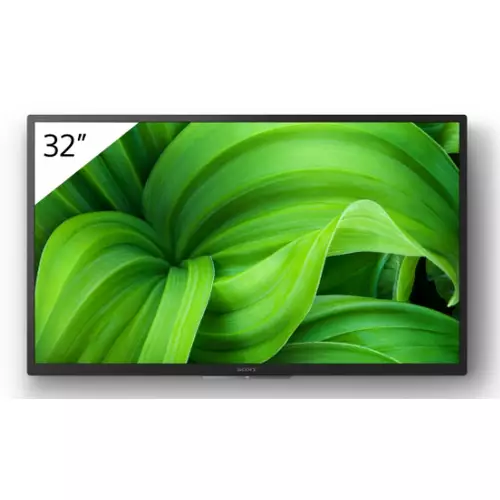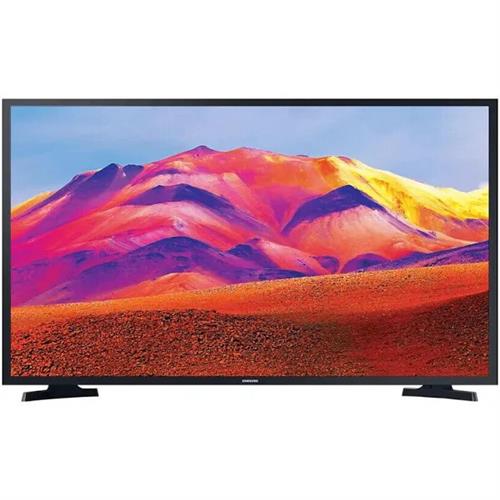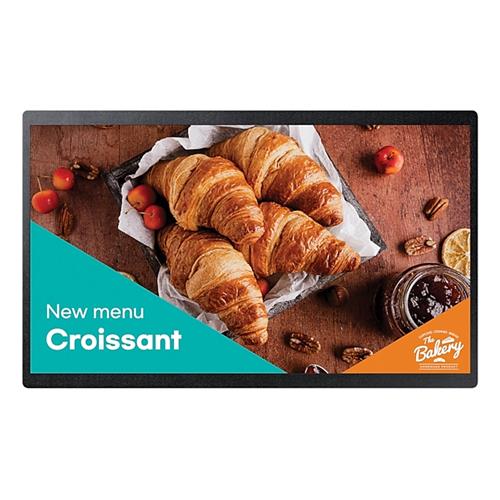
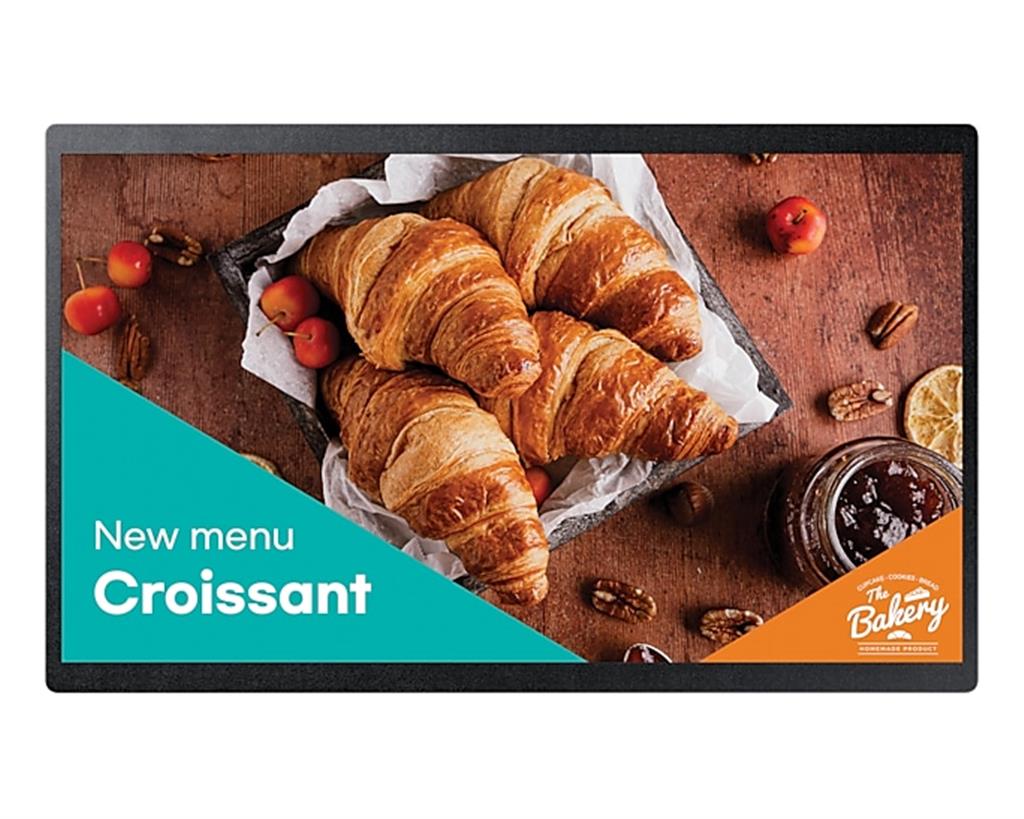
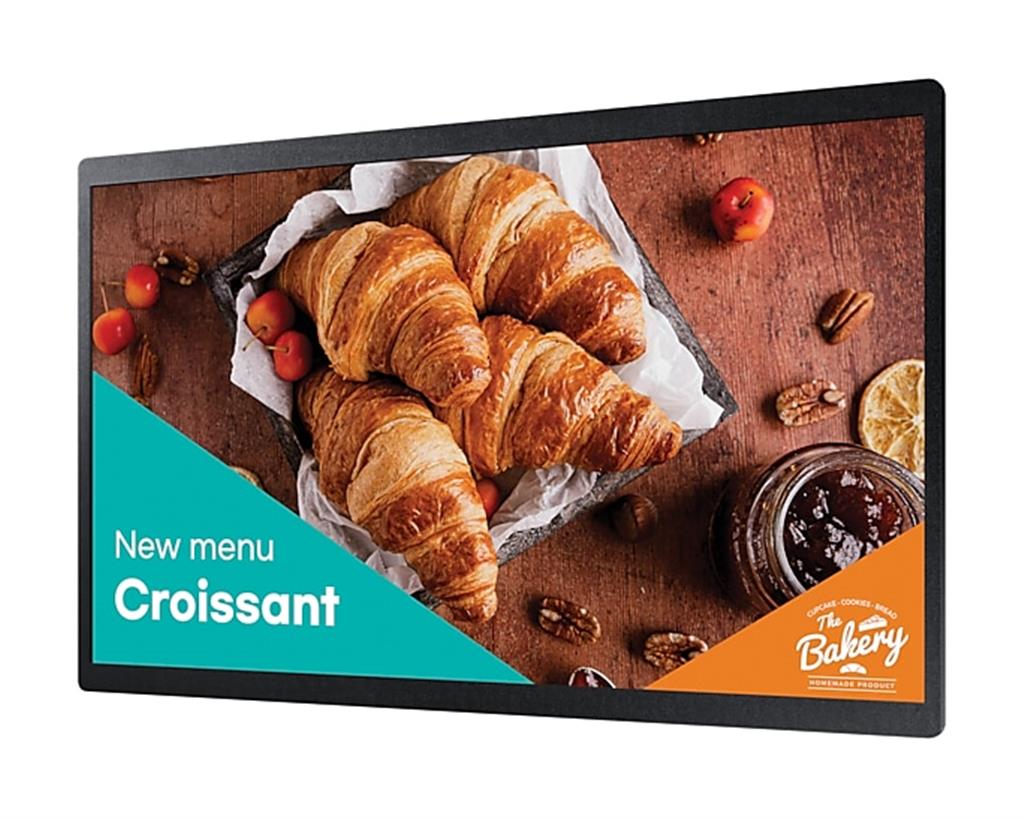
Samsung QB24C Digital Signage Flat Panel 61 cm (24″) Full HD (1920 x 1080) LED
£416.04
The Samsung QB24C is a compact 24‑inch (61 cm) Full HD LED commercial digital signage panel featuring built‑in Wi‑Fi, center IR remote control, an IP5X dust rating and EMC Class B compliance. With a 16/7 duty rating, upgraded Home UI and Samsung VXT cloud management, it’s suited to wall‑mounted small‑space commercial installations that need remote content and device control.
Samsung QB24C — compact 24″ Full HD signage for small commercial spaces
The Samsung QB24C is a compact digital‑signage flat panel with a 61 cm (24″) LED screen and a native 1920 × 1080 (Full HD) resolution. The panel is described as optimised for wall mounting with a slim rear design and includes built‑in Wi‑Fi, an upgraded Home UI for simple on‑screen operation, Samsung VXT cloud support for remote content and device management, a centre IR receiver for direct remote control, and an advertised 16/7 duty rating. It also carries an IP5X dust rating and EMC Class B compliance — details that matter for dusty or public‑facing installs.
Practically, this makes the QB24C a fit for businesses that need clear, close‑range signage without a large footprint: point‑of‑sale messaging, countertop menus, meeting‑room info panels, corridor wayfinding and staff noticeboards. Full HD on a 24″ screen is well suited to short viewing distances and text‑based layouts; the Home UI and centre IR simplify day‑to‑day use and on‑site control, while VXT enables remote updates and monitoring. The 16/7 rating signals daytime commercial use rather than continuous 24/7 operation, and IP5X covers dust only — not water ingress.
Before purchase, weigh the QB24C’s compact convenience and cloud capabilities against needs for continuous operation, very long‑distance legibility, higher brightness or specific AV ports and audio. If your requirement is wall‑mounted, easy remote management and daytime operation in a small space, this model is purpose‑built.
- Best suited to small‑format, close‑range commercial signage (POS, cafés, lobbies, meeting rooms)
Viewing distance, legibility and content layout
- Practical viewing range: a 24″ (61 cm) Full HD (1920×1080) panel is best for close-to-mid distances—typically countertop, POS and small-lobby viewing where viewers are roughly 0.5–3 metres from the screen. It is not optimised for long‑distance corridor signage or large open spaces.
- Content layout tips (general signage guidance):
- Use large, high-contrast elements: bold sans‑serif headlines and strong contrast between text and background improve instant legibility.
- Limit information per screen: short headlines, one clear call-to-action and a single supporting image avoid clutter on a small display.
- Text sizing: for most layouts on a 24″ Full HD screen intended for close viewing, keep headings visually large (tens of pixels larger than body text). Test actual sizes on a device before deployment rather than relying on point-size rules—the pixel density and OS scaling affect final results.
- Avoid very fine detail or small charts—Full HD on 24″ can display them but they become hard to read at anything beyond close range.
Connectivity, content delivery and remote management
- Confirmed: the unit has built‑in Wi‑Fi and supports Samsung VXT for cloud-based content and device management. Practically, this enables wireless content updates, scheduling and remote troubleshooting without local USB updates.
- Questions to resolve with the seller/installer before purchase:
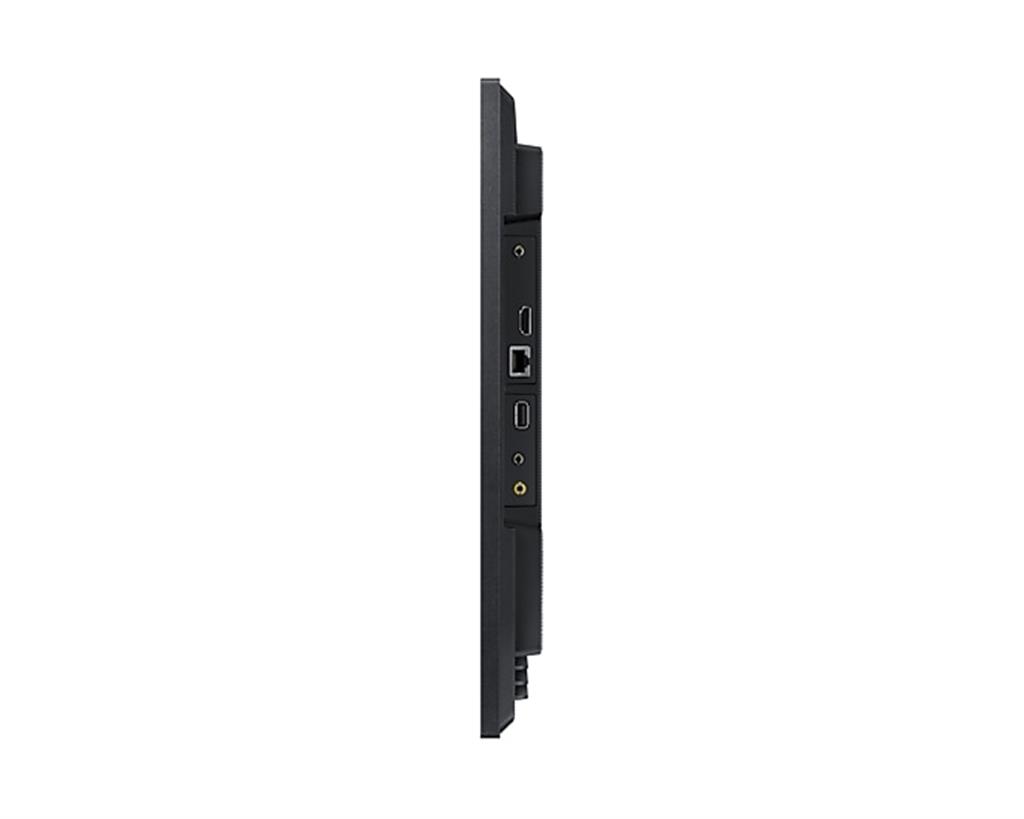
- Which physical ports are present (number/version of HDMI, USB types and count, wired Ethernet/RJ45, audio out)?
- Which Wi‑Fi standards are supported (802.11ac/ax) and whether Bluetooth or casting protocols are available.
- Samsung VXT licensing: whether a subscription is required, what features are included, user limits and onboarding steps.
- IR control: the centre IR receiver simplifies remote use when wall-mounted, but confirm placement and whether the remote will have unobstructed line-of-sight in your installation—recessing the display or heavy framing can still block IR.
Installation, duty cycle and environment
- Mounting and thermal considerations:
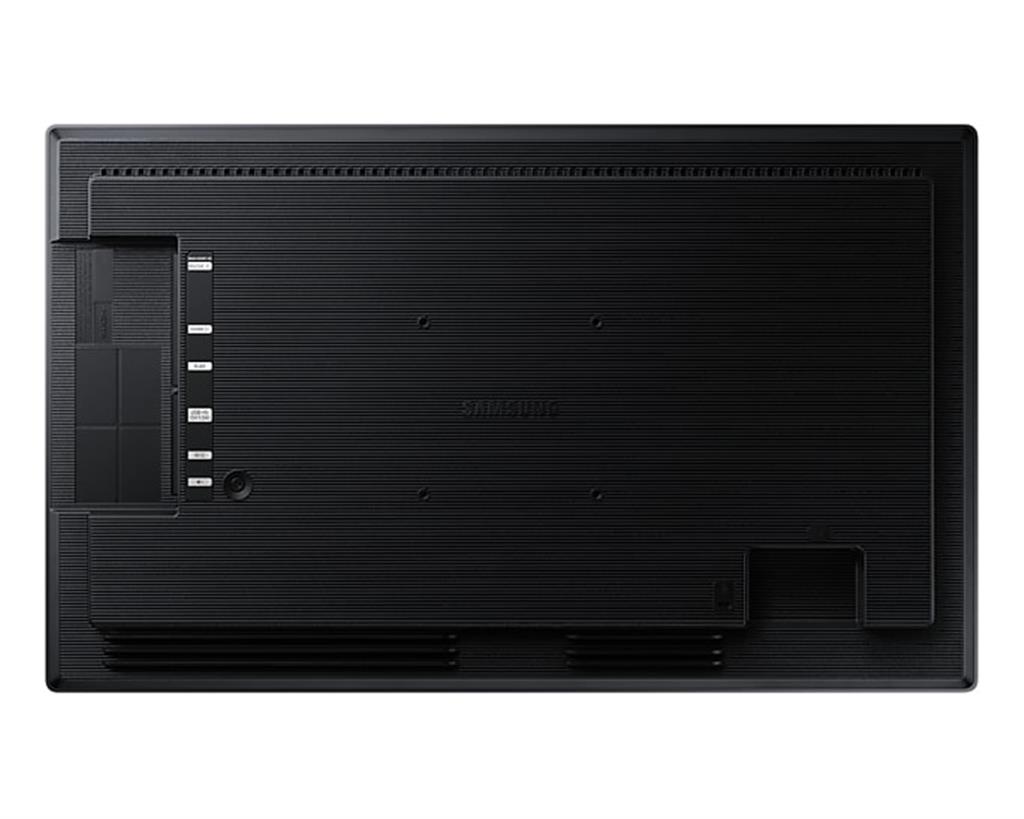
- Confirm VESA pattern, weight and whether a mount or mounting kit is included. Centre IR and slim rear design help with neat wall installs, but exact depth and cable routing dimensions are needed for a flush or recessed fit.
- Provide clearance for ventilation; avoid fully enclosed cabinets unless the installer confirms adequate cooling. Continuous operation raises internal temperatures and can shorten component life.
- Duty cycle and environment:
- “16/7” is presented in the product listing and should be interpreted as intended for long daily use during business hours rather than continuous 24/7 operation—confirm the manufacturer’s official duty-cycle definition and any warranty impact of longer runtimes.
- IP5X is dust protection only: the panel tolerates dusty indoor environments but is not rated for water exposure. Do not install outdoors or in wet locations without additional protection.
- Routine maintenance: dust-tolerant construction helps in dirty environments, but always check the vendor’s recommended cleaning methods and approved cleaning agents before maintenance.
Samsung QB24C — final pre‑purchase checks
Before you commit, confirm the following items that could change installation, compatibility or ongoing cost.
- Ports and AV features: request a full port list (HDMI count and version, USB type/qty, wired Ethernet/RJ45, audio out/line out, RS232/IR terminals) and which HDMI ports (if any) support ARC/eARC or specific bandwidth‑sensitive features.
- Physical fit: verify exact external dimensions, panel depth, weight, VESA pattern and whether a wall‑mount or mounting kit is included or recommended for a flush/recessed install.
- Power details: confirm input voltage range, typical/max power draw and supplied power cable length/plug type for your region.
- Brightness and viewing environment: obtain measured brightness (nits) and recommended ambient-light limits to ensure legibility in your location.
- Audio: confirm whether built‑in speaker(s) exist, channel config and wattage, and whether an external audio output is provided for amplified speakers.
- Duty-cycle and warranty impact: get the manufacturer’s definition of “16/7”, acceptable continuous run patterns, and any warranty/service implications for longer operation.
- Samsung VXT: clarify whether VXT requires a paid subscription, what features are included, and any user/device limits or onboarding steps.
Prices & Availability
Check and compare current prices and availability from retailers below.