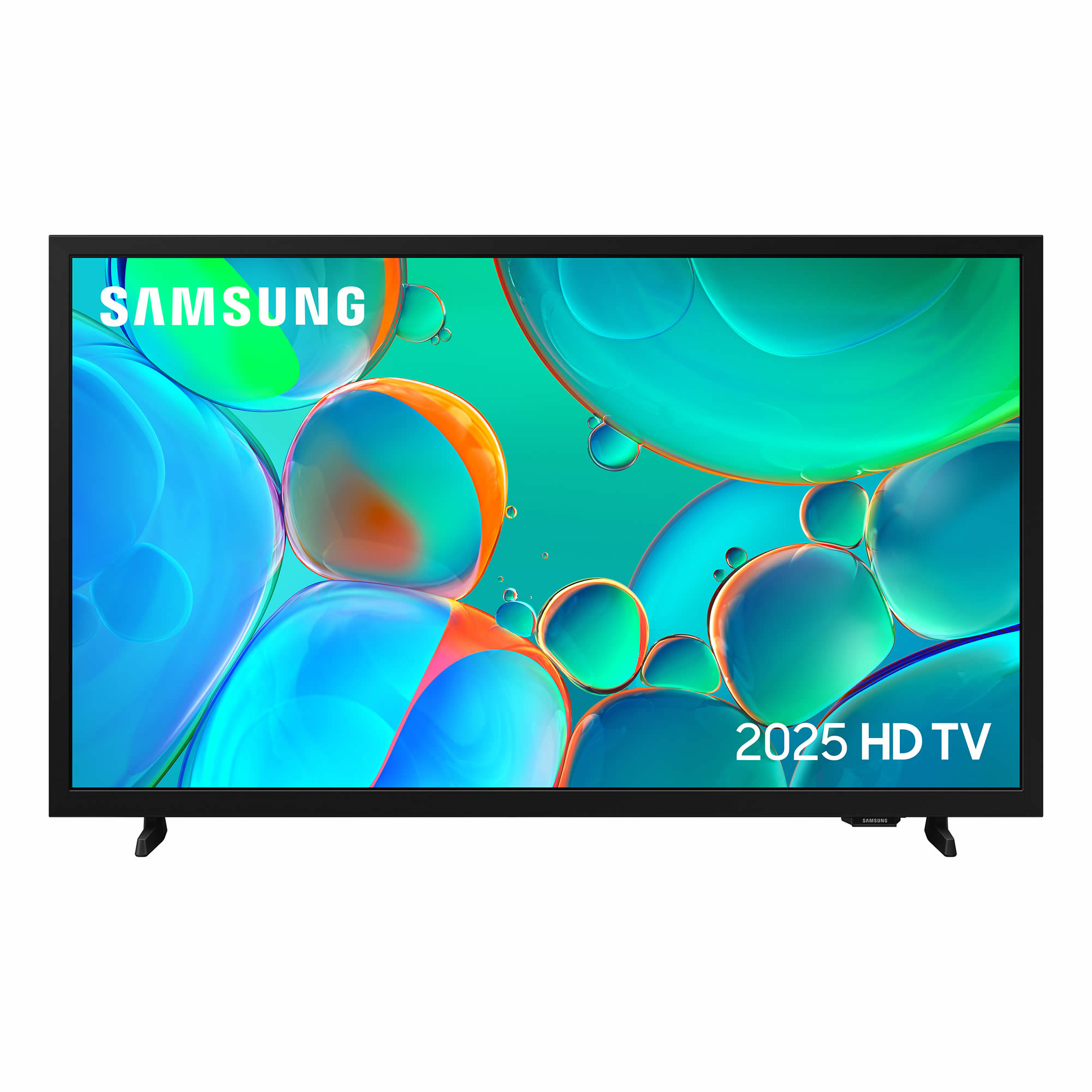
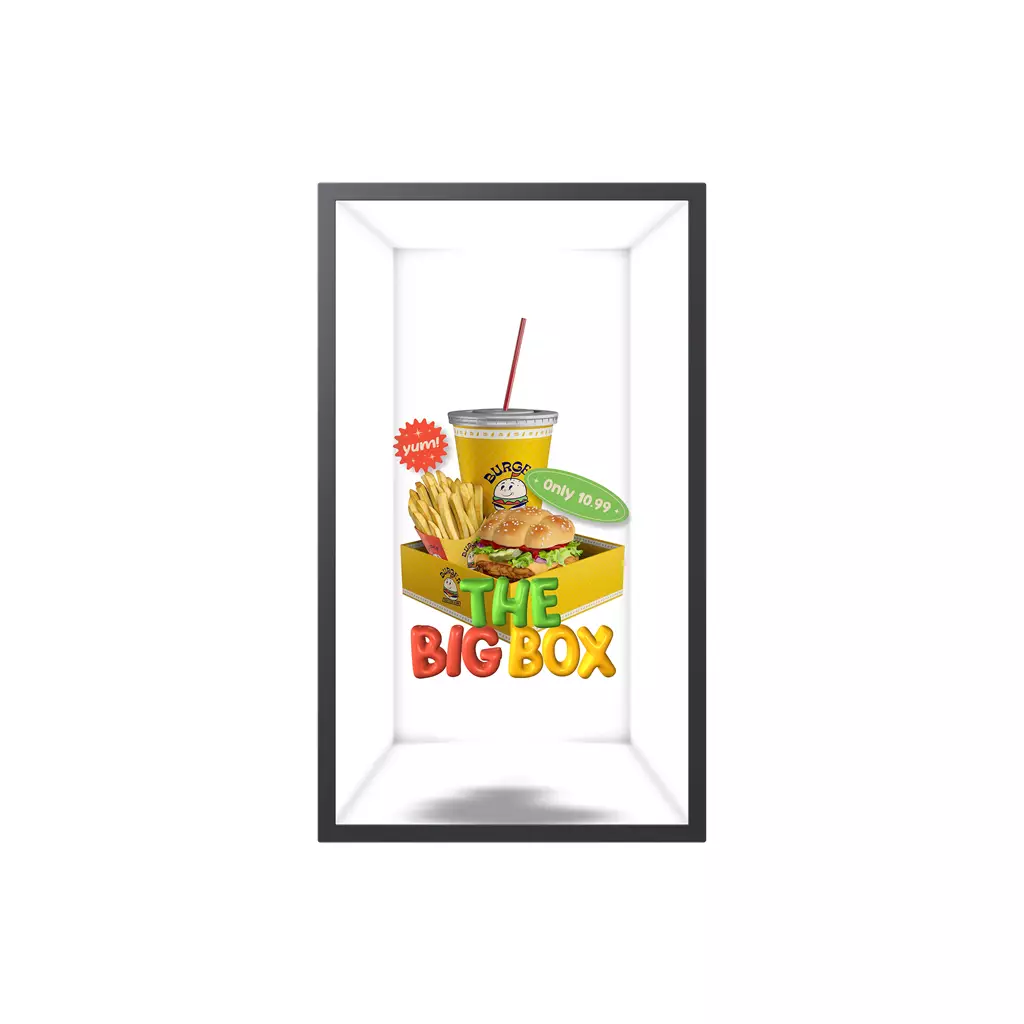
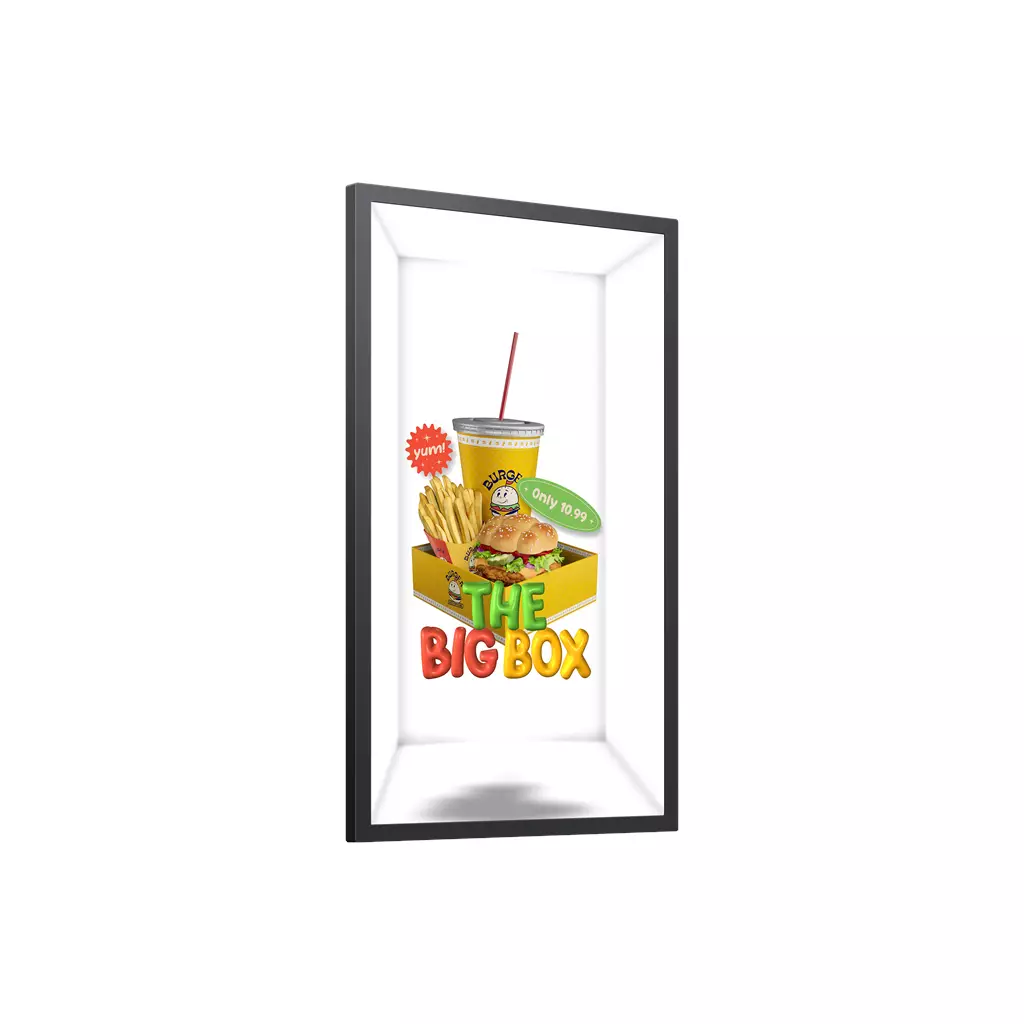
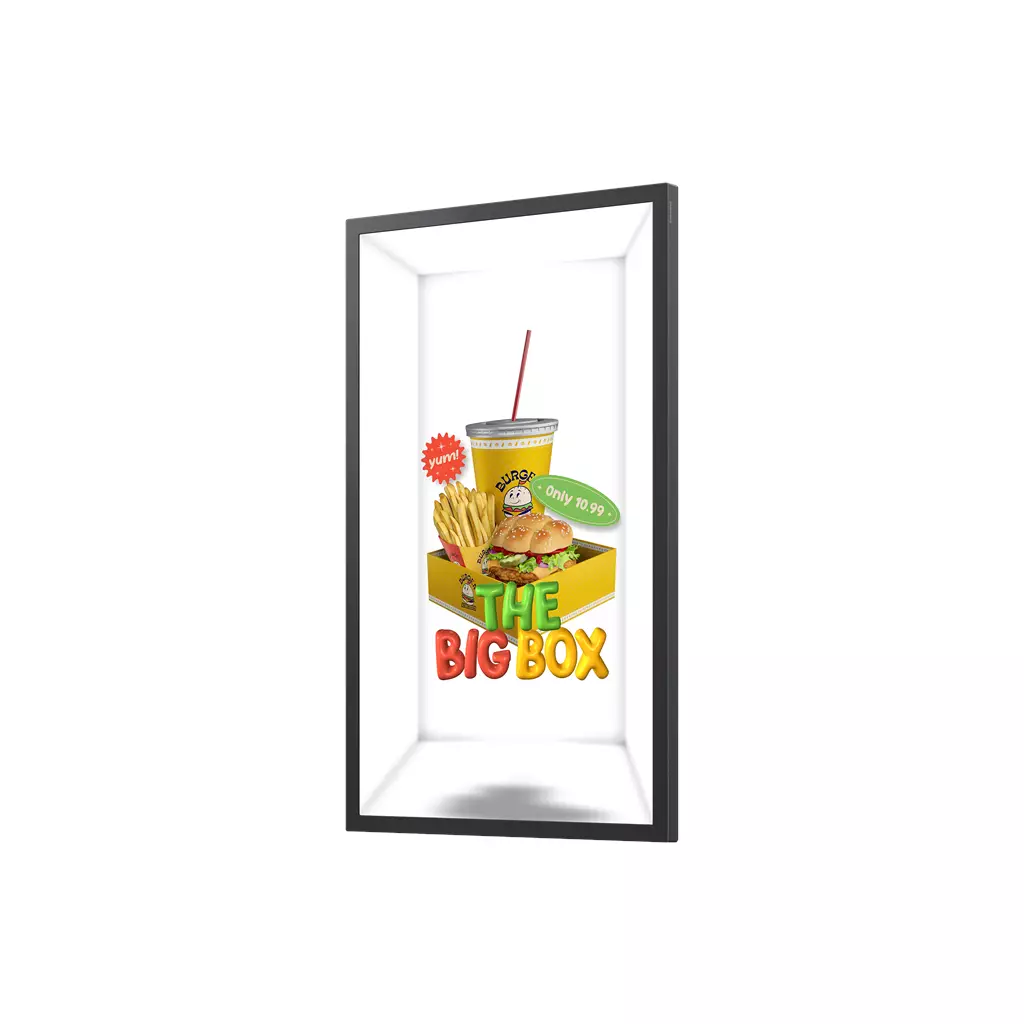

Samsung SM32HX-P 32-inch VA Full HD Digital Signage Flat Panel, Black, Wi‑Fi, Tizen 7.0, 3x HDMI
£2,410.51
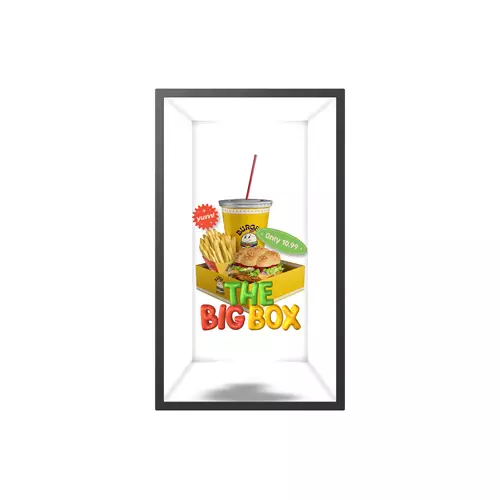
The Samsung SM32HX-P is a 32‑inch Full HD commercial digital signage flat panel with a VA LCD, 500 cd/m² brightness, Wi‑Fi, Tizen 7.0, three HDMI inputs and a 24/7 operation rating. It includes a Virtual 3D Spatial Display, AI Studio, a Quantum Processor (UHD upscaling), anti‑glare panel, UltraThin 52 mm profile and Samsung VXT/SmartThings Pro for cloud-based content and device management, making it well suited to retail, hospitality or corporate environments requiring continuous, remotely managed signage.
Samsung SM32HX-P — 32″ Full HD Spatial Display for compact, always‑on commercial signage
The Samsung SM32HX-P is a commercial 32‑inch (81.3 cm) digital‑signage flat panel built for continuous use: a Full HD LCD (VA) panel with a 52 mm UltraThin profile, Tizen 7.0 smart platform, Wi‑Fi, and features that explicitly target face‑to‑face experiences — notably Samsung’s Virtual 3D/“Spatial Display”, AI Studio content tools and cloud management via Samsung VXT. It is intended for retail counters, window‑facing kiosks, reception areas and exhibition stands where attention‑grabbing 3D‑style content and simple remote management matter more than ultra‑high resolution.
Key confirmed facts (for quick reference):
- Model: SM32HX‑P — 32″ Full HD, VA‑type LCD; 500 cd/m² brightness; Anti‑glare; 24/7 operation
- Platform/features: Tizen 7.0, Wi‑Fi, 3× HDMI, Virtual 3D/Spatial Display, AI Studio, Quantum Processor, Samsung VXT, SmartThings Pro; Colour: Black
Deciding if this is the right fit comes down to four trade‑offs: whether your content team can create or procure Spatial/3D assets (AI Studio lowers the production burden but does not remove it); whether 500 cd/m² plus anti‑glare provides sufficient legibility in your specific lighting; whether a 32″ Full HD canvas meets your distance and detail needs; and whether you need an always‑on, slim panel with cloud-based device management rather than a consumer TV or a larger, higher‑resolution commercial display. If those box‑checks align with your site and workflow, the SM32HX‑P is a practical compact option; if you need 4K detail, outdoor brightness, or advanced I/O confirmed up front, look elsewhere or verify those items with the supplier.
Viewing, placement and environment
- Use this panel for short, face-to-face viewing situations (service counters, kiosks, window-facing POS). Expect best legibility at close ranges—typically within 0.5–3 metres—so design text and UI elements larger than you would for a wall-mounted 4K display.
- Spatial/3D effects create a viewer “sweet spot.” Plan sightlines so the primary audience stands in front of the display rather than off to the side; test placements with live people during commissioning to confirm effect and viewing angle tolerances.
- Anti‑glare coating and the panel’s indoor brightness rating help in well-lit retail areas, but avoid direct sunlight and reflective fixtures in the immediate field of view. If the display will face a window, add shading or reposition to prevent washout and thermal stress.
- Mounting height: place the centre of the screen at approximately eye level for the primary audience (seated counters ≈1.0–1.2 m, standing counters ≈1.4–1.6 m). Leave clearance for cable access and ventilation behind the panel.
Content creation and playback workflow (Spatial Display)
- Spatial signage works best with foreground subjects and simple depth cues—short loops, clear focal subjects, and limited on-screen text. Fast, cluttered scenes reduce the 3D impact and legibility.
- AI Studio simplifies producing Spatial assets by converting images into animated 3D-style video. Treat generated clips as assets—test and iterate on pacing, contrast and text overlays to ensure readability at your planned viewing distance.
- Typical workflow: prepare imagery → generate Spatial clip in AI Studio → proof on-device (live preview) → deploy in VXT playlists. Schedule a quick on-site proof before full roll‑out to validate colour, contrast and motion timing.
- Encoding and compatibility: use efficient, widely supported codecs and moderate bitrates for reliable playback over Wi‑Fi or limited-bandwidth links, but confirm exact codec/container support and recommended frame rates with the supplier before bulk encoding.
Connectivity, integration and on-site setup
- Use wired Ethernet for reliability where possible; if relying on Wi‑Fi, verify the display’s supported Wi‑Fi standard and consider signal strength at the install point. Plan for network segmentation and firewall rules for remote management traffic.
- The display has multiple HDMI inputs—verify HDMI versions, HDCP and audio passthrough requirements with your supplier if you plan to connect external players or AV sources.
- Integrate with building systems via SmartThings Pro as needed, but test any IoT automations (lighting, sensors) in a pilot to avoid unintended interactions with content scheduling or power states.
- Label cables, reserve space for a compact media player if used, and plan for remote access (SSH/management credentials) or on-site service access when commissioning.
Operations, maintenance and remote management
- Rated for continuous use, but minimise lifetime wear by reducing panel brightness during low-traffic hours and scheduling regular rest periods if acceptable for your operation.
- Establish an update and reboot policy: test firmware/OS updates on a single unit before fleetwide rollout, and schedule updates during off-hours. Confirm who (you, vendor or Samsung VXT service) is responsible for Tizen updates.
- Implement basic network hardening: strong passwords, device account controls, VLANs for signage, and monitoring of device health via Samsung VXT or your chosen MDM. Keep content backups outside the device.
- Protect power with surge protection and consider a basic UPS for short outages where content continuity is critical or where safe shutdown is required for attached media players.
Samsung SM32HX-P — Final pre-purchase checks
Before ordering, verify the following items that could materially affect compatibility, installation or ongoing operation.
- HDMI per‑port capabilities — exact HDMI version for each port, supported maximum bandwidth, HDCP version(s) and whether any port supports ARC/eARC or special passthrough features.
- Native pixel resolution and refresh rate — confirm numeric resolution (e.g. 1920×1080) and native refresh rate so pixel density and source compatibility are certain.
- Full I/O list — presence and count of USB (type/versions), Ethernet/RJ‑45 (speed), audio outputs (line out / optical) and any serial/RS‑232 or control ports needed for integration.
- Wireless details — supported Wi‑Fi standard (802.11ac/ax), dual‑band/Bluetooth presence and versions that may affect streaming or peripheral pairing.
- Mounting & physicals — VESA pattern, product weight and full exterior dimensions (beyond 52 mm depth), and whether any mount/bracket or special clearance/ventilation requirements are included.
- Power & environment — typical/max power draw, supplied mains lead/plug type for UK installs, and operating temperature range for guaranteed 24/7 use.
- Management & licensing — clarify Samsung VXT and AI Studio subscription terms, per‑device limits or extra costs, and who is responsible for Tizen firmware/update management in fleet deployments.
Prices & Availability
Check and compare current prices and availability from retailers below.