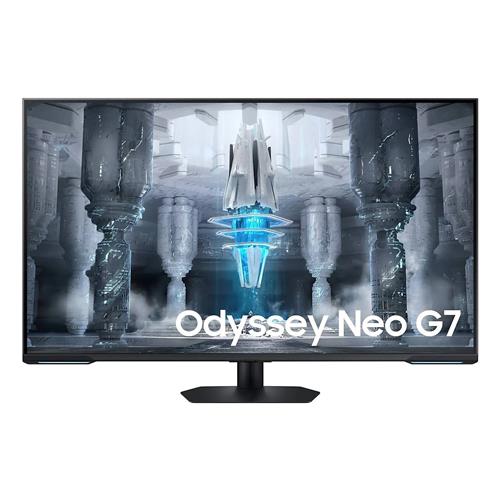
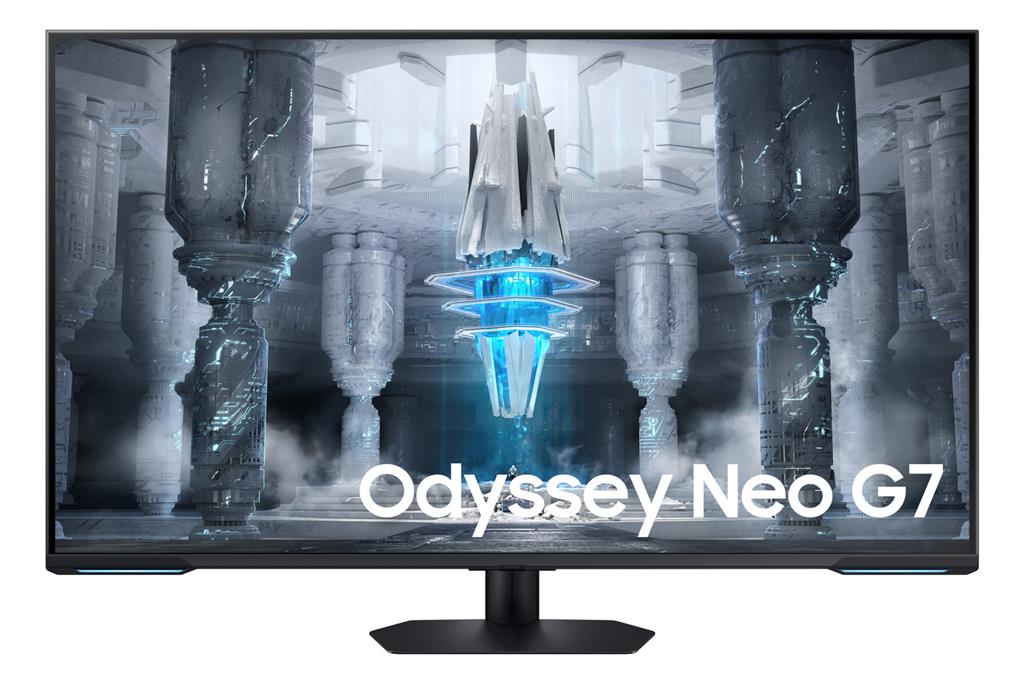
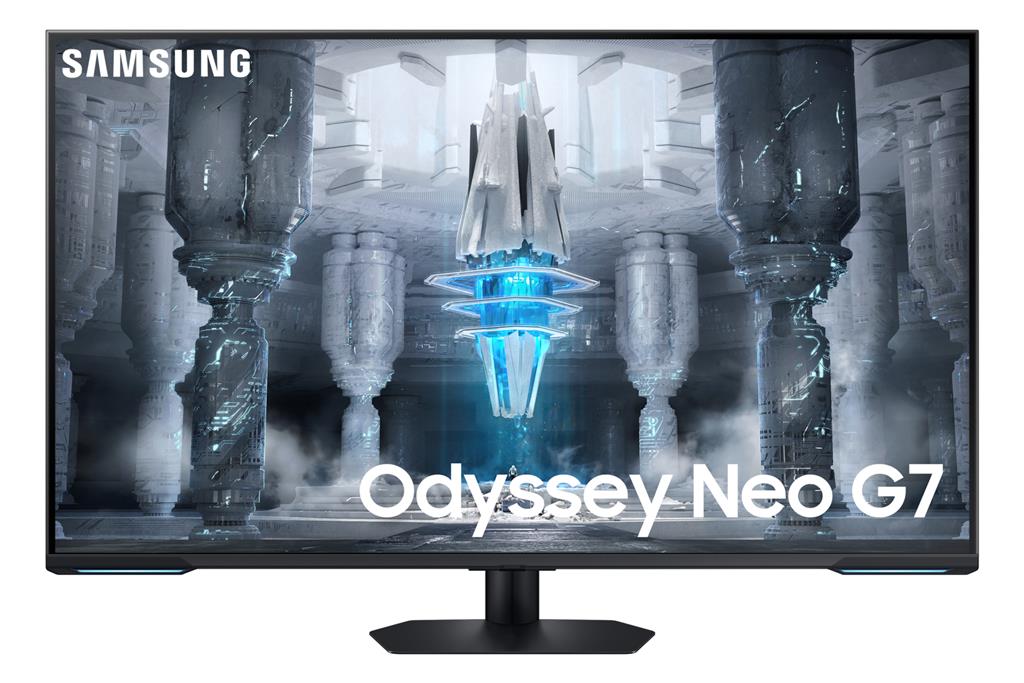
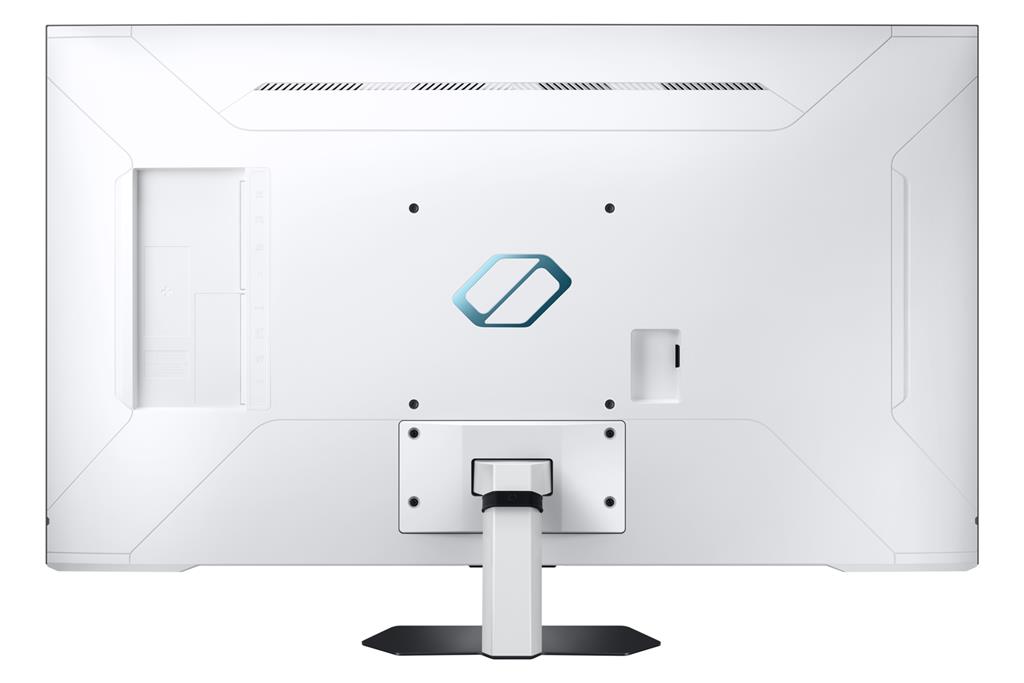
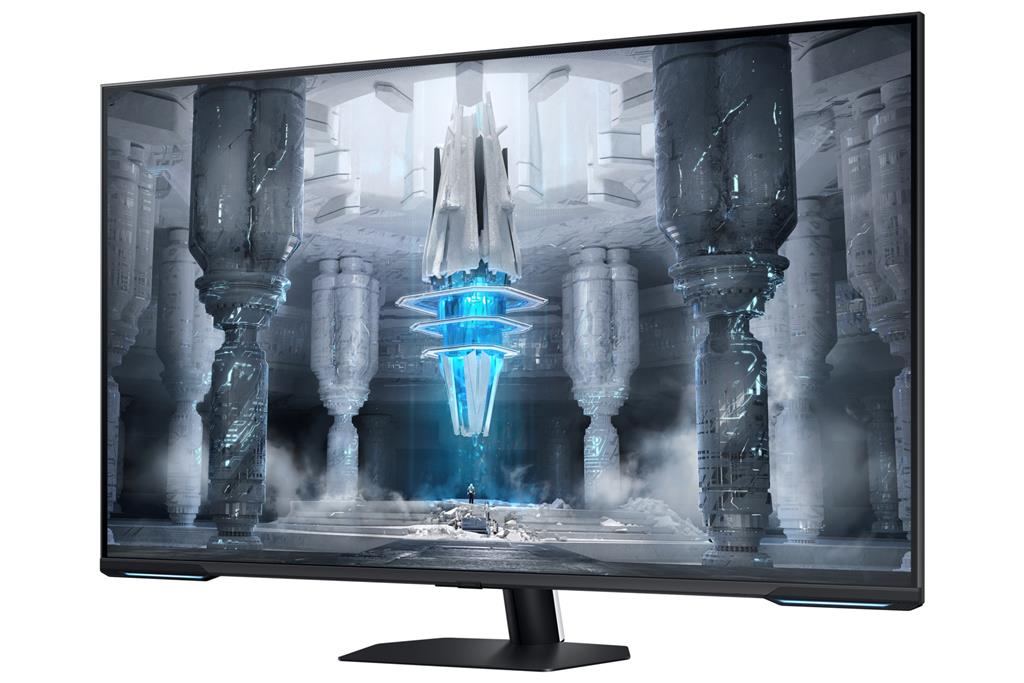
Samsung 43″ Odyssey G70C
£702.70
Samsung 43″ G70C UHD Mini-LED Smart 144Hz Odyssey Gaming Monitor
Platform: hardware (monitor). Core gameplay role: a high-performance display for high-frame-rate, fast-paced and cinematic gaming and media playback. Confirmed player-facing features include 4K UHD with Quantum Mini‑LED and VESA Display HDR600 for deeper contrast, plus 144Hz refresh / 1ms MPRT and AMD FreeSync Premium Pro for ultra-smooth, low-latency visuals. Smart TV apps and Samsung Gaming Hub provide access to cloud gaming and streaming.
Samsung 43″ G70C UHD Mini‑LED Odyssey Gaming Monitor — Hardware
This is a 43‑inch UHD (4K) gaming monitor from Samsung’s Odyssey line that combines a Quantum Mini‑LED backlight with a high refresh capability. The vendor data lists VESA DisplayHDR600 certification, a quoted 1,000,000:1 contrast ratio, a 144 Hz refresh rate, 1 ms (MPRT) response time and AMD FreeSync Premium Pro support, and it includes Samsung Smart TV features and the Gaming Hub for direct access to cloud gaming services and streaming apps.
It’s aimed at buyers who want a large, TV‑sized screen that doubles as a high‑performance gaming display — suitable for immersive single‑player and cinematic media use as well as fast competitive play where high refresh and low motion blur matter. The matte panel finish and on‑screen tools such as Flex Move Screen and a Game Bar UI are geared towards players who want a living‑room or desktop all‑in‑one with quick access to picture and game settings.
The defining practical trade‑offs are clear: the Mini‑LED backlight with HDR600 certification should enable stronger highlights and improved local dimming compared with ordinary edge‑lit LCDs, while 4K at 43″ gives a cinematic viewing area but lower pixel density at typical desktop distances. The 144 Hz / 1 ms specification plus FreeSync Premium Pro will help reduce blur and tearing when your source can deliver high frame rates, but buyers must confirm exact model SKU (the description also references “G70NC”), the physical input types and versions (HDMI/DisplayPort and their bandwidth), and which cloud services are available in their region before purchase.
What this product actually is and who it suits
The Samsung 43″ G70C UHD Mini‑LED Smart 144Hz Odyssey is a large 43‑inch 4K gaming display that combines a Mini‑LED local‑dimming backlight, high refresh-rate motion handling and built‑in Smart TV features. Confirmed headline capabilities include UHD (4K) resolution, a 144 Hz refresh rate, 1 ms response time (MPRT), AMD FreeSync Premium Pro support, VESA DisplayHDR600 certification and Samsung Gaming Hub with Smart TV apps. The monitor uses a matte (anti‑glare) screen and advertises Quantum Matrix Technology with a 12‑bit backlight unit and a quoted 1,000,000:1 contrast ratio.
This set of features suits buyers who want a large, cinematic 4K experience that can also serve as a responsive gaming display: single‑player and cinematic games, media and streaming in a living‑room setup, and faster competitive play where higher refresh and low perceived blur help. The integrated Samsung Gaming Hub also makes it a practical option for people who prefer to play cloud games or access streaming content without an external console or PC in every use case.
Picture quality, HDR and Mini‑LED — what to expect in real use
Quantum Mini‑LED with an advanced backlight allows much finer control of local dimming zones than conventional edge‑lit LCDs. With VESA DisplayHDR600 certification and the advertised 12‑bit backlight control, you should expect stronger HDR highlights, more convincing specular bloom and deeper perceived blacks compared with basic LED panels, especially in scenes with mixed bright and dark content. That improves HDR impact for games and movies.
However, HDR600 is a mid‑range HDR class: it delivers better peak luminance and local dimming than entry‑level HDR, but it is not equivalent to the higher peak brightness and color volume of HDR1000 or high‑end OLED. The display’s matte finish reduces reflections but slightly mutes perceived vibrancy compared to glossy screens. The product description does not explicitly state the underlying LCD panel family (e.g., VA, IPS/ADS), so off‑axis colour accuracy and contrast behaviour at steep viewing angles are unknown from the supplied data.
At 43 inches, a 4K panel yields relatively large on‑screen text and lower pixels‑per‑inch than smaller 4K monitors. That makes the screen great for living‑room viewing and cinematic immersion; on a typical desk you may prefer OS scaling or to sit further back to avoid very small UI elements or large cursor travel.
Gaming performance: refresh, response and adaptive sync in practice
The combination of 144 Hz refresh, 1 ms (MPRT) response claim and AMD FreeSync Premium Pro should translate into smoother motion, reduced perceived blur and fewer tearing artefacts when paired with a capable PC or source that can produce high frame rates. FreeSync Premium Pro also signals HDR‑aware variable refresh support for systems and games that use it.
Practical gains depend on the source: to take full advantage of 4K at very high frame rates you need a PC or console capable of delivering those frames. The product data does not specify which physical inputs or cable versions are provided (for example, whether HDMI 2.1 or a DisplayPort that supports 4K@144Hz is present). Because input bandwidth and supported chroma/bit‑depth modes vary by port and cable, confirm exact input specifications before assuming native 4K@144Hz at full colour depth is available from your device. Likewise, actual displayed latency and motion behaviour will depend on game settings, GPU output and any internal processing modes.
Smart features and Samsung Gaming Hub — streaming and cloud play
The monitor includes Samsung Smart TV apps via Wi‑Fi and Samsung Gaming Hub, which the description says provides instant access to cloud gaming services and consoles. In practice that means you can run streaming video apps and some cloud gaming services directly on the display without an external box, and you may be able to connect or stream from consoles through the hub depending on service support.
Service availability, supported cloud providers and which apps appear in the Gaming Hub vary by region and may require separate service subscriptions, compatible accounts and network bandwidth. Streaming game performance will be limited by your internet connection and the specific cloud service implementation; the monitor’s low‑latency display features can help, but they cannot remove latency introduced by network streaming.
Connectivity, ergonomics and practical considerations
The product description omits several concrete, purchase‑critical details: exact model SKU ambiguity appears in the source copy (references to both G70C and G70NC), no explicit list of physical inputs (HDMI versions, DisplayPort, USB, audio out) is provided, and information about included accessories, VESA mount pattern, stand adjustability, dimensions, weight and power ratings is not supplied. These are important for determining whether the monitor will support 4K@144Hz from your device, fit your desk or wall mount and include necessary cables and a remote.
Because of these unknowns, buyers should confirm the precise regional model and its full technical spec sheet from the retailer or Samsung before purchase. Ask specifically which inputs support 4K at which refresh rates and colour depths, whether HDMI 2.1 or DisplayPort with DSC is present, what accessories are in the box, the panel type for viewing‑angle expectations, and the physical mounting/stand details for desktop or living‑room placement.
Samsung Odyssey G70C 43″ 4K Mini‑LED Monitor — final pre-purchase checks
Short checklist of edition‑sensitive and region‑sensitive items to confirm before completing your purchase.
- Confirm the exact model SKU and region (G70C vs G70NC ambiguity) so you get the correct firmware, feature set and warranty terms.
- Verify the physical inputs and their versions (which HDMI ports and HDMI version, any DisplayPort presence/version, USB and audio outputs) — these determine native 4K@144Hz support.
- Ask whether full 4K @144Hz requires a specific input/format (HDMI 2.1, DisplayPort with DSC or chroma/subsampling limits) and whether bit‑depth or chroma is reduced at the top mode.
- Check which cables and accessories are included (HDMI 2.1/DP cable, remote, stand screws) and whether you must purchase high‑bandwidth cables separately.
- Confirm VESA mount pattern, included mounting hardware (if any), monitor weight, and the stand’s ergonomic range (tilt/height/swivel) to ensure fit on your desk or wall arm.
- Verify the underlying panel type (VA/ADS/IPS) beyond “Mini‑LED” if off‑axis colour accuracy or viewing angle is important for your setup.
- Confirm which cloud gaming services, streaming apps and regional Samsung Gaming Hub features are available in your country and whether they require separate subscriptions/accounts.
- Check warranty length, local service options and the seller’s return policy for your region before purchase.
Prices & Availability
Check and compare current prices and availability from retailers below.
 Quzo.co.uk