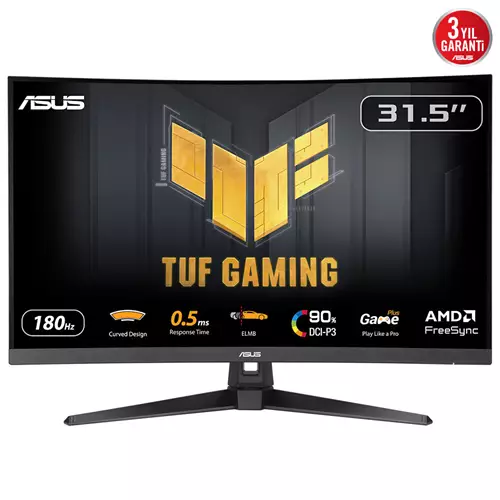
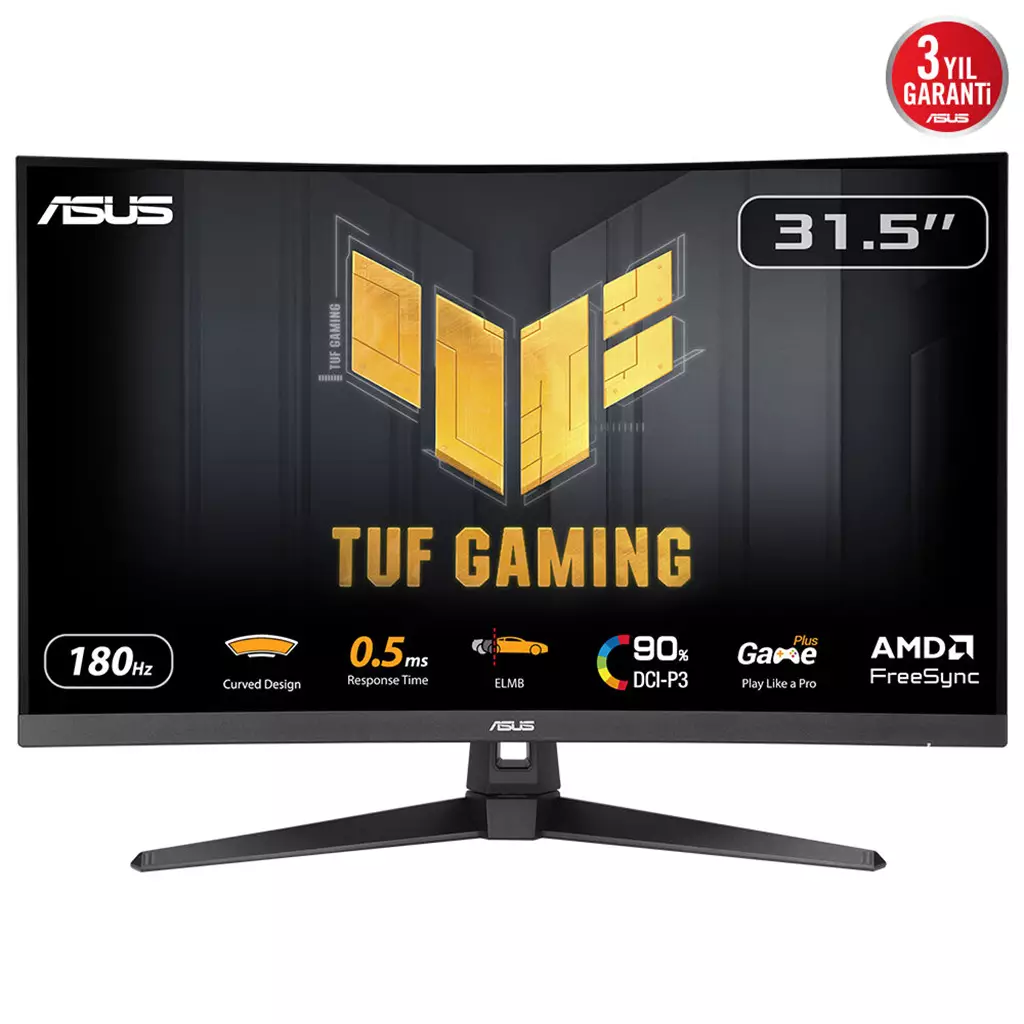
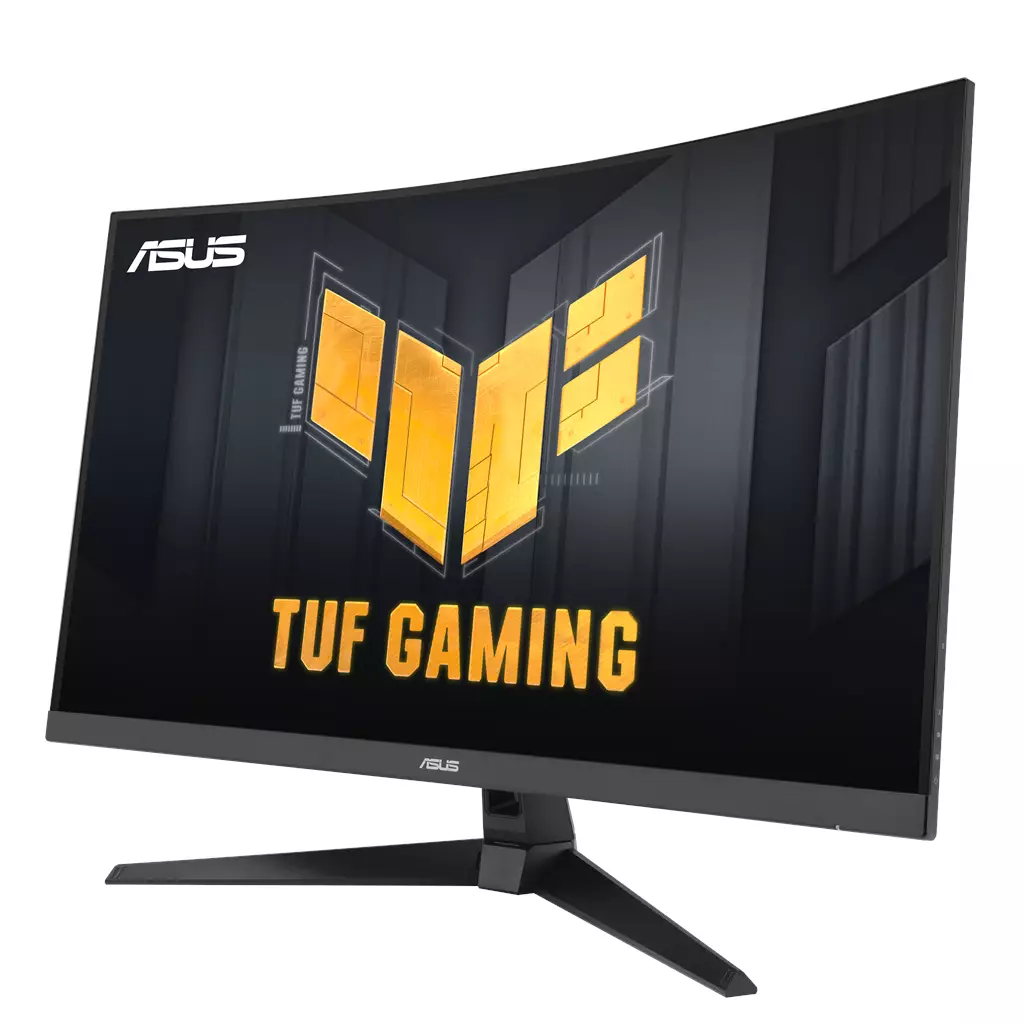
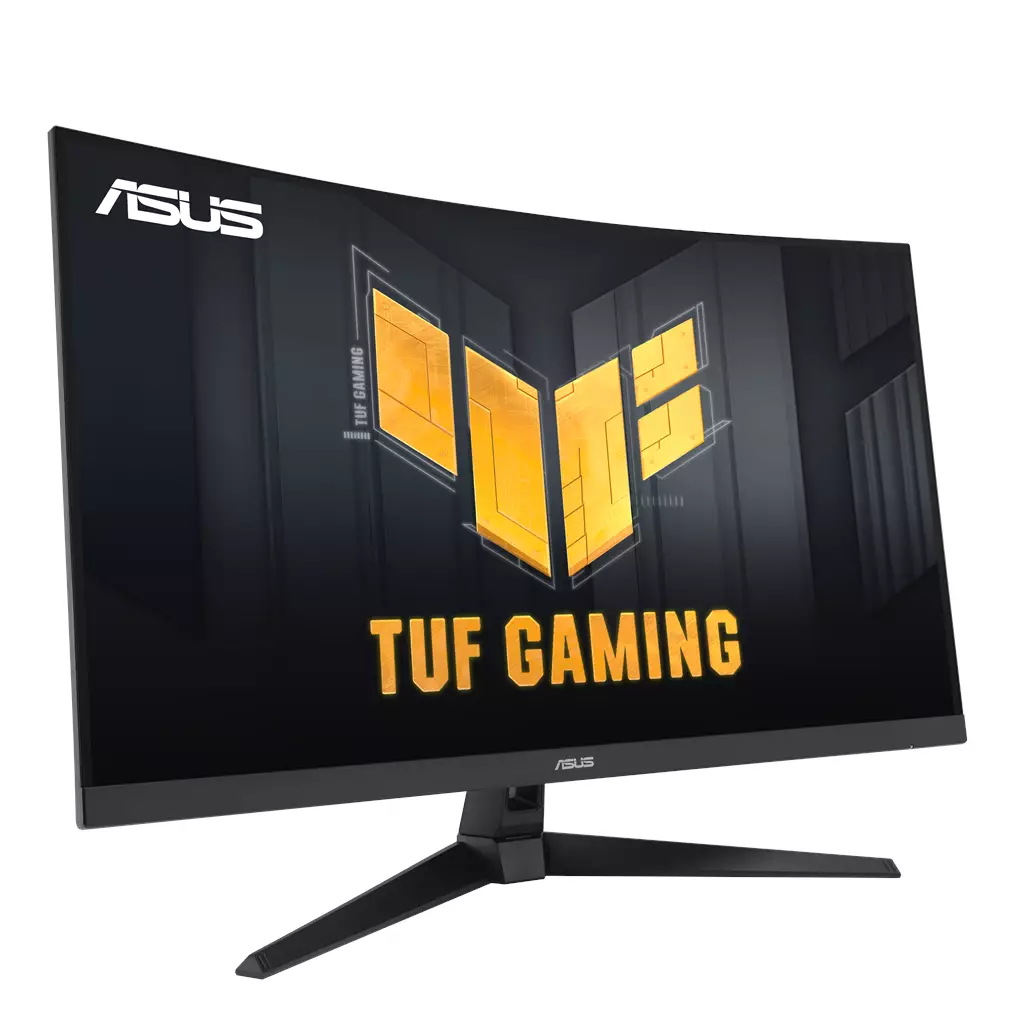
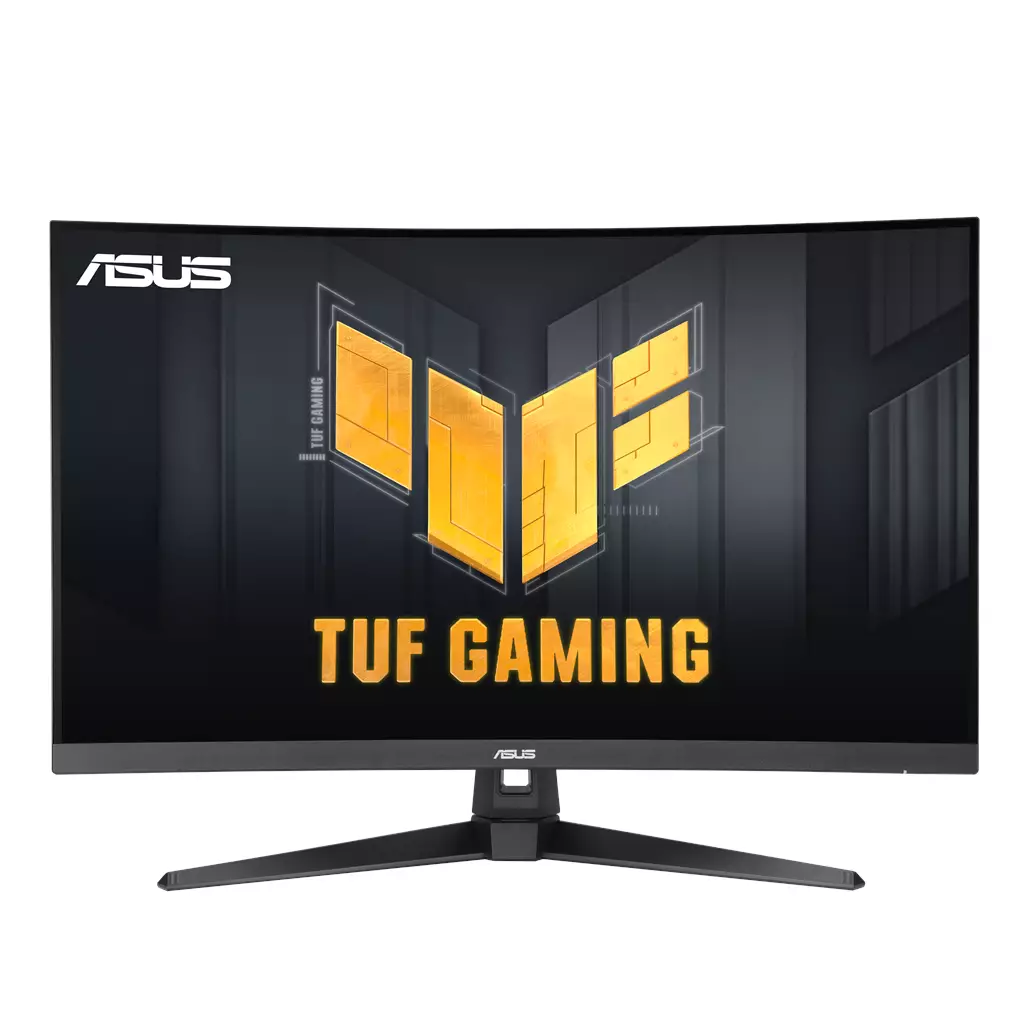
ASUS TUF Gaming VG32WQ3B 31.5-inch QHD Curved Gaming Monitor
£241.93
ASUS TUF Gaming VG32WQ3B computer monitor 80 cm (31.5″) 2560 x 1440 pixels Quad HD LED Black — Edition: Not established. Platform: Not applicable. Designed for fast-paced competitive PC gaming, this 31.5″ 1500R QHD curved display delivers 180Hz refresh, 0.5ms (min.) response, AMD FreeSync support and 90% DCI‑P3 for smoother, sharper visuals and vivid colours.
ASUS TUF Gaming VG32WQ3B — 31.5″ (80 cm) QHD curved gaming monitor
The ASUS TUF Gaming VG32WQ3B is a 31.5‑inch, 2560 × 1440 (QHD) curved display with a 1500R radius. It is specified with an ultrafast 180 Hz refresh rate, a quoted 0.5 ms minimum response time, ASUS ELMB (Extreme Low Motion Blur), Variable Overdrive and claimed HDR support plus roughly 90% DCI‑P3 colour coverage.
This monitor is aimed at PC gamers who prioritise motion clarity and immersion: competitive FPS and racing players who want high frame‑rate responsiveness, and single‑player or streaming setups where a wider gamut and curved field of view improve visual impact. The feature set (high refresh, low response, ELMB and Adaptive‑Sync) is deliberately focused on reducing blur and tearing when your GPU can supply high frame rates.
In practice the VG32WQ3B is a performance‑oriented display rather than a specialist colour‑work monitor: you use it to play fast, reaction‑based games where smooth motion, quick target acquisition and clearer moving images matter, while in darker scenes features such as Shadow Boost and GamePlus are provided to aid visibility and on‑screen tools. The principal platform consideration is hardware and cabling: it supports AMD FreeSync via DisplayPort and HDMI, and you should check that your GPU, output ports and cables can deliver 2560×1440 at the monitor’s maximum refresh rate.
Note where details are unconfirmed in the supplied data: the exact panel technology (VA/IPS/etc.), the HDR format and peak brightness, VESA‑mount compatibility and which ports/cable versions are included. Those are sensible items to verify with the retailer or ASUS before purchase.
What this product is and who it suits
The ASUS TUF Gaming VG32WQ3B is a 31.5-inch, 1500R curved QHD (2560 × 1440) gaming monitor that targets PC players who want a large, immersive screen with competitive motion performance. Confirmed strengths are a high refresh rate (up to 180 Hz), an advertised minimum response time of 0.5 ms, and adaptive‑sync support (AMD FreeSync via DisplayPort and HDMI). It’s aimed at fast‑paced FPS, racing and action titles where motion clarity and a wider field of view matter, and also fits mixed use such as video or streaming when a broader colour gamut is useful.
Key performance specs for gaming
What you get in play: the panel supports up to 180 Hz and lists a 0.5 ms (minimum) response time, plus ASUS-exclusive motion technologies—ELMB (Extreme Low Motion Blur) to reduce visible blur, and Variable Overdrive, which adapts overdrive to changing frame rates. AMD FreeSync is supported over both DisplayPort and HDMI to reduce tearing and stutter when used with compatible GPUs.
How that affects real-world use:
- A 180 Hz ceiling plus low response time and ELMB reduces perceived motion blur and makes fast camera/aim movement feel smoother, provided your GPU can deliver high frame rates at 1440p.
- Variable Overdrive helps limit overshoot and inverse ghosting as frame rates fluctuate, useful for varied single‑player or online matches.
- FreeSync removes tearing with supported AMD GPUs; there is no confirmed NVIDIA G‑SYNC certification in the supplied data, so behaviour with NVIDIA cards may vary.
Display, colour and HDR — confirmed claims and limits
The monitor’s native resolution is 2560 × 1440 on a 31.5″ curved panel, giving a pixel density of roughly 93 PPI — larger text and a bigger viewing area than 27″ QHD but slightly less pixel sharpness. ASUS states ~90% DCI‑P3 coverage, which suggests a wider-than‑sRGB gamut for richer colours in games and media.
HDR is advertised, but key HDR performance details are not provided in the supplied data: peak brightness (nits), HDR format (HDR10, etc.), presence of local dimming, and measured contrast/colour accuracy are unconfirmed. The exact panel technology (VA, IPS, etc.) is also not stated; that choice materially affects native contrast, viewing angles and black levels.
Connectivity, extras and practical setup considerations
Confirmed extras include AMD FreeSync support over DisplayPort and HDMI, and ASUS software and gaming features such as DisplayWidget Center (OSD control via mouse), Shadow Boost (brightens dark areas without overexposing highlights) and GamePlus overlays. The product description does not list specific port versions, included cables, VESA mount pattern, stand adjustment range, or power/plug details.
Practical points to consider when planning where to use this monitor:
- A 31.5″ 1500R curve increases immersion but benefits from appropriate viewing distance and desk depth—closer seating emphasizes the curve, further seating reduces it.
- Driving 1440p at high frame rates (approaching 180 Hz) requires a capable GPU and the correct output bandwidth; confirm your GPU and cable/port versions support the desired resolution and refresh rate.
- Look for measured reviews that cover input lag, colour accuracy, uniformity and real HDR performance to validate the manufacturer claims before purchase.
ASUS TUF Gaming VG32WQ3B 31.5″ QHD (2560×1440) 1500R — final pre-purchase checks
Quick checks to confirm this specific monitor variant meets your setup and expectations before buying.
- Confirm the panel type (VA, IPS, etc.) — this affects contrast, viewing angles and motion behaviour.
- Verify VESA mounting compatibility and the exact hole pattern (e.g. 100×100 mm) if you plan to use a monitor arm or wall mount.
- Check which cables are included and the DisplayPort/HDMI version numbers — ensure the ports/cables support 2560×1440 at 180 Hz (enough bandwidth).
- Ask ASUS (product page/spec sheet) whether the model appears on their FreeSync/G‑SYNC compatibility lists and if any firmware updates are required for adaptive‑sync.
- Request full HDR specifications: peak brightness (nits), supported HDR format(s) and whether local dimming or other HDR hardware is present.
- Confirm regional power plug type, power specifications and the exact warranty length/coverage and return policy for your region.
- Ensure your GPU can sustain the frame rates you expect at 1440p and that your desk/viewing distance suits a 31.5″ 1500R curved screen for comfortable use.
Prices & Availability
Check and compare current prices and availability from retailers below.
 Quzo.co.uk