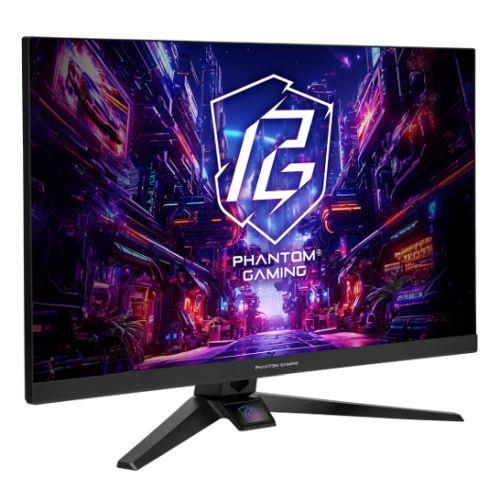
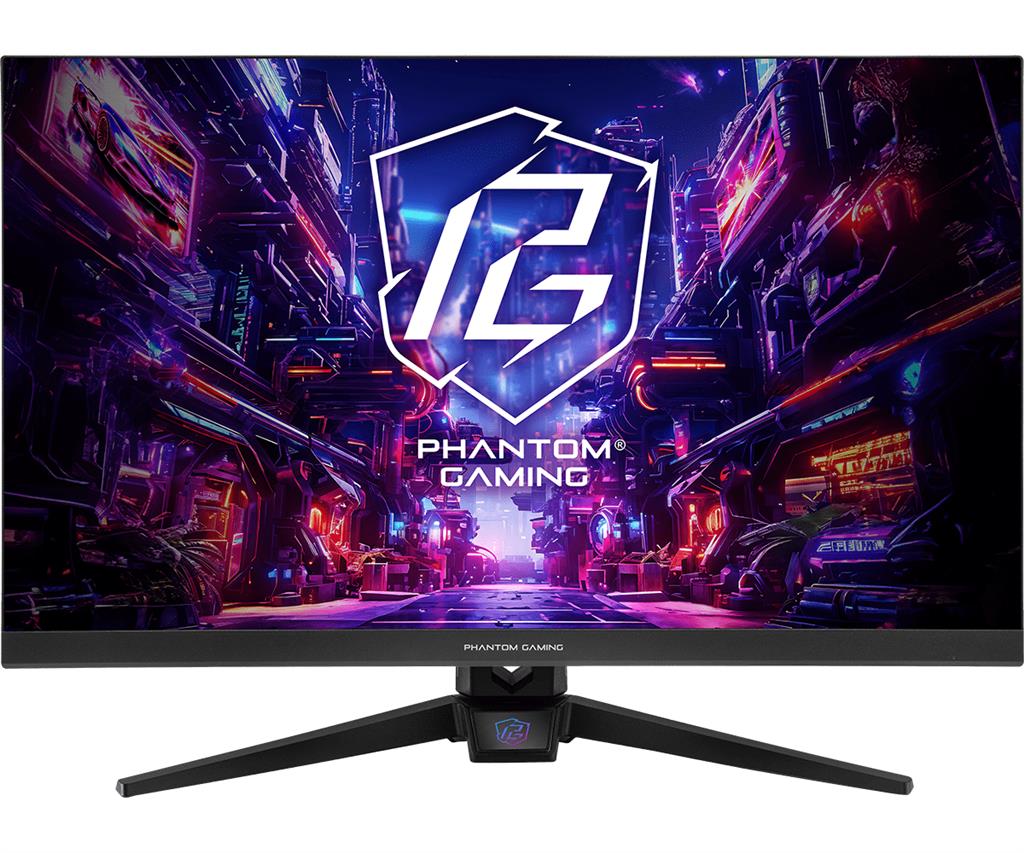
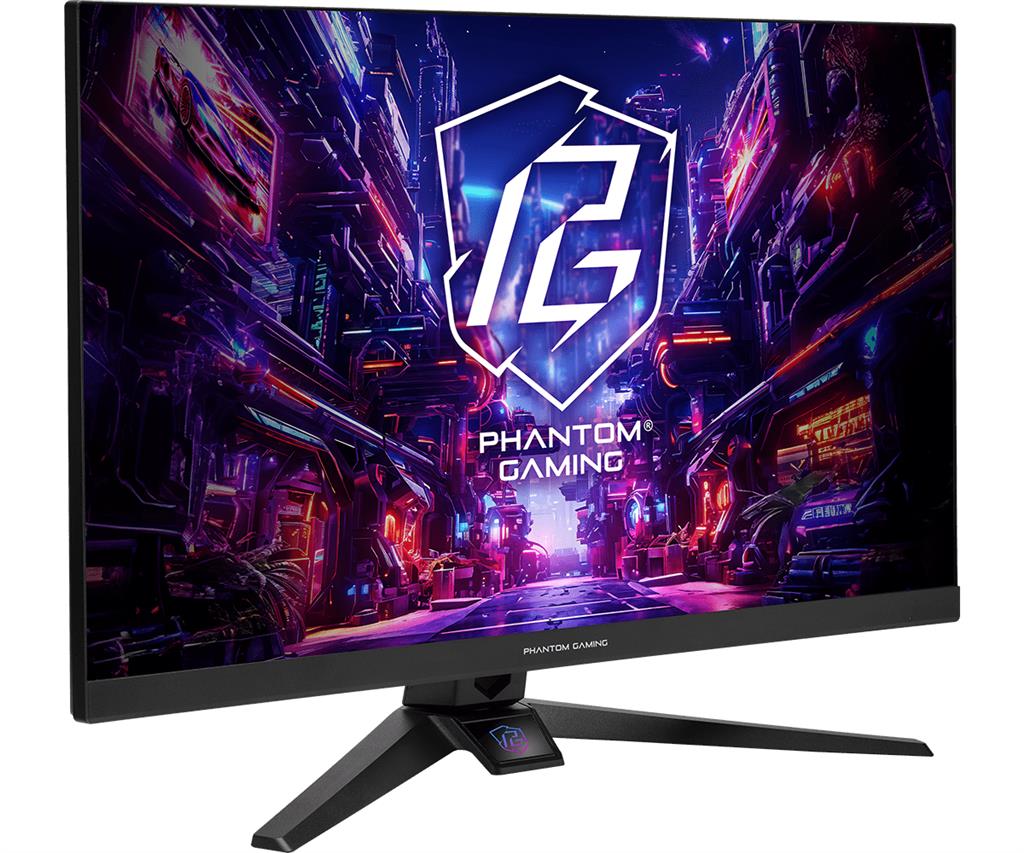
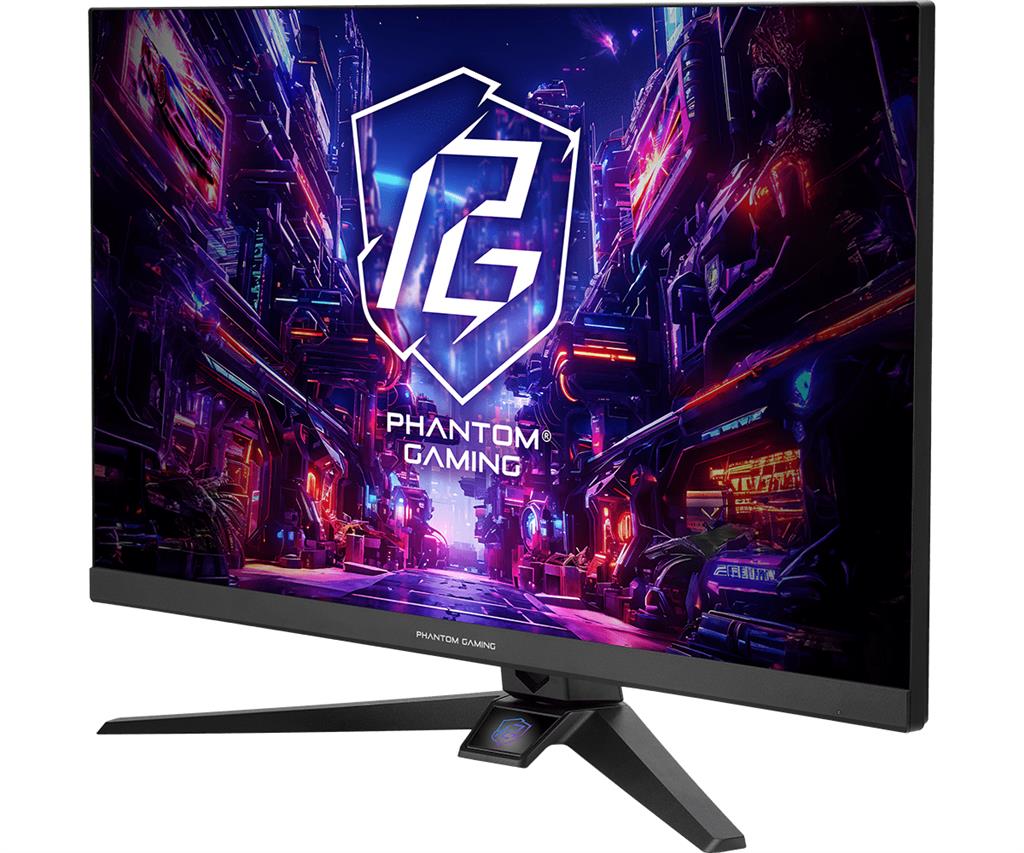
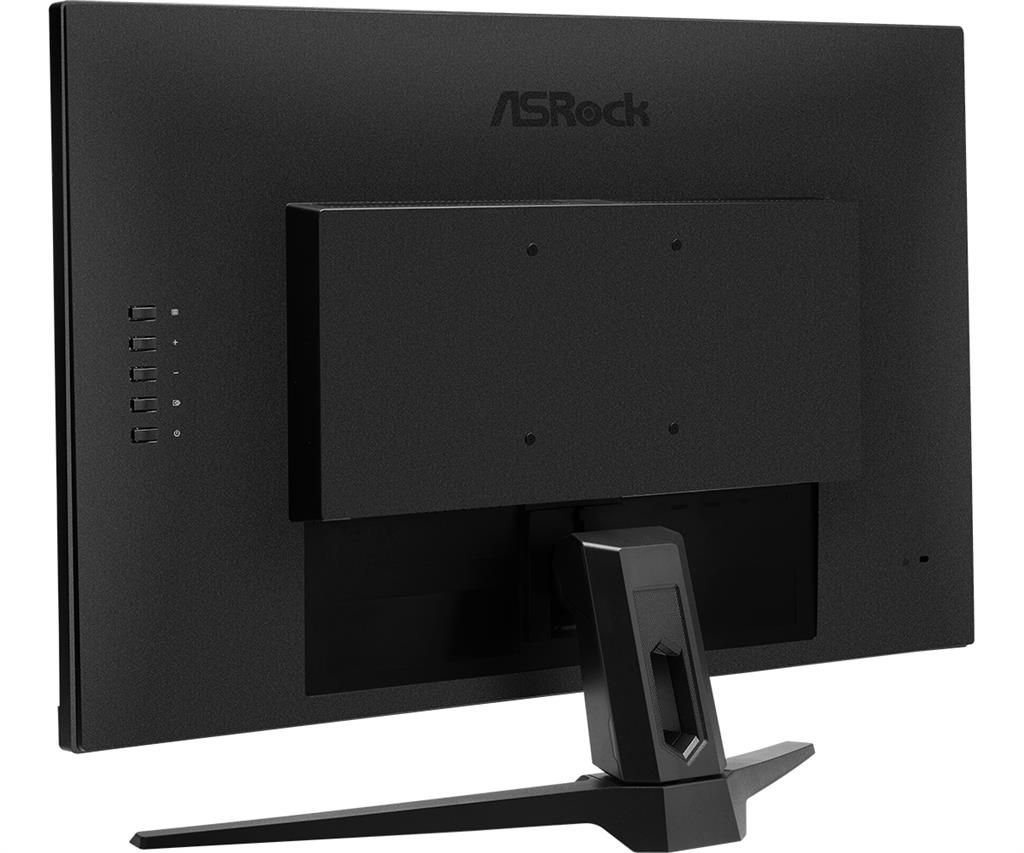
ASRock Phantom Gaming PG27FFT1A 27″ Gaming Monitor
£106.51
Asrock Phantom Gaming PG27FFT1A (model PG27FFT1A) — platform: PC peripheral (computer monitor). Designed for fast-paced, high-refresh-rate gaming, it delivers smooth, responsive visuals for competitive and action titles. Features a 27″ Full HD IPS panel and key player-facing tech: 180Hz refresh rate with AMD FreeSync for tear-free motion and VESA DisplayHDR 400 for enhanced contrast and color depth. Ergonomic stand and low‑blue‑light, flicker‑free viewing.
ASRock Phantom Gaming PG27FFT1A — 27″ Full HD gaming monitor (PC/console)
The ASRock Phantom Gaming PG27FFT1A is a 27‑inch IPS monitor with a 1920×1080 (Full HD) panel, a high 180 Hz refresh rate, VESA DisplayHDR 400 certification and AMD FreeSync support. It offers one DisplayPort 1.2 (advertised to support up to 180 Hz), two HDMI 2.0 inputs, ASRock Low Blue Light and flicker‑free modes, two built‑in speakers and a 3.5 mm headphone output, plus an ergonomic stand with tilt, swivel and height adjustment.
It’s aimed primarily at players who prioritise very high frame‑rates at 1080p — competitive FPS, fast‑paced multiplayer and esports titles where smooth motion and quick responsiveness matter — and at console users with HDMI 2.0 devices who want a faster panel than typical TVs. It will also appeal to anyone who prefers IPS colour and wide viewing angles while keeping GPU requirements modest compared with 1440p screens.
In use you’ll be chasing fluid motion and reduced tearing when the monitor is paired with a capable GPU and the appropriate DisplayPort or HDMI connection; however, a few practical limits are not fully specified here — exact port refresh‑rate support, VRR range and G‑SYNC compatibility are unconfirmed, and DisplayHDR 400 offers only modest HDR highlights compared with higher‑end HDR displays. Bear in mind the pixel‑density trade‑off on a 27″ 1080p panel if you also do a lot of desktop work or want sharper text.
Who this monitor is for
The ASRock Phantom Gaming PG27FFT1A is aimed at PC gamers who prioritise high refresh-rate 1080p play and want an IPS panel for better colour and viewing angles than TN alternatives. It suits competitive FPS, MOBAs and fast-action titles where 180 Hz motion clarity helps aiming and responsiveness, and it also fits console users with HDMI 2.0–equipped systems who want a fast, simple display. Expect a large 27″ screen with lower pixel density than 1440p panels — good for smoother gameplay and lower GPU load, less ideal if you need very sharp desktop text or professional colour work.
Panel, resolution and HDR behaviour
What you get: a 27″ Full HD (1920×1080) IPS panel with VESA DisplayHDR 400 certification. IPS brings wide viewing angles and generally pleasing colour reproduction compared with TN, and the HDR 400 badge indicates some improvement over standard SDR for highlights and tone mapping.
How that plays out: at 27″ the 1080p pixel density is lower than 27″ 1440p displays, so image and text edge detail will appear softer. DisplayHDR 400 can make highlights pop more than SDR, but it is entry-level HDR — expect limited peak brightness, constrained highlight detail and narrower gamut than higher-tier HDR monitors. The product listing does not supply measured peak brightness, contrast ratio, colour gamut coverage or factory calibration, so exact HDR and colour accuracy performance is unknown.
Performance, refresh rate and adaptive-sync
Confirmed: the monitor supports up to 180 Hz refresh rate and lists one DisplayPort 1.2 explicitly supporting up to 180 Hz; AMD FreeSync is supported to reduce tearing and stutter. This combination is well suited for high-frame-rate gaming when connected via the DisplayPort input.
Important usage notes and unknowns: HDMI 2.0 ports are present for consoles or secondary devices, but the listing does not confirm whether HDMI 2.0 supports 180 Hz at 1080p — many monitors require DisplayPort for the maximum refresh rate. The range of variable-refresh-rate (VRR) supported by FreeSync and any G‑SYNC compatibility or certification are not stated. Also, response time and measured input lag are not provided; if you need guaranteed competitive-level latency, seek independent tests or manufacturer clarification.
Connectivity, ergonomics and onboard features
Ports and audio: the PG27FFT1A has 1 × DisplayPort 1.2 and 2 × HDMI 2.0, plus two built-in speakers and a 3.5 mm earphone output for basic sound. Built-in speakers are convenient for desktop clutter reduction but are generally not a replacement for dedicated speakers or gaming headsets.
Ergonomics and OSD: the monitor includes an ergonomically designed stand with swivel, tilt and height adjustments for a flexible viewing position. ASRock Low Blue Light technology provides adjustable blue-light filtering (levels 1–10) and the panel includes flicker-free backlighting for eye comfort. The listing does not specify the VESA mount pattern, included cables or the languages/menus available in the on-screen display, so verify those details if you plan to use a monitor arm or require specific cable support (for example, a DisplayPort cable rated for 180 Hz).
ASRock Phantom Gaming PG27FFT1A 27-inch monitor — final pre-purchase checks
Quick checks to confirm model-specific features and compatibility before you buy.
- Confirm which cables are included and whether a DisplayPort cable (if supplied) is rated for 180 Hz at 1920×1080.
- Verify per‑port maximums: DP 1.2 is stated to support 180 Hz, but check whether either HDMI 2.0 port supports 180 Hz at 1080p or is limited to lower refresh rates.
- Ask for the AMD FreeSync variable-refresh range and whether the unit has official or unofficial NVIDIA G‑SYNC compatibility.
- Request the panel response-time spec and independent measured input lag if you prioritise competitive gaming responsiveness.
- Confirm HDR performance details: peak brightness, contrast behavior (local dimming or none), and colour-gamut coverage/factory calibration numbers.
- Check VESA mount pattern, whether the stand is removable, and required screw sizes before planning a monitor arm or alternate mount.
- Ask for full retail box contents (power cable, DP/HDMI cables, screws, manual), plus warranty length and region-specific support terms.
Prices & Availability
Check and compare current prices and availability from retailers below.
 Quzo.co.uk