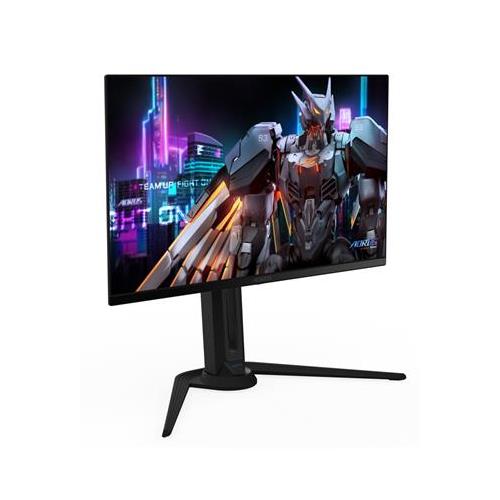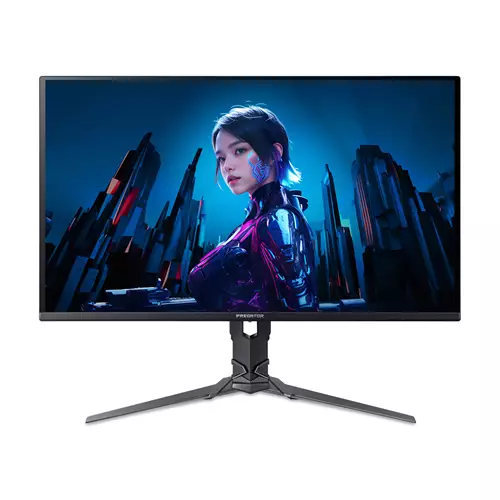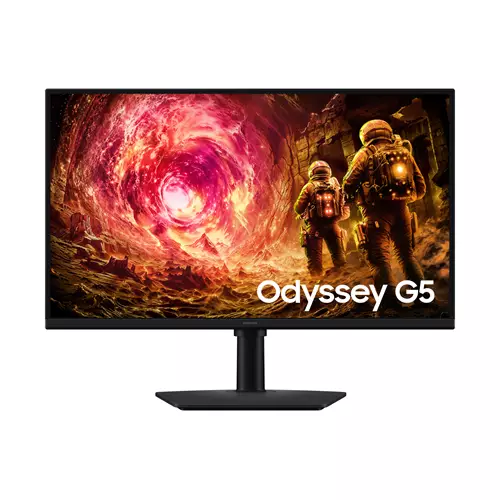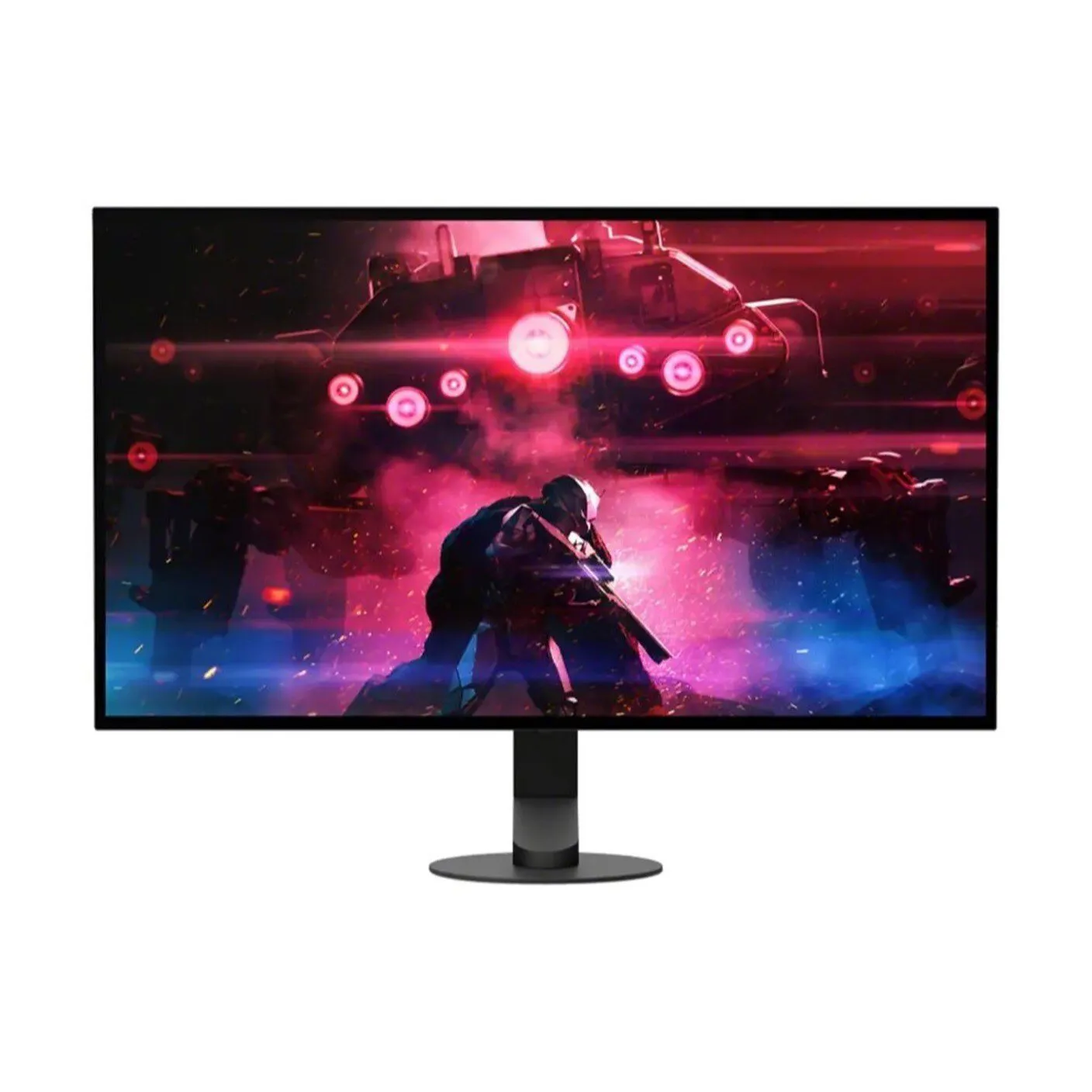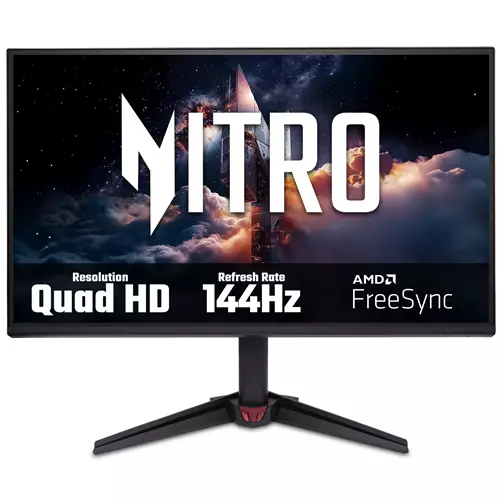
Acer NITRO VG0 Nitro VG270U P6 Gaming Monitor
£156.08
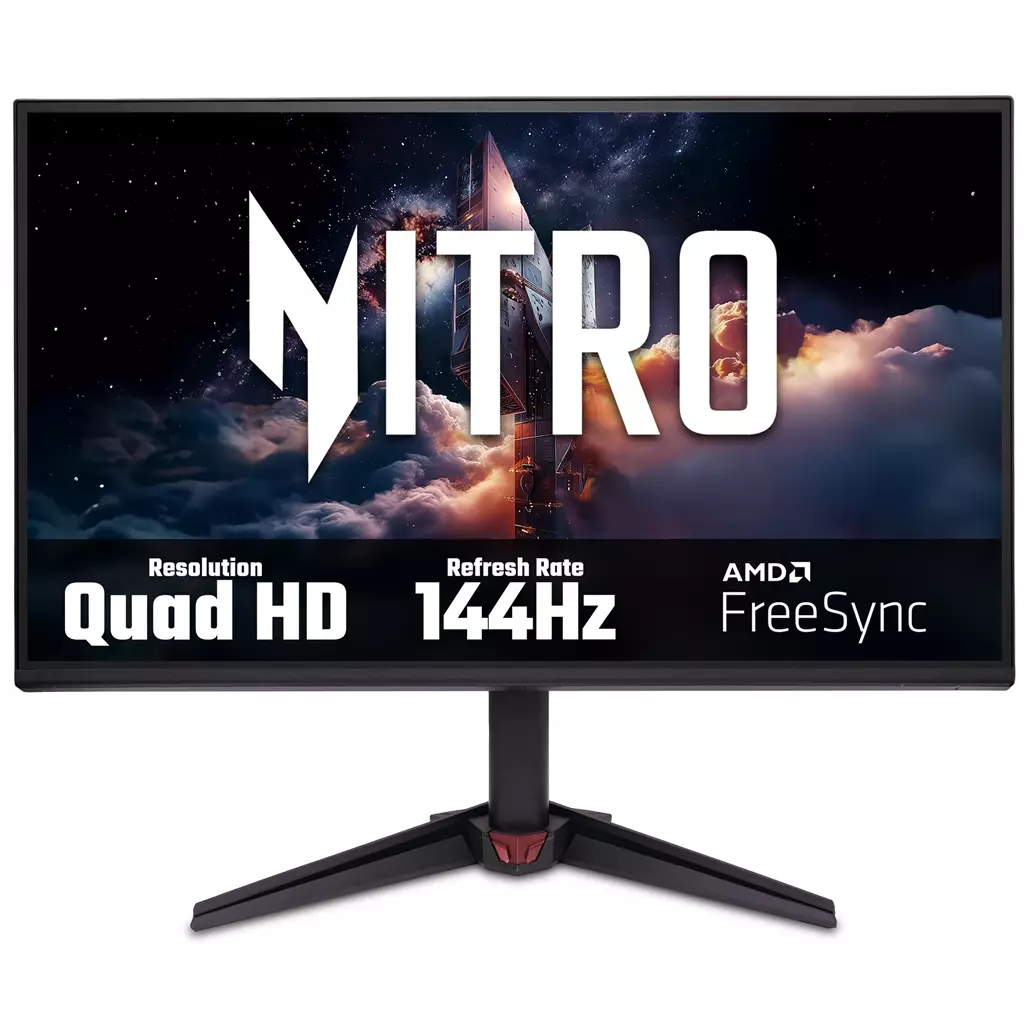
Acer NITRO VG0 Nitro VG270U P6 — edition: Nitro VG270U P6. Platform: Not applicable. This 27″ Quad HD IPS gaming monitor is designed for fast‑paced competitive play, delivering 2560×1440 clarity, 144Hz refresh and 1ms (VRB) response to minimise motion blur. Confirmed player-facing features: AMD FreeSync (application in progress) and HDR10 with DCI‑P3 90% wide colour gamut for vivid, tear‑reduced visuals.
Acer NITRO VG0 Nitro VG270U P6 — 27″ Quad‑HD 144Hz gaming monitor
The Acer NITRO VG0 Nitro VG270U P6 is a 27‑inch IPS panel monitor with a 2560×1440 (Quad‑HD) resolution, a 144Hz refresh rate and a quoted 1ms (VRB) response time. It also carries HDR10 support, an advertised DCI‑P3 ~90% colour gamut and AMD FreeSync (application in progress). These are the confirmed hardware highlights supplied for this exact edition.
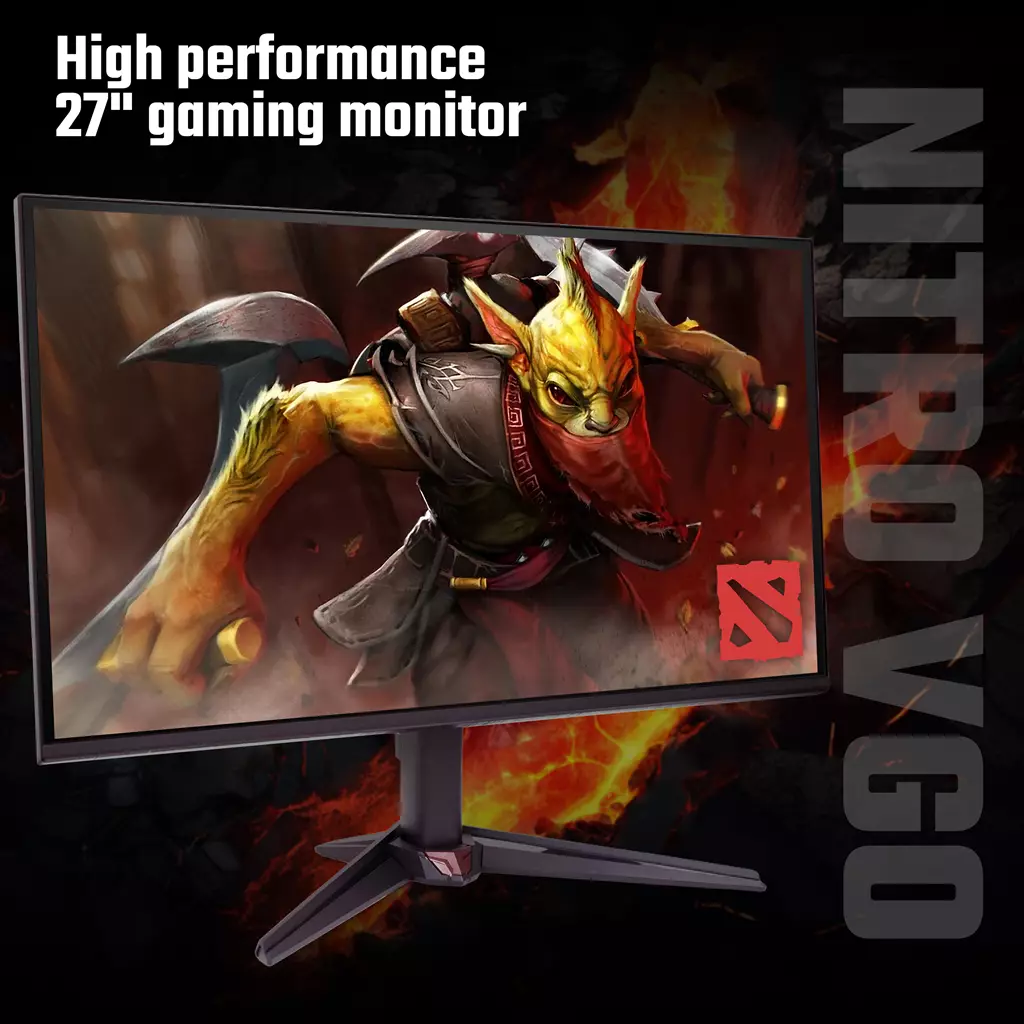
It’s aimed chiefly at PC players who want a clear step up from 1080p: competitive and fast‑action gamers who prioritise high frame rates and low motion blur, plus hobbyist creators or streamers who benefit from a wider colour gamut for richer visuals. The combination of 1440p and 27″ gives higher pixel density for sharper images while remaining less demanding on GPUs than 4K.
The defining experience is smoother, higher‑frame‑rate gameplay with punchier colour reproduction—real‑world results depend on factors not stated here, such as peak HDR brightness, exact input ports and adaptive‑sync ranges. Most important before you buy: confirm the monitor’s inputs (HDMI/DisplayPort versions and included cables), whether your GPU can sustain 2560×1440 at 144Hz, and adaptive‑sync compatibility with your graphics card (NVIDIA compatibility is not confirmed).
Who this monitor is for
The Acer NITRO VG0 Nitro VG270U P6 is aimed at PC-focused players who want a clear step up from 1080p: competitive and fast‑action gamers who value high refresh rates and low motion blur, plus hobbyist creators or streamers who want richer colours. Its 27″ Quad‑HD (2560×1440) IPS panel provides higher pixel density than 1080p without the GPU cost of 4K, while 144Hz and a 1ms (VRB) mode target smooth, responsive gameplay. DCI‑P3 ~90% and HDR10 support push colour and contrast beyond basic office monitors, although the strength of HDR and factory calibration are not specified.
Panel, image quality and HDR in practice
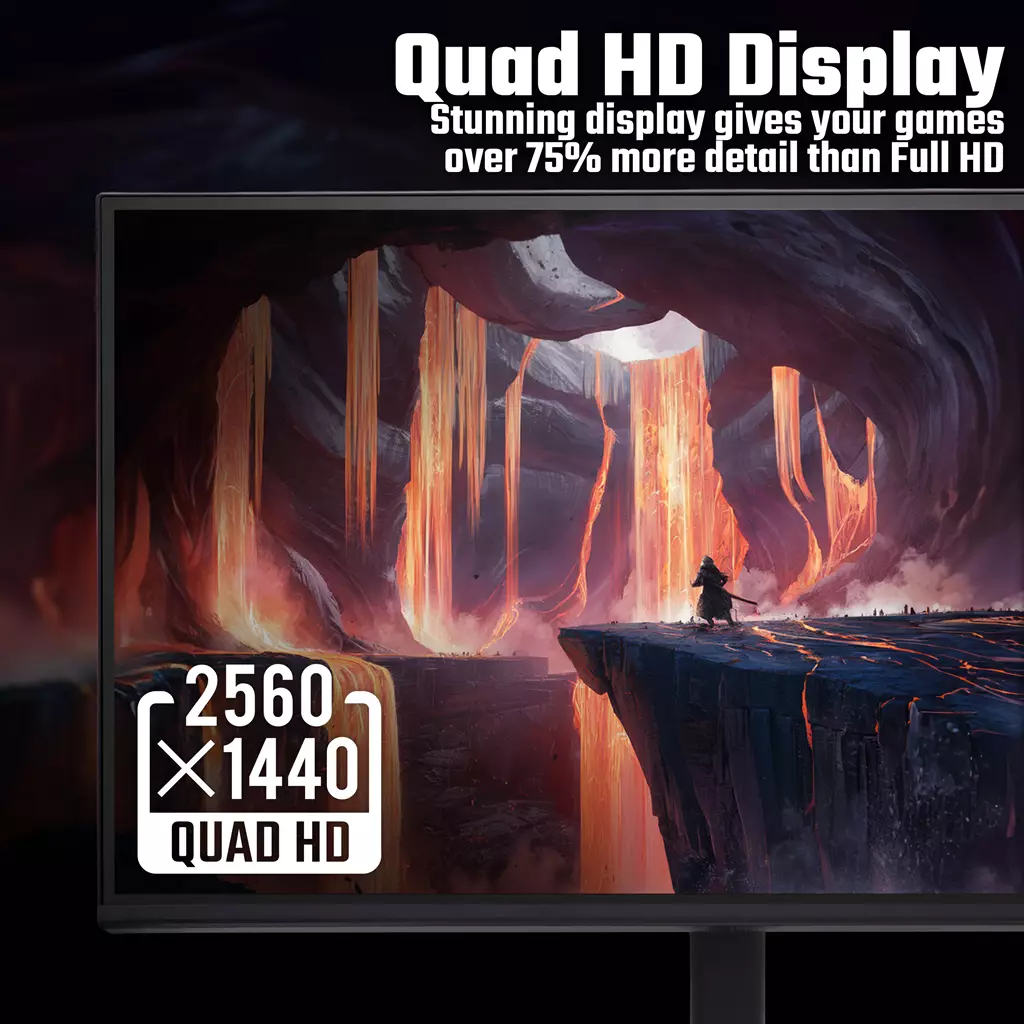
The VG270U uses a 27″ IPS panel at 2560×1440, which in practical terms means sharper text and more desktop space compared with 1080p while keeping per‑pixel GPU demands moderate. IPS delivers wide viewing angles and generally accurate colours; the quoted DCI‑P3 ~90% gamut is useful for more vivid game visuals and light creative work.
HDR10 support is confirmed, but “HDR10 support” alone doesn’t guarantee dramatic HDR results—effective HDR depends on peak brightness (nits), contrast ratio and any local dimming, none of which are specified. Expect improved colour range and brighter highlights in HDR‑capable content, but verify independent measurements for true HDR impact and peak luminance before relying on it for HDR‑heavy workflows.
Gaming performance, motion handling and adaptive sync
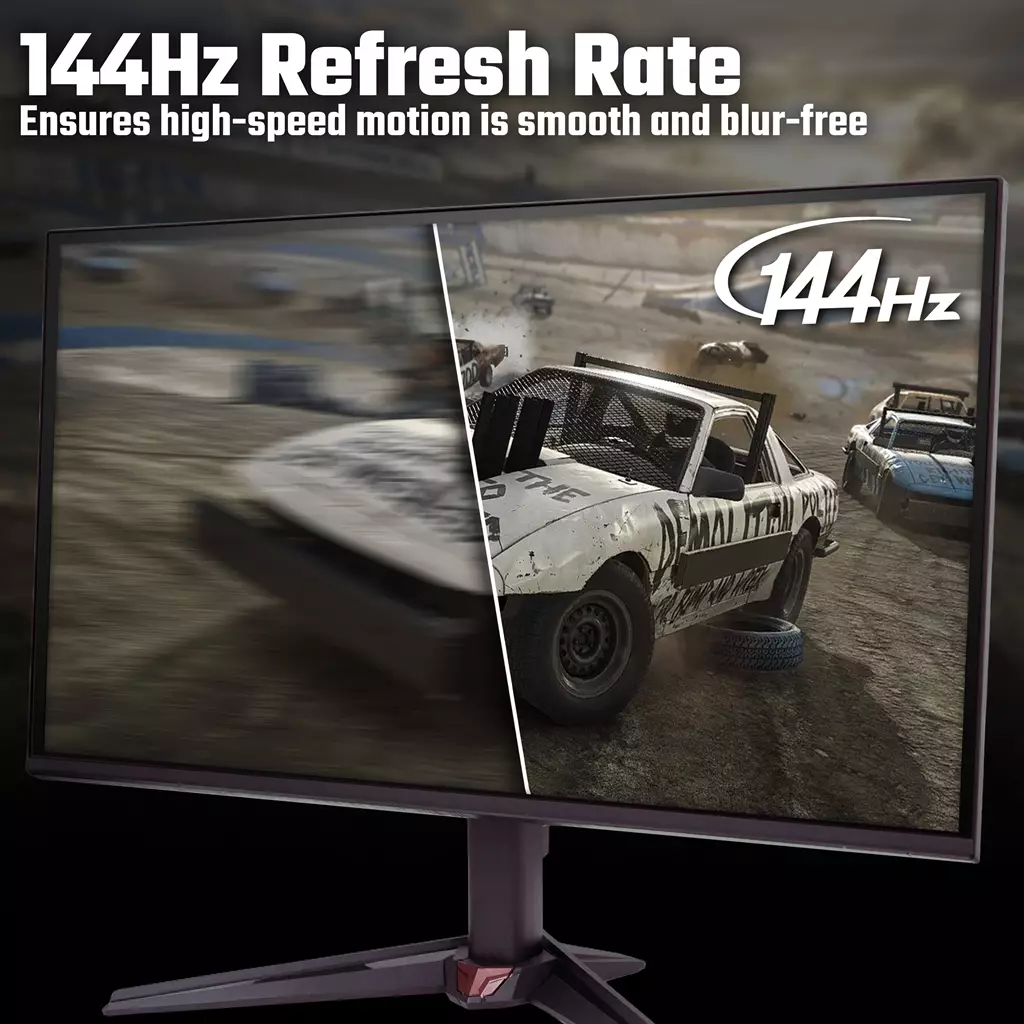
Core gaming strengths come from 144Hz refresh and a 1ms (VRB) spec. At native 144Hz the monitor can produce smoother frame pacing and lower perceived motion compared with 60Hz displays; enabling the VRB (Visual Response Boost) strobe backlight mode can further cut perceived motion blur, though strobing typically reduces overall brightness and may change how adaptive sync behaves.
Adaptive sync is listed as AMD FreeSync (application in progress). FreeSync should provide tear‑free play with compatible AMD GPUs; whether the unit is certified as G‑Sync Compatible for NVIDIA cards is not stated and should be checked if you use an NVIDIA GPU. Measured input lag and the effective variable‑refresh range are not provided in the product data and will affect real‑world responsiveness—consult independent reviews for those metrics.
Ergonomics, connectivity and important unknowns
Confirmed details are limited to panel type, resolution, refresh, VRB response time, FreeSync, HDR10 and DCI‑P3 90%. Key practical items that are not stated include the exact input ports (which HDMI and DisplayPort versions, any USB ports), whether display or power cables are included, stand adjustability (height, pivot, swivel), VESA mount compatibility, built‑in speakers, physical dimensions and peak HDR nits. These factors materially affect desk setup, console/PC compatibility and HDR performance.
Before purchase, verify the monitor’s port versions (DisplayPort for 144Hz at 1440p is common), whether required cables are bundled, VESA pattern if you plan an arm or third‑party mount, and any manufacturer statements about FreeSync range or G‑Sync compatibility. If colour accuracy matters for creative work, look for factory calibration data (Delta‑E) or be prepared to calibrate with an external tool—those calibration details are not provided here.
Acer Nitro VG270U P6 27" QHD IPS 144Hz Monitor — final pre-purchase checks
Quick checks to confirm the exact hardware, compatibility and warranty before you buy.
- Confirm exact input ports and versions (how many HDMI and DisplayPort, which HDMI revision) and whether the necessary cables (HDMI/DP and power) are included.
- Verify stand adjustability (tilt/height/swivel/pivot) and VESA mount dimensions so the monitor fits your desk or arm.
- Ask the seller/manufacturer for peak HDR brightness (nits), any local dimming details and native contrast to set realistic HDR expectations.
- Request adaptive‑sync specifics: official AMD FreeSync certification, supported VRR range, and whether the unit is validated or reported compatible with NVIDIA G‑Sync.
- If colour accuracy matters, ask for factory calibration data (Delta‑E), whether an ICC profile is supplied, and confirm the quoted DCI‑P3 coverage in independent tests.
- Confirm measured input lag and how modes like VRB (strobe) affect brightness, VRR compatibility and motion performance.
- Check warranty length and regional coverage, regional power/plug type, included documentation, and the retailer’s return policy for panel defects.
Prices & Availability
Check and compare current prices and availability from retailers below.
 Quzo.co.uk