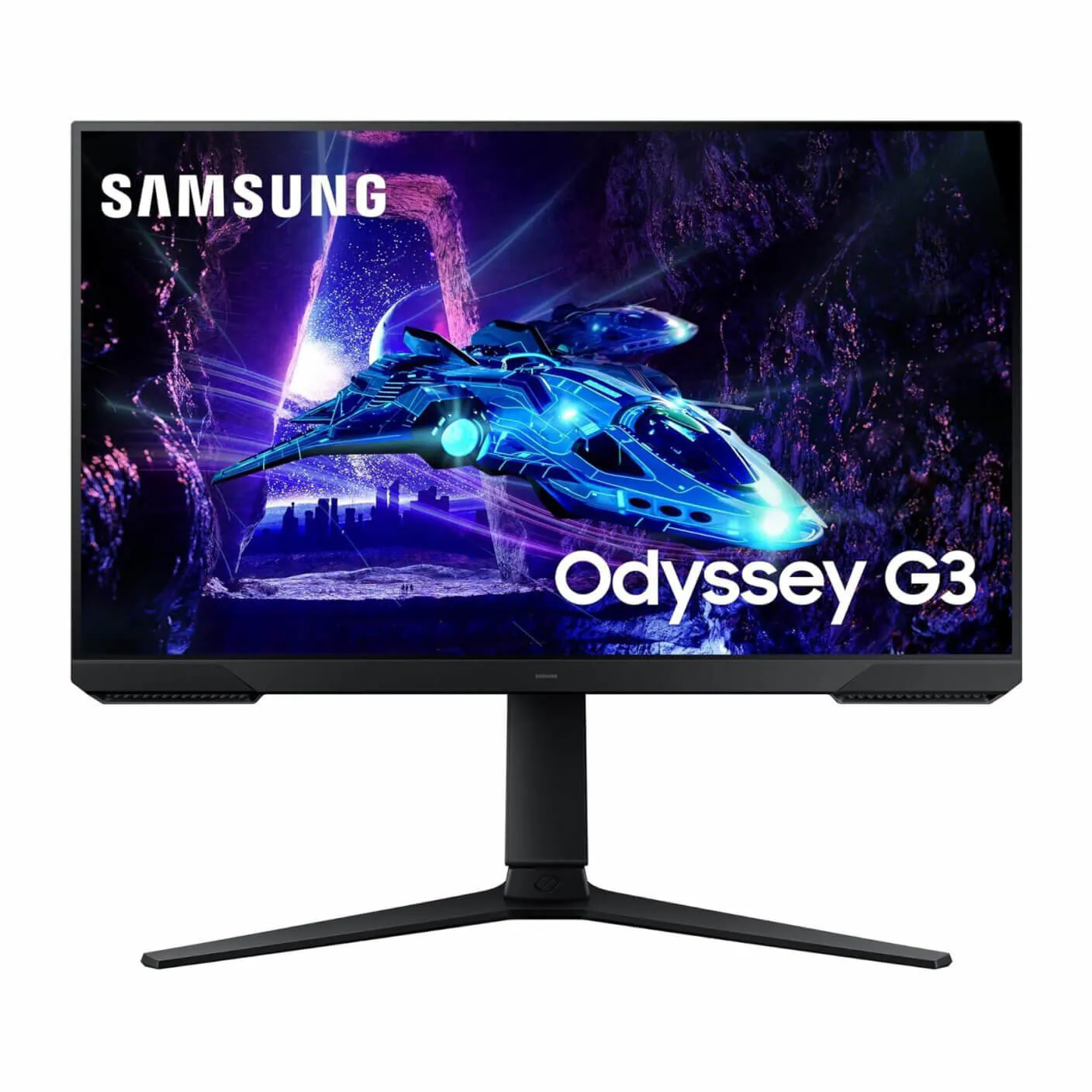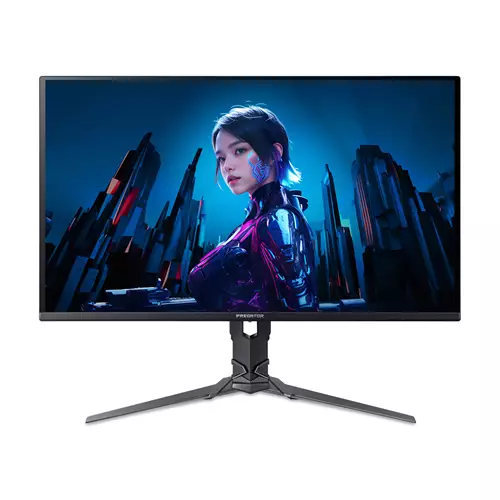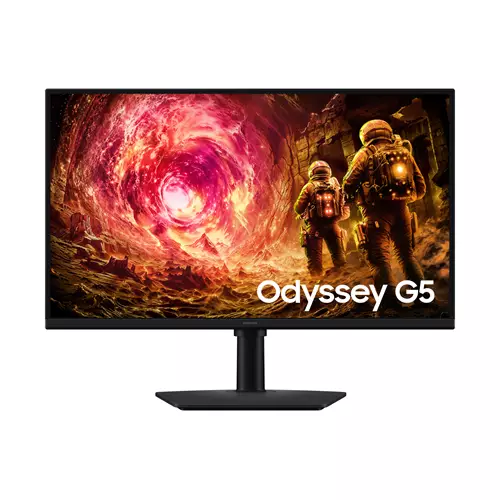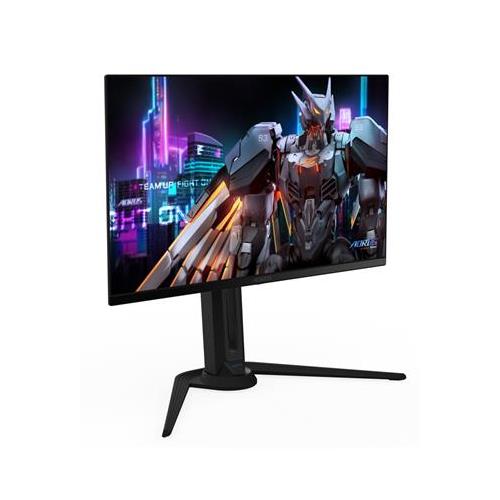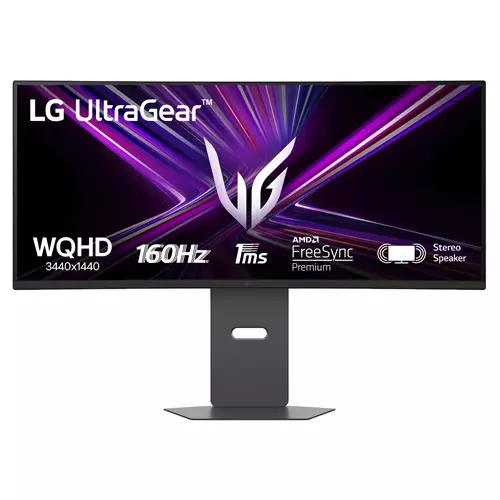
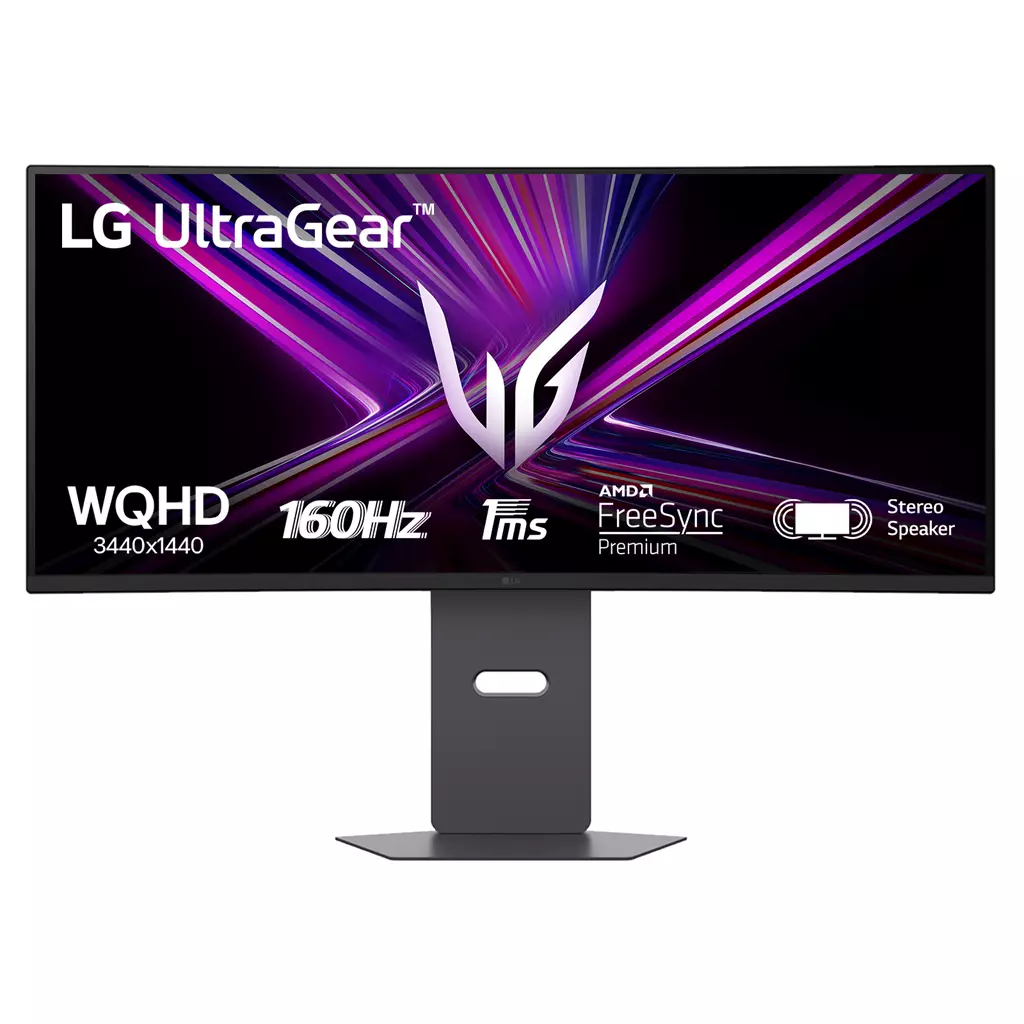
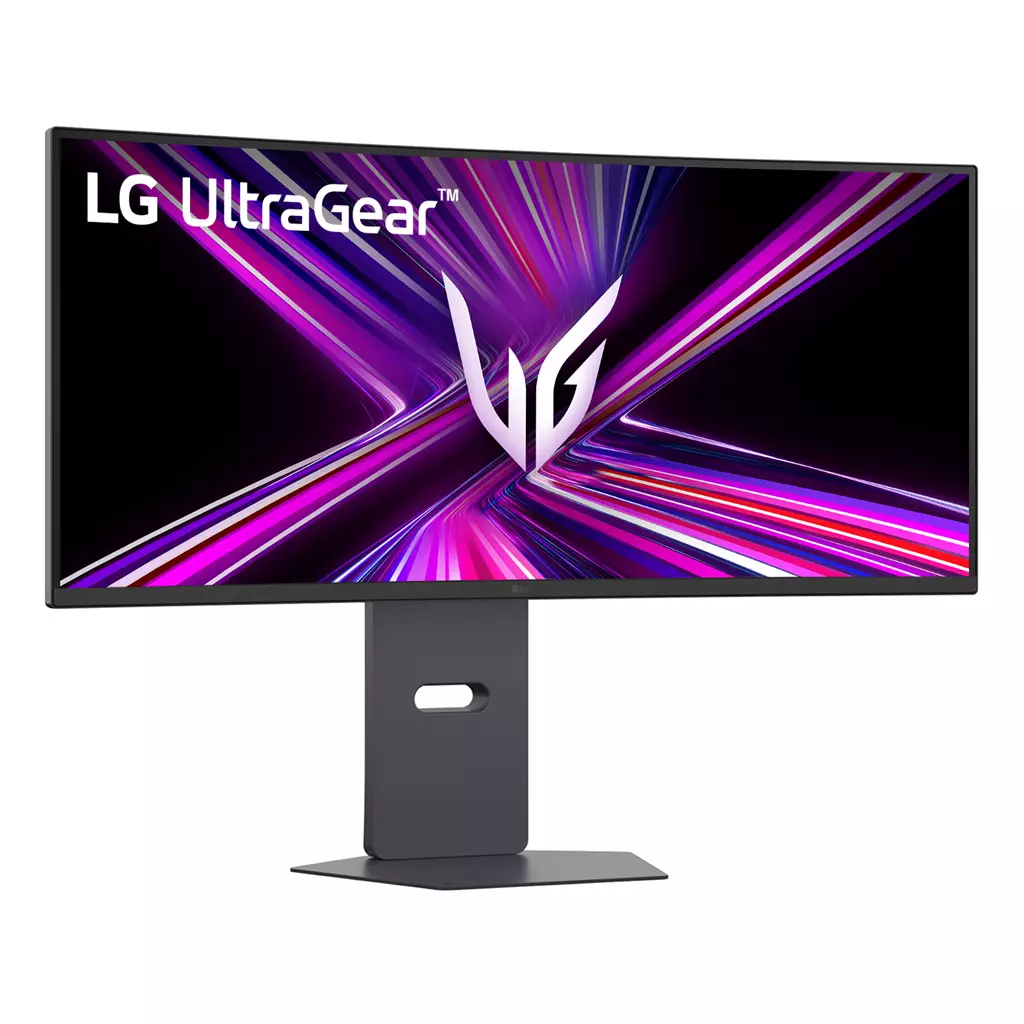
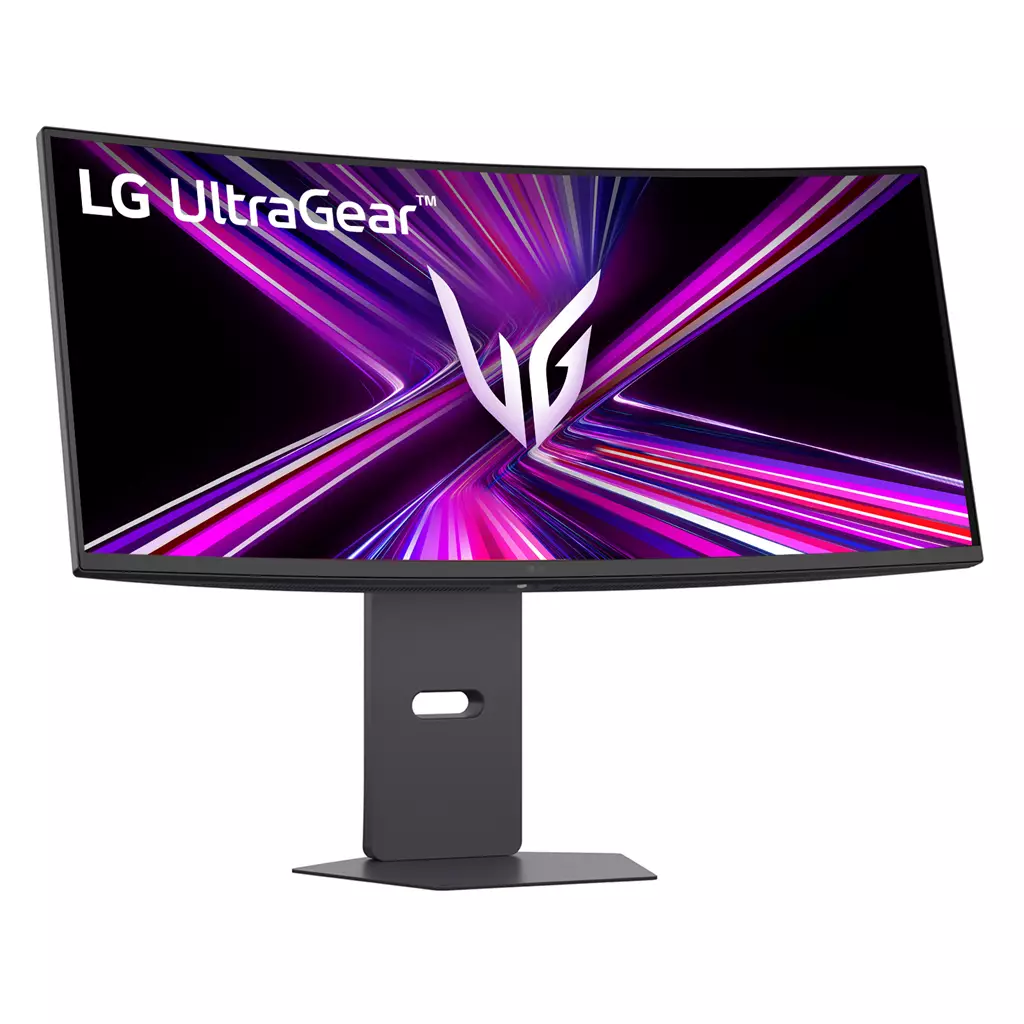
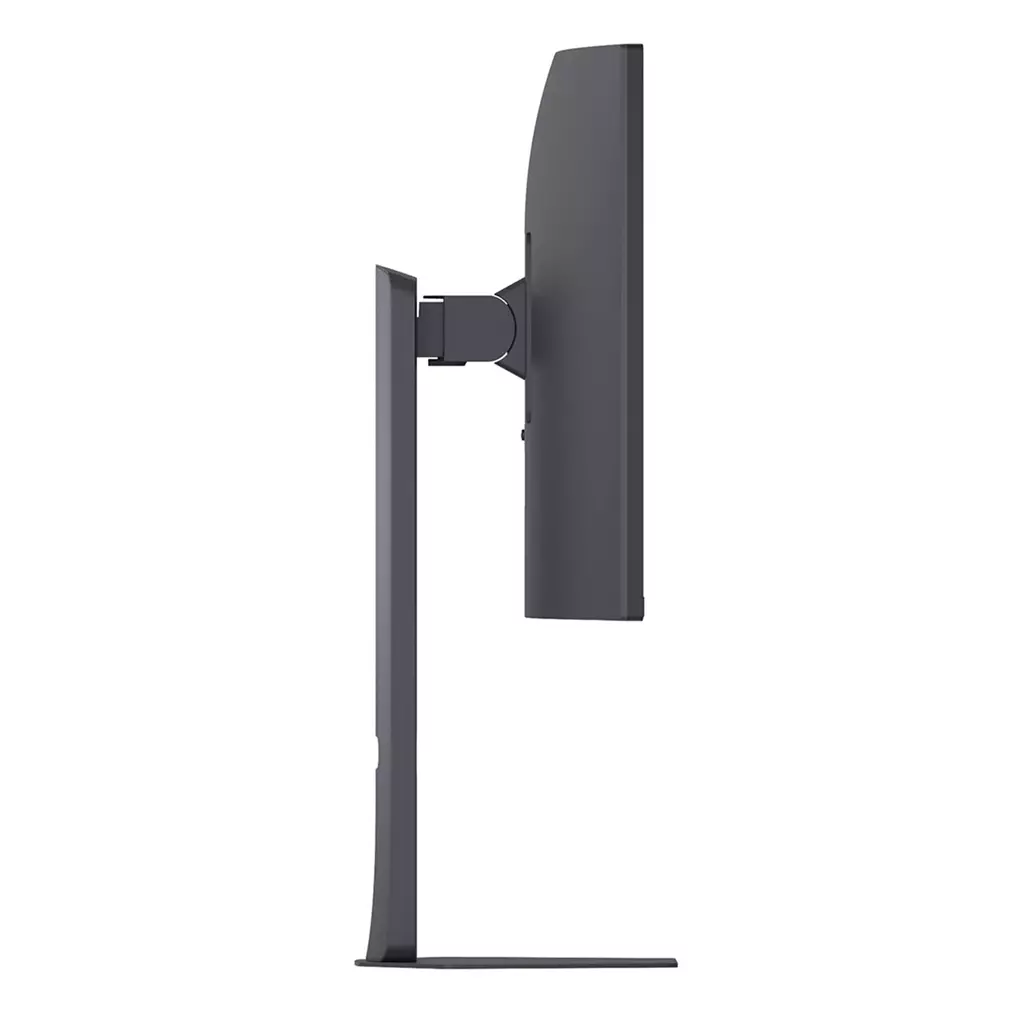
LG UltraGear G6 34G600A-B 34-inch WQHD (3440×1440) Curved Gaming Monitor
£252.13
LG UltraGear G6 34G600A-B (model 34G600A-B) — Platform: Not applicable (hardware). Not a game: a 34-inch curved ultrawide gaming monitor built for immersive, responsive play. Confirmed highlights: 34″ WQHD (3440×1440) curved display and a 160Hz refresh rate with 1ms Motion Blur Reduction to reduce blur and deliver smoother fast-paced visuals.
LG UltraGear G6 34G600A‑B — 34‑inch WQHD curved gaming monitor
The LG UltraGear G6 34G600A‑B is a 34‑inch ultrawide curved monitor with a 3440×1440 (WQHD) panel and gaming‑focused features such as a 160 Hz refresh rate, 1 ms Motion Blur Reduction, HDR10 support and AMD FreeSync Premium. It also includes on‑screen aids (Dynamic Action Sync, Black Stabilizer, Crosshair), built‑in 5W×2 speakers and a fully adjustable L‑stand with hexagon lighting and a three‑side virtually borderless bezel.
It is best suited to PC players who want extra horizontal screen real‑estate for immersive single‑player and simulator/racing titles, or to gamers who prioritise high refresh rates and reduced motion blur for fast‑paced play. Content creators and multitaskers will also find the wider canvas useful for side‑by‑side windows and timelines.
In play, the monitor enables wider fields of view for exploration and cockpit‑style games, smoother motion for fast action thanks to 160 Hz and motion‑reduction modes, and adaptive‑sync support to cut tearing on compatible GPUs. The on‑screen modes are practical tools for spotting detail in dark scenes or reducing input lag, while the built‑in speakers cover basic audio needs without replacing a dedicated sound setup.
Key practical considerations: verify that your GPU and cable can drive 3440×1440 at 160 Hz (this commonly requires a high‑bandwidth DisplayPort or HDMI connection), and check FreeSync Premium compatibility with your graphics card. Several important details are not specified here — panel type, native curvature radius, peak HDR brightness, exact input ports and VESA support — so confirm those points with the retailer or manufacturer before purchase.
Who this monitor is for
The LG UltraGear G6 34G600A‑B targets gamers and productivity users who want a wide, immersive workspace without moving to a multi‑monitor setup. Its confirmed 34‑inch ultrawide WQHD panel (3440×1440) is suited to single‑player cinematic titles, racing and sim games that benefit from a wider field of view, and to content creators or multitaskers who use side‑by‑side windows. The 160 Hz refresh rate and 1 ms Motion Blur Reduction (as specified) also make it attractive to fast‑paced and competitive players who prioritise smoother motion and lower perceived blur.
Panel, colour and HDR — what to expect
The monitor provides a 34″ 3440×1440 curved ultrawide image with HDR10 support and a specified 99% sRGB coverage, so colours should be vivid for gaming and general content work. Practical HDR results depend strongly on peak brightness, contrast behaviour and whether any local dimming is present — those details are not supplied, so HDR will likely improve colour and tone mapping but may not match displays with high peak brightness or full‑array local dimming.
Important product details are not specified in the supplied information: the panel type (IPS/VA/other), native curvature radius, peak brightness, contrast ratio, and any factory calibration figures. Those unknowns affect viewing angles, black levels, HDR impact and potential issues such as IPS glow or VA black crush, so expect to confirm them if they matter for your workflow or room lighting.
Performance: refresh rate, motion reduction and adaptive sync
Confirmed performance highlights are a 160 Hz refresh rate and a 1 ms Motion Blur Reduction mode, intended to reduce perceived motion blur and help maintain clarity during fast camera pans or high‑speed gameplay. The monitor includes Dynamic Action Sync to reduce input lag and on‑screen tools (Black Stabilizer and Crosshair) that help visibility and aiming in darker scenes.
Adaptive sync is handled by AMD FreeSync Premium, which will reduce tearing and stutter when used with compatible AMD GPUs. Nvidia cards may be able to use the monitor in a G‑Sync Compatible mode on some systems, but compatibility and behaviour vary—test or verify before relying on it. Driving 3440×1440 at 160 Hz requires sufficient video bandwidth; while specific input ports and cable versions are not listed, this configuration commonly uses DisplayPort 1.4 or a high‑bandwidth HDMI standard, so confirm the monitor’s actual ports and your GPU’s outputs.
Design, ergonomics and extras
The 34G600A‑B features a 3‑side virtually borderless design and an L‑stand with swivel, tilt and height adjustment for a tidy desktop layout; hexagon accent lighting is a decorative extra. Built‑in 5W × 2 stereo speakers tuned with MaxxAudio provide basic sound without external speakers, but they are unlikely to match dedicated audio solutions for fidelity or loudness.
On‑screen gaming features are confirmed: Dynamic Action Sync, Black Stabilizer and a fixed Crosshair option. Several practical details are not specified in the supplied data — notably the exact input ports and included cables, VESA mount compatibility, box contents, warranty terms and firmware version — and these can materially affect mounting, connectivity and setup choices, so check those with the retailer or manufacturer if they matter for your setup.
LG UltraGear G6 34G600A‑B (34″ WQHD curved) — final pre-purchase checks
Quick checklist of edition‑specific and unresolved items to confirm before you buy.
- Confirm exact input ports and versions (DisplayPort/HDMI and their versions) and whether the necessary cables for 3440×1440 @ 160 Hz are included.
- Verify your GPU and output can drive 3440×1440 at 160 Hz (check DP/HDMI bandwidth, driver support and required settings).
- Check FreeSync Premium compatibility with your graphics card (AMD guaranteed; verify whether your Nvidia GPU is supported as “G‑Sync Compatible” in practice).
- Ask the seller/manufacturer for the panel type (IPS/VA/other), native curvature radius, peak brightness, contrast ratio and whether any local dimming is used (these determine real HDR10 performance).
- Confirm VESA mount compatibility and exact stand/assembly contents if you plan to use a third‑party arm or need a different mounting option.
- Verify full box contents (stand type, power lead, display cables, manuals) so you’re not missing required parts for setup.
- Check warranty length, regional service/return policy and any firmware update process or regional limitations before purchase.
Prices & Availability
Check and compare current prices and availability from retailers below.
 Quzo.co.uk