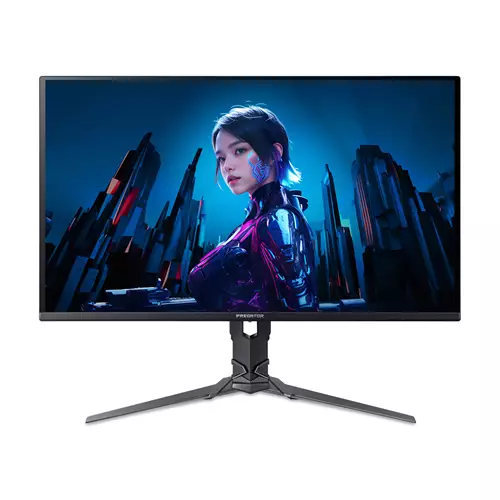
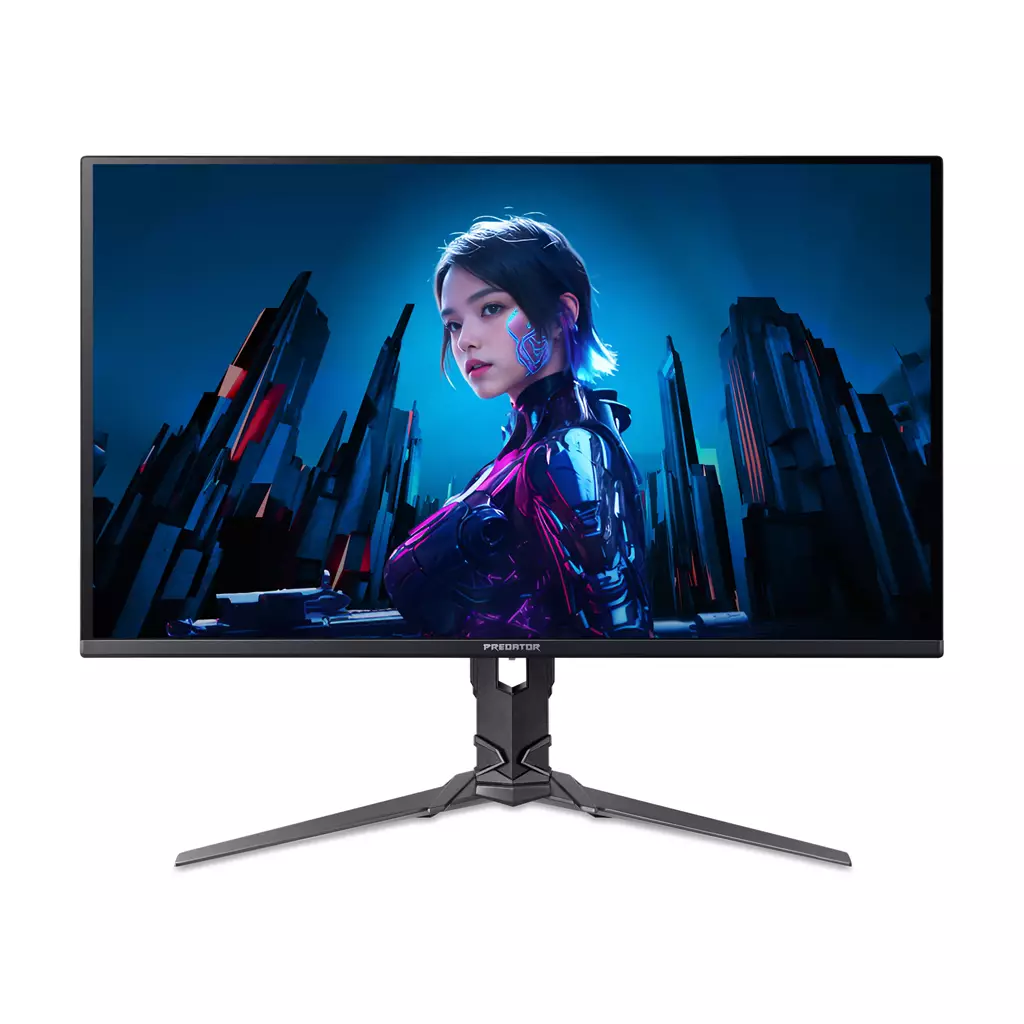
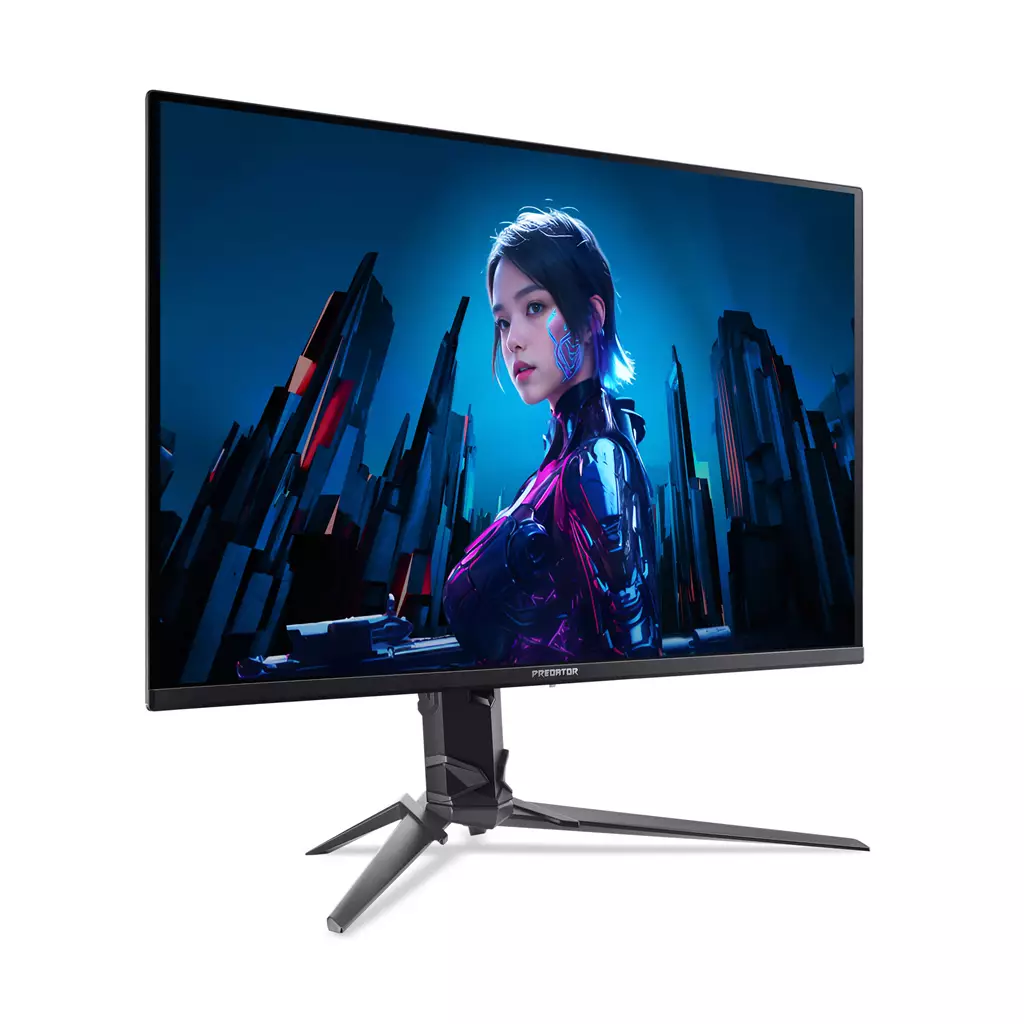
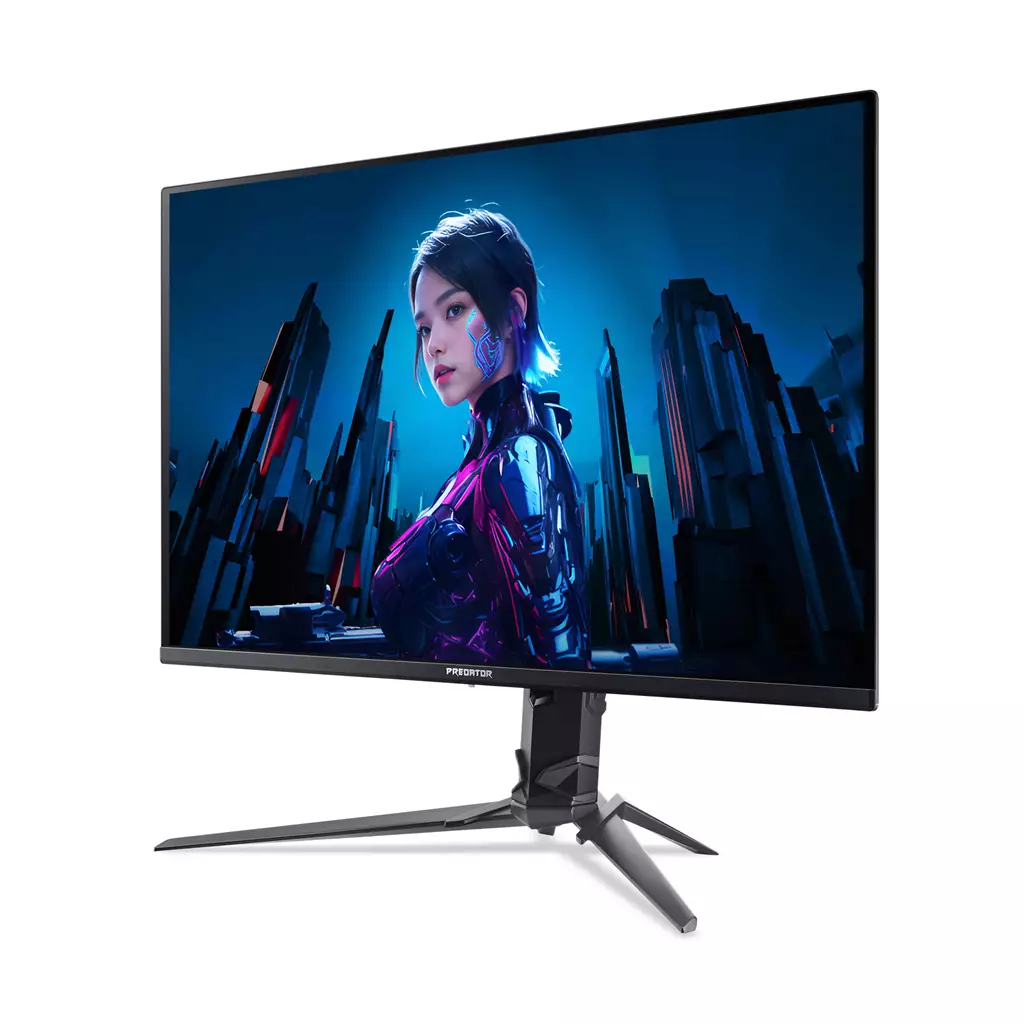
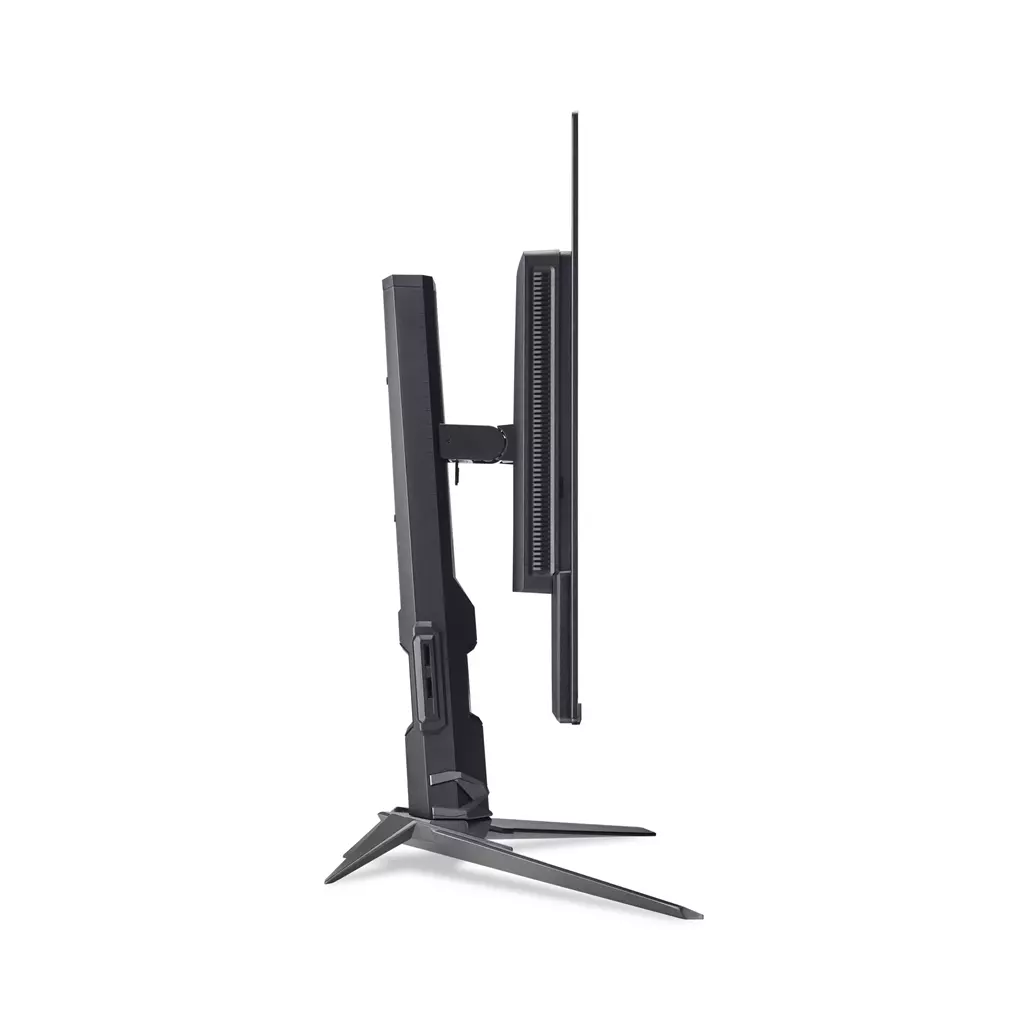
Acer Predator X27U W3 26.5″ QD‑OLED Quad HD (2560×1440) 240Hz Gaming Monitor
£419.38
Acer X Predator X27U W3 Widescreen Gaming LCD Monitor – 26.5″ Quad HD (2560×1440) QD-OLED 240Hz 0.03ms response ZeroFrame HDR10 Freesync Premium Pro G-Sync Compatible. Edition: not established. Platform: not applicable. Gameplay type: not applicable — this display targets competitive gaming with a 2560×1440 QD‑OLED panel and ultra-fast 240Hz refresh / 0.03ms response, plus adaptive sync support (FreeSync Premium Pro, G‑Sync Compatible).
Acer Predator X27U W3 — 26.5″ Quad‑HD QD‑OLED (2560×1440) 240Hz gaming monitor
The Predator X27U W3 is a high‑refresh gaming monitor intended for PC players: a 26.5‑inch Quad‑HD panel listed with QD‑OLED/quantum‑dot claims, 240Hz refresh, a 0.03ms response figure, HDR10 support and both FreeSync Premium Pro and G‑Sync Compatible on the spec sheet. The product is monitor hardware rather than software or a game edition; platform compatibility therefore depends on the connected GPU and cable rather than a console or operating system.
This screen is aimed at competitive and visually demanding players — people who prioritise very high frame rates, minimal motion blur and tight input responsiveness for FPS, racing and other fast‑paced genres. It should also appeal to single‑player gamers and creators who value richer colour and HDR capability, provided the panel type and HDR performance meet their expectations.
In practical terms the monitor promises smoother motion and reduced tearing when used with a compatible GPU and the right connection, plus enhanced contrast and colour if the QD‑OLED claim is accurate. For in‑game action that means crisper target tracking and more stable visuals at high frame rates; for non‑competitive play it means potentially deeper blacks and wider gamut for HDR content.
The most important pre‑purchase considerations are hardware‑level: confirm the panel technology (the listing mixes “LCD” and “QD‑OLED”), check the exact DisplayPort/HDMI versions and whether a suitable cable for 2560×1440 at 240Hz is included, and verify stand ergonomics, VESA mounting and warranty/region support with the manufacturer or retailer before buying.
Who this monitor suits
The Acer Predator X27U W3 (listed as X27UW3 in some places) targets PC gamers who prioritise extremely high refresh rates, ultra-fast pixel response and enhanced HDR-capable colour for both competitive and visually demanding play. Confirmed specs that make it attractive are a 26.5″ Quad‑HD (2560×1440) panel, 240 Hz refresh rate, a stated 0.03 ms response and support for HDR10, FreeSync Premium Pro and G‑Sync Compatible. Those characteristics point to a screen built for fast-paced FPS, racing and any title where smooth motion and low blur matter, while also offering improved colour and HDR for single‑player immersion or content work—provided the panel and HDR implementation meet your expectations.
Confirmed specifications and what they mean in practice
- Screen size and resolution: 26.5″ at 2560×1440 gives a high pixel density—sharper than typical 27″ 1440p displays—while remaining much easier for modern GPUs to drive at 240 Hz than 4K.
- 240 Hz refresh rate + 0.03 ms response (as stated): this combination targets minimal motion blur and very smooth frame pacing when your system can deliver high FPS. In practice you’ll notice smoother tracking and reduced visual stutter at high frame rates compared with 60–144 Hz panels.
- Adaptive sync: FreeSync Premium Pro and G‑Sync Compatible means the monitor is marketed as working with both AMD and NVIDIA GPUs to reduce tearing and stuttering when frame rates vary. Actual behaviour depends on GPU drivers and the connection used.
- HDR10 and “QD‑OLED/Quantum Dot” wording: HDR10 support is confirmed in the title. Quantum dot or QD‑OLED references promise wider colour gamut and improved colour volume versus standard LCDs, but peak brightness and HDR tone mapping are crucial to real HDR impact (see panel section).
- ZeroFrame: slim bezels suitable for multi‑monitor setups and immersive single‑display viewing.
Panel technology, HDR expectations and practical implications
The product title references both “LCD” and “QD‑OLED,” a contradiction that matters: QD‑OLED is an emissive OLED variant with quantum dots for colour; LCD with quantum‑dot backlights is a transmissive technology. Each has different strengths and tradeoffs:
- QD‑OLED (if confirmed): exceptional contrast and true blacks, very wide colour gamut and excellent viewing angles. Real concerns include long‑term risk of image retention or burn‑in for static UI elements unless the manufacturer implements mitigation (pixel shifting, screen savers, brightness limits).
- Quantum‑dot LCD (if the panel is an LCD with QD enhancement): improved colour volume over standard LCDs and typically higher sustained peak brightness for HDR, but contrast depends on backlight design and local dimming (which varies by model).
Because the title mixes terms, verify the official spec sheet for exact panel type and for HDR performance numbers (peak nits, local dimming implementation, and measured contrast ratio). Those numbers determine whether HDR10 will deliver the brighter highlights and deep blacks you expect.
Performance in games: motion clarity, latency and adaptive sync behaviour
With a confirmed 240 Hz refresh rate and a very low stated response time, the monitor is positioned for minimal motion blur and responsive aim/tracking in high‑FPS scenarios. Important practical points:
- Delivering the full benefit requires a GPU and game that can produce very high frame rates—especially for competitive titles—so check whether your system can sustain high FPS at 1440p.
- Adaptive sync labels indicate cross‑vendor support, but compatibility depends on driver versions and the input used. Verify whether G‑Sync compatibility is certified for your GPU model and which DisplayPort/HDMI versions the monitor exposes for VRR.
- Manufacturers sometimes use aggressive overdrive or motion‑enhancement features; confirm whether the monitor offers variable overdrive modes and how they affect inverse ghosting and overshoot at different refresh/VRR ranges.
Connectivity, ergonomics and unknowns to confirm before purchase
The listing does not confirm important practical details you should check with the manufacturer or retailer before buying:
- Exact ports and versions (DisplayPort and HDMI revision numbers, any USB‑C, upstream/downstream USB ports) and which port supports 2560×1440@240 Hz with HDR.
- Stand adjustability (height, tilt, swivel, pivot), VESA mount compatibility and the monitor’s physical dimensions and weight for your desk setup.
- Peak brightness, measured colour gamut (DCI‑P3/AdobeRGB coverage) and any factory calibration details—these affect real HDR and colour performance.
- Included accessories (type of DisplayPort/HDMI cable, power lead, documentation) and warranty terms/region‑specific support.
Because the product title and brief description leave several technical points ambiguous (panel type, port versions, HDR brightness), verify the official spec sheet or contact Acer support to confirm these details before relying on the monitor for a specific use case or workflow.
Acer Predator X27U W3 — final pre-purchase checks
Short checks to confirm the exact hardware, compatibility and what’s included before you buy.
- Confirm panel technology (QD‑OLED vs LCD/quantum‑dot) from Acer’s spec sheet — if QD‑OLED, ask about burn‑in mitigation, expected lifespan and any usage limits.
- Verify exact ports and versions (DisplayPort and HDMI generations, USB/USB‑C presence) and whether the supplied cable(s) support 2560×1440 at 240Hz with your GPU.
- Check HDR implementation: peak brightness (nits), colour‑gamut numbers (DCI‑P3 %), and whether local dimming or per‑pixel HDR is used for true HDR performance.
- Confirm stand adjustability (height/tilt/swivel/pivot), full physical dimensions and VESA mount size so it fits your desk/arm setup.
- Ask which accessories are included (DisplayPort/HDMI cable, power lead, documentation, calibration report) and which languages are in the box.
- Verify adaptive‑sync behaviour with your GPU: FreeSync Premium Pro and G‑Sync Compatible status can depend on GPU model, drivers and connection type—confirm expected VRR and low‑latency modes.
- Confirm warranty length, region coverage, returns policy and whether firmware updates are provided for panel/VRR fixes or feature improvements.
Prices & Availability
Check and compare current prices and availability from retailers below.
 Quzo.co.uk