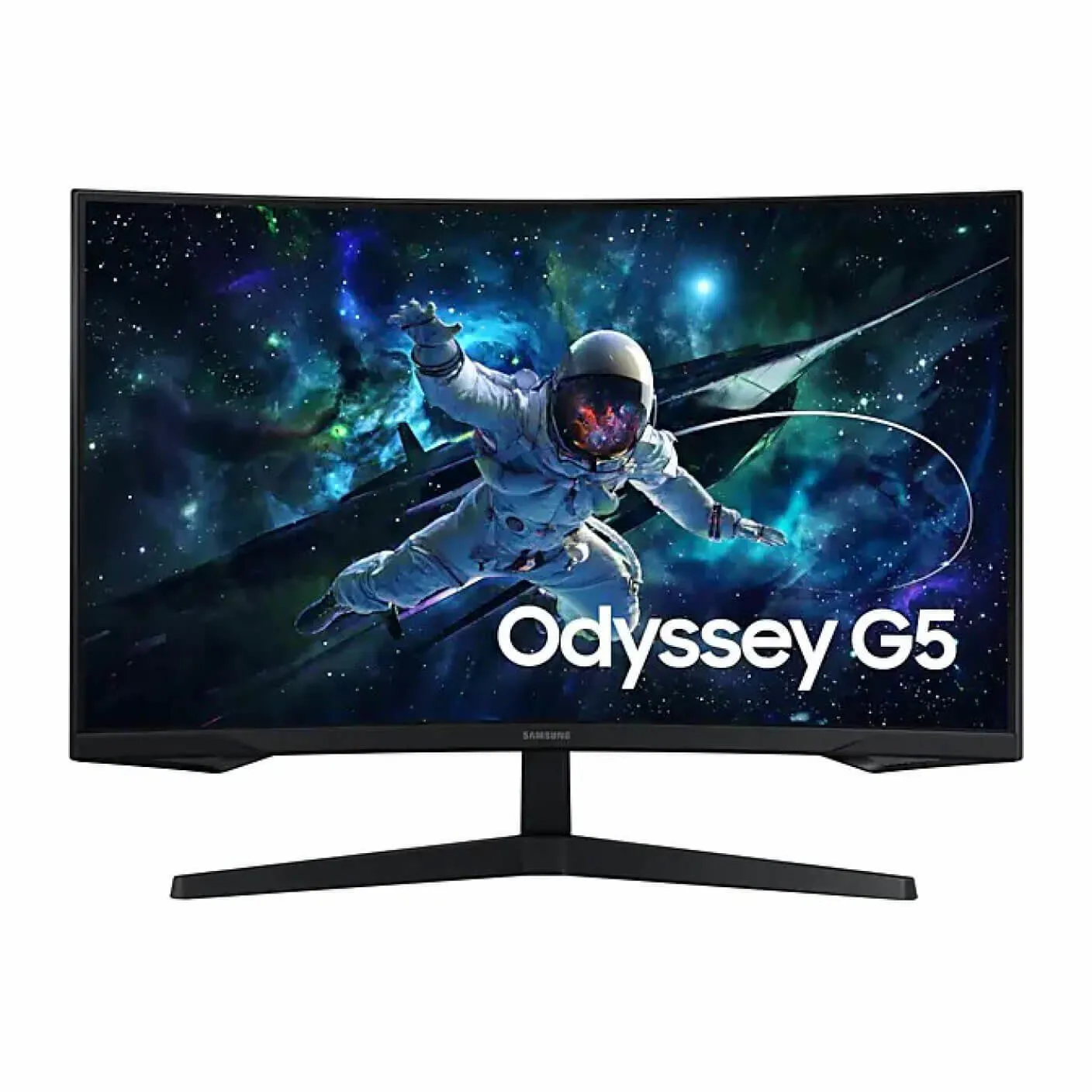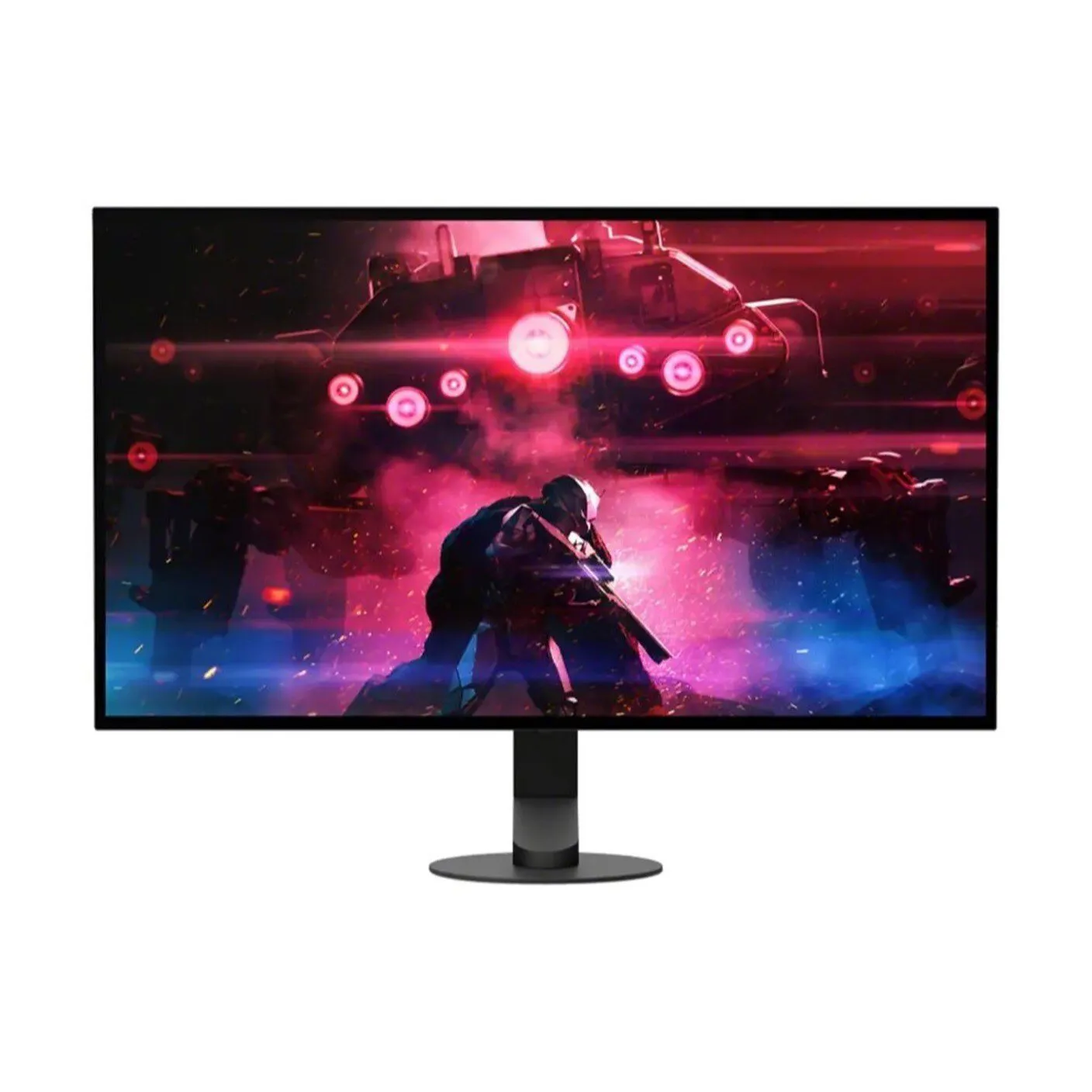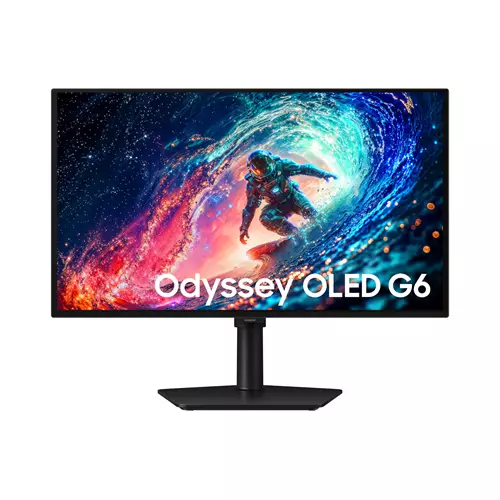
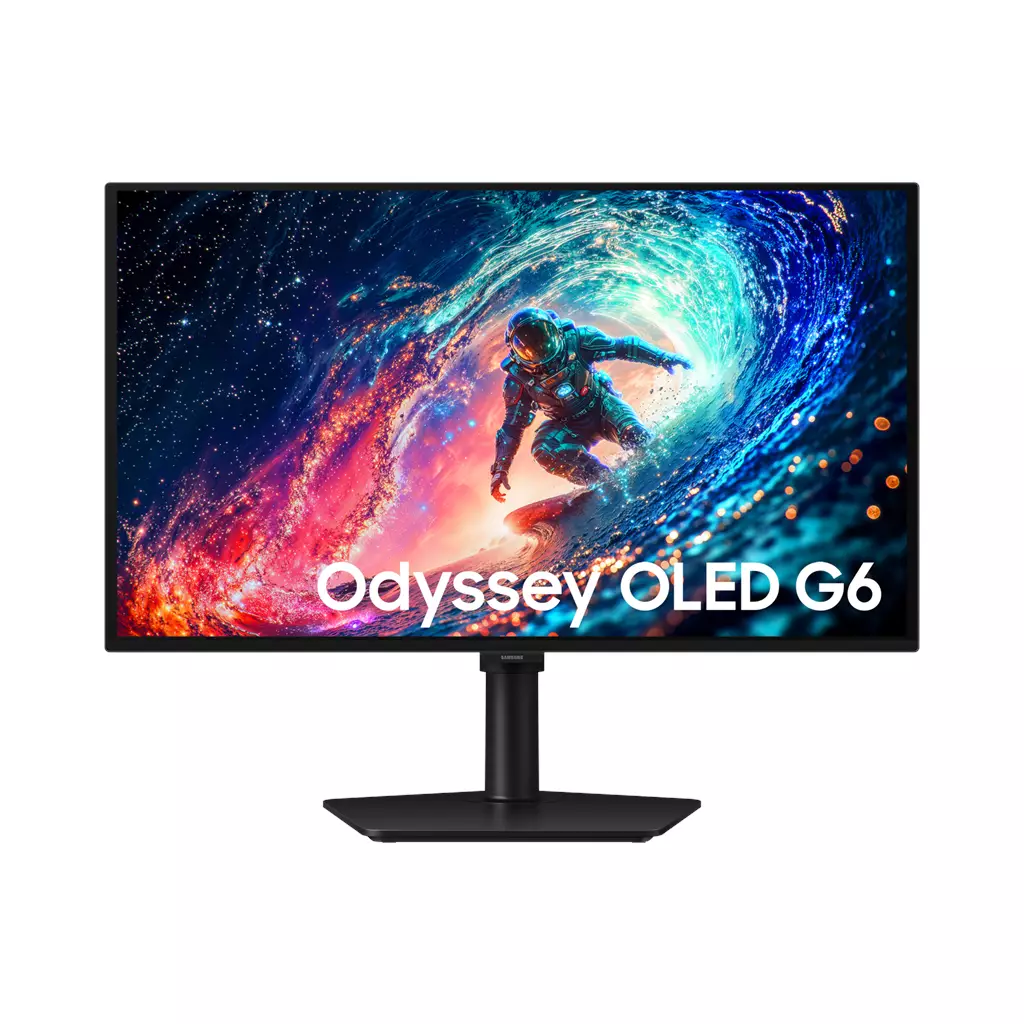
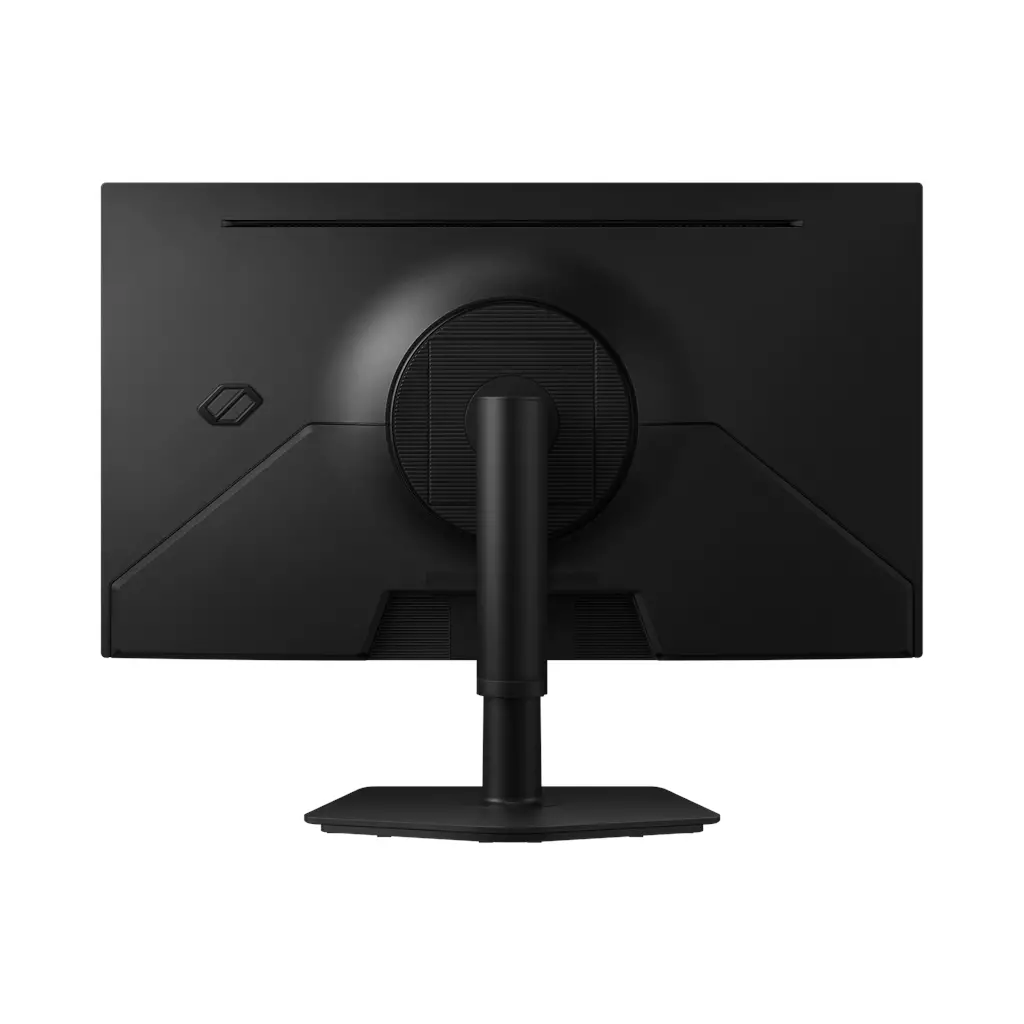
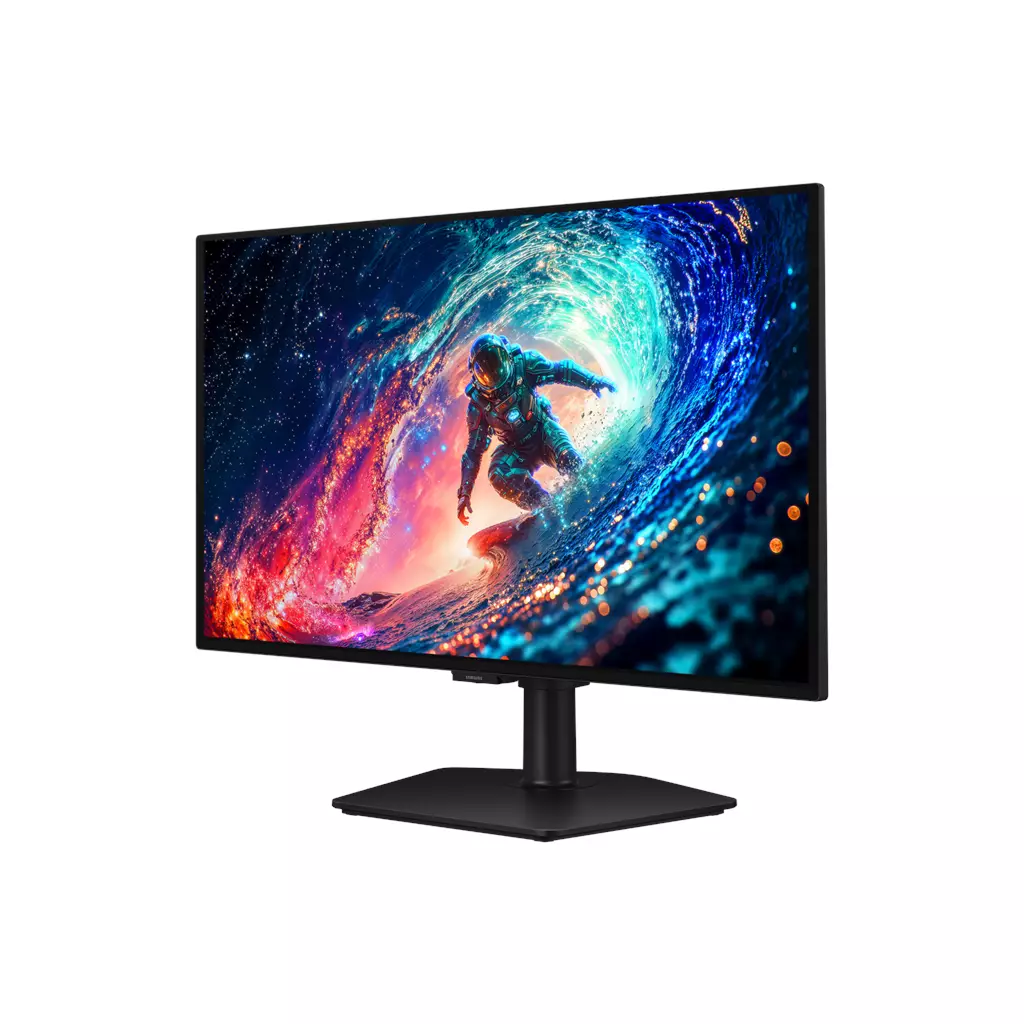
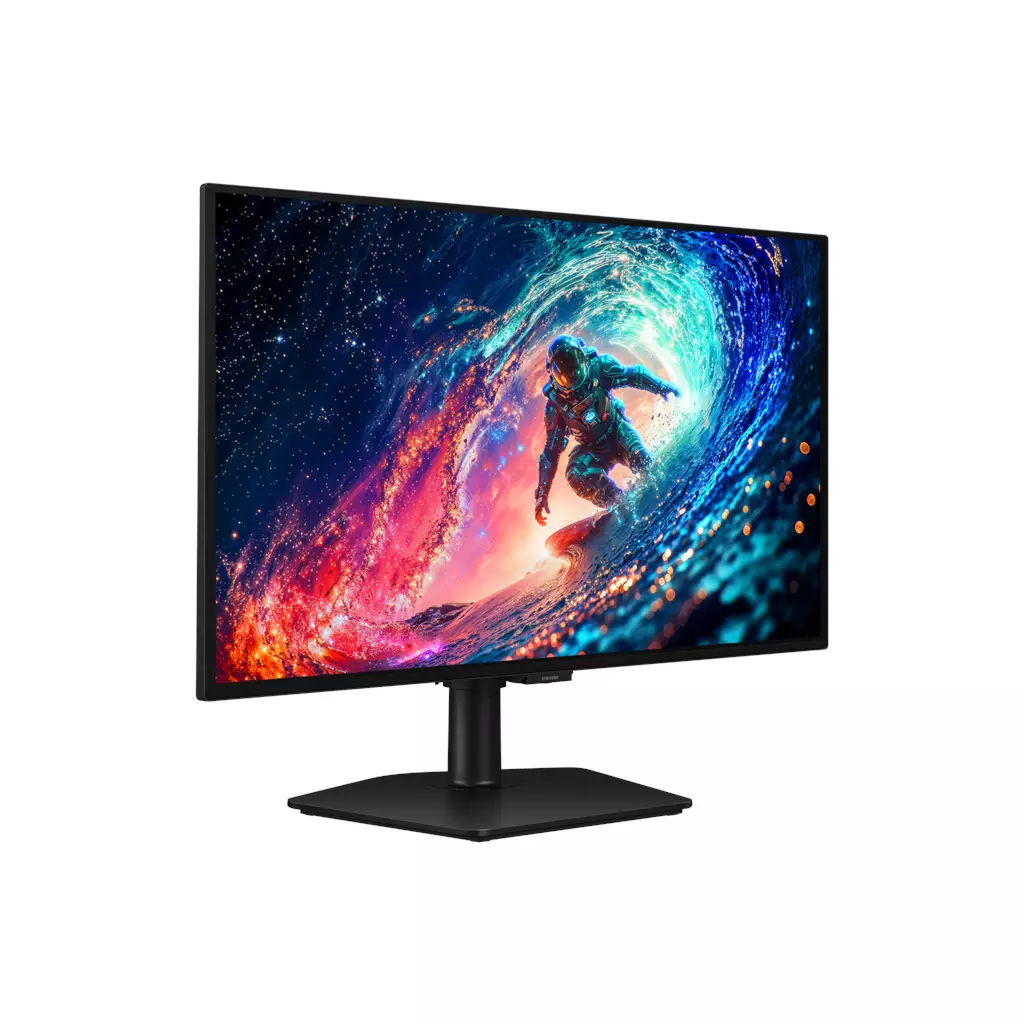
Samsung 27″ Odyssey OLED G6 (G61SH) QD-OLED QHD 240Hz Gaming Monitor
£471.78
Samsung 27″ Odyssey OLED G6 (G61SH)
Platform: Not applicable (monitor / PC display hardware). Core gameplay: Not applicable (display hardware). This 27″ QD‑OLED QHD gaming monitor delivers up to 240Hz and 0.03ms (GtG) responsiveness for ultra‑smooth competitive play, plus HDR10+ Gaming and Pantone validation for vivid, accurate colour. NVIDIA G‑Sync Compatible & AMD FreeSync Premium, with Glare Free panel and ergonomic stand.
Samsung Odyssey OLED G6 (G61SH) — 27″ QD‑OLED QHD 240Hz monitor
The Odyssey OLED G6 is a 27‑inch QD‑OLED PC monitor that combines a high refresh rate with OLED contrast and colour validation. Confirmed features include QD‑OLED technology, QHD resolution, a 240Hz refresh rate, a 0.03ms (GtG) response time claim, HDR10+ Gaming support, Pantone validation and Samsung’s Glare Free treatment.
It is aimed at two main users: competitive gamers who prioritise ultra‑smooth motion, low response and adaptive‑sync compatibility for fast shooters and esports titles; and creators who need accurate colour reproduction but also want a monitor that can handle gaming. The ergonomic stand and anti‑glare film make it suitable for desk setups where comfort and reduced reflections matter.
In play, expect the monitor to emphasise very high frame‑rate gameplay (smoother animation, reduced motion blur and quicker pixel transitions) while QD‑OLED delivers deep blacks and vivid colours for more immersive single‑player or cinematic scenes. Adaptive sync (listed as NVIDIA G‑Sync Compatible and AMD FreeSync Premium) is intended to reduce tearing and stutter, and HDR10+ Gaming aims to optimise contrast and highlights in supported titles—real‑world HDR results will depend on peak brightness and implementation.
The most important edition/platform consideration is that this is primarily a PC display: driver support and the exact behaviour of adaptive‑sync, maximum refresh rates per input and console compatibility depend on available ports and their versions. Before buying, confirm native QHD pixel dimensions, the monitor’s input types/versions, included cables, VESA mounting, and any warranty or burn‑in coverage.
What this monitor delivers and how it performs
The Samsung Odyssey OLED G6 (model G61SH) is a 27‑inch class gaming display built around a QD‑OLED panel. Its confirmed characteristics target both high‑speed competitive play and vivid visuals: the product is specified as QHD resolution, a 240Hz refresh rate and a 0.03ms GtG response‑time claim. Adaptive‑sync compatibility is stated for NVIDIA (G‑Sync Compatible) and AMD (FreeSync Premium), which helps reduce tearing and stutter when used with supported GPUs. Expect deep blacks and saturated colours typical of QD‑OLED technology, together with very high frame‑rate capability for fast FPS and esports titles.
HDR, colour accuracy and creative use
HDR10+ Gaming and Pantone validation are confirmed features. HDR10+ Gaming indicates dynamic scene optimisation for highlights and shadow detail, while Pantone validation is claimed to reproduce 2,100+ Pantone colours and 110+ skin tone shades — a useful point for creators who need accurate colour rendering. That said, the specification does not include measured HDR peak luminance or independent calibration results; professional workflows will still benefit from hardware calibration and verification with your own profiling tools.
OLED‑specific behaviour and longevity measures
As a QD‑OLED display, the panel type brings superior contrast and colour compared with typical LCDs, but OLED‑family panels have known risks of image retention and burn‑in with prolonged static content. Samsung lists several mitigations on this model: a Thermal Modulation System (automatic brightness/temperature control), Logo & Taskbar Detection (reduces brightness on static logos and UI elements) and a Screen Saver that dims the display after inactivity. These features can reduce risk in normal mixed use, but long‑term behaviour depends on usage patterns and is not quantified in the provided data.
Ergonomics, connectivity and compatibility notes
The monitor is provided with an ergonomic stand that allows height adjustment, swivel and tilt. VESA mount compatibility, exact input types and versions (DisplayPort/HDMI/USB and their supported bandwidths), included cables and the native numeric pixel dimensions for the stated QHD resolution are not specified here — verify those items if you need specific refresh rates at certain inputs (for example 240Hz at QHD) or plan to use an aftermarket arm. Console compatibility at QHD/240Hz and which inputs enable which modes are likewise unconfirmed in the supplied data; driver support and GPU capability will affect adaptive‑sync operation on PC.
Samsung Odyssey OLED G6 (27″) — final pre-purchase checks
Quick checks to confirm the exact specification, included items and service/compatibility details before you buy.
- Confirm the exact native resolution (QHD — ask for the numeric pixel dimensions, e.g., 2560×1440) and whether any internal scaling or interpolation is used.
- Verify all physical inputs and their versions (DisplayPort version, HDMI version(s), USB‑C/USB hub) and the maximum refresh rate each input supports at QHD (is 240Hz supported on the ports you’ll use?).
- Ask which cables and power lead are included and whether a supplied cable is high‑bandwidth and rated for 240Hz at QHD.
- Confirm VESA mount pattern/compatibility and whether the factory stand is removable (and if any VESA adapter is required or included) if you plan to fit an aftermarket arm.
- Request warranty length and regional service details plus any explicit policy on OLED image retention/burn‑in (are burn‑in/damage claims covered or excluded?).
- Request measured/independent test data for HDR performance (peak and sustained brightness), input lag, real‑world response times and any long‑term burn‑in/retention test results.
- Confirm unit condition (new, open‑box or refurbished) and the seller’s return policy; if you intend to use consoles, confirm which QHD resolutions/refresh rates each console supports on the monitor and which port/settings are required — for PC use, confirm GPU driver requirements for G‑Sync/FreeSync functionality.
Prices & Availability
Check and compare current prices and availability from retailers below.
 Quzo.co.uk