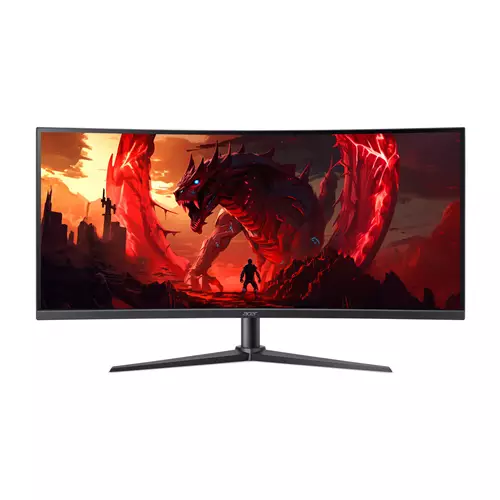
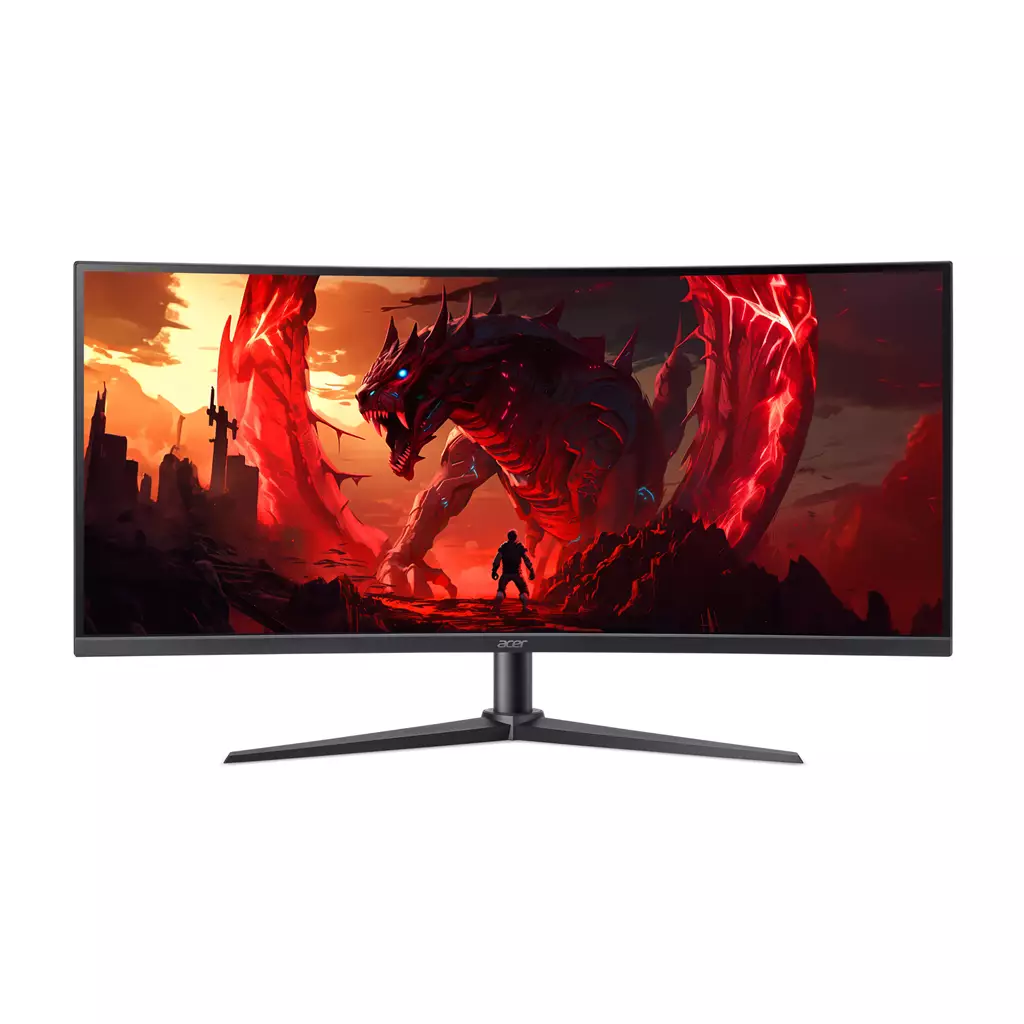
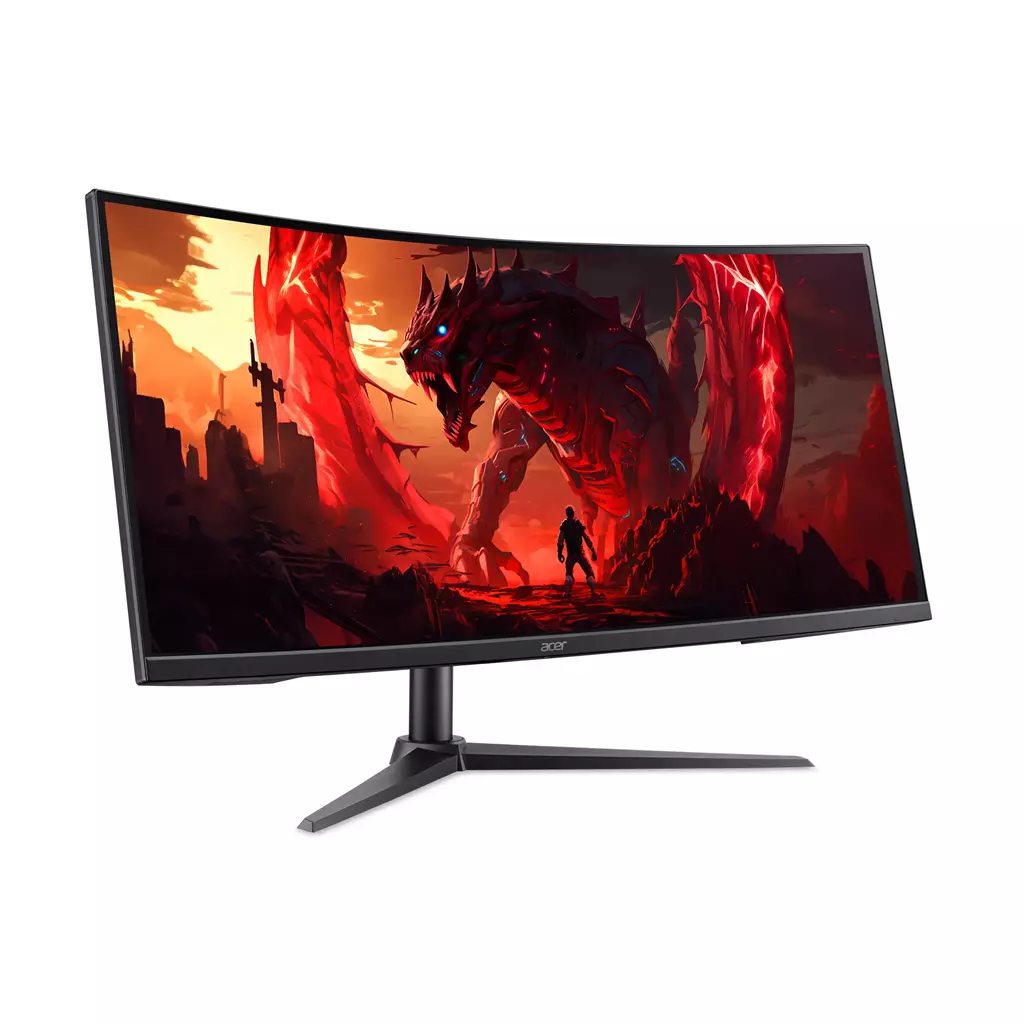
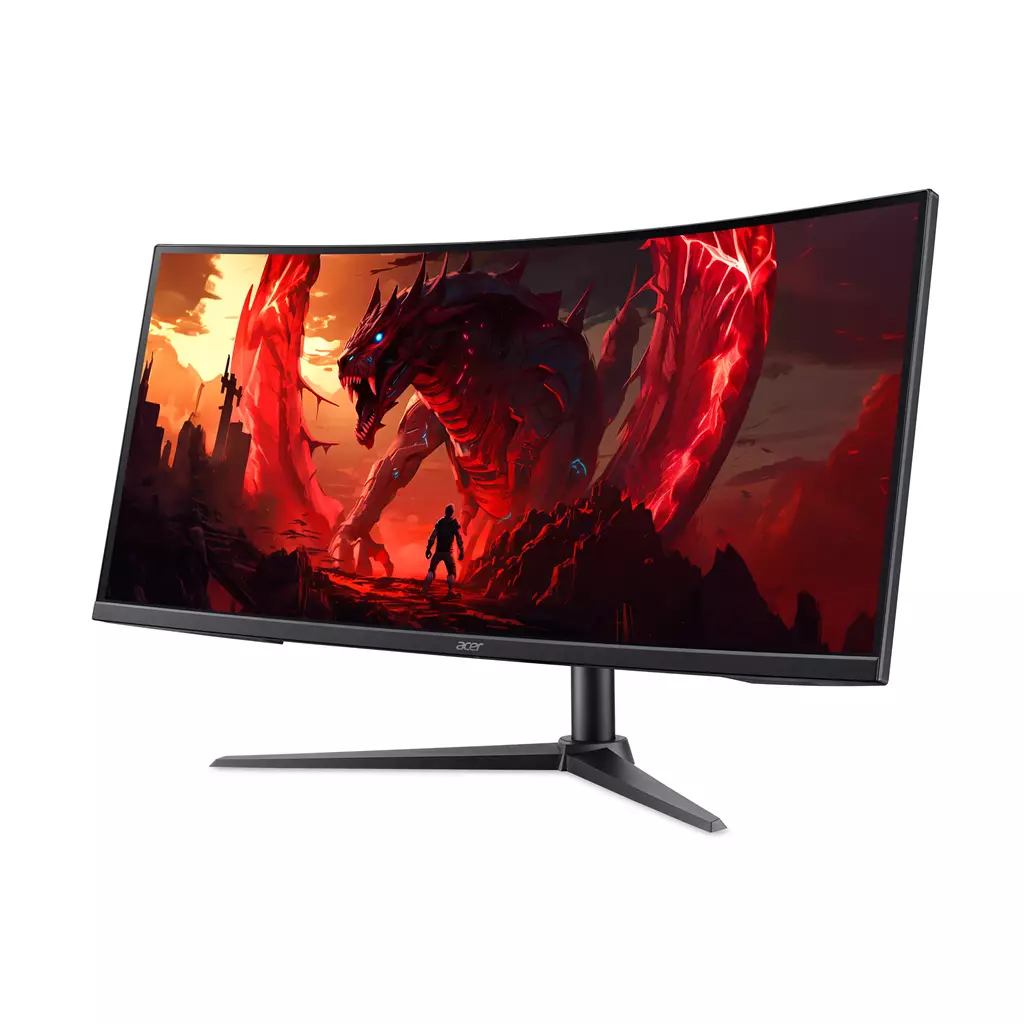
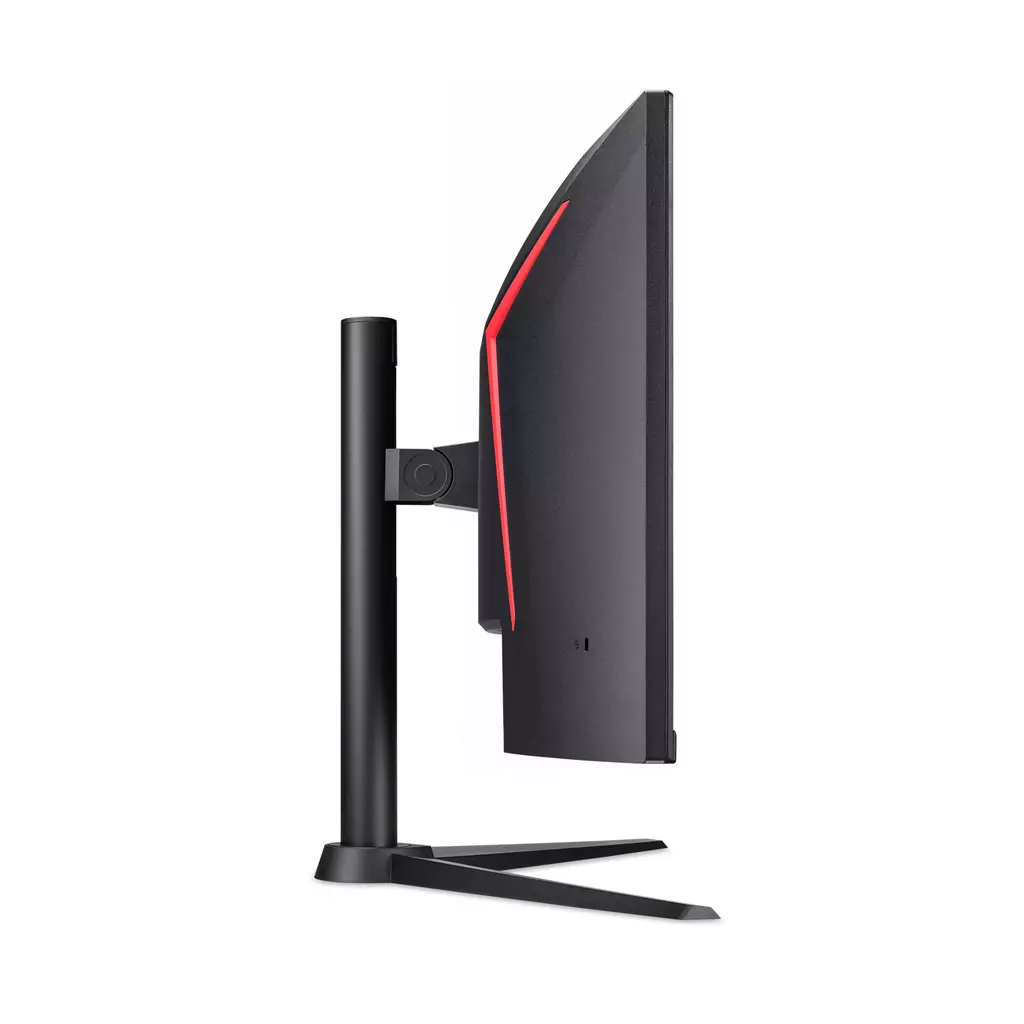
Acer Nitro XZ340CUR X0 34-inch Curved Ultrawide Gaming Monitor
£352.55
Acer NITRO XZ0 Nitro XZ340CUR X0 Widescreen Gaming LCD Monitor (edition: not established; platform: not applicable) — 34″ ultrawide WQHD (3440×1440), 21:9 1500R curved VA panel built for fast-paced gaming. Enjoy ultra-smooth action with a 200Hz refresh rate and 1ms response time in a sleek ZeroFrame design for immersive, competitive and cinematic gameplay.
Acer Nitro XZ340CUR X0 — 34″ WQHD ultrawide gaming monitor
This is a 34‑inch ultrawide curved LCD monitor (WQHD 3440×1440, 21:9) built around a 1500R VA panel with a 200Hz refresh rate and a 1 ms response time. The model is identified as the Acer Nitro XZ340CUR X0 (sometimes shown as Nitro XZ340CURX0) and features a slim, ZeroFrame bezel design.
It appears aimed at PC players who want a more immersive single‑player experience and the performance headroom for fast‑paced multiplayer—competitive and enthusiast gamers who value wide horizontal workspace and very high frame rates. Driving 3440×1440 at high refresh requires a capable GPU to make the most of the panel.
In practice the monitor promises a wider field of view in supported games and increased immersion from the 1500R curve, while the high refresh rate and low response figure prioritise smooth motion and reduced perceived input lag. As a VA panel it should offer strong contrast and deep blacks, though viewing‑angle behaviour and motion characteristics can differ from IPS; real‑world motion handling depends on the panel implementation and overdrive tuning.
One key platform consideration: this is primarily PC‑oriented hardware — exact compatibility will depend on GPU outputs, drivers and OS scaling. Important details not provided here (ports and versions, adaptive‑sync support, HDR/brightness and colour specs, stand ergonomics, included cables and warranty) should be checked before purchase.
Quick summary — who this monitor is for and the headline experience
The Acer NITRO XZ340CUR X0 is a 34″ ultrawide curved gaming monitor built around a 1500R VA panel with WQHD 3440×1440 resolution and a 21:9 aspect ratio. Its stated 200Hz refresh rate and 1 ms response time target competitive and enthusiast PC gamers who want very smooth motion and a wider horizontal field of view for immersive single‑player scenes, racing and FPS titles. The ZeroFrame bezel design reduces visible bezel gaps for a cleaner single‑monitor look and easier multi‑monitor alignment.
Confirmed specifications
- Model: Acer Nitro XZ340CUR X0 (also referenced as Nitro XZ340CURX0)
- Panel size & format: 34″ ultrawide, 21:9 aspect ratio
- Native resolution: WQHD 3440 × 1440
- Panel type: VA (vertical alignment)
- Curve: 1500R
- Refresh rate: 200 Hz
- Response time: 1 ms (manufacturer-stated)
- Design: ZeroFrame bezel
Real‑world performance expectations and trade‑offs
At 3440×1440, the ultrawide resolution delivers noticeably more horizontal workspace and a wider in‑game field of view in titles that support 21:9. The 1500R curvature enhances immersion by more closely matching peripheral vision, but the effect is most apparent at typical desktop viewing distances. A 200Hz refresh rate combined with a 1 ms response spec promises very smooth motion and lower perceived input latency—beneficial in fast genres—but reaching high frame rates at this resolution requires a capable GPU.
VA panels classically offer stronger static contrast and deeper blacks than IPS, which helps darker scenes in single‑player games. VA technology can sometimes show different viewing‑angle behaviour and slower pixel transitions than IPS; actual motion clarity and ghosting depend on the monitor’s pixel overdrive implementation and OSD settings. Real measured input lag, grey‑to‑grey response under different overdrive modes, and refresh stability are not supplied here and are best checked in independent reviews or spec sheets.
Connectivity, adaptive sync, HDR and other feature unknowns
The supplied product data does not list specific I/O (DisplayPort/HDMI versions, USB ports), whether AMD FreeSync or NVIDIA G‑Sync compatibility/certification is present, HDR capability or brightness/gamut figures, speaker or headphone output, VESA mount support, or which accessories and cables are included. These are common variables that affect compatibility and user experience: console behaviour with 21:9, the ability to run 200Hz from a given input, HDR performance and whether a monitor arm can be used depend on those details. For buyers needing any of these features, confirmation from the official spec sheet or retailer listing is advisable before purchase.
Ergonomics, desk placement and who this suits
The combination of a 34″ ultrawide display and 1500R curvature suits users who prioritise immersive single‑player play, wide-scope multiplayer situational awareness, or extra horizontal workspace for productivity. The ZeroFrame design reduces bezel distraction and helps visually when placing multiple panels side‑by‑side. The monitor’s physical stand features and ergonomic adjustments (height, tilt, swivel, pivot) and VESA compatibility are not stated here, so buyers with specific ergonomic needs or who plan to use a monitor arm should verify mount and stand specifications with the full product documentation.
Acer Nitro XZ340CUR X0 — 34″ ultrawide gaming monitor — final pre-purchase checks
Quick checks to confirm the exact configuration and compatibility before you buy.
- Confirm exact I/O: which DisplayPort (version) and HDMI (version) inputs are fitted and whether the necessary cables/adapters are included.
- Verify adaptive‑sync support and certification: is it AMD FreeSync, NVIDIA G‑Sync Compatible, or officially certified, and what refresh ranges are supported at 3440×1440?
- Check HDR and colour/brightness specs: peak nits, HDR format support (if any) and advertised colour‑gamut coverage if HDR or colour accuracy matters.
- Confirm stand ergonomics and mounting: height, tilt, swivel ranges and whether a VESA mount pattern is supported for third‑party arms.
- Ask about audio: are there built‑in speakers, a headphone jack or audio output, or none at all?
- Verify included accessories and regional power lead/plug type, plus whether printed/manual languages meet your needs.
- Confirm warranty length and regional manufacturer support/return terms for your country.
- Ensure your GPU/system can realistically drive 3440×1440 at your target frame rates (200Hz is demanding) and check console/game support for 21:9 where applicable.
Prices & Availability
Check and compare current prices and availability from retailers below.
 Quzo.co.uk