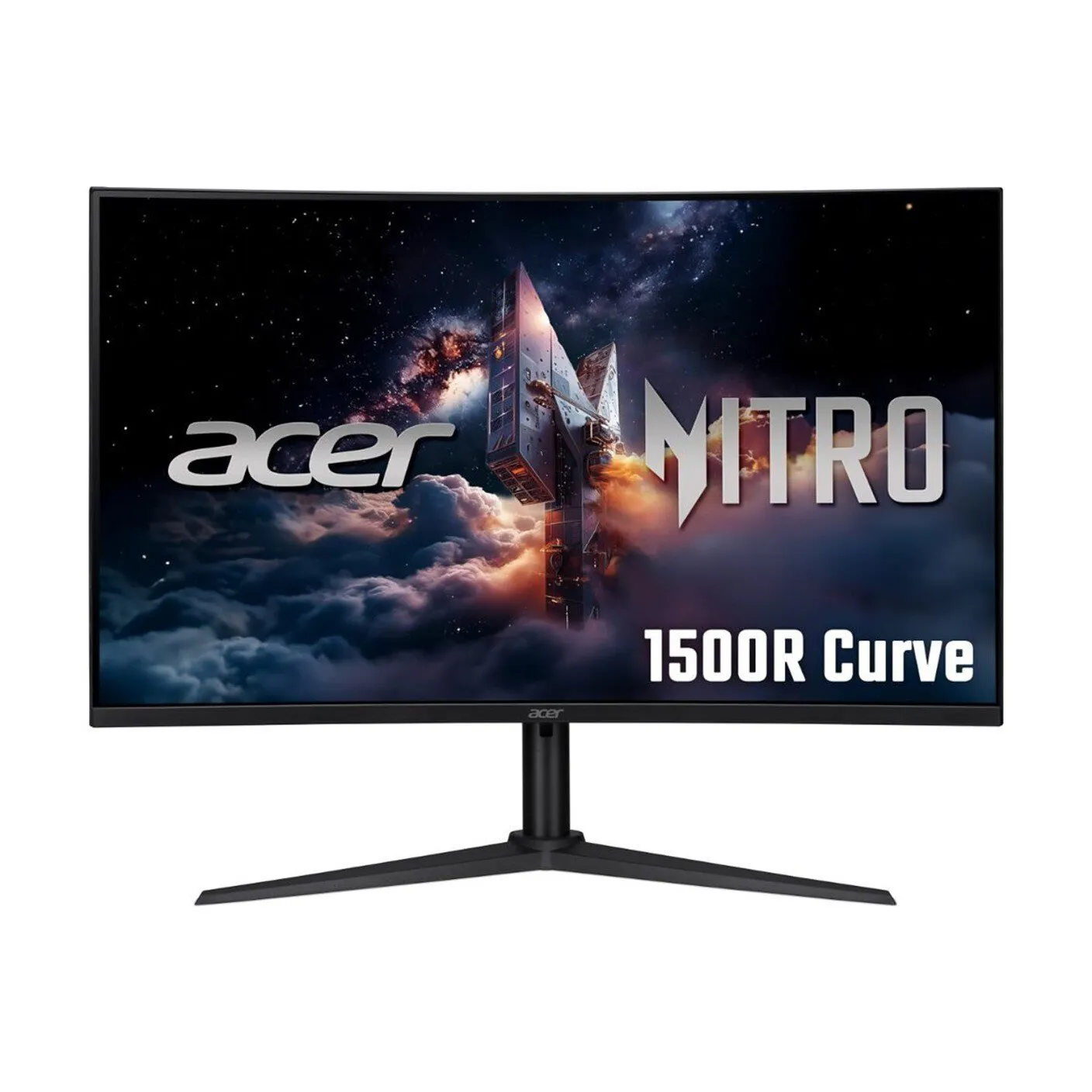
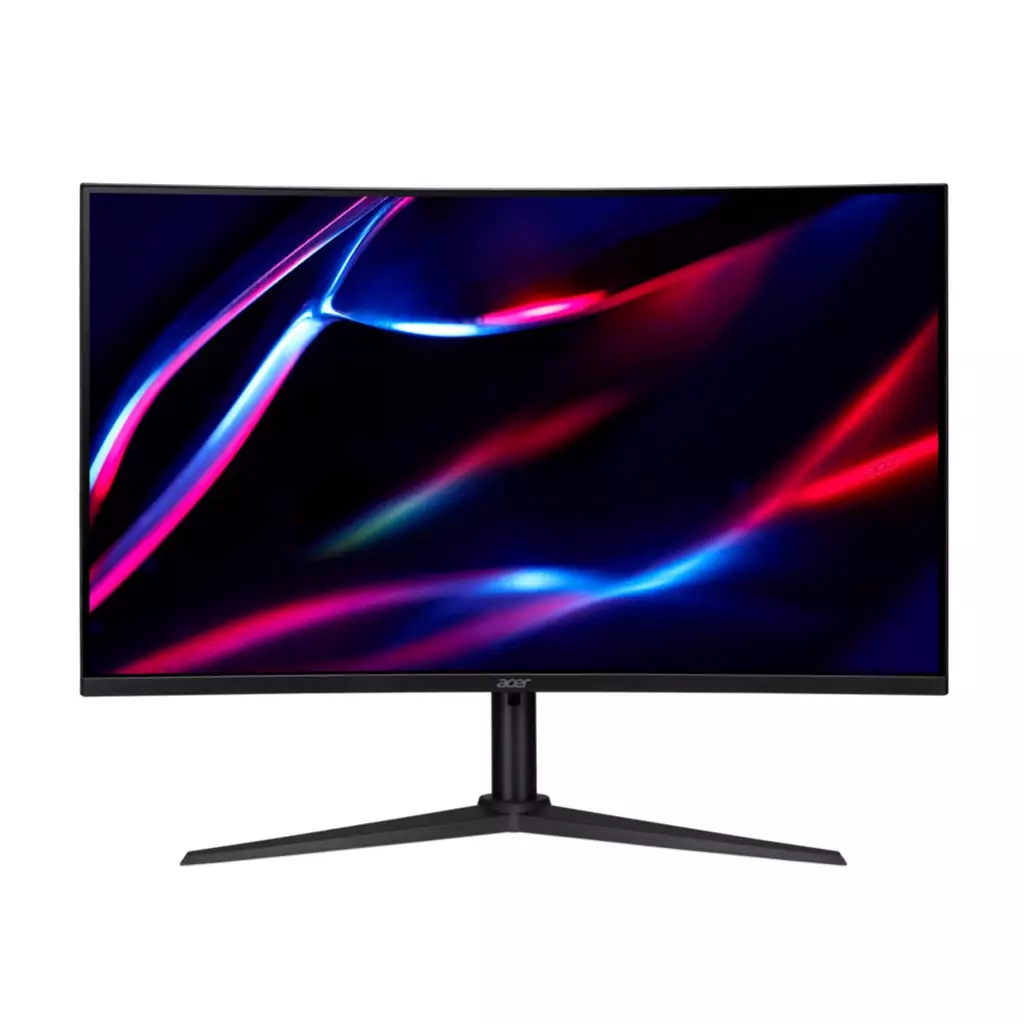
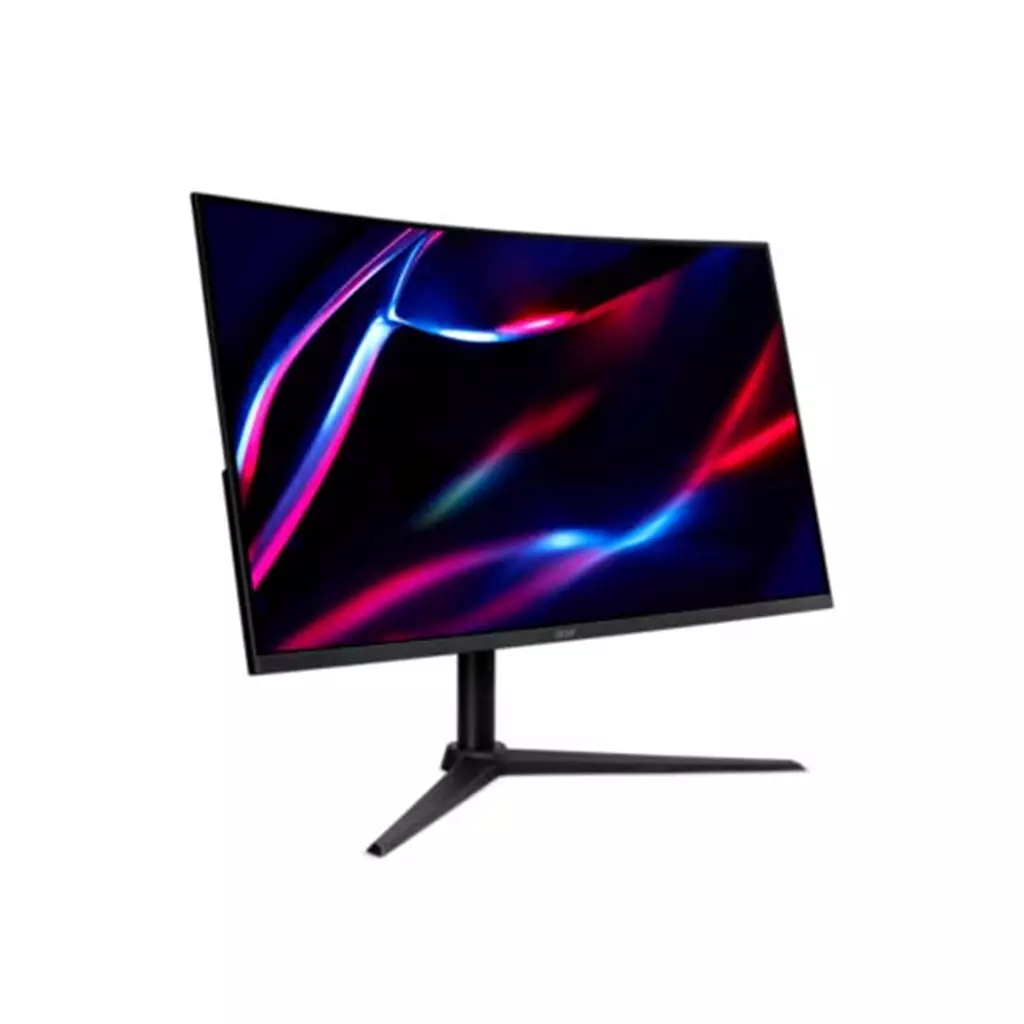
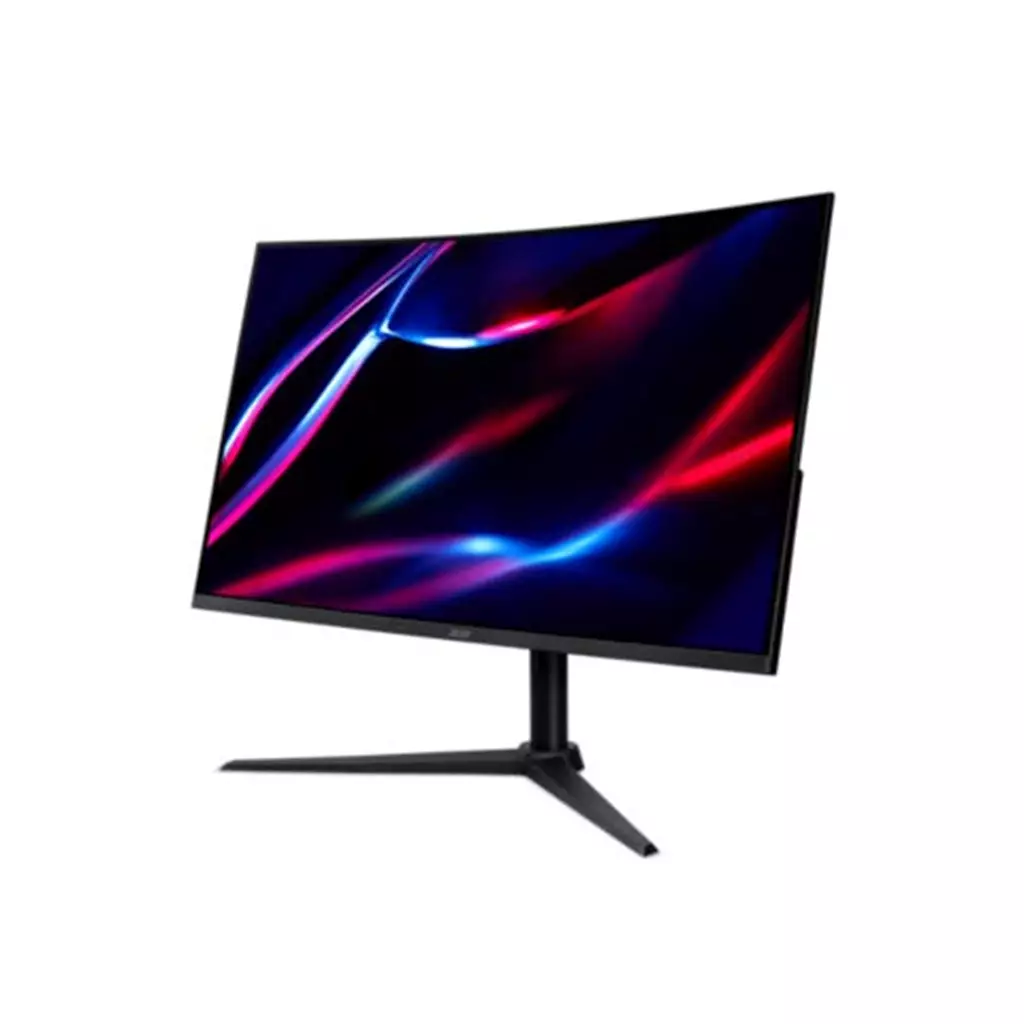
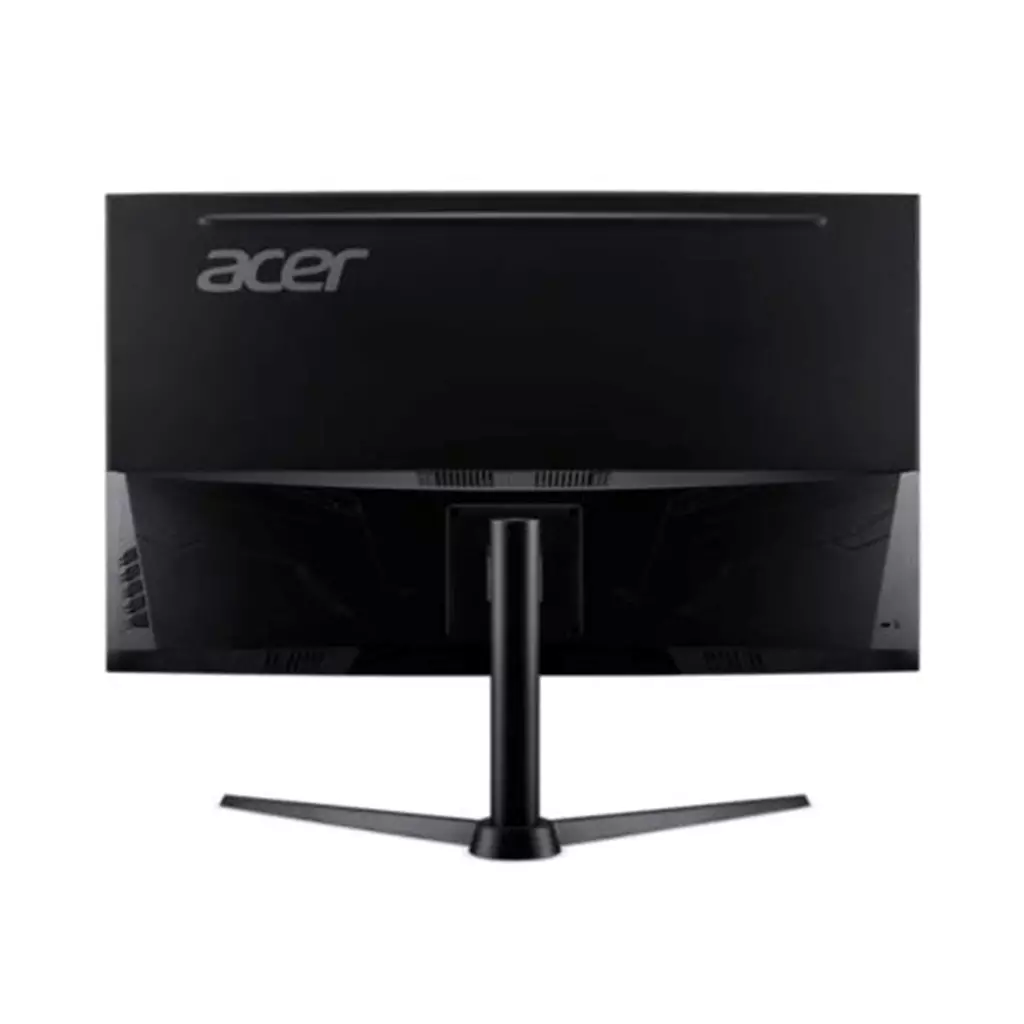
Acer Nitro XZ322QUV3 31.5″ Curved Gaming Monitor
£199.99
Acer NITRO XZ2 Nitro XZ322QUV3 curved gaming monitor – 31.5″ 1500R Quad HD 180Hz 1ms FreeSync DisplayHDR 400 HDMI & DP
Platform: hardware. Gameplay: not applicable — display hardware for gaming. Key features: 31.5″ 1500R QHD panel, VESA DisplayHDR 400, 180Hz refresh, 1ms response and integrated AMD FreeSync; two DisplayPort and two HDMI inputs.
Acer Nitro XZ322QUV3 — 31.5″ 1500R QHD 180Hz curved gaming monitor
The Acer Nitro XZ322QUV3 is a 31.5‑inch curved gaming display that pairs a Quad HD panel with a pronounced 1500R curve. Key confirmed specifications include QHD resolution, a high 180Hz refresh rate, a 1ms response-time figure, VESA DisplayHDR 400 certification, integrated AMD FreeSync and multiple inputs (two DisplayPort and two HDMI).
It’s aimed at players who want smoother, lower‑lag gameplay and a more immersive viewing envelope than a flat screen of the same size. The combination of 180Hz and a 1ms response time favours fast‑reaction and competitive gaming, while the large curved panel also suits cinematic single‑player experiences and users who switch between several sources.
In practice you should expect very smooth motion when your PC or console can drive high frame rates at QHD, and some perceived depth from the DisplayHDR 400 highlights—though HDR effects will be limited compared with higher‑end HDR displays. Important platform considerations are simple connectivity (works with any device that provides HDMI or DisplayPort) and adaptive‑sync caveats: FreeSync is confirmed for compatible AMD GPUs, but official NVIDIA G‑SYNC certification or exact console behaviour at high refresh rates are not specified and should be checked before purchase. Panel type, stand adjustability, VESA mounting and included accessories are also not confirmed and merit verification.
Who this monitor is for
The Acer NITRO XZ322QUV3 is aimed at PC and console gamers who want a large, immersive curved screen for fast-paced action and cinematic single‑player experiences. Its 31.5″ 1500R curve, Quad HD resolution and very high refresh rate make it suited to players who prioritise smooth motion and a stronger sense of immersion, and to setups that need multiple active sources (PC + console or media box).
Display size, resolution and image‑quality trade‑offs
Confirmed: the XZ322QUV3 is a 31.5″ curved (1500R) Quad HD monitor (commonly 2560 × 1440) with VESA DisplayHDR 400 certification. In practice this means:
- QHD on 31.5″ increases detail over 1080p, but pixel density is lower than smaller QHD panels — UI elements can appear larger or slightly softer unless you use scaling or sit at a distance where pixels are less noticeable.
- The 1500R curvature gives a more immersive central viewing experience, especially for single‑seat gaming, but any panel-based viewing‑angle or color shifts will be more noticeable on a curved VA/IPS/TN panel (the exact panel technology isn’t specified).
- DisplayHDR 400 provides modest HDR highlights and a wider perceived contrast range compared with SDR, but it’s an entry-level HDR grade; the spec does not imply local dimming or the higher peak brightness/colour volume of premium HDR monitors.
Note: the exact panel type (VA/IPS/TN), measured brightness, color‑gamut coverage and HDR peak/contrast numbers are not stated and will affect perceived colour accuracy, blacks and off‑axis viewing. Look for independent measurements if colour-critical work or high‑end HDR is important.
Motion performance, adaptive sync and GPU considerations
Confirmed: 180Hz refresh rate and 1ms response time, plus integrated AMD FreeSync. Practically this means very smooth motion and reduced perceived input lag compared with 60–120Hz displays when you can feed the panel high frame rates.
- Achieving the full benefit of 180Hz at QHD requires a capable GPU — modern triple‑A titles will often need reduced settings or upscaling/temporal solutions to hit very high frame rates at 2560×1440.
- FreeSync will reduce tearing with compatible AMD GPUs; official NVIDIA G‑SYNC compatibility is not confirmed here, so behaviour on NVIDIA cards may vary and should be verified for your GPU/drivers.
- The advertised “1ms” response time does not specify the measurement method (GtG vs. MPRT), so real‑world ghosting and motion clarity can differ; look for hands‑on reviews or measurements to confirm motion artefacts and input‑lag figures.
Connectivity, ergonomics and setup notes
Confirmed connectivity: two DisplayPort inputs and two HDMI inputs, giving easy switching between PC and consoles without adapters. The monitor is platform‑agnostic in the sense that any device with HDMI or DisplayPort can connect.
Unconfirmed but relevant for installation: stand adjustability (height/tilt/swivel/pivot), VESA mount compatibility, which cables and power lead are included, and the regional plug type/warranty terms are not specified. These affect desk ergonomics, mounting choices and what you need to buy or prepare before installation.
Practical tip: because HDR, refresh‑rate and adaptive‑sync behaviour can be dependent on cables and GPU/console settings, plan to use quality DisplayPort/HDMI cables and check your GPU/console output modes to enable the monitor’s full capabilities.
Acer Nitro XZ322QUV3 31.5" QHD Curved 180Hz Monitor — final pre-purchase checks
Quick checks to confirm the exact hardware and compatibility before you buy.
- This is physical monitor hardware only — confirm no game software, DLC or subscriptions are included.
- Confirm the panel technology (VA/IPS/TN) and measured colour‑gamut/contrast figures plus peak HDR brightness (cd/m²), since only DisplayHDR 400 certification is stated.
- Verify official NVIDIA G‑SYNC or broader adaptive‑sync compatibility with your GPU and drivers (G‑SYNC certification is not confirmed).
- Check stand adjustability (height/tilt/swivel/pivot) and the exact VESA mount pattern to ensure it fits your desk or monitor arm.
- Ask which cables and power lead are included (DisplayPort/HDMI versions and lengths, power plug type) — required bandwidth matters to run QHD at 180Hz.
- Confirm warranty length, return policy and the vendor’s dead‑pixel/backlight bleed handling procedures.
- Ensure your PC or console can output QHD at the desired refresh rate (check GPU performance, available DP/HDMI output versions and console limits); also clarify whether the 1ms spec is GtG or MPRT.
Prices & Availability
Check and compare current prices and availability from retailers below.
 Ee.co.uk
  Quzo.co.uk