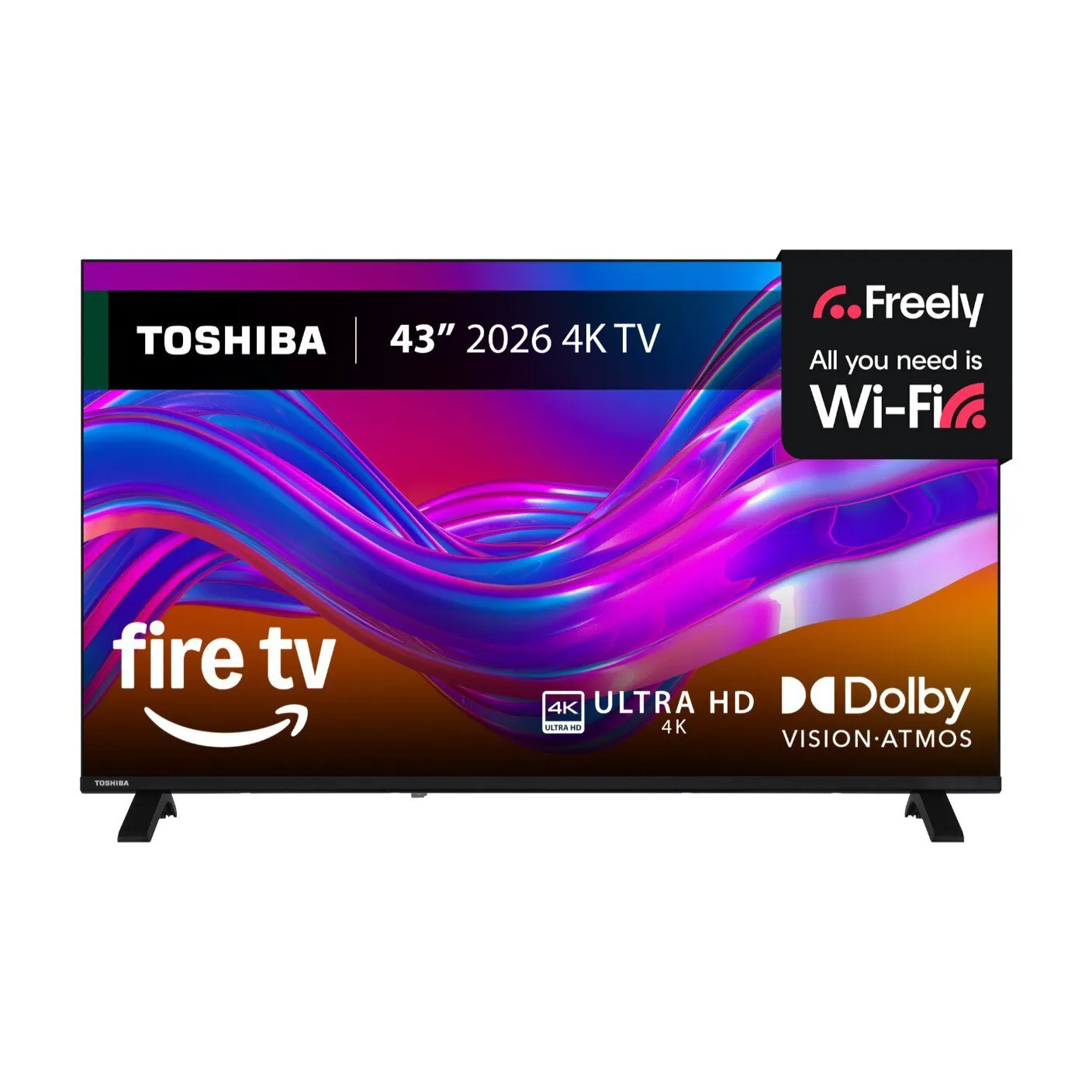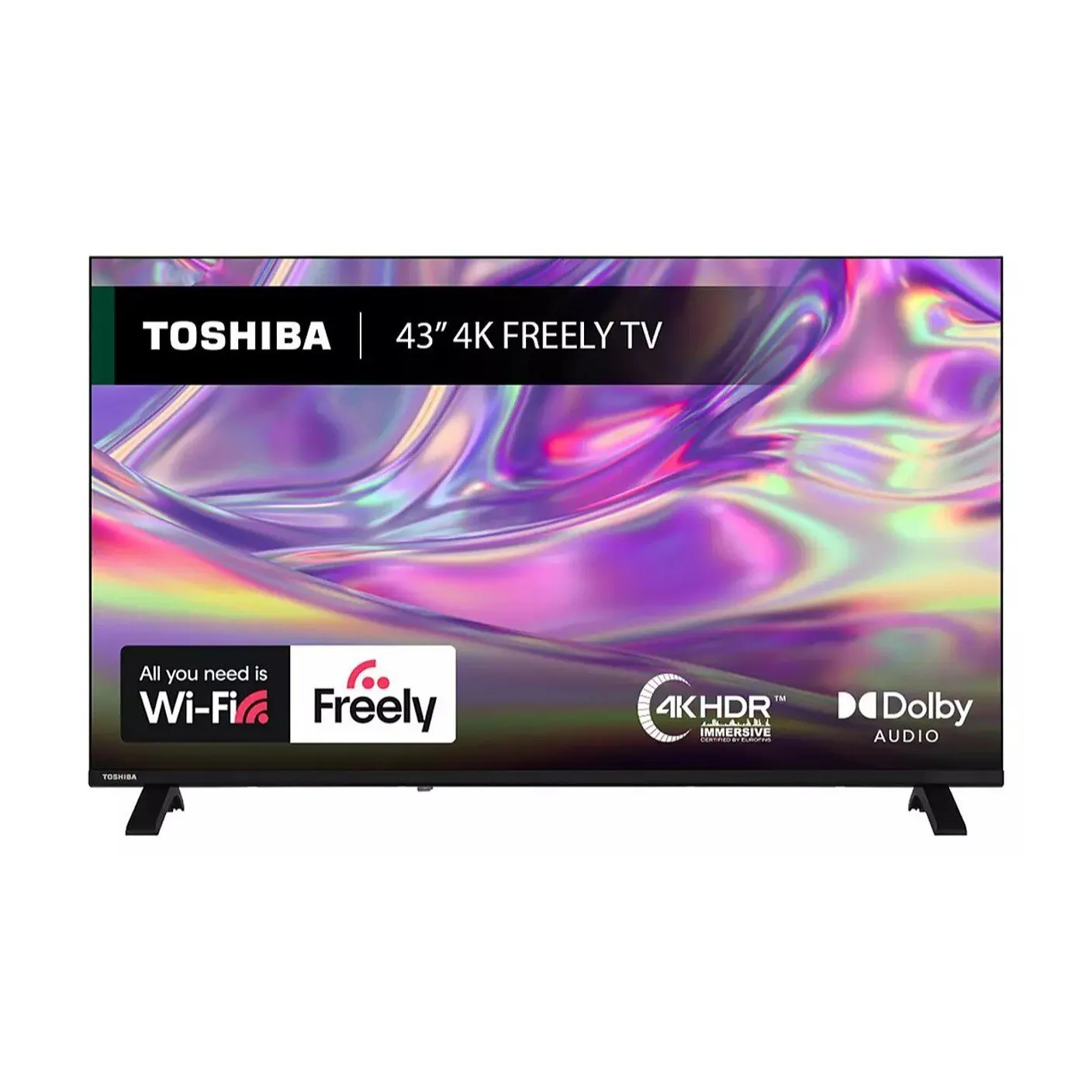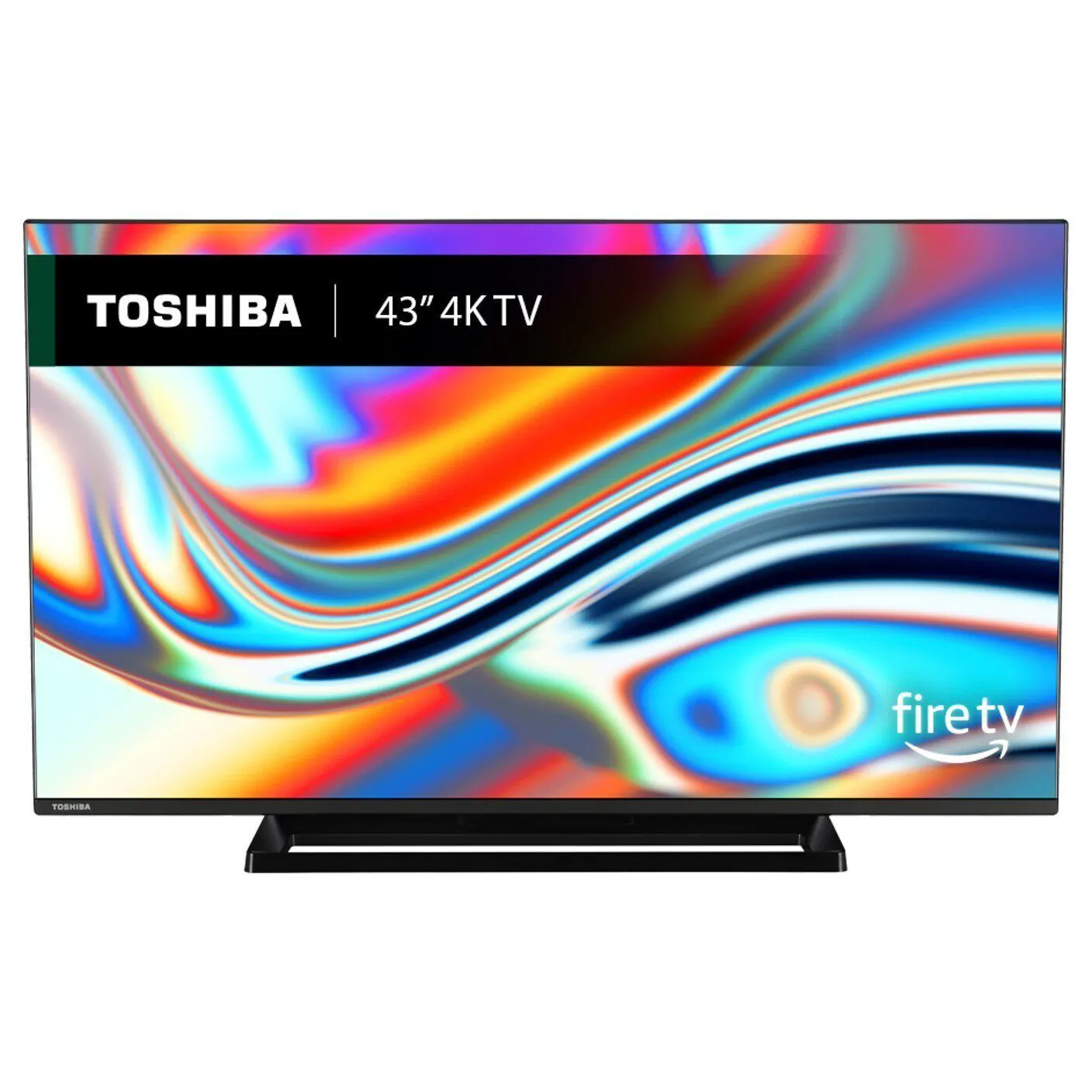
Toshiba UF3F UHD Fire TV (Good as New) – Dolby Vision
£129.00
The Toshiba UF3F is a UHD Fire TV (4K smart television) featuring TRU Picture Engine and Dolby Vision HDR, and includes DTS Virtual:X and ONKYO speakers. It provides multiple HDMI, USB, Bluetooth, LAN and Wi‑Fi connections, built‑in Alexa voice control, Auto Channel Search and a digital EPG, is offered in “good as new” condition and carries energy‑efficient Class F/G ratings, making it well suited for everyday 4K streaming and TV viewing.
Toshiba UF3F — practical buyer summary
This listing is for the Toshiba UF3F (listed as “Toshiba UF3F UHD Fire TV”), a UHD / 4K Fire TV edition that the seller describes as “good as new”. Confirmed features in the listing include TRU Picture Engine, Dolby Vision HDR, DTS Virtual:X with ONKYO speakers, multiple HDMI, USB, Bluetooth, LAN and Wi‑Fi connectivity, built‑in Alexa and voice control, Auto Channel Search and a digital EPG. The description also references energy‑efficient Class F and G.
Put simply: this is aimed at a budget‑minded buyer who wants an affordable 4K-smart TV with the Fire TV ecosystem and voice control for streaming and everyday viewing. It represents a worthwhile step up from HD/Full HD sets for casual films and box‑set streaming, but it should not be assumed to match higher‑end sets for gaming or premium home cinema sound.
Key trade‑offs you need to be aware of are the many important details the listing doesn’t state — most notably screen size, HDMI port counts and versions (and therefore features such as VRR/ALLM/eARC), speaker wattage and channel layout, and the Fire TV / Fire OS version and update policy. The mixed Class F and G energy wording is also unclear. These gaps directly affect room fit, console compatibility, audio expectations and long‑term app support, so confirm them with the seller before buying.
- Best for: a low‑cost 4K upgrade for streaming and everyday TV within the Fire TV ecosystem.
- Major unknowns to verify: screen size, HDMI/USB specifics, speaker power/configuration, Fire OS/version and exact energy rating.
Viewing distance, placement and room lighting
Because the listing does not state screen size or panel type, plan around general 4K display rules rather than model-specific numbers. Use these practical guidelines when deciding if the set will suit your room:
- Viewing distance: for 4K, sit closer than you would for a 1080p set to notice extra detail — roughly 1–1.5× the screen height is a useful starting point. Measure the intended viewing position and confirm the actual screen inches before committing.
- Room brightness and reflections: HDR and Dolby Vision benefits depend heavily on panel peak brightness and anti‑glare characteristics. In bright rooms, prefer a location with fewer window reflections or plan for curtains/blinds; if reflections are visible during an in‑home check, image quality will be compromised.
- Mounting and clearance: check VESA pattern or stand footprint for wall mounting and media unit fit. Leave some space for ventilation and access to rear ports.
HDR, streaming behaviour and everyday picture considerations
Dolby Vision is mentioned in the listing, but implementation varies by panel and processor. Focus on these practical checks when evaluating picture performance in person:
- Test with real HDR content (a Dolby Vision title on a supported app) to judge tone mapping, shadow detail and highlight clipping. Good dynamic metadata handling can improve contrast, but the visible effect depends on panel brightness.
- Try a range of sources — live broadcast, HD upscaled content and 4K streamed files — to confirm how the TV handles scaling and motion. Lower‑end sets may show judder or soft upscaling on non‑4K sources.
- If you plan to game, don’t assume any gaming features: ask about and test for variable refresh/low‑latency modes (VRR/ALLM) and high‑frame‑rate 4K output. If these are missing, consoles will still work but may be limited to 60Hz with standard latency.
- Because the smart platform version is not specified, verify that the streaming apps you use run and that you can sign in to your accounts during an inspection.
Audio, connectivity and setup practicalities
DTS Virtual:X and ONKYO branding suggest virtualised surround enhancement rather than discrete multi‑speaker channels. Use these points to set expectations and plan add‑ons:
- Listen before you buy: test movie dialogue clarity and maximum clean volume. Without confirmed speaker wattage or a subwoofer, bass and headroom are the most likely limitations.
- If fuller home‑cinema sound matters, budget for a compact soundbar ± subwoofer. Look for a soundbar with HDMI eARC if you want lossless passthrough later — but don’t assume the TV supports eARC without checking.
- Connectivity checks to perform in person or ask the seller to confirm: exact number and labelling of HDMI ports (and whether any are ARC/eARC), USB type/number, Ethernet port, and which wireless standards are supported. These affect consoles, players and network reliability.
- Network setup: if using Wi‑Fi, test streaming stability in the room; for best performance, use a wired LAN connection when possible or ensure a strong Wi‑Fi signal at the TV location.
Toshiba UF3F — final pre‑purchase checklist
Before committing to this used/refurbished “good as new” unit, confirm the following items that could materially affect fit, compatibility or ownership.
- Screen size and mounting: request the exact diagonal inches and visible bezel dimensions; confirm VESA pattern or stand footprint to ensure it fits your cabinet or wall mount.
- Panel condition: inspect (or ask for close photos/video) for dead/stuck pixels, backlight bleed, clouding and any screen/surface scratches; test multiple picture modes.
- HDMI/ports matrix: get the exact number and labelling of HDMI ports and which (if any) support ARC or eARC; confirm USB count/types and whether any HDMI port offers VRR/ALLM or higher bandwidth (do not assume HDMI 2.1/4K@120).
- Smart platform/version: ask for the Fire TV / Fire OS version and update policy; verify you can install/sign into the streaming apps you use during inspection.
- Tuner/EPG regional compatibility: confirm the built‑in tuner type and that the EPG/Auto Channel Search supports your region (e.g., Freeview variants) if you rely on broadcast TV.
- Speakers and audio capability: request amplifier wattage, channel layout and subwoofer presence; perform a listening check for dialogue clarity and max clean volume—plan a soundbar if needed.
- Accessories & returns: confirm included remote, power cable, stand/mount hardware, batteries and the seller’s return/warranty terms for a refurbished unit.