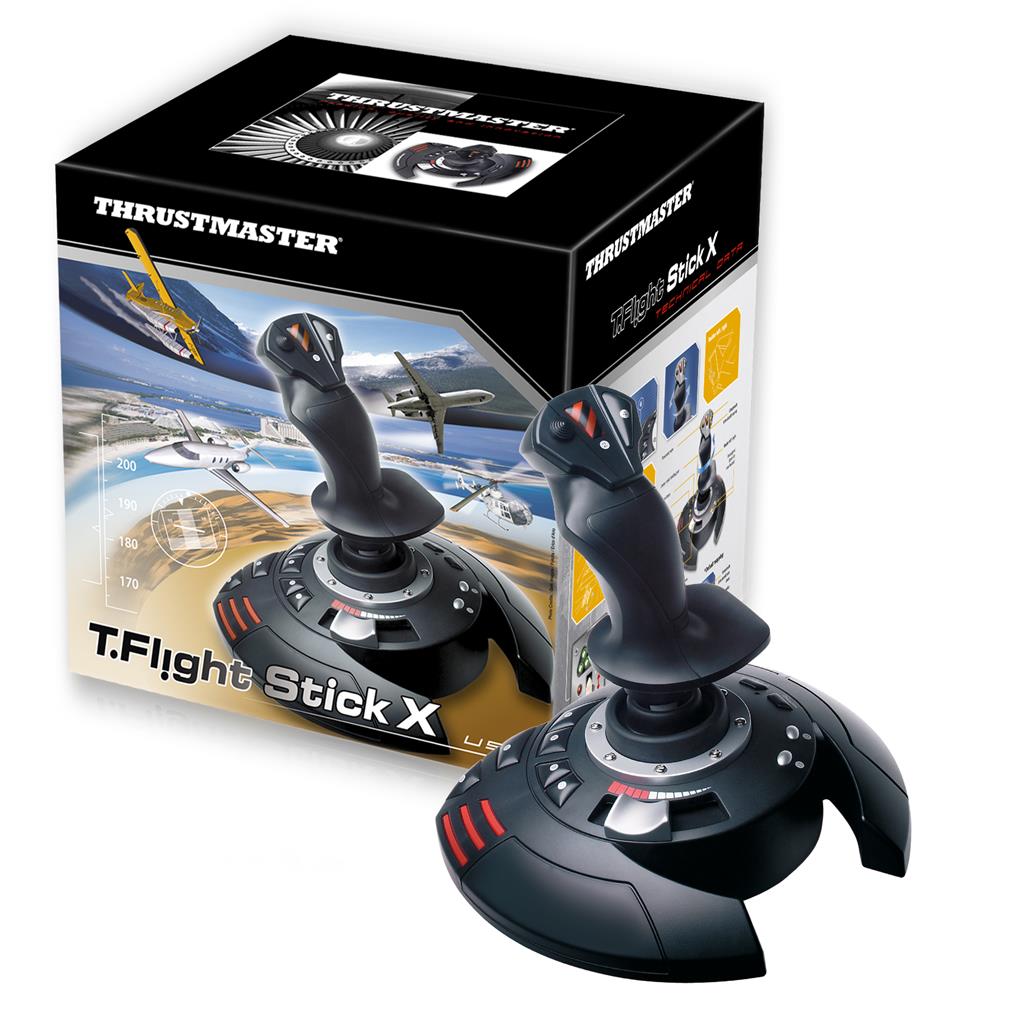
Thrustmaster T.Flight Stick X Joystick — Black/Red/Silver (PC & PS3)
£73.96
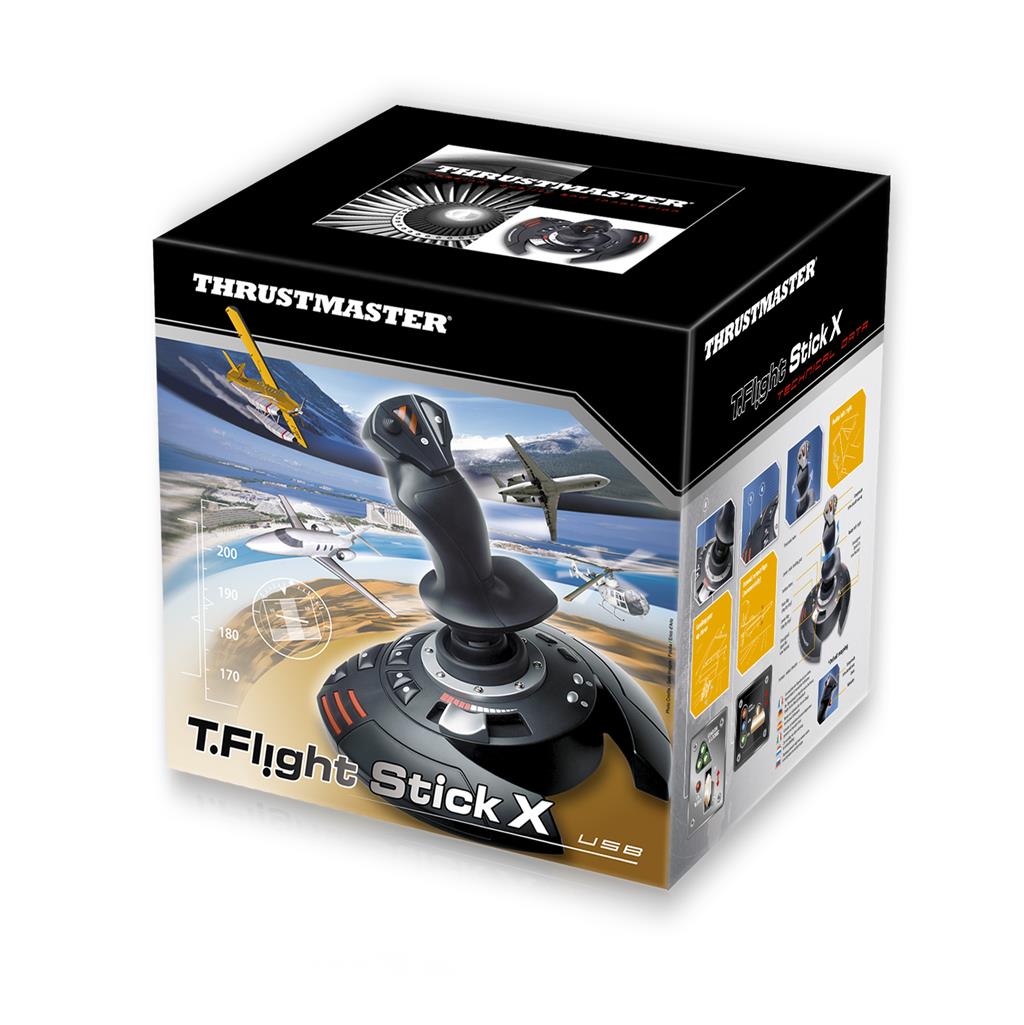
Thrustmaster T.Flight Stick X Black Red Silver USB Joystick Analogue PC Playstation 3 — T.Flight Stick X (Black / Red / Silver) Designed for flight‑simulation play on PC and PlayStation 3, this wired USB joystick offers plug & play preconfigured controls for instant use, plus 12 programmable buttons and 4 programmable axes with internal memory. Ergonomic throttle, adjustable resistance and a weighted base provide precise, stable aircraft control.
Thrustmaster T.Flight Stick X — Black / Red / Silver (PC & PlayStation 3)
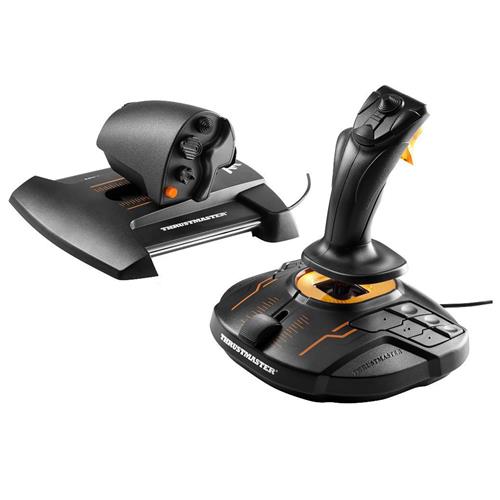
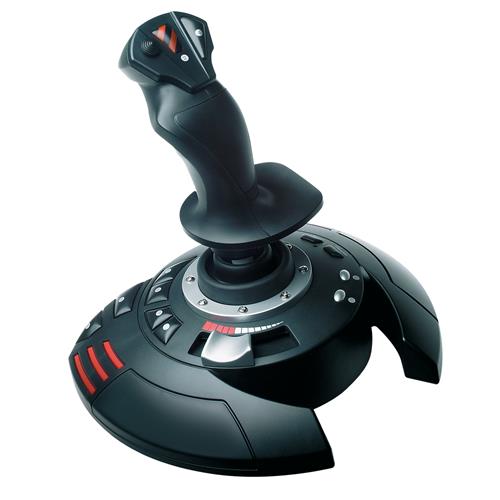
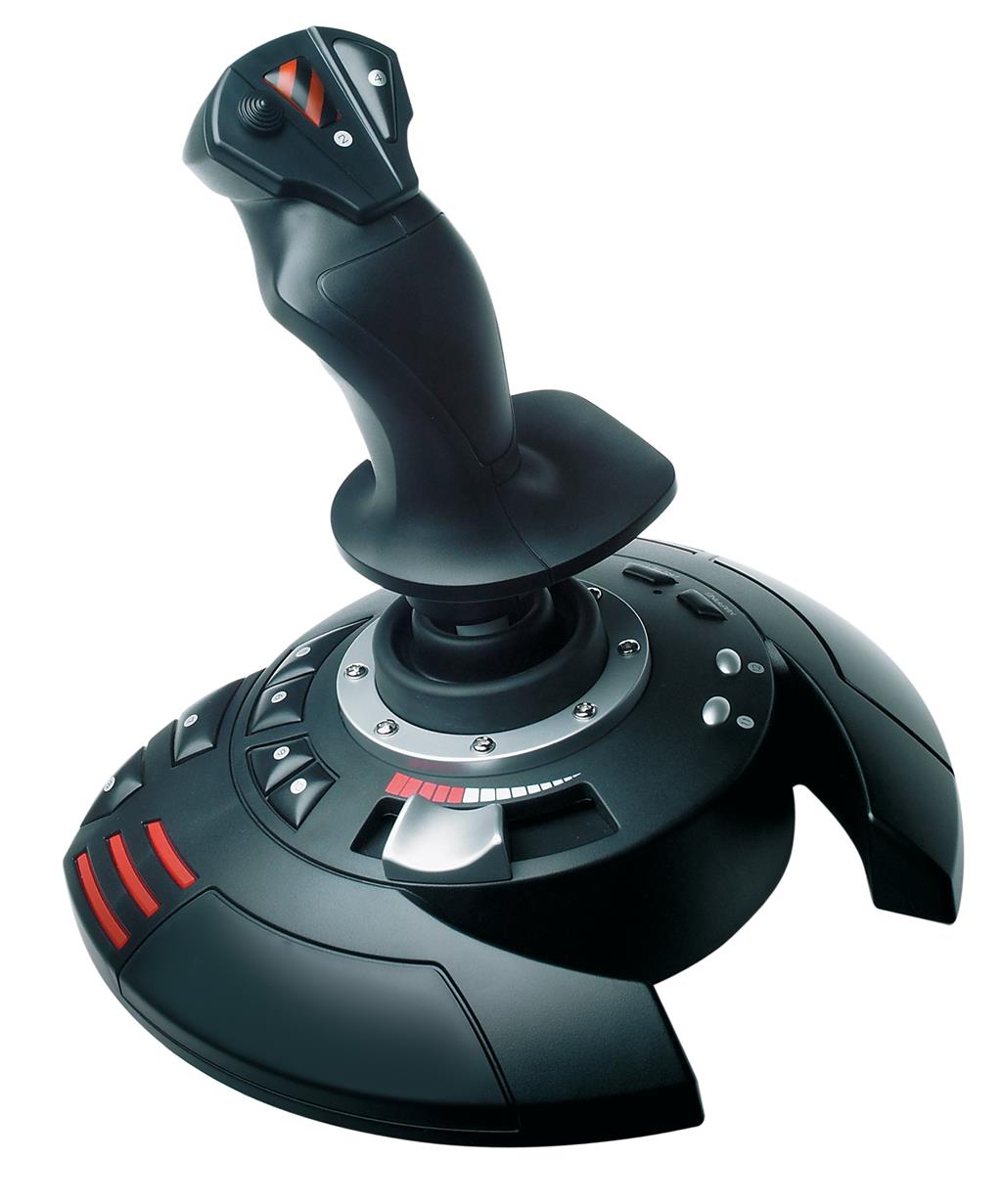
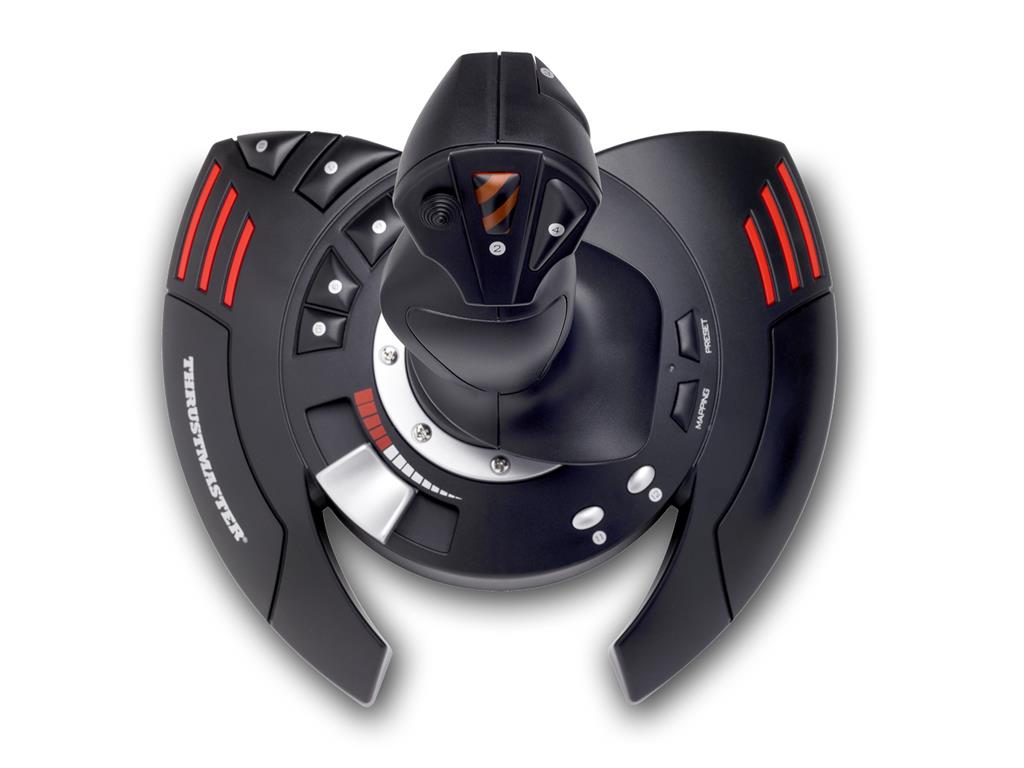
The T.Flight Stick X is a USB wired analogue joystick aimed at flight and space‑sim controls rather than a game itself. The unit pairs a single‑handed stick with an ergonomic throttle lever, a rotating handle with a locking system for rudder input, a multidirectional hat for camera/view control, an airbrake/rapid‑fire trigger and a weighted base. It’s reported to offer adjustable stick resistance, 12 programmable buttons, four programmable axes, a MAPPING button to reassign functions and internal memory to store configurations.
This is best suited to casual and entry‑level flight players who want a ready‑to‑use controller for arcade flyers, dogfighting or basic flight simulation on PC and PlayStation 3 without investing in a full HOTAS rig. The feature set aims to cover most common control needs — steering, throttle, rudder and quick access to weapons or view changes — while remaining simpler and more affordable than high‑end specialist setups.
In play you’ll be steering aircraft or spacecraft with the stick, adjusting speed with the throttle, using the rotating handle for rudder control and the hat switch to change views; mapped buttons and the trigger handle actions such as firing or airbraking. The edition is advertised as 100% PC and PS3 compatible, but PC operating‑system details and any optional drivers are not specified in the supplied data, so double‑check OS support and driver requirements before purchase.
Product overview and who this is for
The Thrustmaster T.Flight Stick X (Black / Red / Silver) is a USB wired analogue joystick sold as a plug‑and‑play flight controller for PC and PlayStation 3. It’s positioned for casual to entry‑level flight and space‑sim players who want a ready‑to‑use joystick with a throttle and programmable controls rather than a high‑end HOTAS rig. Key marketed strengths are immediate setup, ergonomic design and onboard programmability.
Controls, layout and ergonomics
What you get on the hardware side:
- Analogue flight stick with adjustable resistance control and a rotating handle that includes a locking system for rudder control.
- Ergonomic wide hand rest and a weighted base intended to increase comfort and stability during play.
- Ergonomic throttle lever built into the base for throttle management.
- Airbrake (civilian) / rapid‑fire (combat) trigger and a multidirectional hat switch intended for panoramic/view control.
- 12 programmable buttons and 4 programmable axes, plus a dedicated MAPPING button for remapping on the fly.
In practice this layout covers the basic control sets used by many arcade and beginner flight sims: stick movement, throttle, view hat and a set of buttons for weapons, flaps, gear or trim. The weighted base and hand rest are aimed at reducing arm fatigue and keeping the unit stable during inputs.
Programmability, internal memory and practical use
The joystick advertises extensive onboard programmability: all 12 buttons and 4 axes can be reassigned, a MAPPING button lets you relocate functions between buttons, and a separate control switches between programmed configurations. Configurations are stored in internal memory so they remain when the device is disconnected.
That set of features makes it practical to build and switch between control layouts for different games without reprogramming each time or relying on PC software. The product description does not specify whether additional Thrustmaster drivers or configuration software are required on PC for advanced setup, so expect basic plug‑and‑play operation but check the manufacturer site if you want PC-side utilities or firmware updates.
Compatibility, setup expectations and known limitations
The listing claims the joystick is “100% PS3 and PC compatible” and connects via USB as a wired peripheral; it’s marketed as plug‑and‑play and “fully preconfigured” for immediate use. The product data does not list specific PC operating systems (Windows versions, macOS, Linux) or detail any included cables, manuals or driver media.
Notable unknowns and practical limits derived from the supplied information:
- The product description does not mention force feedback or vibration—no explicit confirmation of those features is provided.
- OS support, required drivers or configuration software on PC are not specified; verify compatibility with your PC OS before purchase if you need full software support.
- No confirmation of compatibility with consoles other than PS3; do not assume PS4/PS5 or Xbox compatibility based on this listing.
- Physical details such as cable length, mounting options, included documentation, warranty terms and exact SKU/release version are not specified in the supplied data.
Overall, the T.Flight Stick X is presented as a convenient, ergonomic and programmable option for pick‑up‑and‑play flight sim sessions on PS3 and PC, while lacking the modularity or advanced sensors and features of higher‑end HOTAS systems.
Thrustmaster T.Flight Stick X — Black / Red / Silver — final pre-purchase checks
Short checklist to confirm this exact hardware edition meets your platform, condition and feature needs before buying.
- Platform accuracy: this listing is for the PC and PlayStation 3 hardware edition only — confirm you don’t need compatibility with PS4, PS5 or Xbox systems.
- Physical format & contents: confirm this is the physical USB wired joystick and ask the seller which items are included (USB cable length, manual, driver CD or packaging).
- Condition & support: verify new vs used/refurbished status, the seller’s return policy and any manufacturer warranty or repair options.
- PC OS & drivers: ask which Windows versions (or macOS/Linux) are supported and whether Thrustmaster drivers/configuration software are required for full programmability.
- Programmability and saved profiles: confirm the unit’s internal memory stores profiles reliably and, if buying used, test button mapping, profile switching and axis assignment.
- Force feedback / advanced features: confirm presence or absence of force feedback/vibration if that matters — this model is typically an entry/mid-level stick without pro force‑feedback features.
- Third‑party adapters & cross‑generation use: if you plan to use adapters or other consoles, verify compatibility rather than assuming cross‑generation support.
Prices & Availability
Check and compare current prices and availability from retailers below.