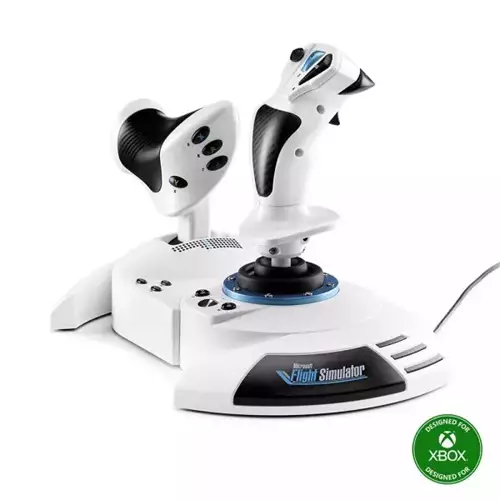
Thrustmaster T.Flight HOTAS One – Microsoft Flight Simulator Edition Joystick & Throttle (PC, Xbox One, Black/White)
£118.26
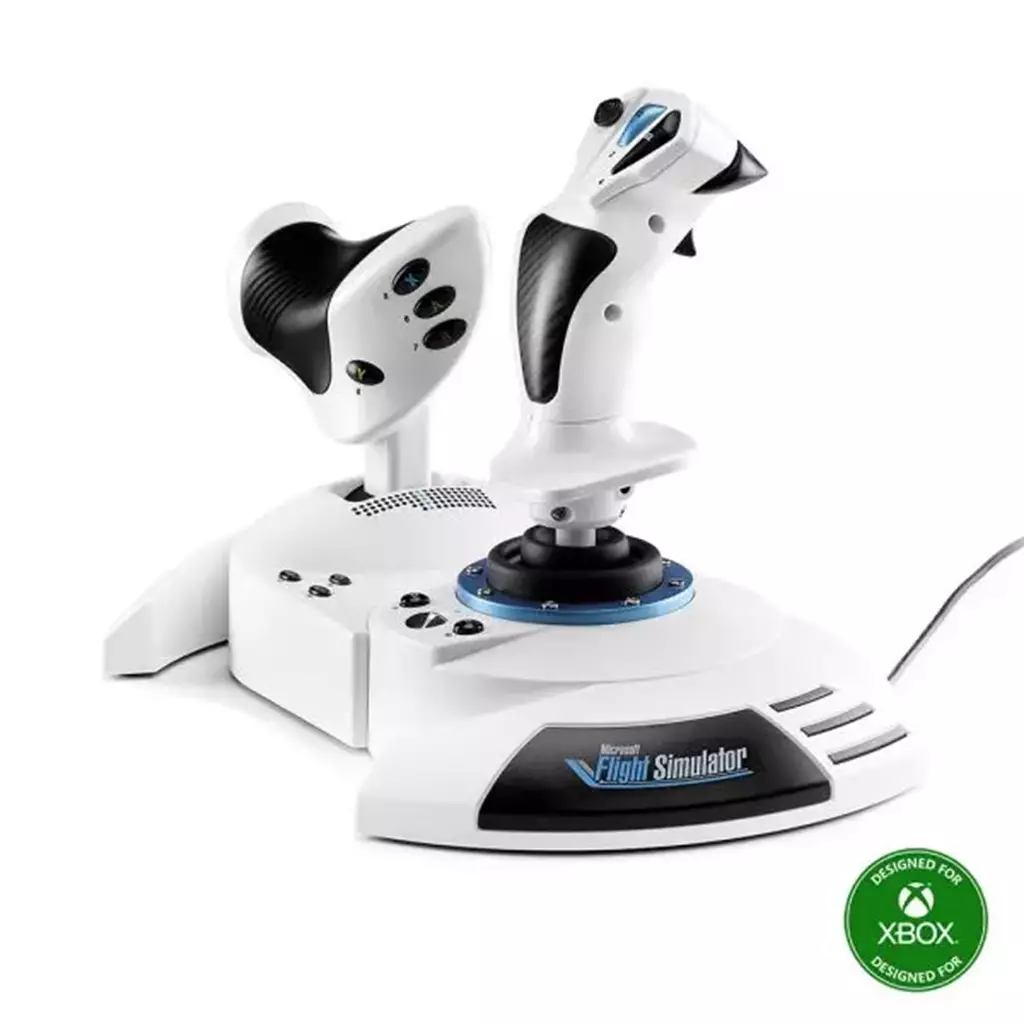
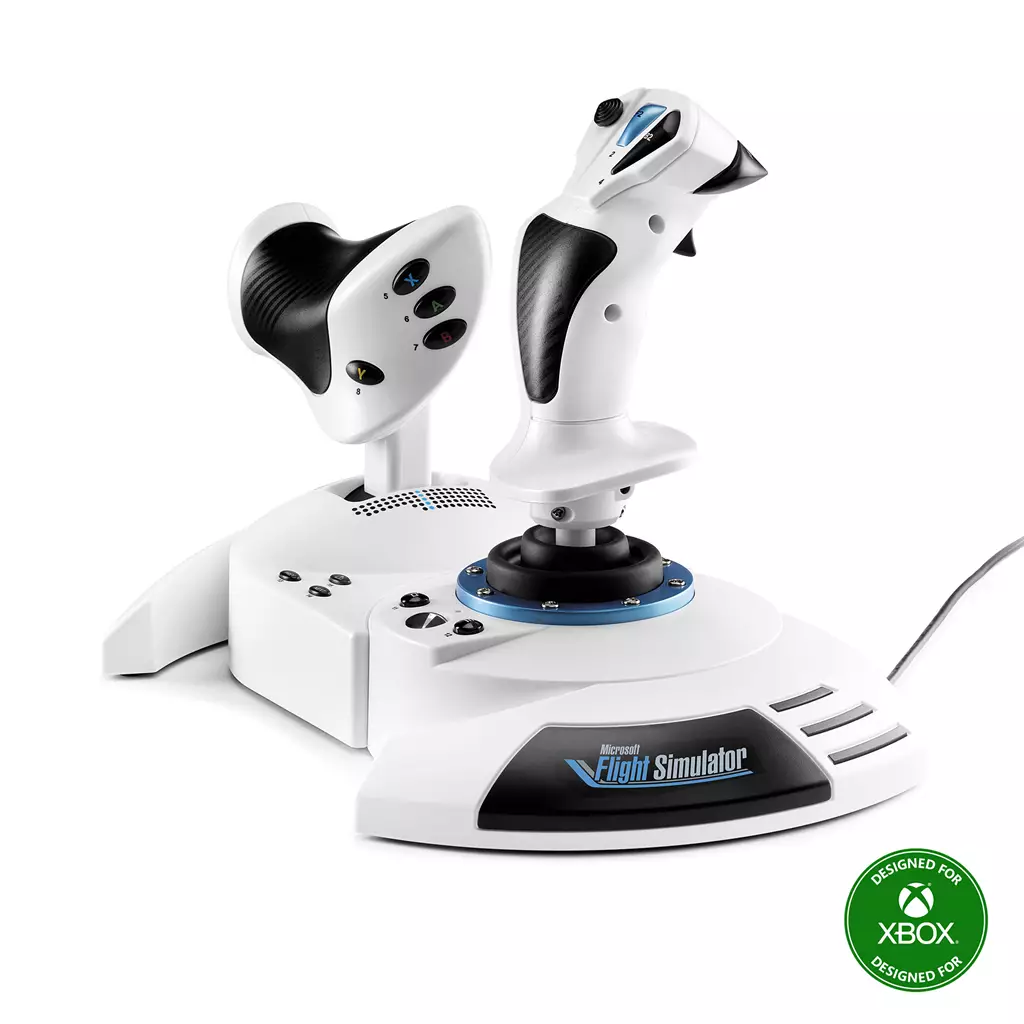
Thrustmaster T.Flight Hotas One Microsoft Flight Simulator Edition Black White USB Joystick + engine control lever Analogue / Digital PC Xbox One Xbox One S Xbox One X — Microsoft Flight Simulator Edition HOTAS peripheral. Designed for flight simulation on PC and the Xbox One family via USB, it includes a joystick plus analogue/digital engine control lever for precise throttle and flight control; black/white finish and USB connectivity confirmed.
Thrustmaster T.Flight HOTAS One — Microsoft Flight Simulator Edition (PC & Xbox One)
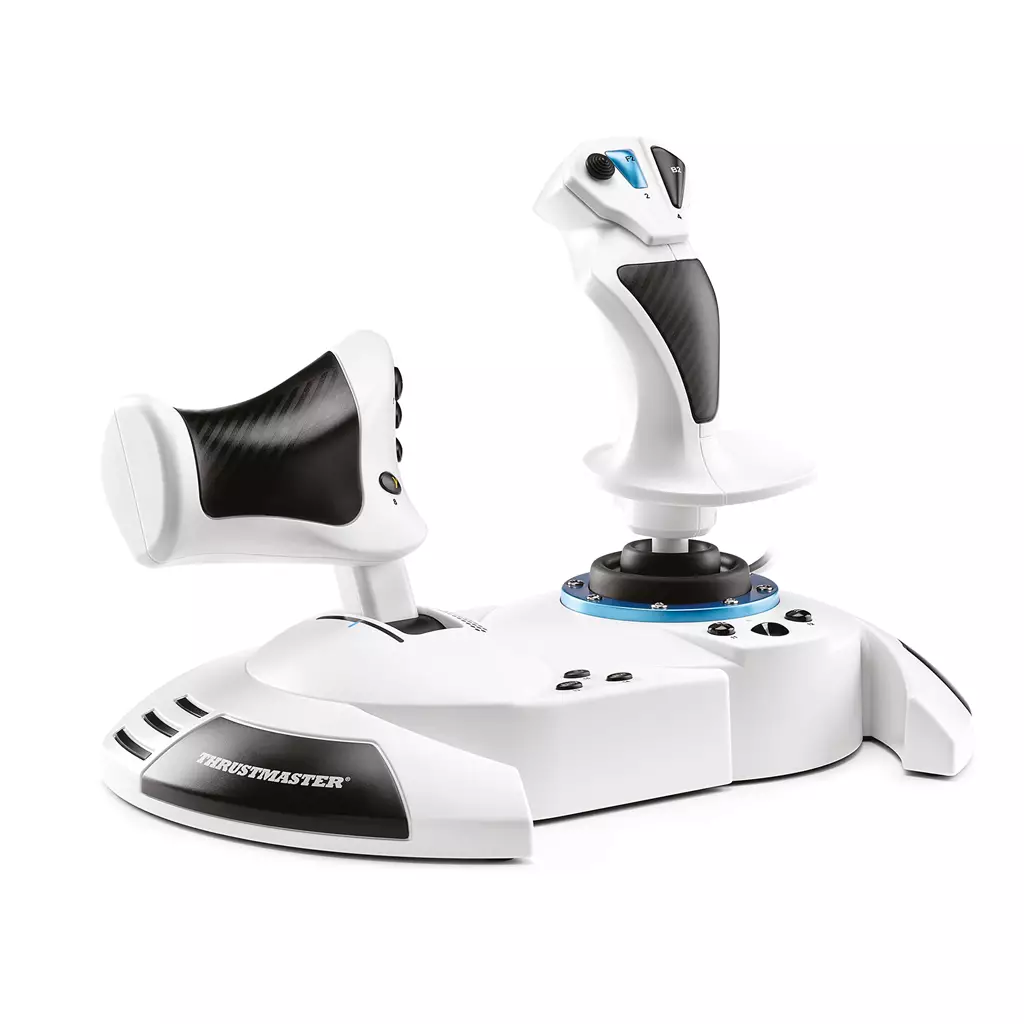
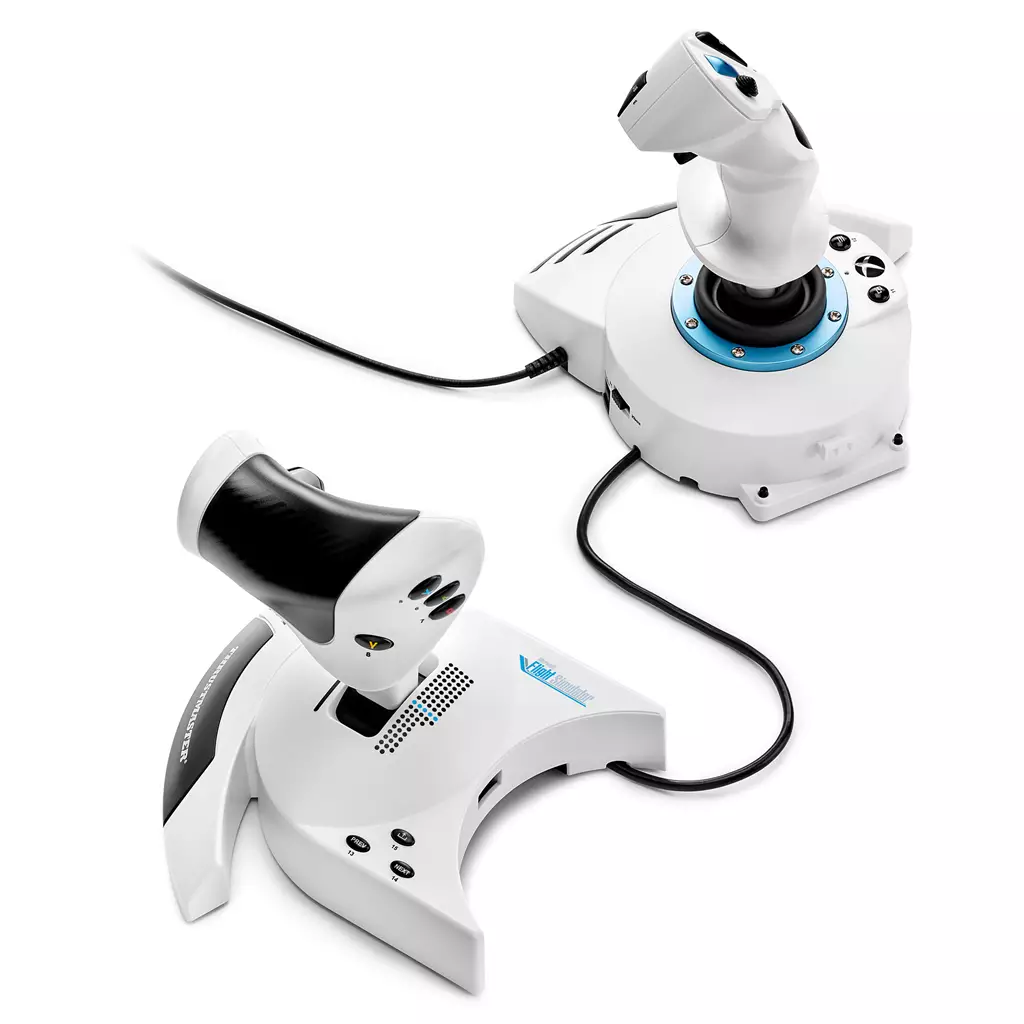
This is a physical HOTAS (Hands On Throttle-And-Stick) flight‑simulation peripheral: a USB joystick paired with a separate engine/throttle lever, finished in a black‑and‑white Microsoft Flight Simulator Edition styling. It’s intended for use with PC and the Xbox One family (Xbox One, Xbox One S, Xbox One X) and plugs in over USB for direct control input.
It’s aimed at flight‑sim players who want more immersion and precision than a gamepad or keyboard can offer — from beginners stepping up to a dedicated controller to hobbyist sim pilots who value tactile throttle and stick control. The main benefit is hands‑on analogue control of aircraft attitude and engine power, which helps with takeoffs, approaches, fine manoeuvring and instrument work.
In practice you use the stick and throttle to fly aircraft in simulation: steer, pitch and roll with the stick while setting thrust with the throttle, and map buttons/hats to instruments, views or systems for routine procedures and missions. Note the “Microsoft Flight Simulator Edition” branding ties the design to that simulator but does not confirm a copy of the game is included; also confirm exact platform compatibility and any PC driver or configuration requirements before purchase.
What this peripheral is and who it’s for
The Thrustmaster T.Flight HOTAS One — Microsoft Flight Simulator Edition is a physical HOTAS (Hands On Throttle-And-Stick) peripheral consisting of a USB joystick and a separate engine/throttle lever. It is designed for flight‑simulation users who want a dedicated stick and throttle for finer axis control and greater immersion than a gamepad or keyboard can offer. Typical users include beginners moving beyond gamepad controls, hobbyist sim players who want a plug‑and‑play HOTAS for console or PC, and anyone attracted to a Microsoft Flight Simulator–branded accessory.
Confirmed hardware and physical description
Confirmed from the product listing:
- Product: Thrustmaster T.Flight HOTAS One — Microsoft Flight Simulator Edition.
- Format: Physical USB joystick and separate engine control lever (analogue/digital).
- Colouring: Black and white finish as specified in the title.
- Platform labels: Compatible with PC and the Xbox One family (Xbox One, Xbox One S, Xbox One X) via USB connection.
What is not confirmed in the supplied data: exact SKU/model number, a full pack contents list (cables, manual, mounting hardware), button/axis counts, force‑feedback capability, or warranty details. Do not assume any additional accessories or a bundled game are included.
Compatibility, connection and setup notes
The listing explicitly names PC and Xbox One / Xbox One S / Xbox One X as supported platforms and indicates a USB connection. Practical implications:
- On Xbox One consoles the device is intended to work via USB; no external adapter is stated in the product data. How it appears in console menus or whether any mapping is required is not specified.
- On PC the joystick connects by USB but the listing does not confirm whether drivers, Thrustmaster software or manual mapping tools are required—expect to check the manufacturer website for PC drivers and configuration utilities.
- Compatibility with Xbox Series X|S or non‑Windows PCs is not stated and should not be assumed.
Controls, ergonomics and practical use
As a HOTAS peripheral, the main practical benefits are separate hand placement (one hand on the stick, one on the throttle) and direct physical axes for pitch, roll and engine/throttle control. For buyers this means:
- Improved control fidelity for aircraft throttle and flight axes compared with a single gamepad or keyboard.
- Expect to evaluate axis feel, stick travel, dead zones and any detents on the throttle when testing or reviewing—these details are not provided in the listing.
- Consider desk or seat mounting space: separate throttle and stick require horizontal surface area and a stable USB connection. The listing does not confirm included clamps or mounting hardware.
- Button placement, programmable controls and ergonomics are important to check in photos or hands‑on reviews before purchase since the supplier data does not list button counts or layout.
Microsoft Flight Simulator Edition — branding vs. included content
The product title carries “Microsoft Flight Simulator Edition,” which signals a branded or promotional styling but does not, by itself, confirm that any copy of Microsoft Flight Simulator, download code, or in‑game content is included. From the supplied data there is no confirmation of bundled software, DLC or activation codes.
If you require the game or a redeemable code, verify with the seller or manufacturer before purchase. Also confirm whether any platform‑specific features or supplied configuration profiles are included for Microsoft Flight Simulator; the listing does not establish those details.
Thrustmaster T.Flight HOTAS One (Microsoft Flight Simulator Edition) — final pre-purchase checks
Quick checklist of edition‑sensitive and purchase‑critical points to verify before buying.
- Confirm whether a copy or download code for Microsoft Flight Simulator is included — do not assume the game or any DLC is bundled.
- Verify exact console compatibility: box lists Xbox One / Xbox One S / Xbox One X — ask the seller or manufacturer whether the unit is supported on Xbox Series X|S and if any adapter or firmware update is required.
- Confirm PC compatibility and requirements: supported OS versions, need for drivers or Thrustmaster configuration software, and where to download them.
- Request a complete contents list: confirm joystick + throttle are included and ask about USB cable type/length, manuals, mounting hardware and any printed or digital codes.
- Clarify input details and mapping: whether the throttle axes are analogue or implement digital detents, how axes/buttons map on Xbox vs PC, and whether buttons/axes are programmable.
- Check for any account/online requirements or extra paid software required for full functionality (publisher accounts, companion apps, DRM, subscriptions).
- Confirm warranty, returns policy and manufacturer support for your region (including RMA procedure and contact points).
Prices & Availability
Check and compare current prices and availability from retailers below.