Samsung QM32C 32-inch Commercial Digital Signage LCD Display, Black
£483.83
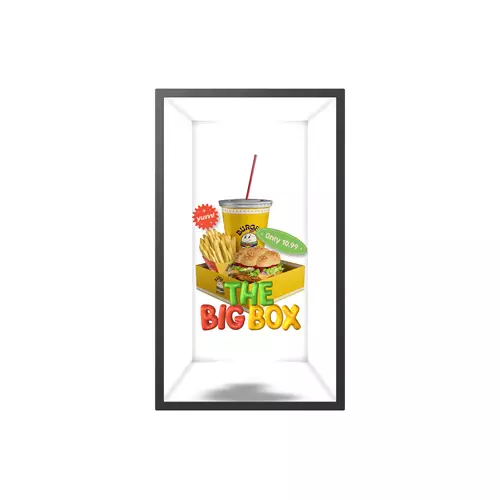
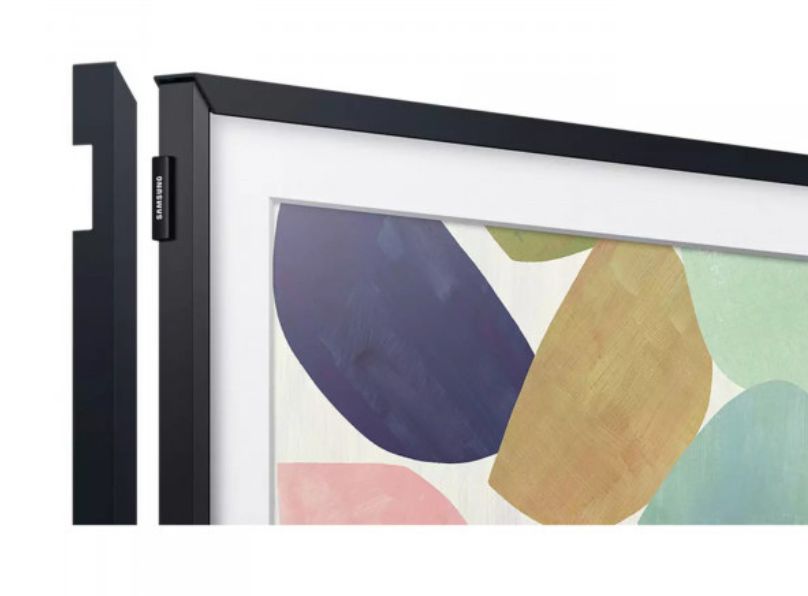
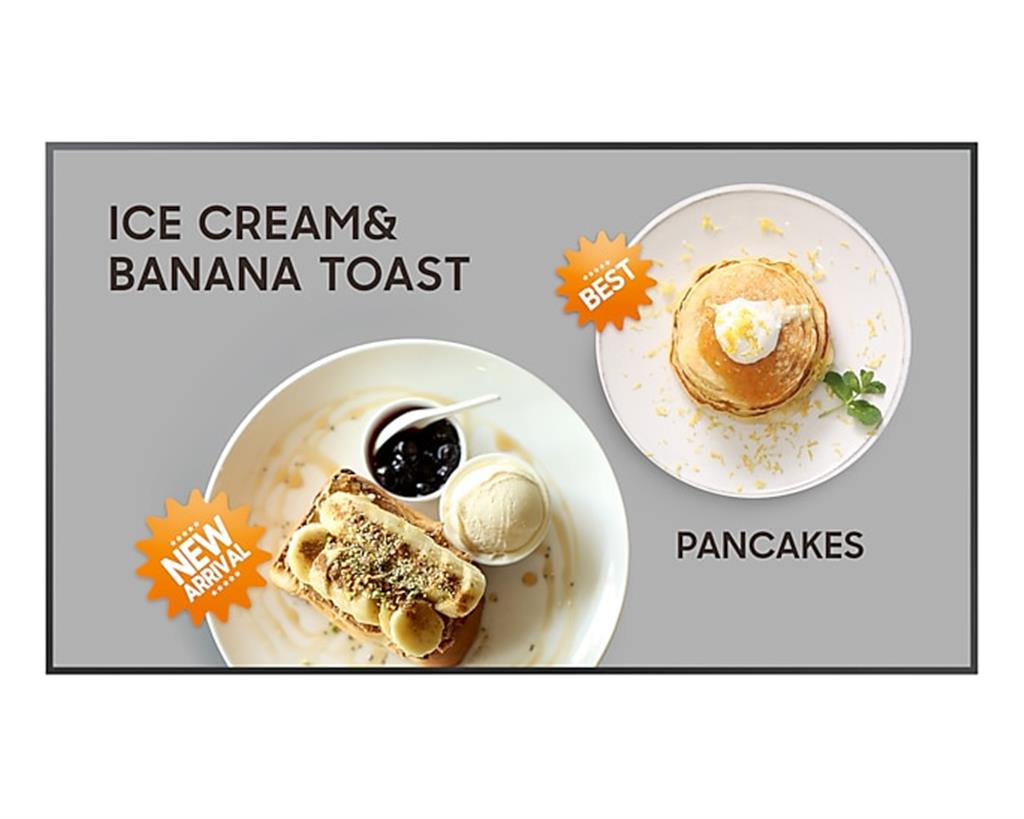
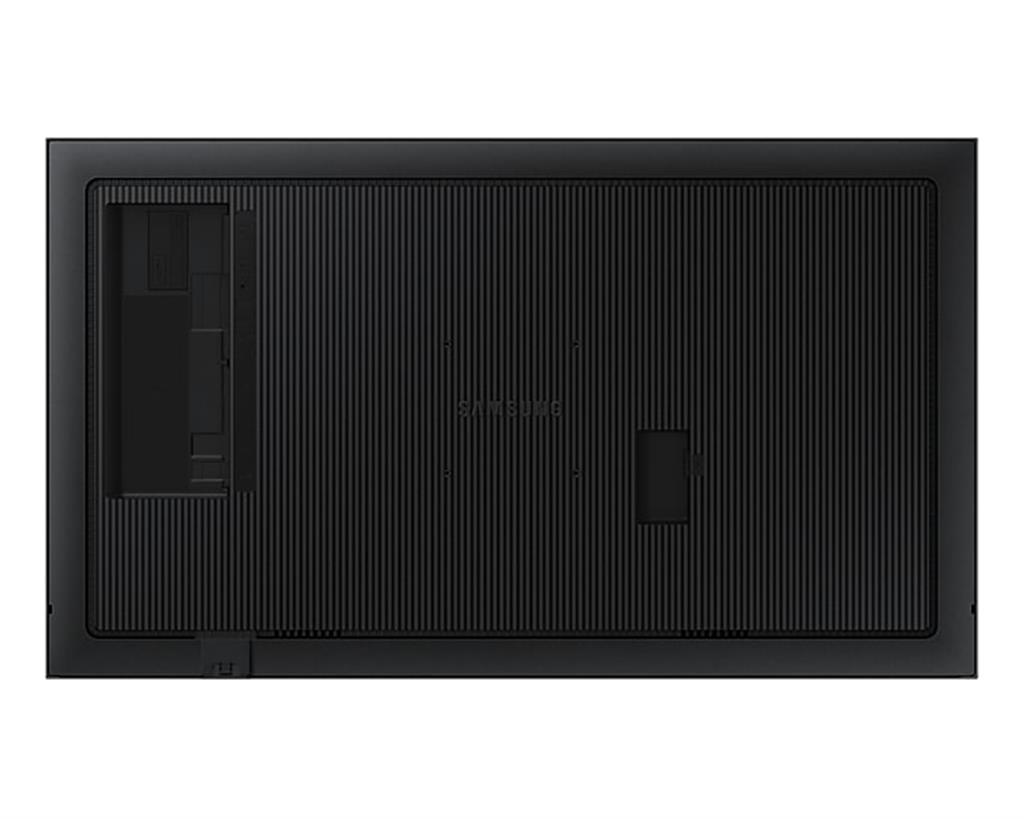
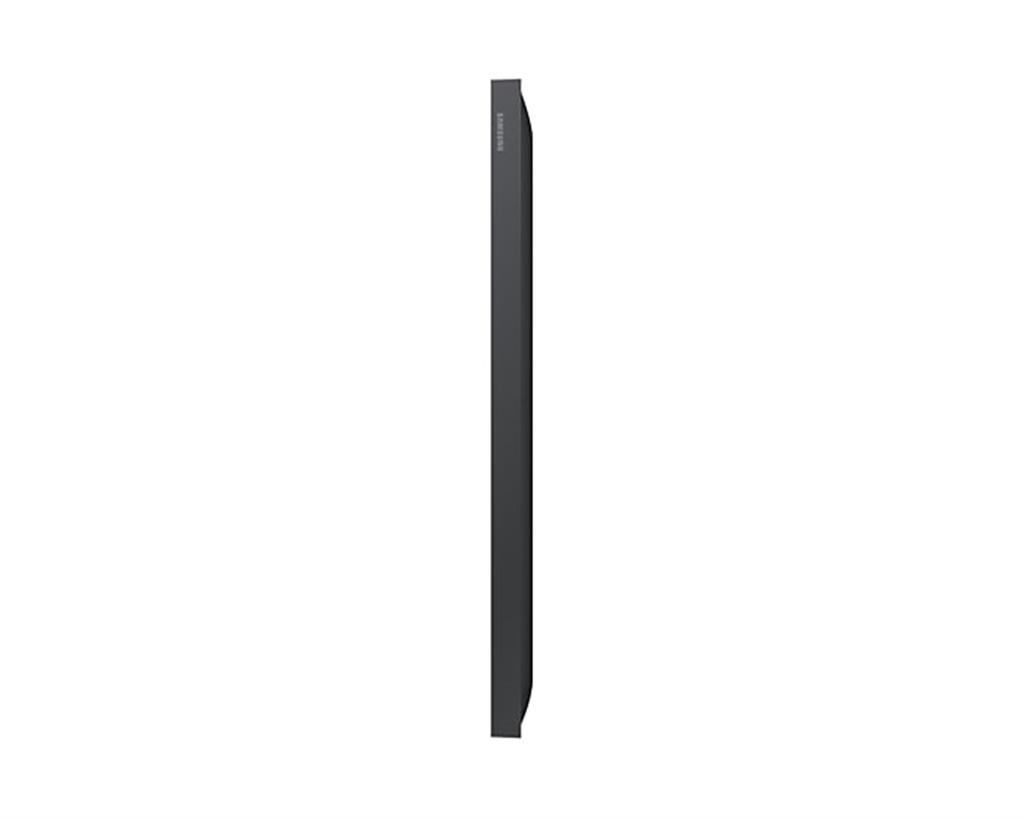
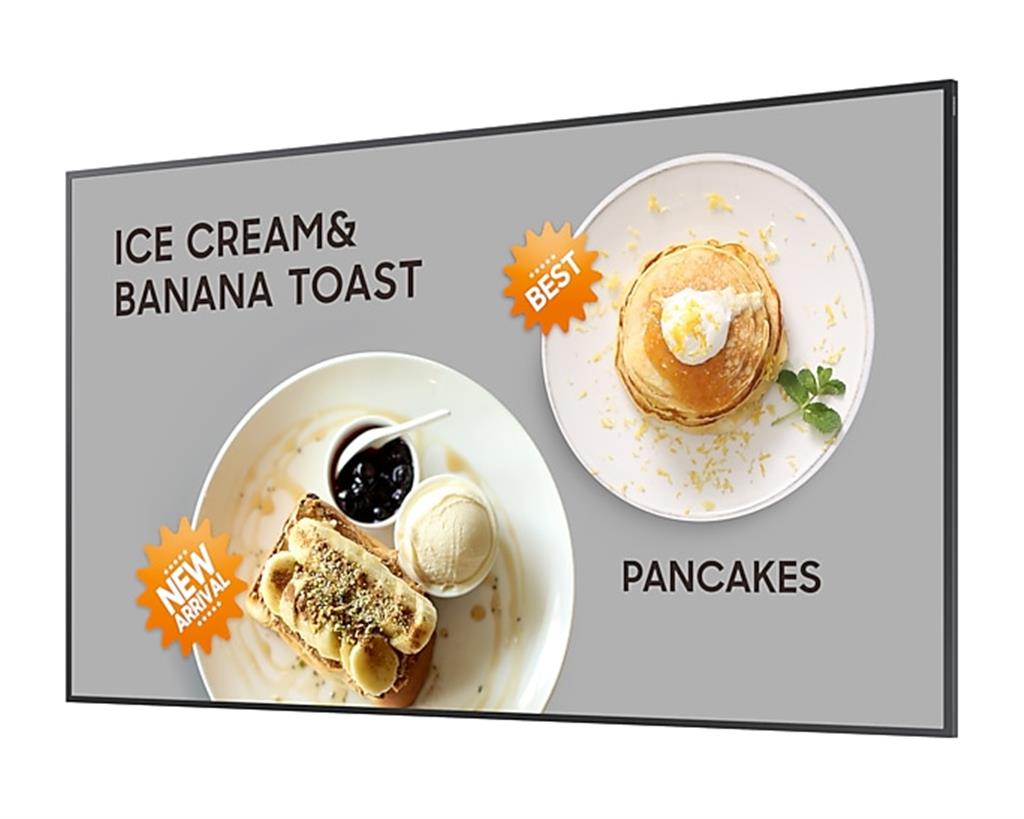
Samsung QM32C is a 32″ (81.3 cm) commercial LCD digital signage display in black, featuring a built‑in processor, Tizen OS, Wi‑Fi connectivity, 400 cd/m² brightness and a 24/7 operation rating. Its ultra‑slim 28.5 mm depth, even bezels, centered VESA holes and Slim Fit Wall Mount compatibility suit continuous public‑display use in retail, transport hubs and corporate environments; the panel includes Dynamic Crystal Colour, Quantum Processor Lite 4K for intelligent UHD upscaling and a non‑glare finish for improved visibility.
Samsung QM32C — compact 32″ commercial signage panel for always‑on displays
The Samsung QM32C (appearing in some source text as QM32C‑E) is a slim, commercial 32‑inch LCD signage panel intended for 24/7 business use. Confirmed from the supplied data: a black, 81.3 cm screen with 400 cd/m² brightness, non‑glare panel, centred VESA holes and an ultra‑slim 28.5 mm depth. It ships with Samsung’s Tizen platform, a built‑in processor and Wi‑Fi, so it is designed to run on‑device signage apps and simple networked deployments without relying on a separate player in every case.
This panel suits small‑format deployments where space and continuous operation matter: retail shelf signage, point‑of‑sale promotion, reception info screens, compact meeting‑room displays or transit/wayfinding in indoor environments. The 400 cd/m² non‑glare LCD makes it appropriate for well‑lit indoor locations rather than bright exterior‑facing windows, while the centred VESA and Slim Fit wall‑mount compatibility support neat, low‑profile installations.
Important trade‑offs: the source mixes “Full HD” in the title with marketing references to “UHD/4K”, “Quantum Processor Lite 4K” and “intelligent UHD upscaling”. Quantum upscaling can improve perceived clarity of lower‑resolution content, but it is not a substitute for native pixels; the panel’s native resolution is not unambiguously stated in the supplied data and should be verified. Also note that while Tizen and a built‑in processor simplify deployment, the exact input/IO and other technical details required for system integration are not specified here and will determine how you connect external sources and content management systems.
- Key quick points: 32″ commercial LCD, 24/7 rated, Tizen + built‑in processor, Wi‑Fi, 400 cd/m², ultra‑slim 28.5 mm, non‑glare.
Viewing, content and scaling considerations
Practical image behaviour depends heavily on the panel’s native resolution (which is not unambiguously stated in the supplied data). Before finalising content, confirm whether this 32″ unit is native Full HD or native UHD/4K. The following guidance helps either way:
- If native Full HD (1080p): design most assets at 1920×1080 to avoid upscaling artefacts. Recommended viewing distance for comfortable legibility and perceived sharpness is roughly 1.2–2.5 metres for general signage; closer viewing will make pixel structure more visible.
- If native 4K/UHD: you can use much higher-resolution source images. Viewers can stand closer (≈0.6–1.2 m) before noticing pixel structure, useful for high-detail promotional imagery at close range.
- Because the panel is said to include “Quantum Processor Lite 4K” and UHD upscaling, expect on‑device upscaling of lower‑res content — useful for improving clarity but not a substitute for native pixels. Treat upscaling as a quality enhancement, not a guarantee of 4K native detail.
- Signage content bitrate & encoding (general guidance): for H.264 1080p, target 6–15 Mbps; for H.265/HEVC 4K, 15–40 Mbps depending on motion complexity. Confirm supported codecs and container formats with the retailer/manufacturer before rolling out heavy video playlists.
Connectivity, apps and network management
The confirmed platform (Tizen) with a built‑in processor and Wi‑Fi indicates this display is intended for on‑device playback and app-based signage. For smooth integration, verify the following before deployment:
- Exact I/O: number and version of HDMI ports, USB ports, Ethernet (RJ45), audio out, and any control ports (RS‑232/IR). Do not assume Ethernet is present—Wi‑Fi is confirmed but wired LAN may be required for reliable enterprise signalling.
- Signage ecosystem compatibility: which CMS platforms and Tizen apps are supported, and whether the display supports remote device management (OTA firmware, scheduling, provisioning).
- Network and security: confirm supported Wi‑Fi standards, enterprise authentication (802.1x), VPN/SSL support, and recommended firewall/port rules for remote management.
- Operational options: if you plan to use external players (media players, PCs), verify available inputs and preferred mounting/placement for those devices; otherwise confirm on‑device codec/container support and maximum file sizes.
Installation, mounting and cable planning
Use the panel’s confirmed mechanical cues to plan a neat installation:
- Ultra‑slim 28.5 mm depth and Slim Fit Wall Mount compatibility enable very low‑profile wall installations; verify whether the Slim Fit mount is included or sold separately.
- Centered VESA holes favour portrait mounting and even weight distribution—still confirm the exact VESA pattern dimensions and panel weight before ordering mounts or shelving.
- Cable routing checklist: power outlet location, Ethernet (if used), HDMI/USB runs and any control cabling. Slim mounts reduce in‑wall room for cables—plan for external raceways or a recessed backbox if concealment is required.
- Allow ventilation clearance despite the slim profile; continuous 24/7 operation needs free airflow to avoid thermal throttling or reduced lifetime.
Acceptance testing and ongoing maintenance
On receipt and during initial commissioning run these practical checks:
- Visuals: test full‑screen white/black/colour slides to spot uniformity issues, backlight bleed and dead/stuck pixels.
- Brightness check: verify mid‑to‑high brightness (around the specified 400 cd/m²) in the actual environment and confirm adjustable settings for day/night schedules.
- Network & apps: connect via Wi‑Fi (and Ethernet if present), install your signage app or content package, test playback of representative files and measure startup/remote‑update behaviour.
- Mounting: confirm portrait and landscape stability on your chosen mount and that centred VESA positioning meets your bracket’s load limits.
- Maintenance plan: schedule periodic firmware checks (Tizen updates), keep vents dust‑free, and confirm warranty and commercial support options for 24/7 deployments with your supplier.
Samsung QM32C — final pre-purchase checks
Before purchase, confirm these unresolved items that could materially affect compatibility, mounting or ongoing operation.
- Native resolution: Verify whether this 32″ unit is native Full HD (1920×1080) or native UHD/4K (3840×2160). If Full HD, get explicit confirmation that “Quantum Processor Lite 4K” is upscaling only and does not indicate native 4K pixels.
- Exact retail model/SKU/MPN: Confirm the full model identifier (does the sold unit include the “-E” suffix?), manufacturer part number and regional variant to ensure correct firmware, accessories and warranty coverage.
- Full I/O and feature matrix: Request the complete port list and versions (HDMI count and HDMI version per port, USB types/versions, DisplayPort if any, Ethernet RJ45 presence, RS‑232/IR, audio out) and which HDMI ports (if any) support HDCP/HDR/ARC/eARC.
- Mounting specifics: Obtain exact VESA pattern dimensions and panel weight, and confirm whether the Slim Fit Wall Mount is included or sold separately—critical for bracket selection and portrait installations.
- Tizen & management: Ask which Tizen OS version is installed, which signage/CMS apps are supported, and whether remote device management and OTA firmware updates are available; confirm enterprise Wi‑Fi (802.1x) support if required.
- Power & environmental limits: Get typical and maximum power consumption figures and the operating temperature/humidity range for guaranteed 24/7 deployments.
- Audio (if needed): Confirm presence and rated output (Wattage) of built‑in speakers if the display must provide sound for your use case.
Prices & Availability
Check and compare current prices and availability from retailers below.