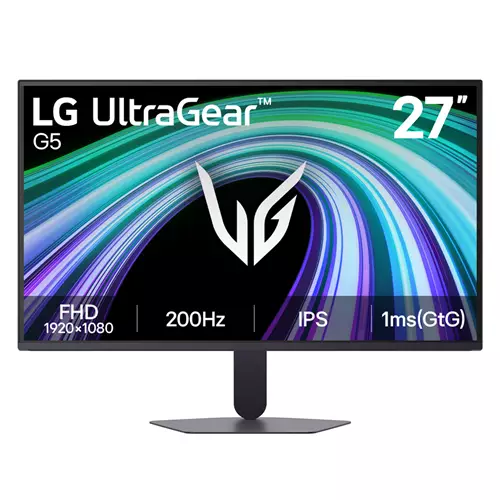
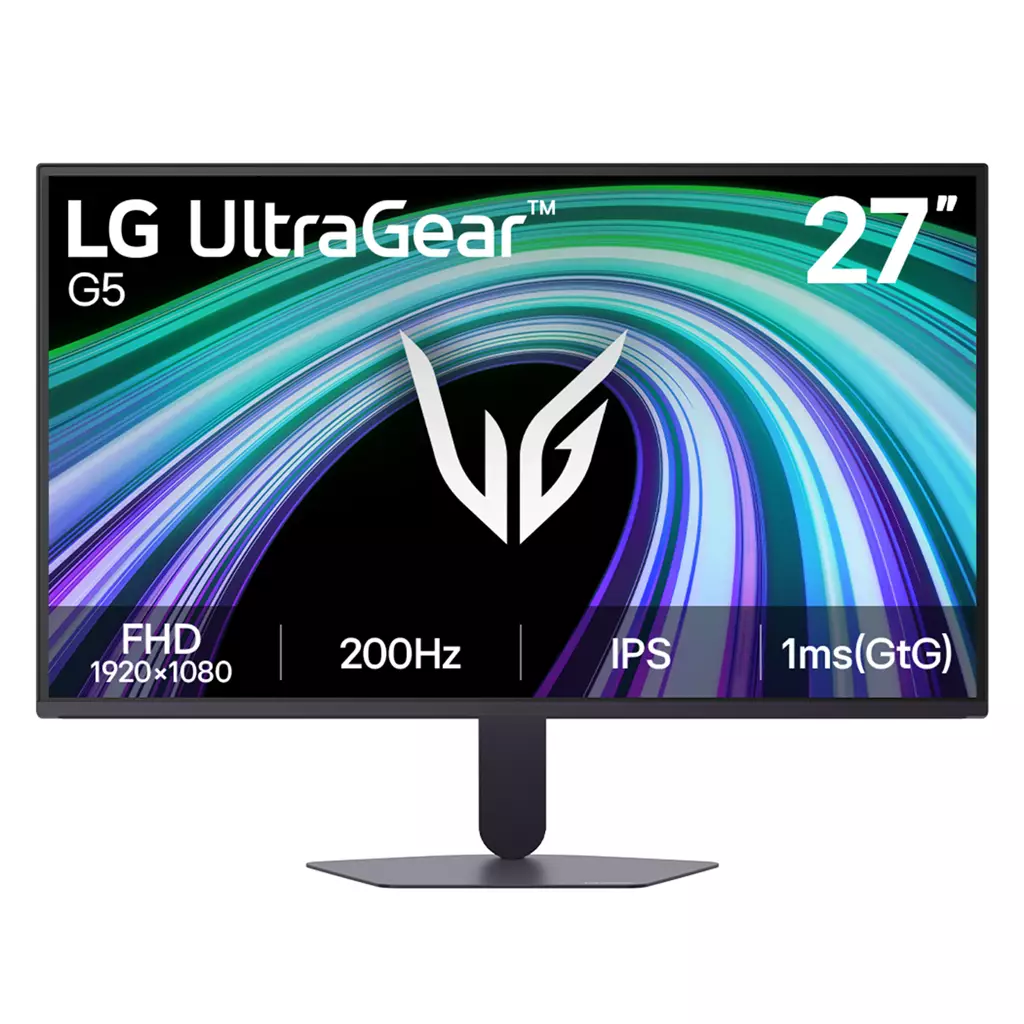
LG UltraGear G5 27G523B-B 27″ Gaming Monitor
£122.00
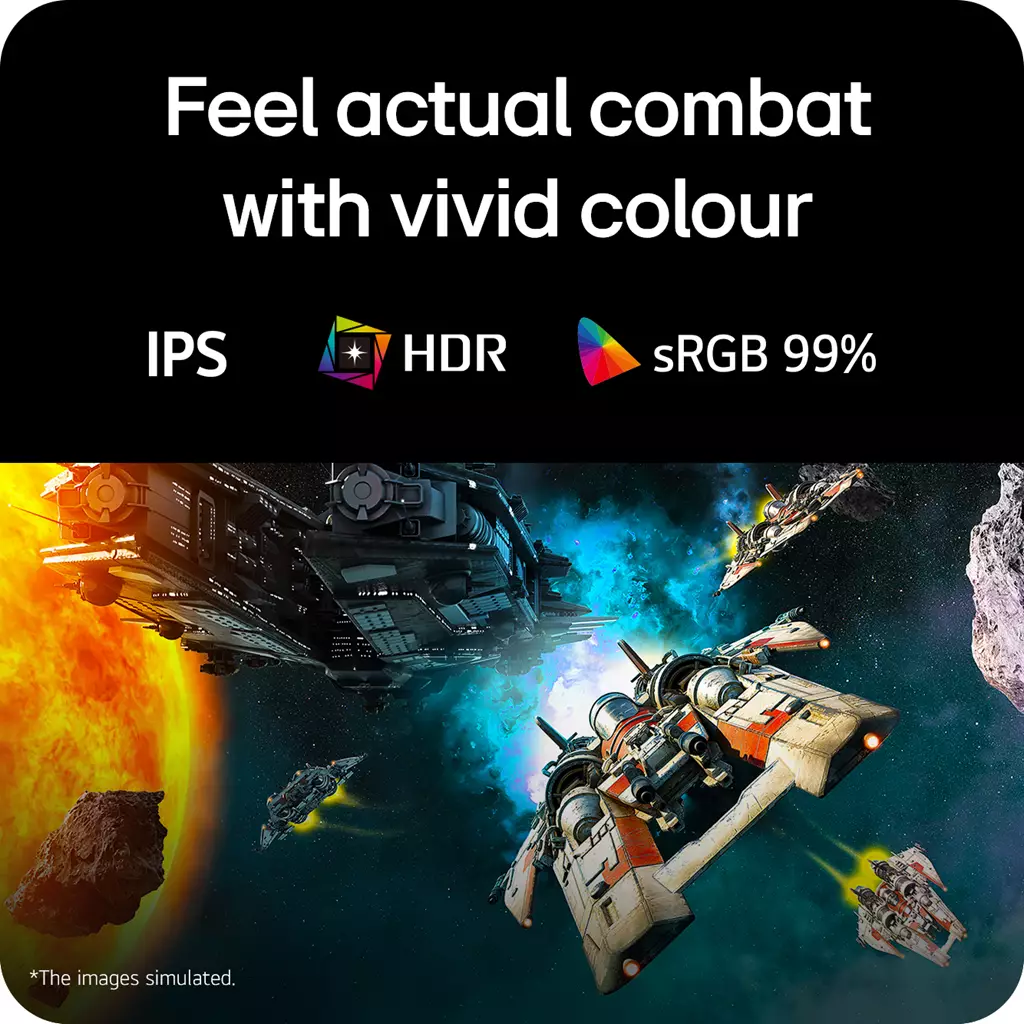
LG UltraGear G5 27G523B-B 27″ Full-HD IPS 200Hz 1ms Gaming Monitor — Edition: not established; Platform: not applicable. Built for fast-paced, high-frame-rate gaming to minimise motion blur and tearing, it pairs a 27″ FHD IPS panel with a 200Hz refresh rate and 1ms (GtG) response. HDR10, sRGB 99% and NVIDIA G‑SYNC Compatible / AMD FreeSync Premium deliver smoother, colour-accurate visuals.
LG UltraGear G5 27G523B-B — 27″ Full‑HD IPS 200Hz 1ms Gaming Monitor
This is a 27‑inch gaming monitor with a Full‑HD (1920×1080) IPS panel, HDR10 support and manufacturer‑quoted 200Hz refresh rate with a 1ms (GtG) response time. It also claims sRGB 99% (Typ.) colour coverage and is specified as NVIDIA G‑SYNC Compatible and AMD FreeSync Premium for adaptive refresh support.
It’s aimed primarily at competitive and fast‑paced gamers who prioritise extremely smooth motion and low response times — think FPS and other multiplayer titles where high frame rates and minimal blur matter. It’s also suitable for users who want wider viewing angles and stronger colour than a TN panel can provide, provided their GPU can deliver high frame rates at 1080p.
In practice the monitor promises very fluid motion and reduced tearing when paired with a compatible GPU, and the HDR10 and sRGB claims suggest stronger, more accurate colour reproduction than many basic FHD panels. Bear in mind that 27″ at 1080p gives a lower pixel density than smaller FHD screens, so text and desktop elements will appear less sharp than on QHD or smaller FHD displays, and meaningful HDR results depend on unknowns such as peak brightness and local dimming.
The most important confirmed platform note is adaptive‑sync compatibility with both NVIDIA and AMD GPUs. Before buying you should confirm the exact input ports and their versions (DisplayPort/HDMI) and what cables are included — these determine whether you can actually run 200Hz and HDR from your system — and check stand adjustability or VESA mount options if ergonomic fit is important.
Who this monitor is for
The LG UltraGear G5 27G523B-B targets gamers who prioritise very high refresh rates and low pixel response for fast, competitive play—first‑person shooters and other fast‑paced multiplayer titles where frame clarity and reduced motion blur matter most. Its 27″ IPS panel and sRGB 99% coverage also make it suitable for users who want better colour and viewing angles than a TN panel, provided they accept a 1920×1080 pixel density on a larger screen.
Performance: 200Hz, 1ms GtG and adaptive sync in practice
With a 200Hz refresh rate and a 1ms GtG spec, this monitor is built to deliver very smooth motion and quicker frame-to-frame transitions if your PC can push high frame rates at 1080p. NVIDIA G‑SYNC Compatible and AMD FreeSync Premium support reduce tearing and stutter with compatible GPUs, but the real-world benefit depends on your graphics card, driver support and the monitor’s VRR implementation. Measured input lag, overshoot or pixel transition behaviour are not provided here and can vary between units and firmware versions.
Panel, colour and HDR: what the specs mean
The IPS panel and listed sRGB 99% (Typ.) suggest accurate, vivid colours and wide viewing angles compared with TN alternatives. HDR10 support indicates the monitor can accept HDR signals, but meaningful HDR quality requires sufficient peak brightness, contrast range and local dimming—details not supplied. Expect typical IPS trade-offs such as some IPS glow in dark scenes; the manufacturer 1ms GtG claim does not guarantee absence of ghosting or overshoot in every scenario.
Connectivity, ergonomics and practical setup considerations
Important physical and connectivity details are not confirmed in the supplied data. The presence and versions of DisplayPort and HDMI inputs, which determine whether you can reach 200Hz and full HDR bandwidth, are not listed; included cables, whether a DisplayPort cable is supplied, built‑in speakers or headphone outputs, stand adjustability (height/tilt/swivel/pivot), VESA mount compatibility, and power supply type are also unknown. These factors affect whether you can run 200Hz, mount the screen on a monitor arm, or use onboard audio, so verify port revisions and included accessories with the retailer or manufacturer before purchase.
LG UltraGear G5 27″ FHD 200Hz IPS Monitor — final pre-purchase checks
Short checklist of unresolved, region- or edition-sensitive points to confirm before you buy.
- Confirm the exact physical input ports and their versions (DisplayPort and HDMI revisions) — these determine whether you can run 200Hz and full HDR from your PC or console.
- Check which cables and adapters are included (is a DisplayPort cable supplied?) and whether any high‑bandwidth cable is required to reach 200Hz/HDR on your chosen port.
- Verify stand ergonomics (height adjustment, tilt, swivel, pivot) and whether the monitor supports VESA mounting if you plan to use an arm or different stand.
- Confirm presence and type of audio options: built‑in speakers, headphone jack or audio passthrough — if you need onboard sound or a line‑out.
- Ask whether the unit is new, open‑box or refurbished and confirm warranty length, regional service terms and return policy for dead pixels/backlight issues.
- Clarify HDR implementation details (peak brightness, contrast, local dimming or lack thereof) — HDR10 support alone does not guarantee strong HDR performance.
- Ensure your GPU and drivers support NVIDIA G‑SYNC Compatible or AMD FreeSync Premium on the specific port/version you’ll use, and confirm your GPU can sustain high FPS at 1080p to benefit from 200Hz.
- If possible, inspect or test a unit for dead pixels, backlight uniformity and IPS glow in person or confirm an easy return/exchange window to do so.
Prices & Availability
Check and compare current prices and availability from retailers below.
 Quzo.co.uk