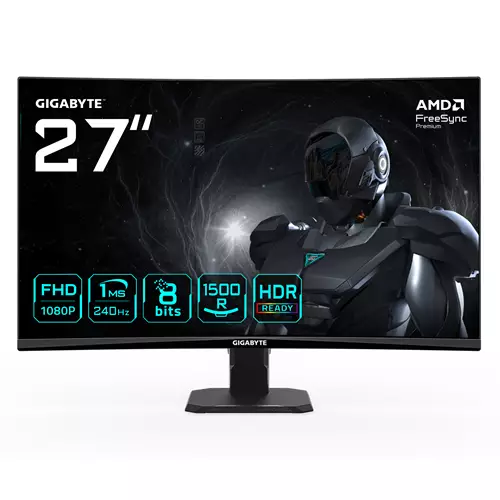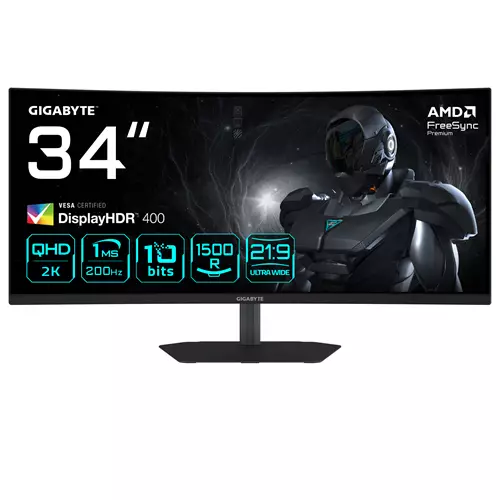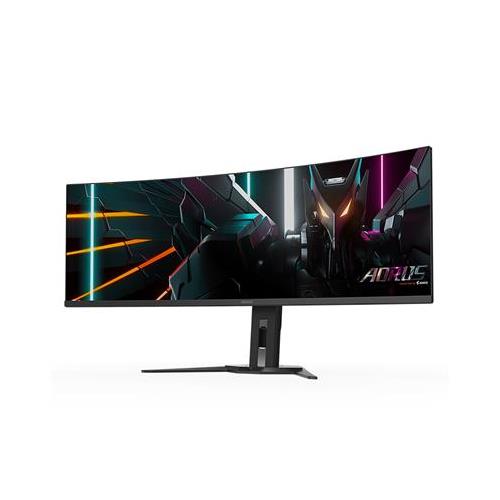
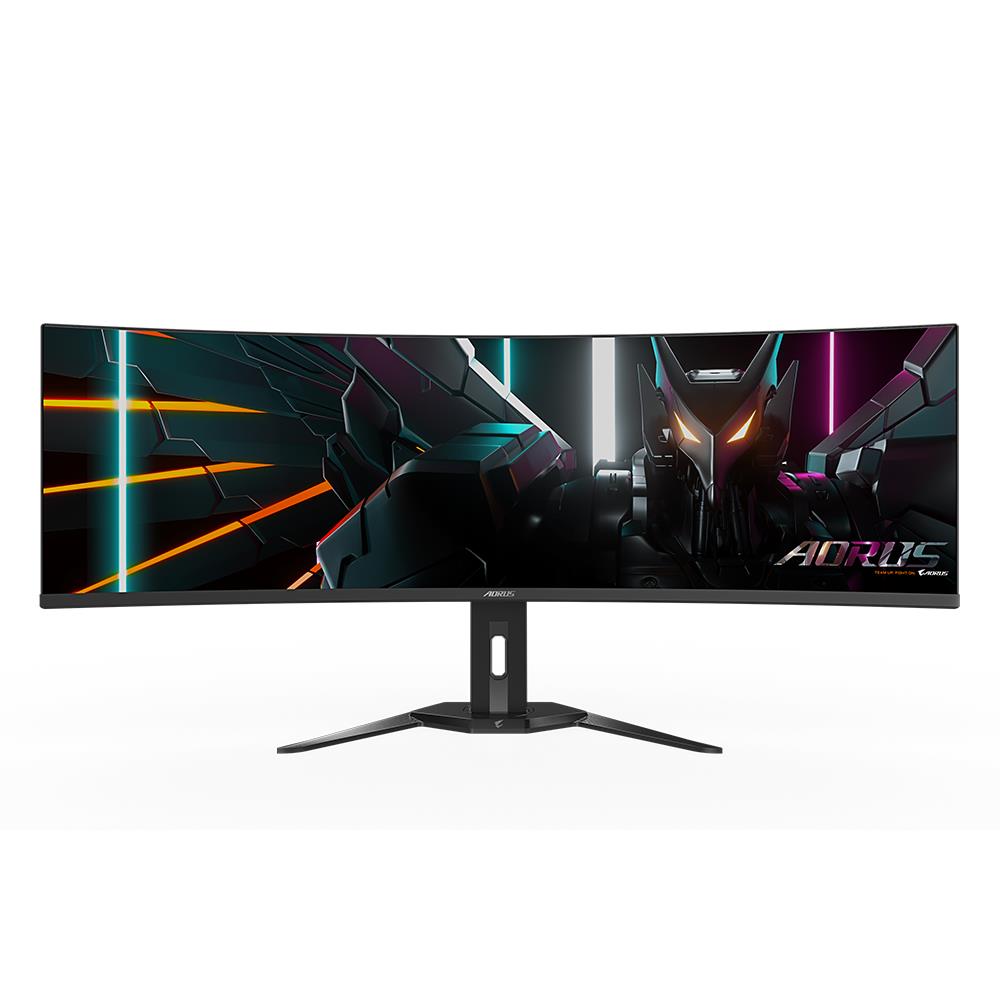
GIGABYTE CO49DQ OLED Curved Gaming Monitor
£866.24
GIGABYTE CO49DQ OLED Curved Gaming Monitor (CO49DQ) — Platform: Not applicable. Core gameplay: Not applicable; designed to enhance console/PC gaming. 4K UHD support with HDMI 2.1 for 120Hz gameplay, VRR and ALLM plus eARC for smooth, low‑latency play. 10‑bit color with wide DCI‑P3 gamut and built‑in Android streaming apps (YouTube, Netflix).
GIGABYTE CO49DQ OLED Curved Gaming Monitor
This is a large-format gaming monitor that combines next‑generation console-friendly connectivity with an Android‑based streaming platform. The supplied description also references a GIGABYTE S55U 54.6″ QD UHD model and lists Quantum Dot, Full‑Array Local Dimming (132 zones) and a 10‑bit / 96% DCI‑P3 specification; those particulars conflict with the CO49DQ OLED title (panel type, size and curvature are therefore not conclusively established from the supplied data).
It appears aimed at console owners and living‑room PC setups who want a cinematic, immersive screen for single‑player and story‑driven games, movie nights and general media consumption rather than ultra‑competitive esports. The combination of HDMI 2.1 features (advertised support for 4K at 120Hz), VRR and ALLM suggests this monitor is intended to smooth motion and hand off low‑latency settings automatically when paired with compatible consoles or GPUs.
In practical terms the display promises a big‑screen, high‑colour experience: the description lists wide colour gamut and 10‑bit output for richer tones, and HDR is expected to benefit from either OLED black levels or a 132‑zone FALD system depending on the actual panel. Key confirmed platform considerations are HDMI 2.1 for 4K@120 support and built‑in Android streaming (YouTube, Netflix and access to Google Play Store), but you should verify the exact model, panel technology, screen size/curve and regional app support before buying.
Product identity and what’s actually confirmed
Title on the listing: GIGABYTE CO49DQ OLED Curved Gaming Monitor. The product description supplied refers to a different Gigabyte model (GIGABYTE S55U, 54.6″ QD UHD). Because those two identities conflict, you should treat the following items as the confirmed attributes that appear in the supplied description, and note any major unknowns.
- Confirmed in the description: UHD/4K resolution, 120Hz refresh claim and HDMI 2.1 support (described as “ideal for 4K console gaming at 120Hz”).
- Colour and HDR-related claims included in the description: 10‑bit color, 96% DCI‑P3 colour gamut, Quantum Dot technology and Full‑Array Local Dimming with 132 zones.
- Gaming/AV features named: VRR (variable refresh rate), ALLM (auto low‑latency mode) and eARC support.
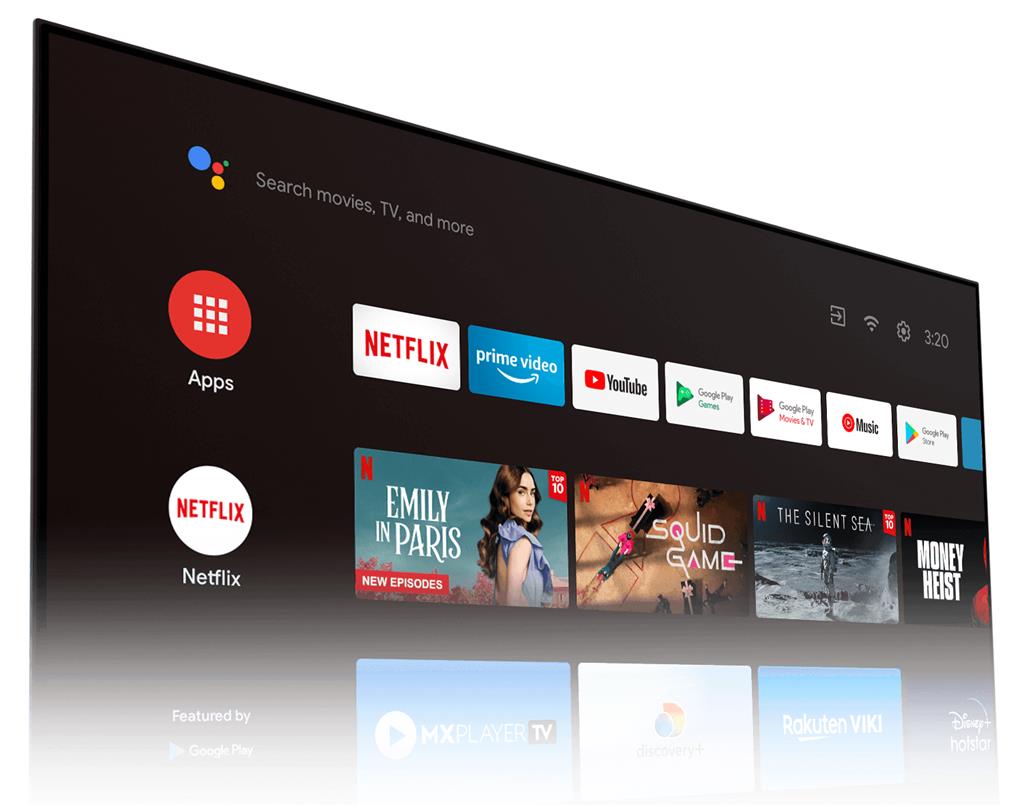
- Smart/entertainment features in the description: built‑in streaming apps such as YouTube and Netflix, and an Android‑based OS with Google Play Store app downloads.
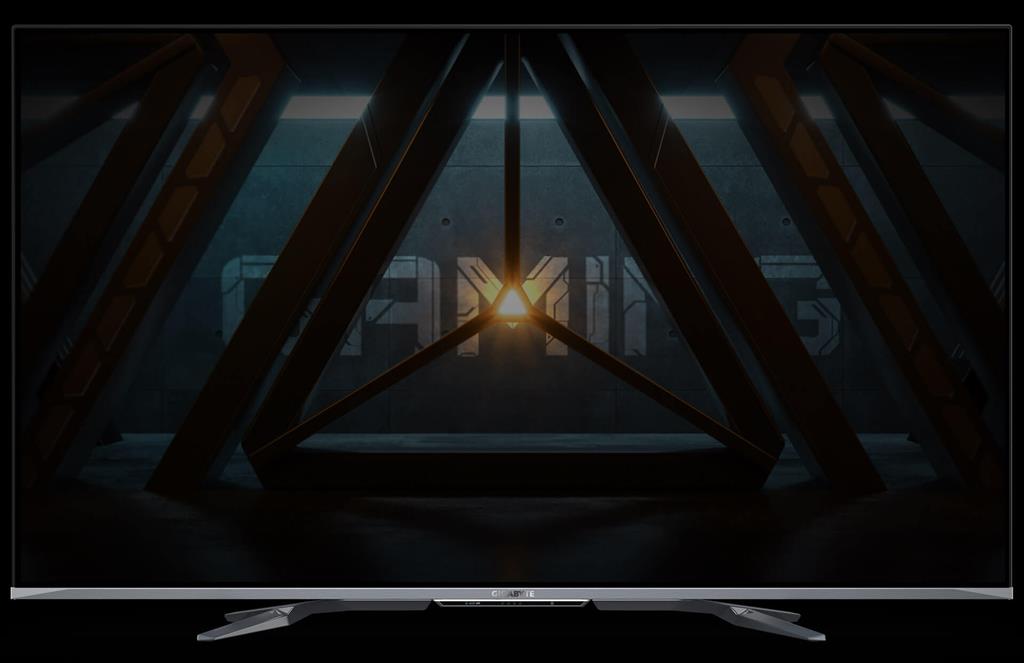
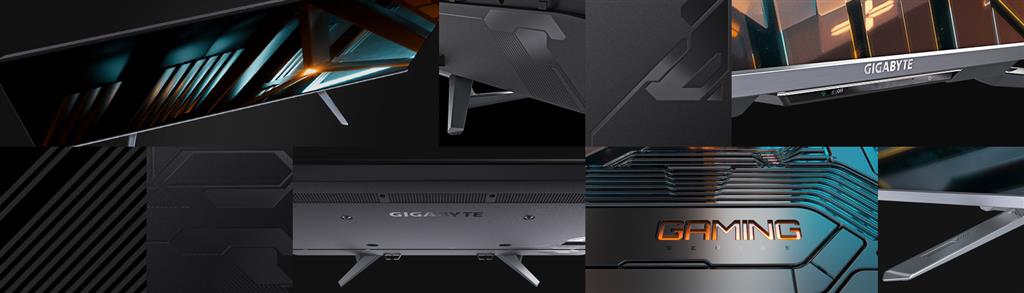
- Design notes stated: “sturdy stand” and a matte finish.
- Major unknowns or direct conflicts: whether this is actually the CO49DQ (an OLED, curved model per title) or the S55U (a 54.6″ Quantum‑Dot LCD with FALD), true screen size and aspect ratio, whether the panel is OLED or QD‑LCD with FALD, confirmed curvature, peak brightness/HDR certification, measured input lag/response times, ports and included cables, warranty and regional software availability.
Display technology and image expectations
Two very different panel types are implied by the source data: an OLED (from the title) and a Quantum‑Dot LCD with Full‑Array Local Dimming (from the description). Each behaves differently in real use, so the model identity matters.
- If the monitor is OLED: expect true per‑pixel blacks, excellent native contrast and very wide viewing angles; also be aware of general OLED considerations such as potential image retention/burn‑in risk for static UI elements and the need to verify manufacturer mitigation features.
- If the monitor is QD + FALD: expect bright spec highlights, wider-than‑average color volume from the Quantum Dot layer and local dimming that can boost HDR highlights. FALD behaviour depends on peak brightness, zone algorithm and zone count — 132 zones is a healthy number on paper, but real‑world blooming, haloing and highlight precision depend on implementation and measured nits.
- The description’s 10‑bit panel claim and 96% DCI‑P3 suggest wide gamut and finer gradation, useful for saturated game and movie content and for colour‑aware work — but colour accuracy and out‑of‑box calibration should be verified with independent measurements.
- Because peak brightness, HDR certifications (HDR10, Dolby Vision, etc.), native contrast ratio and measured colour accuracy are not provided, you should not assume flagship HDR performance until third‑party tests are available.
Gaming features, connectivity and practical requirements
The listing highlights modern console/PC features but several practical details determine whether you’ll actually hit 4K@120 and low latency in practice.
- HDMI 2.1 and 4K@120: this enables PS5/Xbox Series X and compatible GPUs to output 4K at 120Hz. To reach that mode you need a source that supports HDMI 2.1, a full‑bandwidth HDMI 2.1 cable and correct display firmware/settings. The listing confirms HDMI 2.1 support in the description, but included cable and exact HDMI port count are not specified.
- VRR and ALLM: variable refresh rate reduces tearing and stutters when supported by the console/GPU; ALLM lets a console switch the display to a low‑latency mode automatically. Measured input lag and pixel response times are not provided in the supplied data and will determine suitability for fast‑paced competitive play.
- eARC: simplifies passing multichannel or high quality audio from a TV/monitor to an AV receiver or soundbar. Confirm how audio routing is implemented on the actual unit (which ports support eARC) before assuming full AVR passthrough compatibility.
- Real‑world performance (response time, frame pacing, HDR tone mapping and VRR behaviour) is not documented here — look for independent measurements if you require specific latency or HDR outcomes.
Smart features, design and connectivity considerations
The description positions the product as a living‑room friendly display with built‑in streaming and an Android environment, but several manufacturer/seller confirmations are missing.
- Smart OS: the unit is described as running an Android‑based system with YouTube and Netflix installed and Google Play Store access to download apps. Expect to need service accounts for subscription apps and be aware that some streaming services vary by region or on-device certification.
- Design and ergonomics: the listing mentions a sturdy/integrated stand and a matte finish; however, tilt/height/swivel adjustments, VESA mount compatibility and whether the panel is physically curved (title says “curved” but the description does not) are not guaranteed by the supplied data.
- Connectivity extras are not fully enumerated: beyond HDMI 2.1 and eARC, the description does not list USB ports, DisplayPort, ethernet, optical audio out, or included HDMI cables. If port variety or included accessories matter to your setup, confirm those specifics with the seller or manufacturer.
- Regional firmware, app availability and warranty/service terms are not specified — these can affect the smart experience and long‑term support.
GIGABYTE CO49DQ Curved OLED Monitor — final pre-purchase checks
Quick checklist to confirm model, panel technology and real-world compatibility before you buy.
- Confirm the exact SKU/variant on the listing — CO49DQ (title) versus S55U (supplier description) — and request the manufacturer spec sheet for that SKU.
- Verify the panel type: confirm whether the unit is OLED or a Quantum‑Dot LCD with Full‑Array Local Dimming (132 zones); if OLED ask about burn‑in mitigation and warranty coverage, if QD‑FALD ask for measured blooming/local‑dimming behaviour.
- Confirm physical dimensions and shape: exact screen size, aspect ratio and whether the panel is curved (and curvature radius if curved).
- Request measured HDR performance: peak nits, HDR certifications supported (HDR10, Dolby Vision, etc.) and any independent HDR/contrast measurements.
- Confirm connectivity and accessories: how many HDMI 2.1 ports, DisplayPort (if any), eARC support, USB ports, VESA mount pattern, stand adjustability, and whether an HDMI 2.1 cable is included.
- Check smart/Android features: which streaming apps ship preinstalled, whether Google Play is available in your region, and any account/subscription requirements for apps or services.
- Ask about warranty, regional firmware/update policy and the seller’s return policy for your region.
- Ensure your console or GPU supports 4K@120/VRR over HDMI 2.1 and confirm any recommended cable/spec settings to achieve 4K@120Hz with the listed ports.
Prices & Availability
Check and compare current prices and availability from retailers below.
 Quzo.co.uk