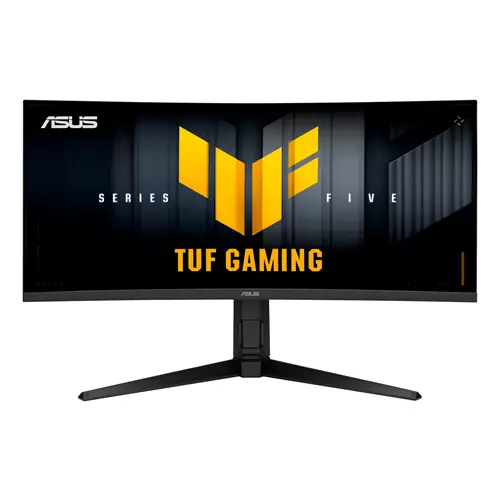
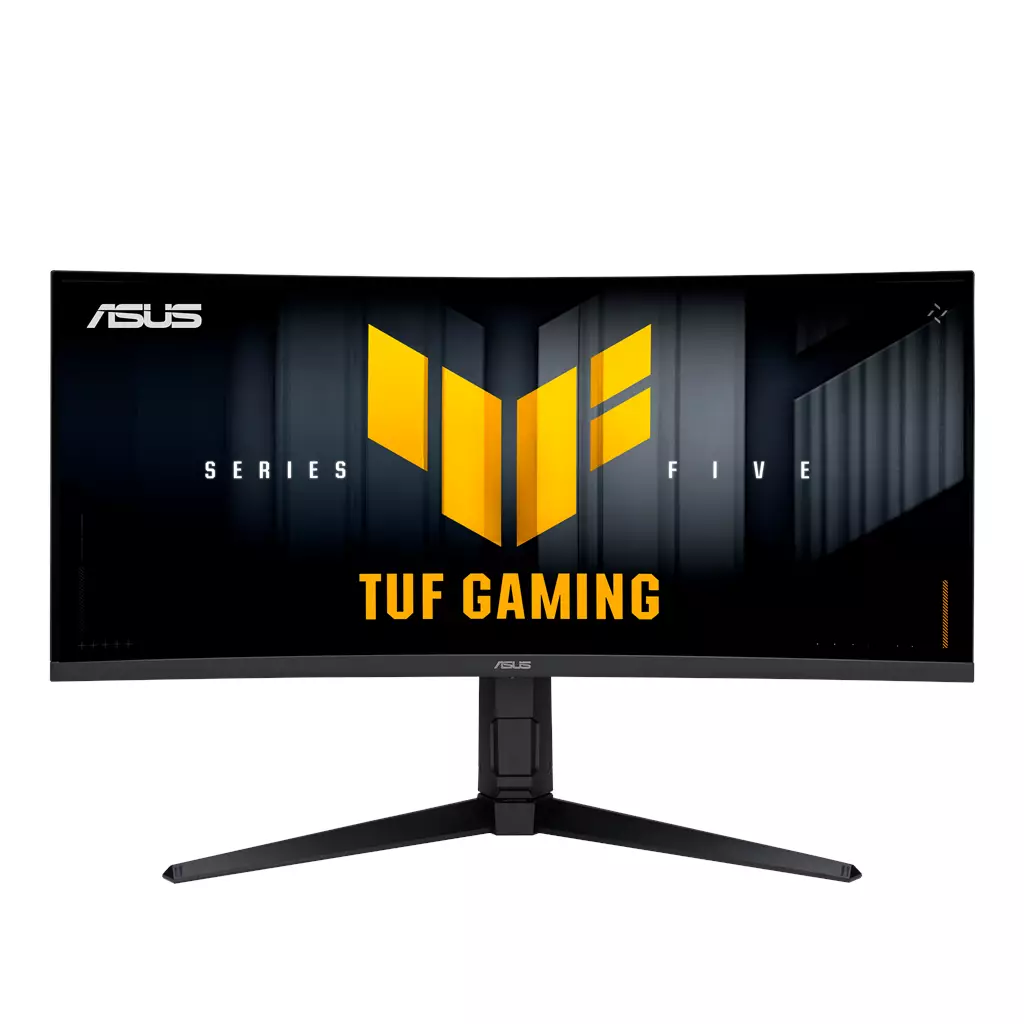
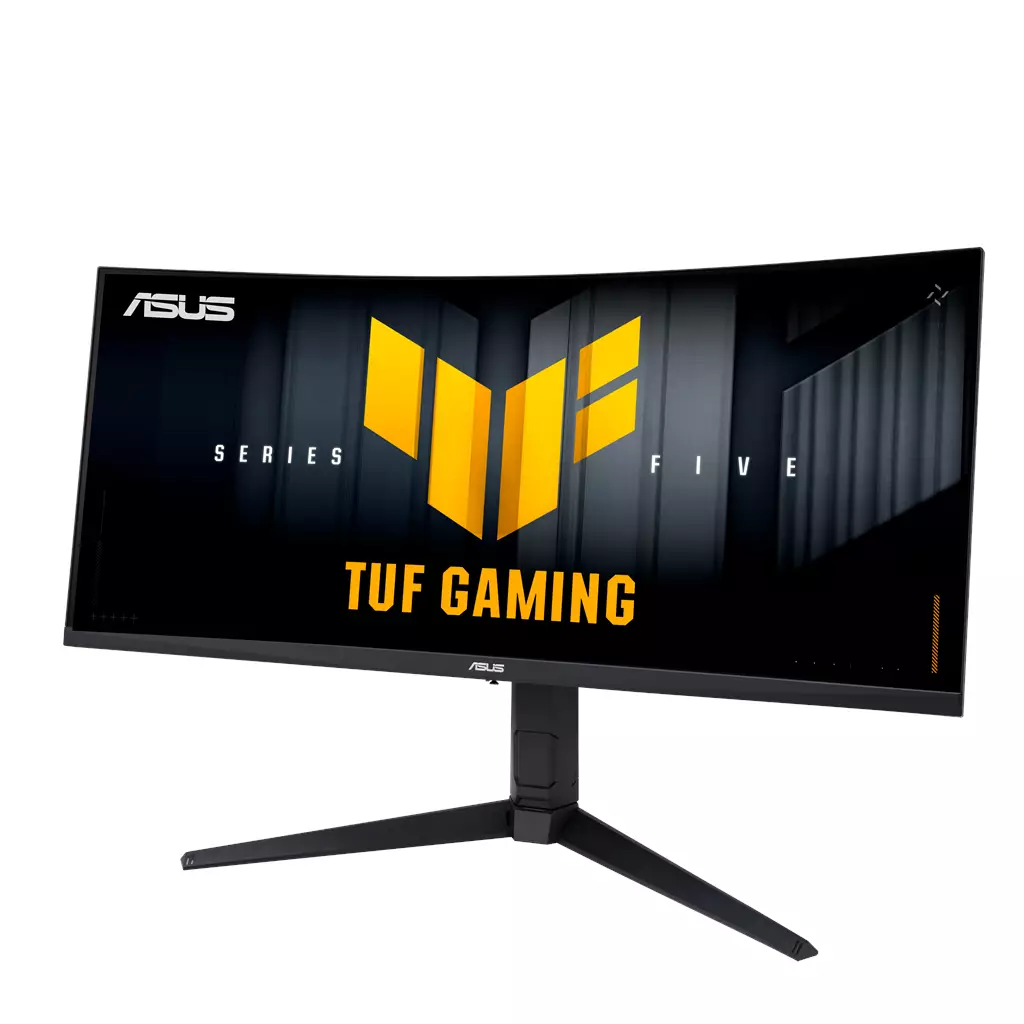
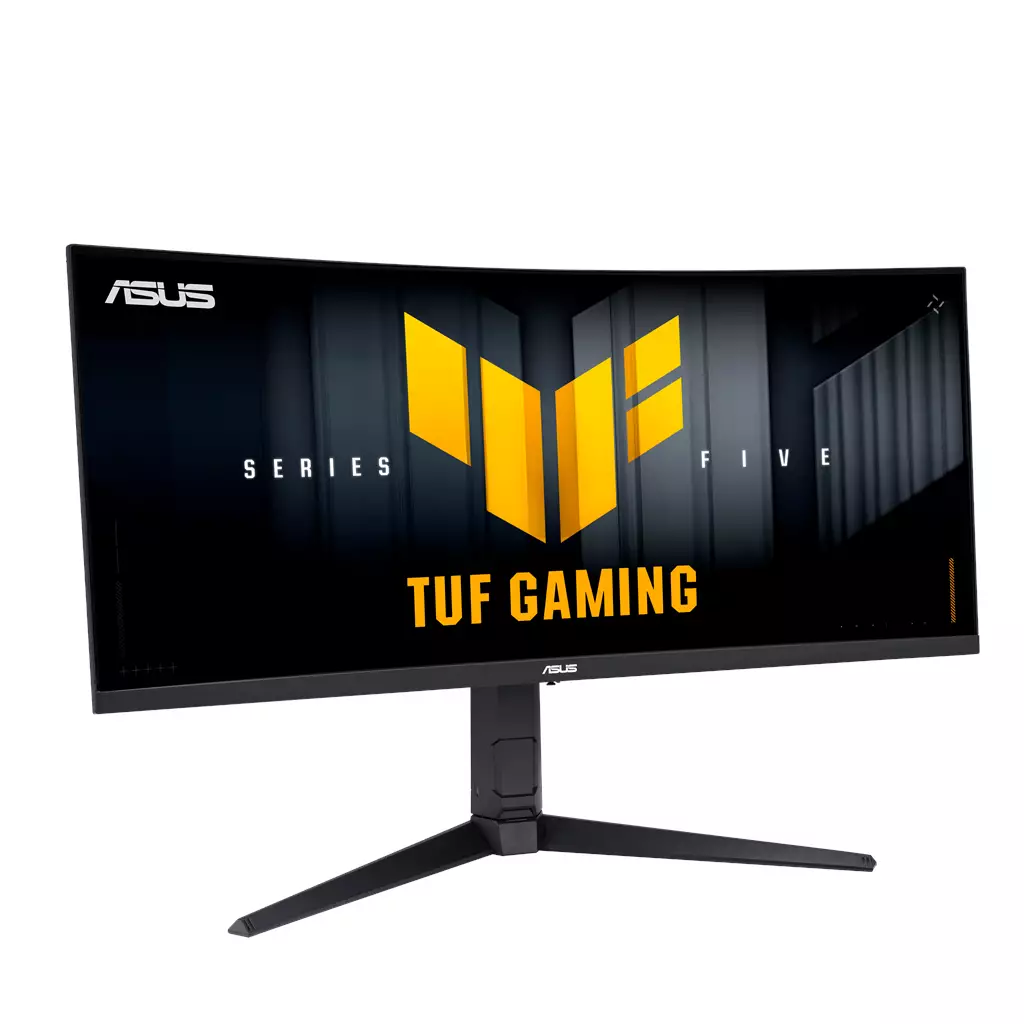
ASUS TUF Gaming VG34WQL5A 34-inch UltraWide Curved Gaming Monitor
£314.10
ASUS TUF Gaming VG34WQL5A
Edition: ASUS TUF Gaming VG34WQL5A — Platform: Not applicable. A 34″ WQHD (3440×1440) UltraWide curved monitor tuned for fast-paced competitive and immersive widescreen gaming. Features 200Hz native refresh with hotkey switch to 720p 400Hz mode and a claimed 0.5 ms response for minimal motion blur, plus AMD FreeSync Premium and 1500R curvature for fluid visuals.
ASUS TUF Gaming VG34WQL5A — 34″ UltraWide gaming monitor (PC)
The ASUS TUF Gaming VG34WQL5A is a 34‑inch UltraWide WQHD (3440×1440) curved LED monitor with a 1500R panel. The manufacturer lists a native 200 Hz refresh rate, a hotkeyable dual mode that switches to a 720p/400 Hz esports setting, a quoted 0.5 ms response time and support for AMD FreeSync Premium. Control and presets are handled through ASUS’s DisplayWidget Center and updated “Gaming AI” features.
This screen is aimed at PC users who want either a more immersive, cinematic workspace for single‑player titles and sims or an ultrawide display that doubles as a productive multi‑window canvas. It also targets competitive players who value extremely high refresh rates and minimal perceived motion blur — the 400 Hz mode is specifically positioned for esports scenarios where frame rate > resolution is prioritised.
In play, the VG34WQL5A promises two distinct experiences: a wide, panoramic view at 3440×1440 for exploration, racing and simulation that benefits from extra horizontal field of view, and a low‑latency, high‑frame‑throughput mode at 720p/400 Hz for twitch competitive play. The stated 0.5 ms response and FreeSync Premium support are intended to reduce blur and tearing, but real‑world motion clarity and input lag will depend on panel behaviour, GPU frame delivery and cabling.
Most importantly for buyers: this is PC‑oriented hardware. Before purchase, confirm the exact video inputs and versions, whether high‑speed cables are included, your GPU’s ability to drive 3440×1440 at high refresh, and details such as panel type, HDR support, stand adjustability, VESA compatibility and warranty — several of these specifics are not confirmed in the supplied product information.
Who this monitor is for
The ASUS TUF Gaming VG34WQL5A is aimed at PC users who want a wide, immersive workspace and high-frame competitive performance. It suits single‑player and simulation gamers who benefit from a 34‑inch 3440×1440 ultrawide field of view, competitive players who may use the dedicated 720p/400Hz esports mode for maximum frame throughput, and content creators or multitaskers who appreciate extra horizontal screen real estate. It is not primarily designed around console workflows—ultrawide resolutions and the 400Hz mode are generally PC‑centric.
Performance and refresh‑rate modes
Key confirmed performance features are a native 200Hz refresh rate plus a hotkey switchable 720p/400Hz esports mode, and a manufacturer‑claimed 0.5 ms response time. In practical terms that means:
- Use 3440×1440 at the native 200Hz when you want sharp ultrawide visuals and smooth motion—this requires a powerful GPU to hit high frame rates at WQHD ultrawide.
- Switch to the 720p/400Hz mode when raw frame rate and the lowest perceived latency matter most (esports). Expect lower resolution but higher refresh throughput; this mode is typically used only for fast‑paced competitive play.
- The 0.5 ms figure is a manufacturer claim and usually reflects a specific overdrive/test method—real‑world motion clarity and input lag depend on pixel response behavior, overdrive settings and frame pacing, so independent measurements may differ.
- AMD FreeSync Premium support can reduce tearing and stutter with compatible GPUs. G‑Sync compatibility is not confirmed here and should be tested or checked against ASUS documentation if you use an NVIDIA GPU.
Image quality, curvature and colour considerations
The monitor is a 34‑inch curved display with a 1500R radius and a 3440×1440 (WQHD) pixel count. That combination delivers a wider horizontal workspace for cinematic single‑player presentation, flight/racing sims and multitasking. ASUS cites “enhanced color performance” and updated Gaming AI features, but important image‑quality details are not specified in the supplied data:
- Panel type (VA/IPS), peak brightness, HDR certification, and advertised color coverage (sRGB/Adobe/DCI‑P3) are not confirmed—these affect contrast, viewing angles, HDR experience and colour accuracy for creative work.
- 1500R curvature increases immersion at typical desktop viewing distances, but personal preference varies; some users prefer flatter panels for text and productivity.
- If accurate colour reproduction matters (photo/video work), look for explicit gamut and factory calibration specs or plan to calibrate with a colorimeter—those details are not provided here.
Connectivity, software and practical setup notes
The product is controlled via ASUS DisplayWidget Center and includes Gaming AI features for on‑monitor adjustments. Beyond that, several practical setup details are not specified in the supplied data and will affect day‑to‑day use:
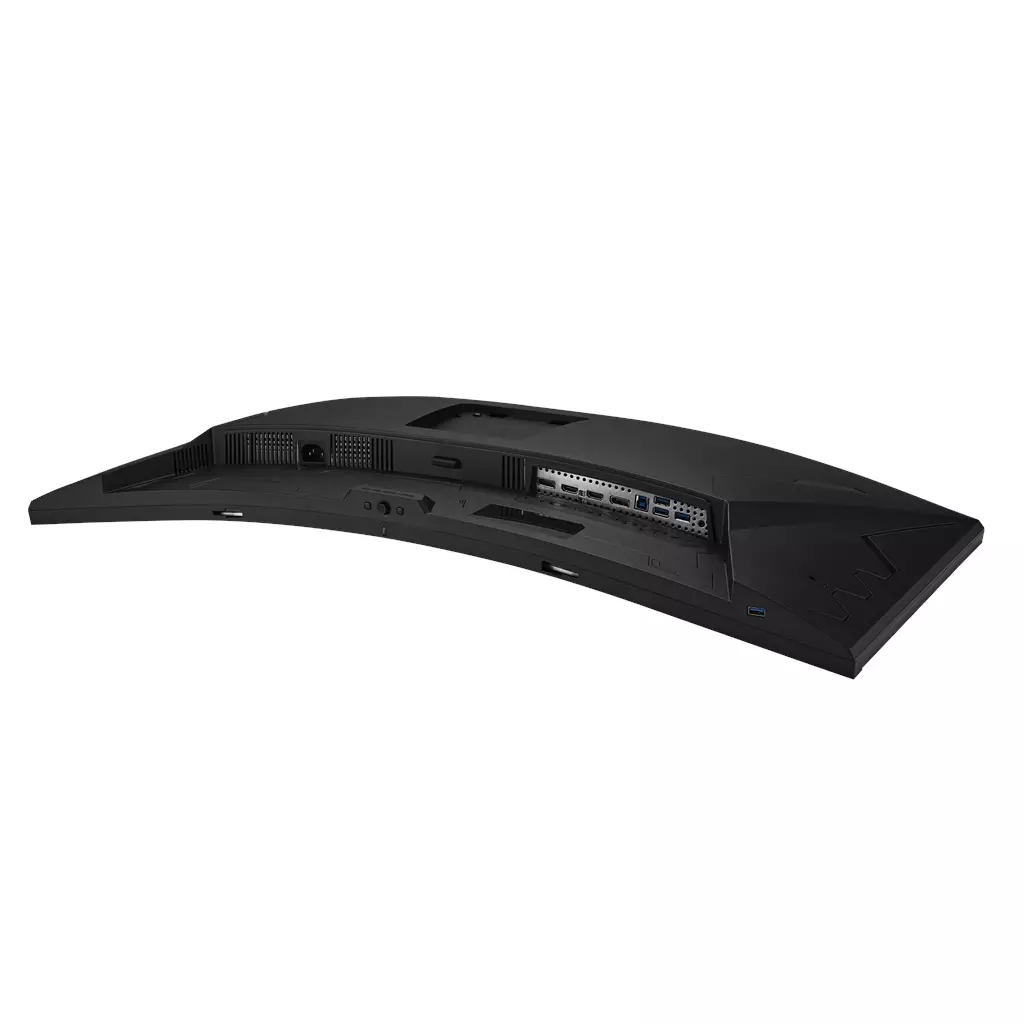
- Exact input/output ports and versions (DisplayPort, HDMI, USB hub and their versions), whether high‑speed cables are included, and power connector type are not confirmed—these determine whether your GPU can drive 3440×1440 at 200Hz (or 720p at 400Hz) without adapter workarounds.
- Stand adjustability (height, tilt, swivel), VESA mount compatibility and physical dimensions/weight are not provided—these matter for ergonomics, monitor arm mounting and desk fit.
- Software features like DisplayWidget Center and Gaming AI can simplify on‑screen controls and presets, but performance and compatibility depend on OS/drivers; confirm compatibility with your system and test the software for stability.
- Console compatibility is limited by game and console support for ultrawide resolutions and very high refresh modes—expect those features to be largely PC‑only.
ASUS TUF Gaming VG34WQL5A 34‑inch Ultrawide Monitor — final pre-purchase checks
Quick checks to confirm exact hardware, compatibility and included items before you buy.
- Confirm exact input ports and versions (DisplayPort, HDMI, USB) and whether the necessary high‑speed cables are included to support 3440×1440 at 200 Hz or the monitor’s 720p/400 Hz mode.
- Verify stand adjustability (height, tilt, swivel), weight and VESA mount compatibility if you plan to use an arm or need specific ergonomics.
- Ask the seller for the native panel type (VA/IPS/etc.), peak brightness, HDR certification (if any) and advertised color‑gamut/factory calibration details when colour accuracy matters.
- Ensure your GPU, drivers and cables can drive 3440×1440 at your target refresh (native 200 Hz) and understand that the 400 Hz mode runs at a reduced 720p resolution.
- Check FreeSync Premium support details and whether the monitor is validated G‑Sync Compatible or exhibits reliable VRR behaviour with NVIDIA GPUs.
- Confirm whether DisplayWidget Center and the updated “Gaming AI” features are included, supported on your OS, and whether firmware/software updates are required.
- Ask about included accessories, power connector/type, full box contents, regional warranty length, return policy and local support options.
Prices & Availability
Check and compare current prices and availability from retailers below.
 Quzo.co.uk