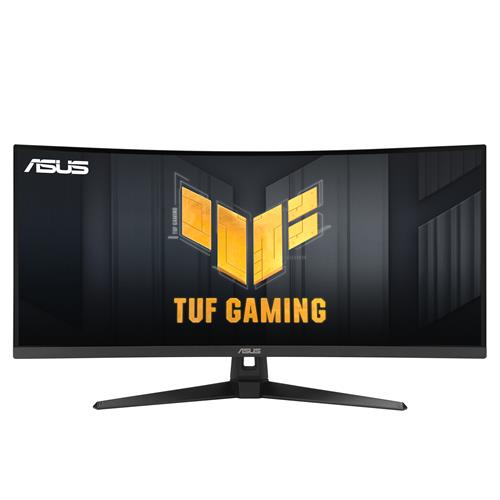
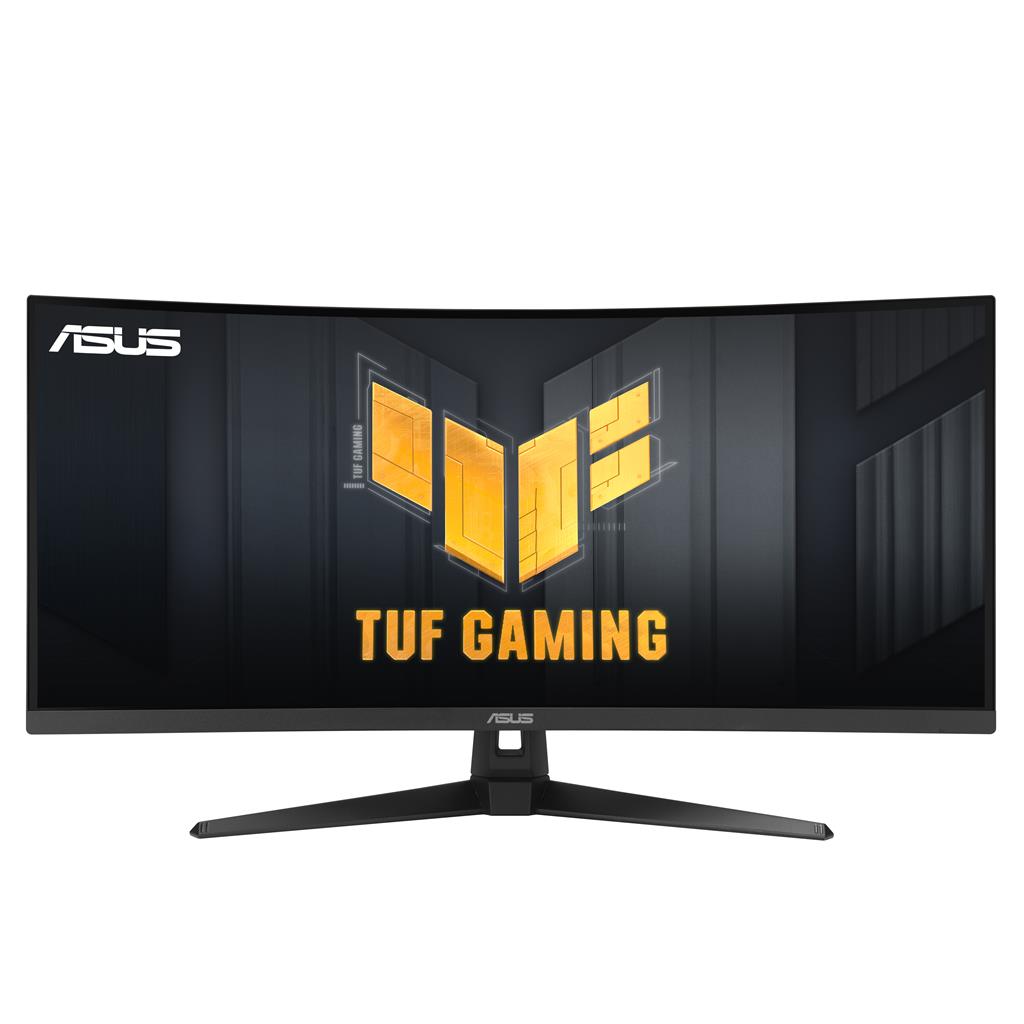
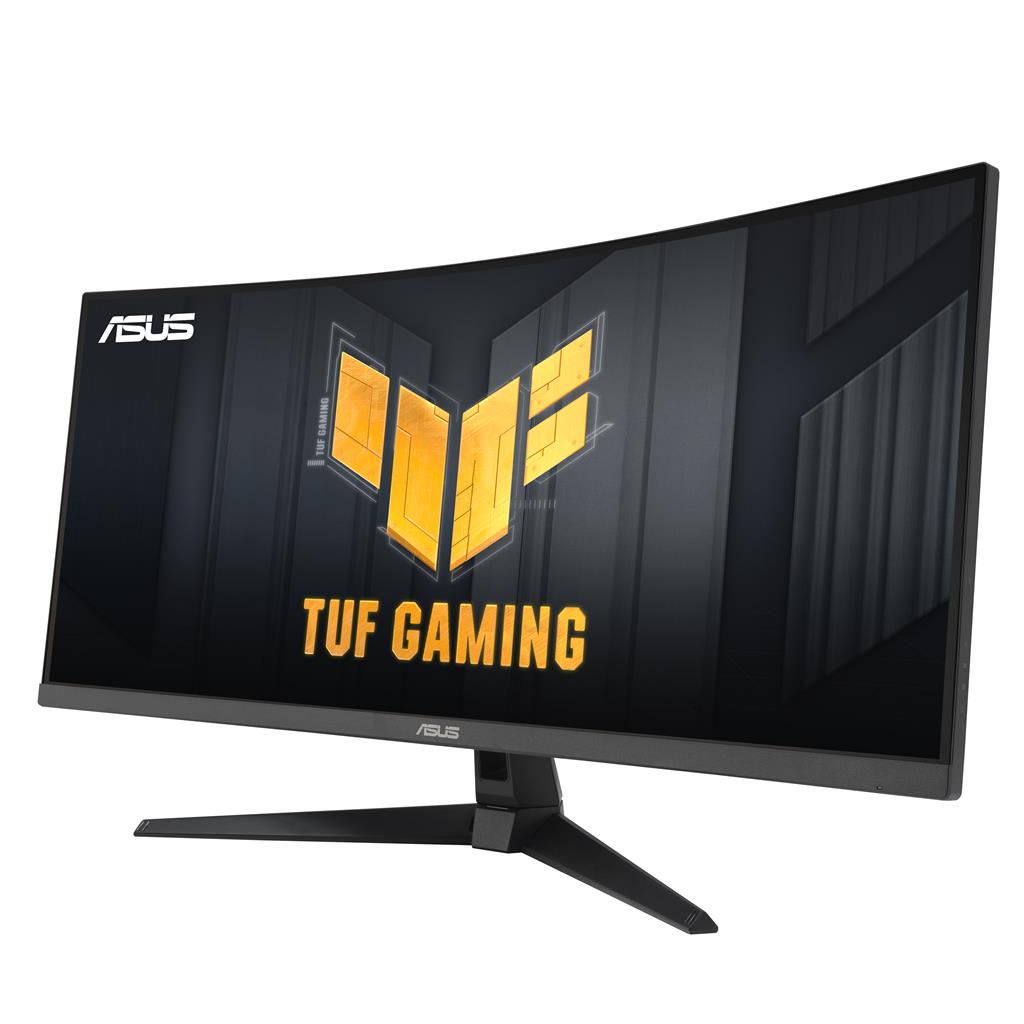
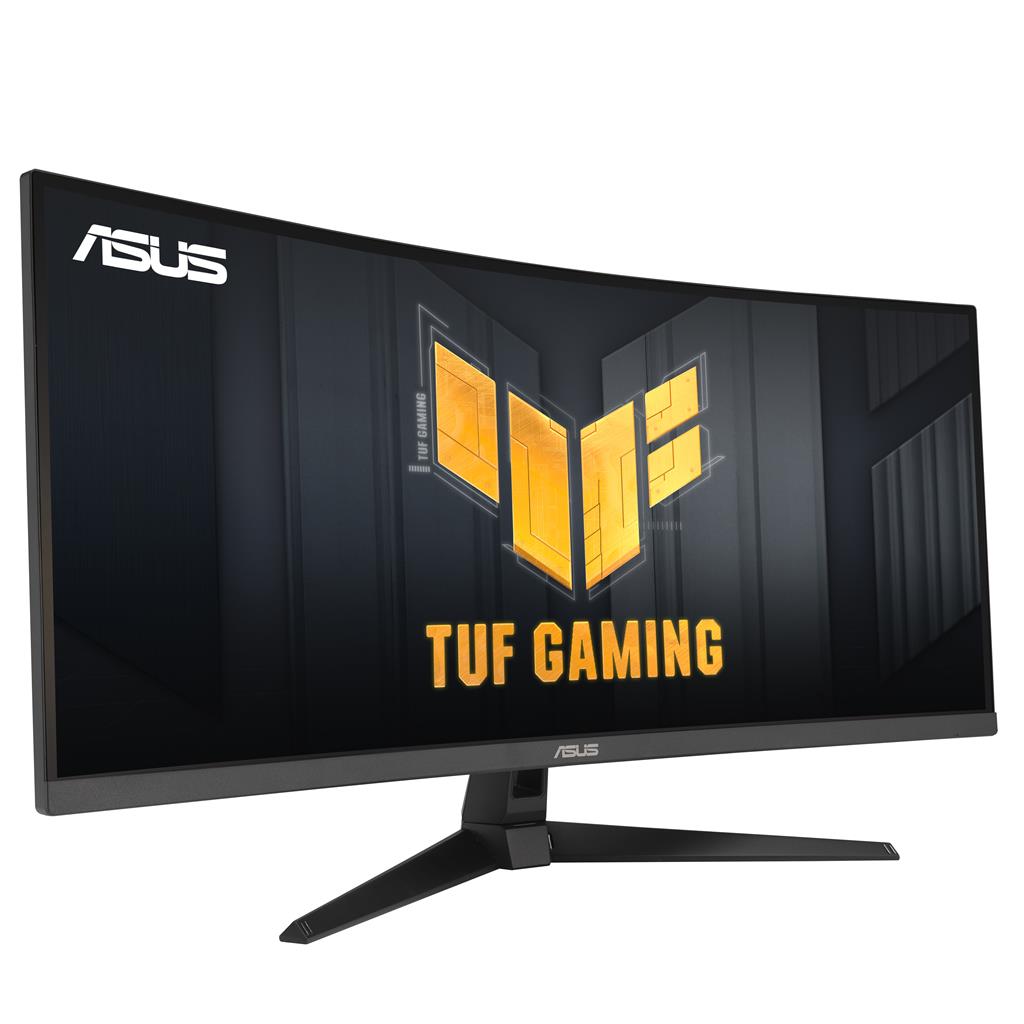
ASUS TUF Gaming VG34VQ3B 34-inch Curved Ultrawide Gaming Monitor
£272.30
ASUS TUF Gaming VG34VQ3B (model VG34VQ3B) — Platform: Not applicable. A 34″ WQHD (3440×1440) UltraWide 1500R curved gaming monitor built for fast‑paced, high‑frame‑rate gaming (FPS, racing, RTS). Key player-facing features: up to 180Hz refresh with 1ms MPRT for minimal motion blur, AMD FreeSync Premium + ELMB SYNC for tear‑free, sharper visuals and ~90% DCI‑P3 color coverage.
ASUS TUF Gaming VG34VQ3B (model VG34VQ3B) — PC gaming monitor
The ASUS TUF Gaming VG34VQ3B is a 34‑inch WQHD (3440×1440) ultrawide curved display with a 1500R panel. Its key hardware specifications include an up-to-180 Hz refresh rate and 1 ms MPRT response, AMD FreeSync Premium support over DisplayPort and HDMI, ELMB SYNC for motion‑blur reduction, roughly 90% DCI‑P3 colour coverage and stated HDR support.
This monitor is aimed at PC users who want an immersive wide field of view for single‑player, racing and simulation titles, or who prioritise very high refresh rates and low motion blur for competitive play. It also suits people who value a large horizontal workspace for productivity — although driving high frame rates at 3440×1440 requires a capable GPU.
The defining experience is widescreen immersion combined with high‑frame‑rate responsiveness: the ultrawide curve increases peripheral visibility while 180 Hz and ELMB SYNC reduce visible motion blur and tearing when your system can supply the frames. Colour gamut and HDR support suggest richer colours than basic SDR panels, but actual HDR performance and peak brightness are not specified. Most importantly, this is primarily a PC monitor — check which DisplayPort/HDMI versions are required to reach 3440×1440 at 180 Hz, and confirm other practical details (included cables, VESA pattern, stand adjustability and console compatibility) before buying.
Quick summary — what this monitor is and who it suits
The ASUS TUF Gaming VG34VQ3B is a 34″ 3440×1440 (WQHD) ultrawide curved gaming monitor (1500R) designed for players who want immersive single‑player, racing and sim experiences while retaining high‑frame‑rate competitive capability. Its confirmed strengths are a 180 Hz refresh rate, 1 ms MPRT response, AMD FreeSync Premium support and ELMB SYNC for reduced blur at high frame rates. Colour coverage is stated at roughly 90% of DCI‑P3 and the panel supports HDR (exact HDR format and peak brightness are not specified).
Panel and image quality — resolution, curve, colour and HDR caveats
- Ultrawide WQHD (3440×1440) on a 34″ 1500R curved panel gives a wide field of view well suited to racing, flight sims and cinematic single‑player games, and provides extra horizontal workspace for productivity.
- ~90% DCI‑P3 coverage indicates a wider colour gamut than typical sRGB panels, so games and HDR content can look richer; however, exact factory calibration, delta‑E figures and measured accuracy are not confirmed.
- HDR is listed as supported, but there are no confirmed peak brightness, contrast ratio or HDR certification details—expect perceptible improvements in some HDR content, but do not assume full HDR‑certificate performance without measured specs.
- Because ultrawide 3440×1440 uses more pixels than a 16:9 1440p screen, it increases GPU workload; maintaining very high frame rates at this resolution requires a capable graphics card.
Performance and responsiveness — refresh rate, motion blur and adaptive sync
- 180 Hz refresh rate combined with 1 ms MPRT aims to deliver extremely smooth motion and low perceived input lag for high‑FPS play. The benefits are most noticeable when your GPU can push high frame rates at 3440×1440.
- AMD FreeSync Premium is supported over DisplayPort and HDMI to reduce tearing and stutter. ELMB SYNC (Extreme Low Motion Blur) allows motion‑blur reduction to run together with adaptive‑sync, improving clarity during fast motion. Manufacturer notes ELMB works better above ~85 Hz.
- ASUS Variable Overdrive automatically adjusts overdrive based on current frame rate to reduce ghosting across varying game performance. Real results can vary by title and frame‑rate stability.
- To achieve 3440×1440 at the full 180 Hz, confirm which DisplayPort/HDMI versions the monitor and your GPU support—some high refresh rates at this resolution require DP 1.4 with DSC or HDMI 2.1 on source devices; this specification is not confirmed in the supplied data.
Features and software — gaming extras that affect visibility and control
- ELMB SYNC and Variable Overdrive are focused on reducing motion blur and ghosting during fast action while keeping adaptive‑sync active.
- Shadow Boost enhances visibility in dark areas without globally overexposing bright regions; useful for spotting hidden enemies but it can change the overall image balance.
- GamePlus provides on‑screen aids (crosshairs, timers, etc.) developed with pro input, and DisplayWidget Center software lets you change monitor settings from the desktop with a mouse instead of using the OSD.
- These software features are convenient for tweaking gameplay visuals and preferences, but specific available options and their behaviour can depend on firmware and driver versions (not detailed here).
Connectivity and platform compatibility — what to check before you buy
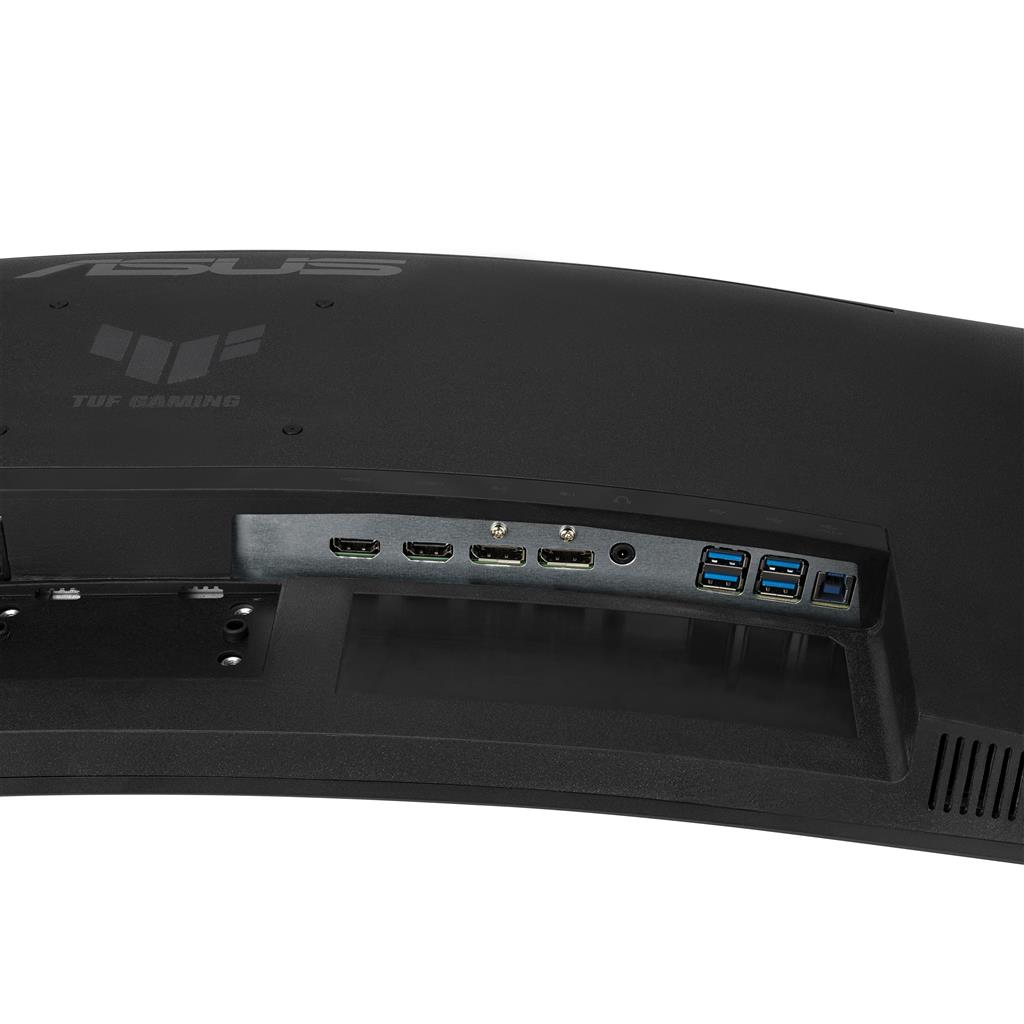
- Confirmed inputs include DisplayPort and HDMI and Adaptive‑Sync over both. Exact DP/HDMI version details (which determine the ability to run 180 Hz at 3440×1440) are not provided—ask the seller or ASUS for the supported versions if you need full refresh‑rate capability.
- Console compatibility is unclear: most consoles do not natively support ultrawide 3440×1440 or 180 Hz. If you plan to use consoles, verify supported output resolutions and refresh rates for each console model.
- Practical unknowns include whether display cables, power cable, stand hardware or VESA mount plates are included, the monitor’s exact physical dimensions and weight, and whether a specific port on your PC or GPU is required to get full performance.
- Also confirm warranty coverage and firmware update policy with the retailer or manufacturer if those factors matter for long‑term ownership.
ASUS TUF Gaming VG34VQ3B 34″ Ultrawide (3440×1440) Monitor — final pre-purchase checks
Short checklist of edition‑sensitive and region‑specific details to confirm with the seller or manufacturer before purchase.
- Confirm which cables and accessories are included (DisplayPort, HDMI, power cable, any adapters, screws and whether the stand is supplied or sold separately).
- Ask for the exact VESA mount pattern, full physical dimensions (width/height/depth) and weight, and whether the stand offers height, tilt and swivel adjustment to fit your desk setup.
- Verify which DisplayPort and HDMI versions are supported and whether 3440×1440 @ 180 Hz requires DP 1.4 with DSC or HDMI 2.1 (and whether any port limits apply).
- Request the exact HDR specification (format such as HDR10 if any), measured peak brightness and any HDR certification so you know the practical HDR performance.
- Ask for factory calibration data or a colour accuracy report (delta‑E / calibration target) if colour-critical work is intended, plus confirmation of the stated ~90% DCI‑P3 coverage.
- Confirm warranty length, regional coverage and service terms, and the manufacturer’s firmware update policy and availability of updates.
- Ensure your GPU (or console) can realistically drive the ultrawide 3440×1440 resolution at the frame rates you want; explicitly confirm console compatibility if you plan to connect a console (many consoles do not support 3440×1440 or 180 Hz).
Prices & Availability
Check and compare current prices and availability from retailers below.
 Quzo.co.uk