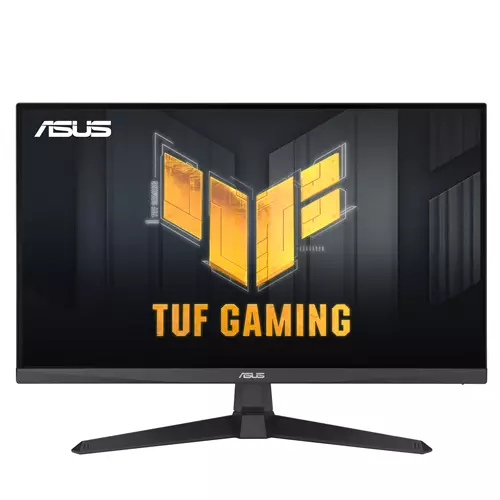
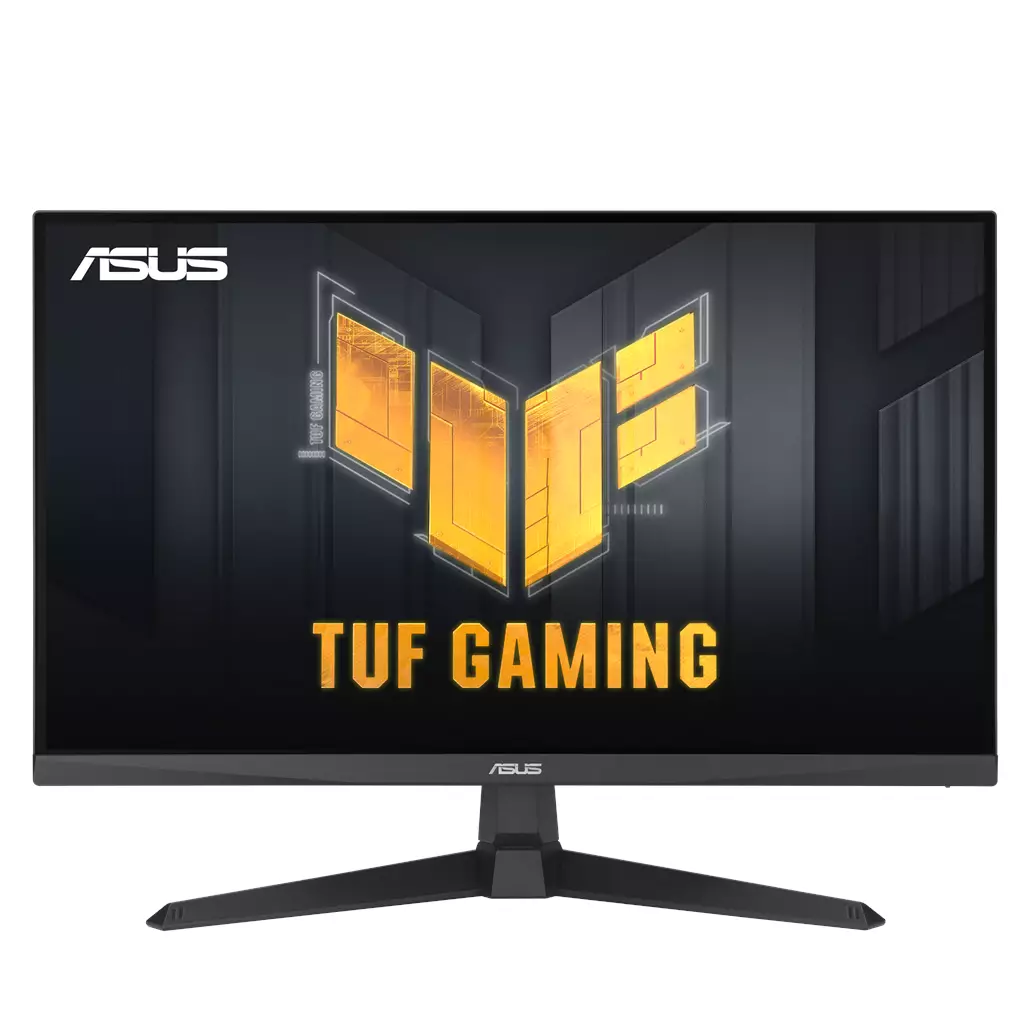
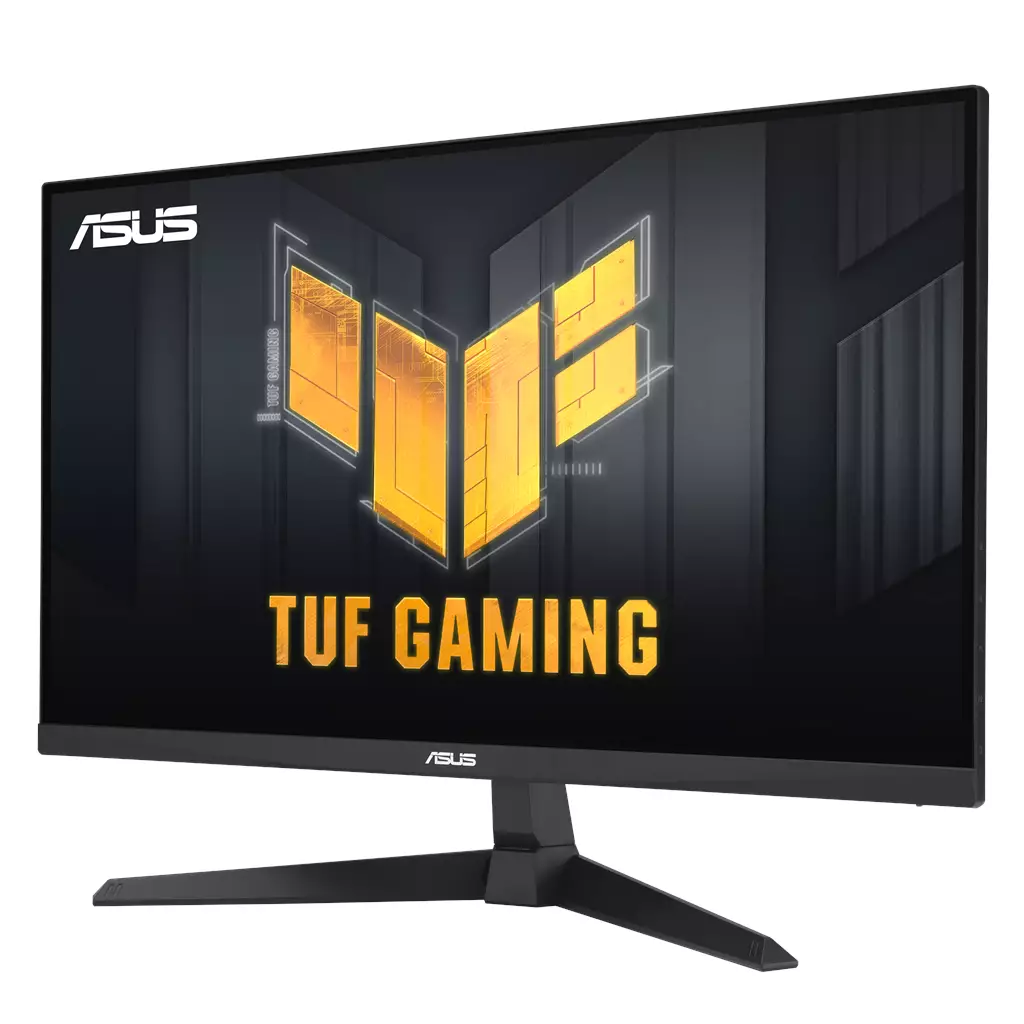
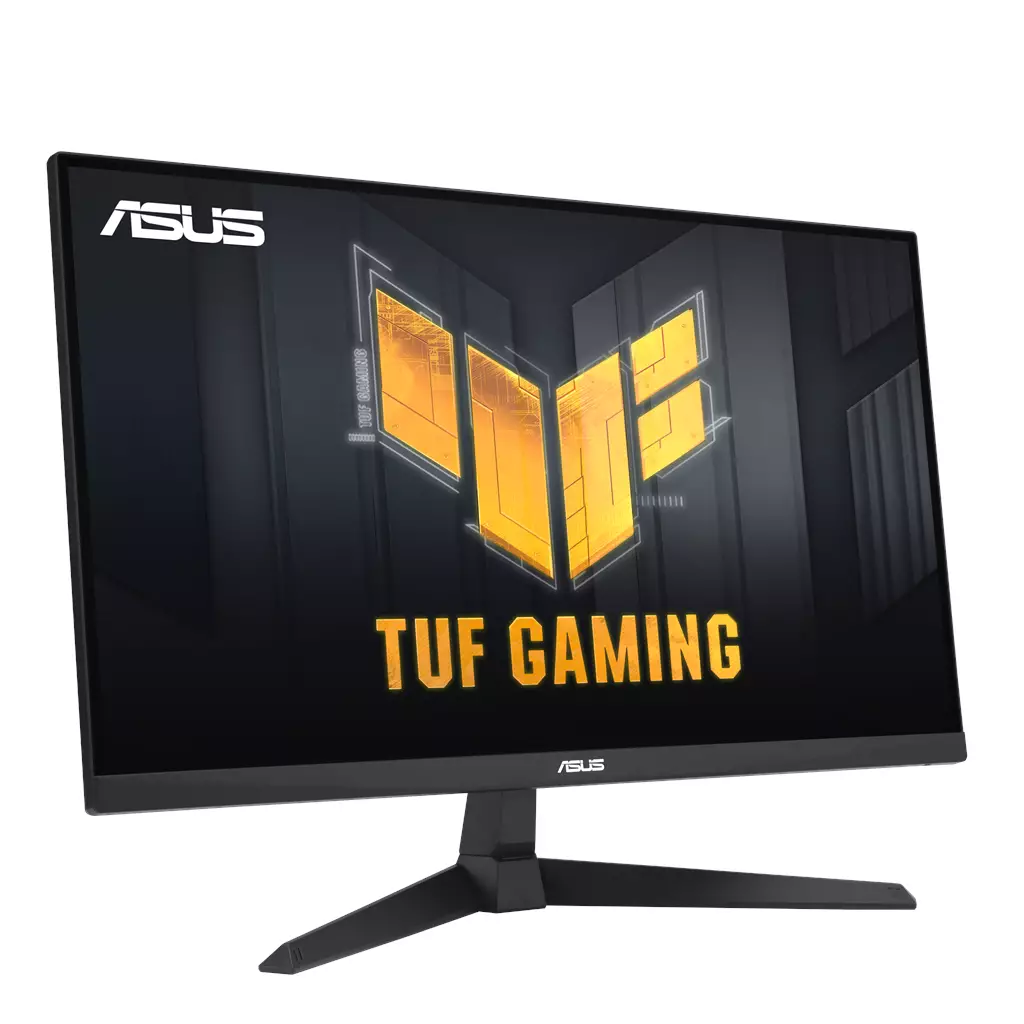
ASUS TUF Gaming VG279QE5A 27-inch Gaming Monitor
£145.81
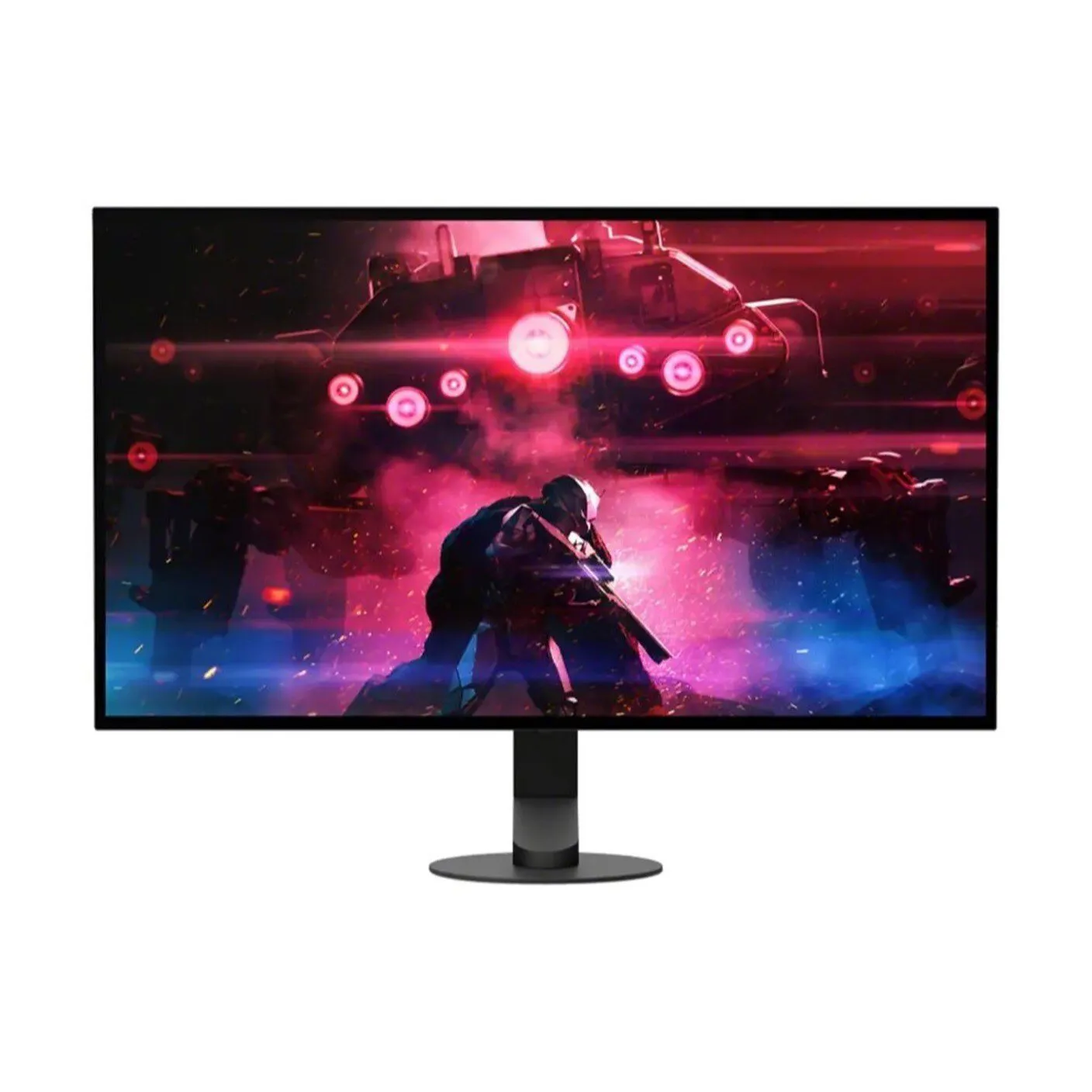
ASUS TUF Gaming VG279QE5A (model VG279QE5A) — Platform: Not established. Core type: hardware for fast-paced, competitive gaming (e.g., FPS, racing, RTS) that benefits from high frame rates. 27″ Full HD IPS panel with overclockable 146Hz (OC), 1ms MPRT response, ELMB Sync and VESA Adaptive‑Sync for reduced motion blur and tear‑free visuals; 125% sRGB color coverage and built‑in stereo speakers.
ASUS TUF Gaming VG279QE5A — 27″ Full HD gaming monitor (model VG279QE5A)
The VG279QE5A is a 27‑inch IPS gaming monitor with a 1920×1080 (Full HD) panel. The product description advertises an overclock to 146Hz (above 144Hz), a 1ms MPRT specification, VESA Adaptive‑Sync support and ASUS ELMB Sync, plus a claimed 125% sRGB gamut, built‑in stereo speakers and DisplayWidget Center software for on‑screen control.
It’s aimed at players who prioritise high frame rates and low perceived motion blur over pixel density — for example competitive FPS, racing and other fast‑paced genres where responsiveness and target clarity matter most. The larger 27‑inch screen at 1080p gives a spacious viewing area but larger individual pixels than a 27‑inch 1440p panel, so desktop sharpness and fine detail are a trade‑off for smoother motion at high refresh.
In practical terms the VG279QE5A promises smoother, clearer visuals at high frame rates (with ELMB Sync and Adaptive‑Sync intended to reduce ghosting and tearing). The most important platform consideration is connectivity: reaching the advertised high refresh and ELMB functionality may depend on which inputs and cable versions the monitor and your GPU or console support. Exact native (non‑OC) refresh rate, required connector for 146Hz, HDMI/DisplayPort versions, and full GPU compatibility are not specified in the product text and should be confirmed before purchase.
What the ASUS TUF Gaming VG279QE5A actually is — who it’s aimed at
The ASUS TUF Gaming VG279QE5A is a 27-inch Full HD (1920×1080) IPS gaming monitor (model VG279QE5A) marketed around high-refresh competitive gaming. Confirmed features include an overclockable refresh rate advertised as 146 Hz (OC), 1 ms MPRT, VESA Adaptive‑Sync support, ASUS ELMB Sync, a 125% sRGB gamut claim, integrated stereo speakers and DisplayWidget Center software for on‑screen control.
In practice that makes this a monitor aimed at players who prioritise smooth, low‑motion‑blur performance over desktop pixel density — for example FPS, racing and other fast‑paced titles where frame rate and clarity of moving targets matter.
Performance: refresh rate, ELMB Sync and responsiveness explained
Key performance claims are the 146 Hz overclocked refresh rate and 1 ms MPRT combined with ELMB Sync and Adaptive‑Sync. ELMB Sync is designed to let low‑motion‑blur (strobing) technology run alongside variable‑refresh to reduce both ghosting and tearing when frame rates are high. 1 ms MPRT refers to perceived motion blur under strobe modes rather than a GtG pixel transition measurement.
What this means in real use:
- At high frame rates the panel can look noticeably clearer than 60–75 Hz screens, and ELMB Sync can further reduce perceived motion blur when it’s supported and engaged.
- Adaptive‑Sync removes tearing when frame rates fluctuate; combined with ELMB Sync it aims to keep visuals both tear‑free and sharp, but results depend on game frame rates and GPU performance.
- 146 Hz is advertised as an OC mode; the monitor’s native (non‑OC) maximum refresh rate is not explicitly stated in the supplied data, and reaching the top refresh reliably can depend on your GPU, drivers and which cable/port you use.
Do not assume which connector or cable is required to reach 146 Hz or that every GPU will support ELMB Sync without testing — those details are not confirmed here.
Image quality, color and built‑in audio — practical implications
The VG279QE5A uses a 27‑inch IPS panel at 1080p. On a 27″ screen that resolution yields larger pixels and lower pixel density than 27″ 1440p panels, so text and desktop elements will appear less sharp at typical viewing distances; conversely, lower resolution makes it easier for GPUs to drive very high frame rates for esports.
The 125% sRGB figure indicates a wider‑than‑sRGB gamut that tends to produce punchy, saturated game colours out of the box. That claim is marketing data here — factory calibration, measured gamut coverage and colour accuracy are not supplied — so colour‑critical work should rely on independent measurements or calibration with a colourimeter.
Built‑in stereo speakers are convenient for system audio or chat, but they are typically limited in fidelity and volume compared with dedicated speakers or headphones.
Connectivity, ergonomics and compatibility considerations
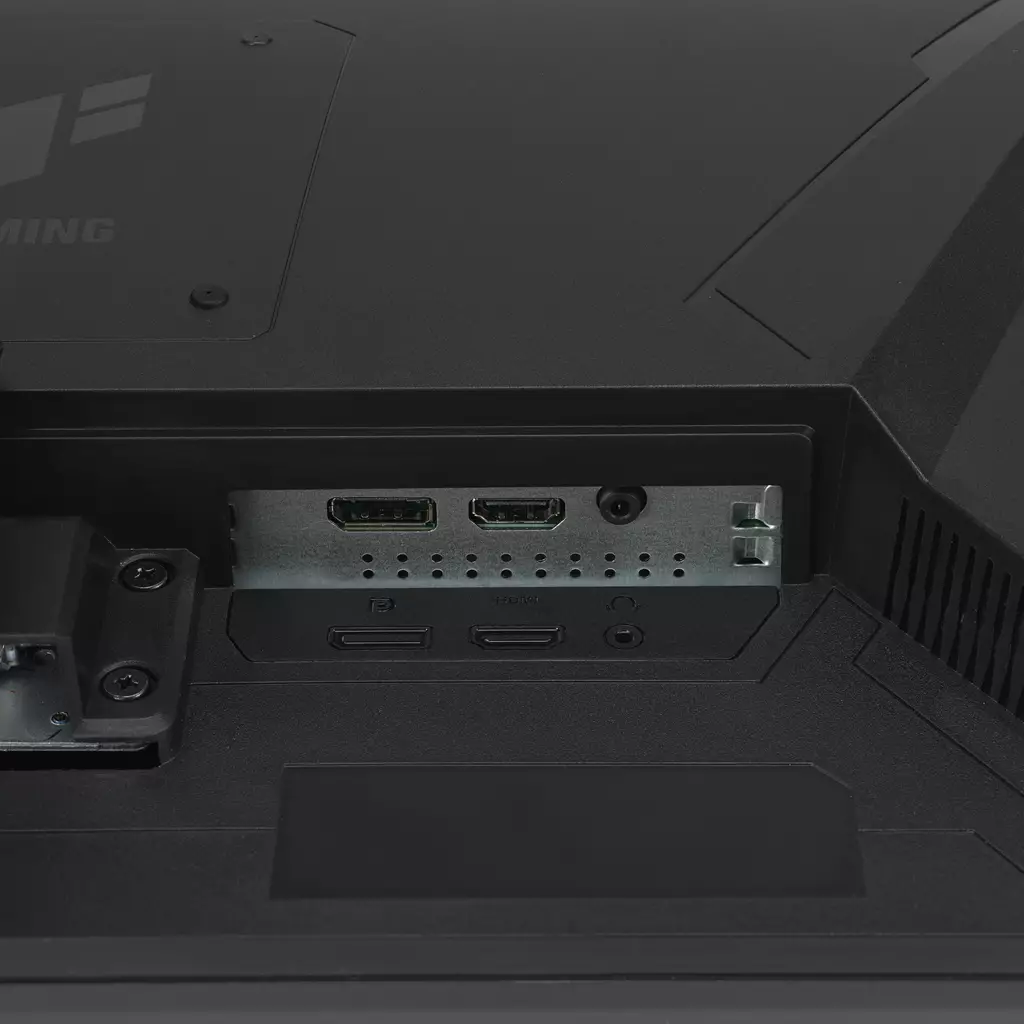
The product description confirms Adaptive‑Sync and DisplayWidget Center but does not list exact input types or counts, specific HDMI/DisplayPort versions, VESA mount dimensions, or stand adjustability (tilt/height/swivel/pivot). These are important practical details to verify before purchase.
Notable compatibility notes:
- Adaptive‑Sync generally works with FreeSync‑capable AMD GPUs and often with NVIDIA using a compatibility mode, but NVIDIA G‑Sync certification or guaranteed behaviour is not confirmed here.
- Console owners should verify whether their console supports high refresh rates at 1080p over HDMI and whether the monitor’s HDMI implementation supports those refresh rates — this information is not provided.
- Because the 146 Hz figure is described as an overclock, confirm which port and cable (and which driver/OS settings) are required to reach the advertised maximum.
Finally, warranty coverage, included cables/accessories and measured performance figures (input lag, GtG, ELMB behaviour under real workloads) are not part of the supplied data and should be checked in retailer specifications or independent reviews if those factors influence your purchase decision.
ASUS TUF Gaming VG279QE5A 27″ FHD IPS — final pre-purchase checks
Quick checklist of edition‑sensitive and unresolved details to confirm before you buy.
- Confirm the exact input ports (DisplayPort version, HDMI version) and counts, and which port(s) actually support the advertised 146 Hz overclock at 1920×1080.
- Ask which cables and accessories are included (DisplayPort/HDMI cable, power cable/brick, manual) and whether a DisplayPort cable is required/recommended to reach the highest refresh rate.
- Verify the native (non‑OC) maximum refresh rate and whether 146 Hz is an overclock option that must be enabled in the OSD or GPU drivers.
- Confirm Adaptive‑Sync compatibility with your GPU (explicit FreeSync/G‑Sync compatibility or certification is not stated; Adaptive‑Sync is listed but vendor support varies).
- Check VESA mount dimensions and the stand’s adjustability (height range, tilt, swivel, pivot) to ensure it fits your desk or mounting arm.
- If colour accuracy or HDR matters, request factory calibration data and HDR support/specs — the listing’s “125% sRGB” claim does not guarantee calibrated accuracy or HDR performance.
- Confirm warranty period, region coverage, return policy and current firmware version for the specific unit you’re buying.
- If you plan to use a console, verify which refresh rates and 1080p modes are supported over HDMI by that console and whether any adapter or specific HDMI version is required.
Prices & Availability
Check and compare current prices and availability from retailers below.
 Quzo.co.uk