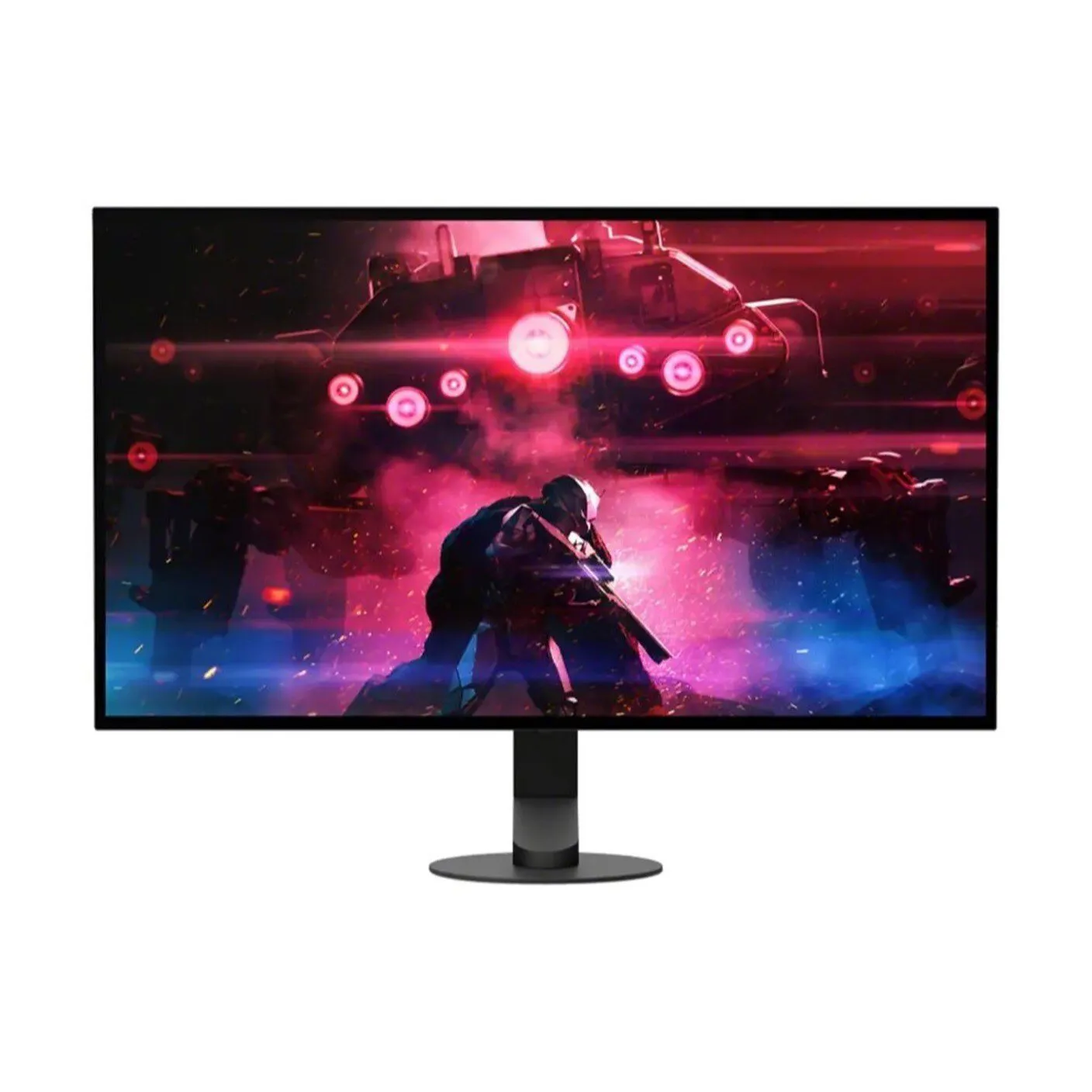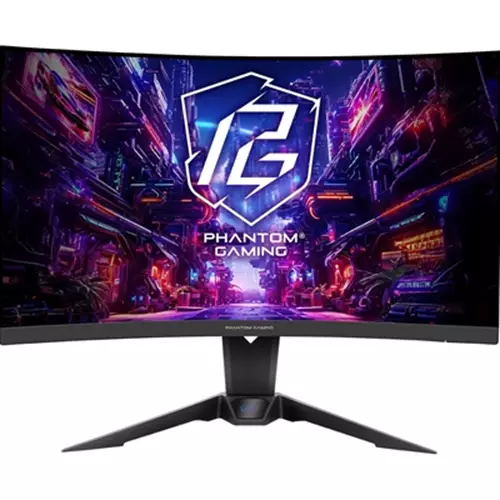
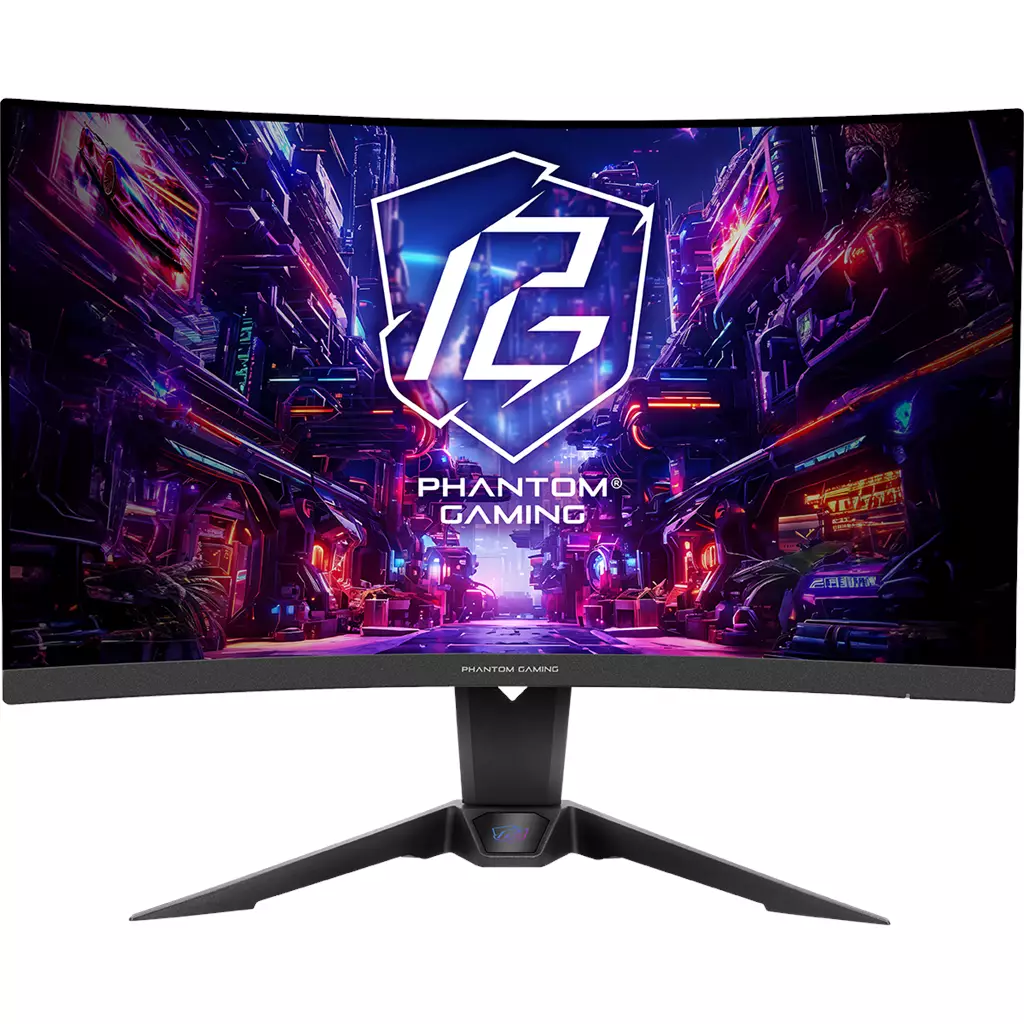
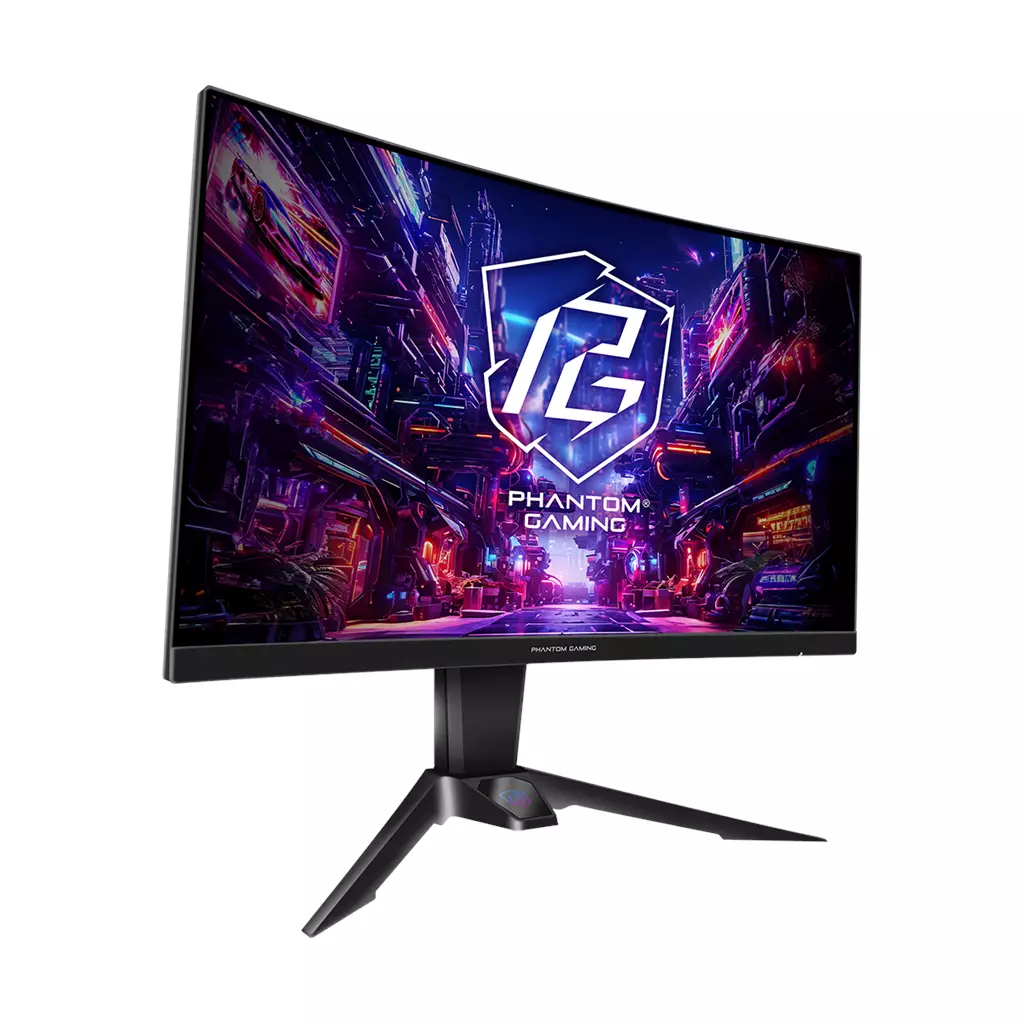
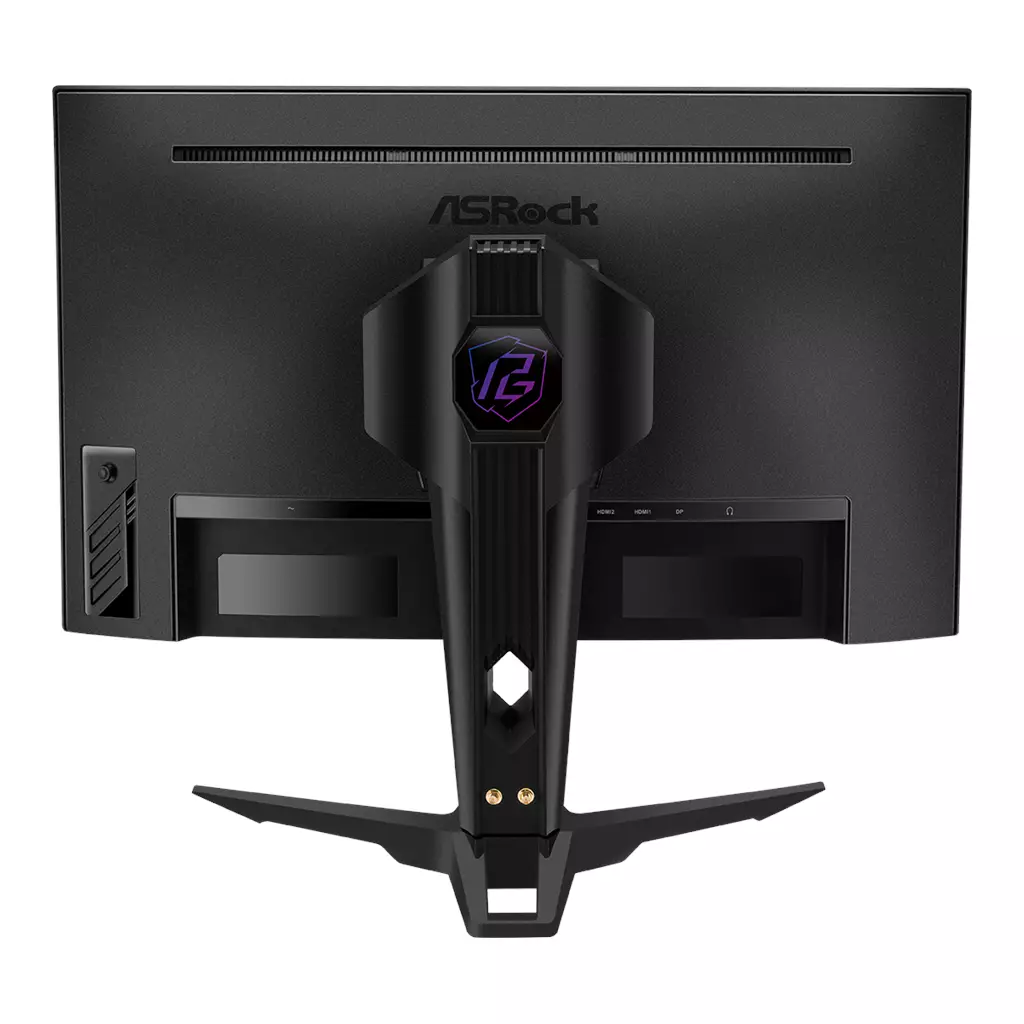
ASRock Phantom Gaming 27″ Curved QHD Monitor
£156.83
Asrock Phantom Gaming computer monitor 68.6 cm (27″) 2560 x 1440 pixels Quad HD LED Black
Edition: Not established. Platform: Not applicable. Core gameplay role: optimizes fast-paced competitive PC gaming with ultra-smooth motion and reduced tearing. Key characteristics: 2560×1440 QHD 1500R curved VA panel, 180Hz refresh and 1ms (MPRT) response with AMD FreeSync. Ergonomic stand and integrated Wi‑Fi antenna.
ASRock Phantom Gaming 27″ QHD curved monitor — 2560×1440 (PC/console)
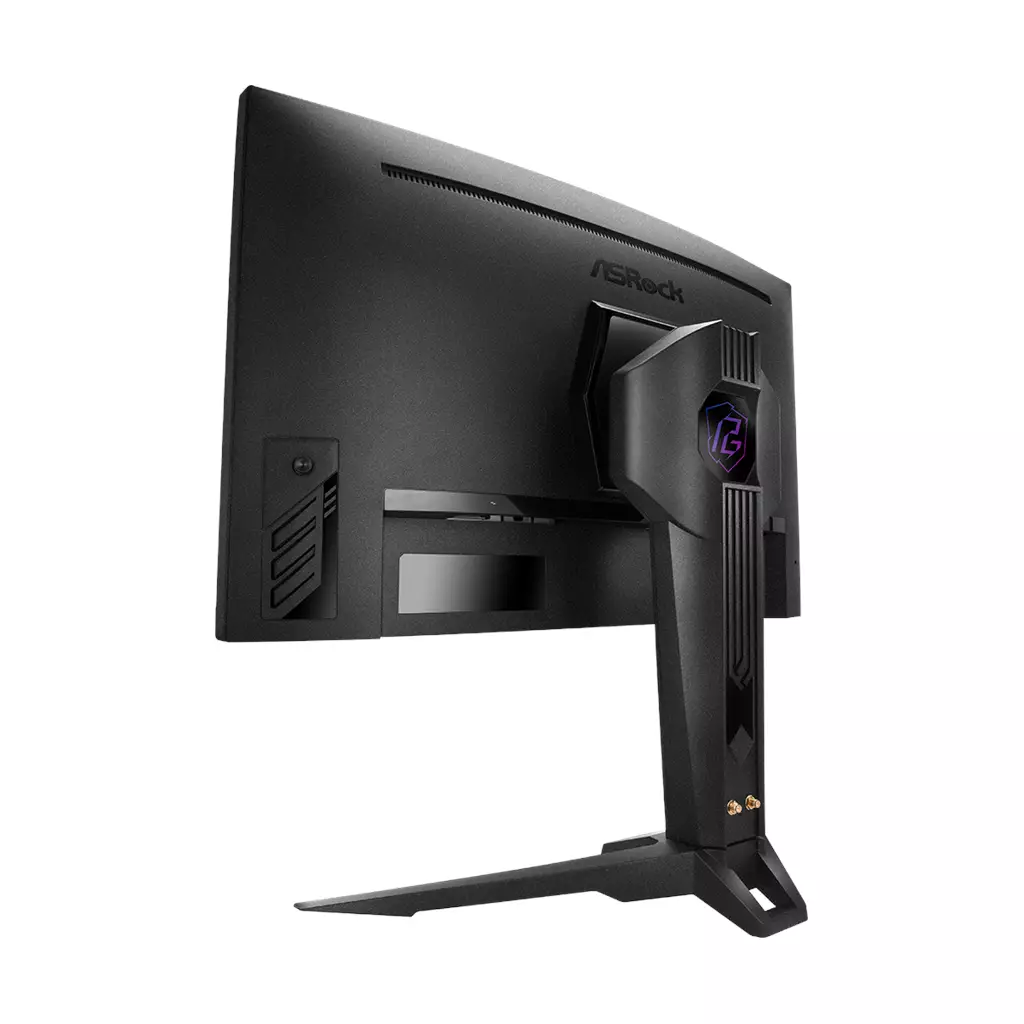
This is a 27‑inch curved gaming monitor with a 2560×1440 (QHD) VA panel, a 1500R curvature and manufacturer‑stated features including a 180Hz refresh rate and 1ms (MPRT) response. The screen covers a wide colour gamut (advertised 95% DCI‑P3 / 132% sRGB), and connectivity includes 2× HDMI 2.0, 1× DisplayPort 1.4 and a 3.5mm headphone output. The model also lists AMD FreeSync, flicker‑free and low blue light modes, an adjustable ergonomic stand and a built‑in Wi‑Fi antenna (the antenna’s exact function is not fully specified).
It appears aimed at mid‑to‑high‑end PC and console gamers who want a balance of high frame‑rate responsiveness and vivid, contrasty visuals. The monitor suits players who prioritise fast‑paced competitive play where high refresh and low perceived motion blur matter, while its VA panel and wide gamut also make it suitable for immersive single‑player gaming and media.
In practice you can expect a QHD experience optimised for high frame rates — achieving the top refresh is likely to depend on using DisplayPort 1.4 and a GPU capable of sustaining high FPS. The VA panel should deliver strong contrast and punchy colour, but native VA characteristics (such as slower grey‑to‑grey transitions) mean the manufacturer’s 1ms MPRT claim is a motion‑blur mitigation figure rather than a direct measure of native pixel response. Key platform consideration: check the exact input limits (HDMI 2.0 vs DP 1.4) and VRR compatibility with your GPU, since HDMI bandwidth and G‑Sync support are not fully specified here.
Who this monitor is for
This 27″ (68.6 cm) curved QHD display is aimed at mid‑to‑high‑end PC and console users who want a balance of high resolution, fast refresh rates and punchy colours. Confirmed features — 2560×1440 resolution, a 1500R VA panel, 180Hz refresh and a manufacturer 1ms (MPRT) spec — make it suitable for fast‑paced competitive play while also delivering strong contrast and saturated colours for single‑player and media. The adjustable stand and cable sleeve target desk setups where ergonomics and tidy routing matter.
Key specs and what they mean in practice
- 2560×1440 (QHD) at 27″: sharper than 1080p while still easier to push to high frame rates than 4K.
- 180Hz refresh: very high refresh potential for competitive responsiveness; reaching the top rate will depend on which input you use and your GPU’s capabilities.
- 1500R curvature + VA panel: gives an immersive, contrast‑forward image with wide viewing angles; VA panels typically show stronger blacks and punchier colours than many IPS alternatives but can have slower native grey‑to‑grey pixel transitions — the 1ms MPRT spec is a motion‑blur mitigation metric, not a native GtG measurement.
- Wide colour gamut (95% DCI‑P3 / 132% sRGB): good for vivid game visuals and content that benefits from a wide gamut, but factory accuracy (Delta‑E) and uniformity are not specified, so out‑of‑box colour accuracy is unknown.
- AMD FreeSync and Flicker Free / Low Blue Light technologies: these reduce visible tearing and eye strain respectively when enabled; explicit NVIDIA G‑Sync certification or guaranteed NVIDIA VRR compatibility is not stated.
Design, stand and connectivity
Confirmed physical features include a 1500R curved screen, an ergonomic stand with height, swivel and tilt adjustments, and a PG cable sleeve for cable management. Video/audio I/O listed are 2× HDMI 2.0, 1× DisplayPort 1.4 and a 3.5mm headphone output. The product description also mentions an integrated Wi‑Fi antenna described as “compatible with Wi‑Fi 4/5/6/6E/7” and suggests the antenna can be connected to a PC to avoid signal obstruction by the desk.
In practical terms this means:
- Use DisplayPort 1.4 when you want the best chance of unlocking the highest refresh rates and DP‑specific features; HDMI 2.0 ports may be limited in bandwidth for 1440p at very high refreshes depending on the input’s supported modes.
- The ergonomic stand should cover common posture adjustments, but exact travel ranges and physical footprint are not provided here.
- The antenna’s listed compatibility does not, by itself, establish that the monitor runs a smart OS or provides standalone wireless streaming — the description implies the antenna is intended for connection to a PC.
Gaming performance and variable refresh
The combination of 180Hz and a 1ms (MPRT) claim targets low‑latency, blur‑reduced gameplay. For competitive play you’ll want a GPU and connection that support high frame rates at 1440p; DisplayPort 1.4 is the most likely route to achieve the highest refresh. AMD FreeSync is confirmed for tear reduction; whether NVIDIA cards will be recognised as “G‑Sync Compatible” is not confirmed and may vary by GPU and driver.
Expect strengths and trade‑offs typical of a VA panel: superior static contrast and colourful images for immersion and single‑player titles, with potential for more noticeable black‑level transitions or ghosting than high‑end IPS or OLED panels in some fast motion scenes. The MPRT figure indicates a motion‑blur reduction method rather than a guaranteed native pixel transition time.
Unknowns and practical compatibility caveats
The product description leaves several important buyer questions open. Not stated here are the manufacturer model/SKU, VESA mount pattern, whether power/HDMI/DP cables or the antenna are included, presence of internal speakers, HDR support and peak brightness, factory calibration data (Delta‑E), exact stand dimensions and adjustment ranges, warranty terms, and confirmed NVIDIA VRR/G‑Sync compatibility.
Because those points are not established in the supplied data, potential buyers should verify them from the official spec sheet or retailer listing if they matter to their setup — for example, confirm whether your desired refresh rate is supported over HDMI for a particular console, whether the monitor can be VESA‑mounted, and whether HDR formats or speakers are present if those features are required.
ASRock Phantom Gaming 27″ QHD Curved (2560×1440) — final pre-purchase checks
Quick checklist of edition- and region-sensitive details to confirm before buying.
- Confirm the exact model number/SKU and regional variant to ensure the listed specs and warranty match what you receive.
- Verify VESA mount pattern and whether the stand is removable if you plan to use a monitor arm or alternate mount.
- Ask whether HDMI, DisplayPort and power cables (and which regional plug) are included in the box.
- Check which input(s) support 1440p at 180Hz and the maximum refresh rate per input (HDMI 2.0 vs DisplayPort 1.4) plus any GPU/driver settings needed to reach 180Hz.
- Confirm HDR support (formats, peak brightness, and any certification) and whether internal speakers are present or absent.
- Verify VRR compatibility with NVIDIA GPUs (G‑Sync or G‑Sync Compatible) if you require NVIDIA variable refresh support.
- Clarify exactly what the “integrated Wi‑Fi antenna” enables (e.g., a passthrough antenna for a connected PC versus built‑in smart/streaming monitor features).
- Confirm warranty length, regional service terms and whether the unit ships with factory colour‑calibration / Delta‑E or uniformity data if colour accuracy matters.
Prices & Availability
Check and compare current prices and availability from retailers below.